
 15
15presentation
Astrology Audience Insights Deck
Use this astrology audience insights deck to present zodiac-based segments, behaviors, and campaign findings in polished black-and-gold slides.
Google SlidesPowerPoint
presentation · English
Build a compelling charity garden campaign deck for donors, volunteers, and partners with warm scrapbook-style slides for planning, promotion, and outreach.
Design notes
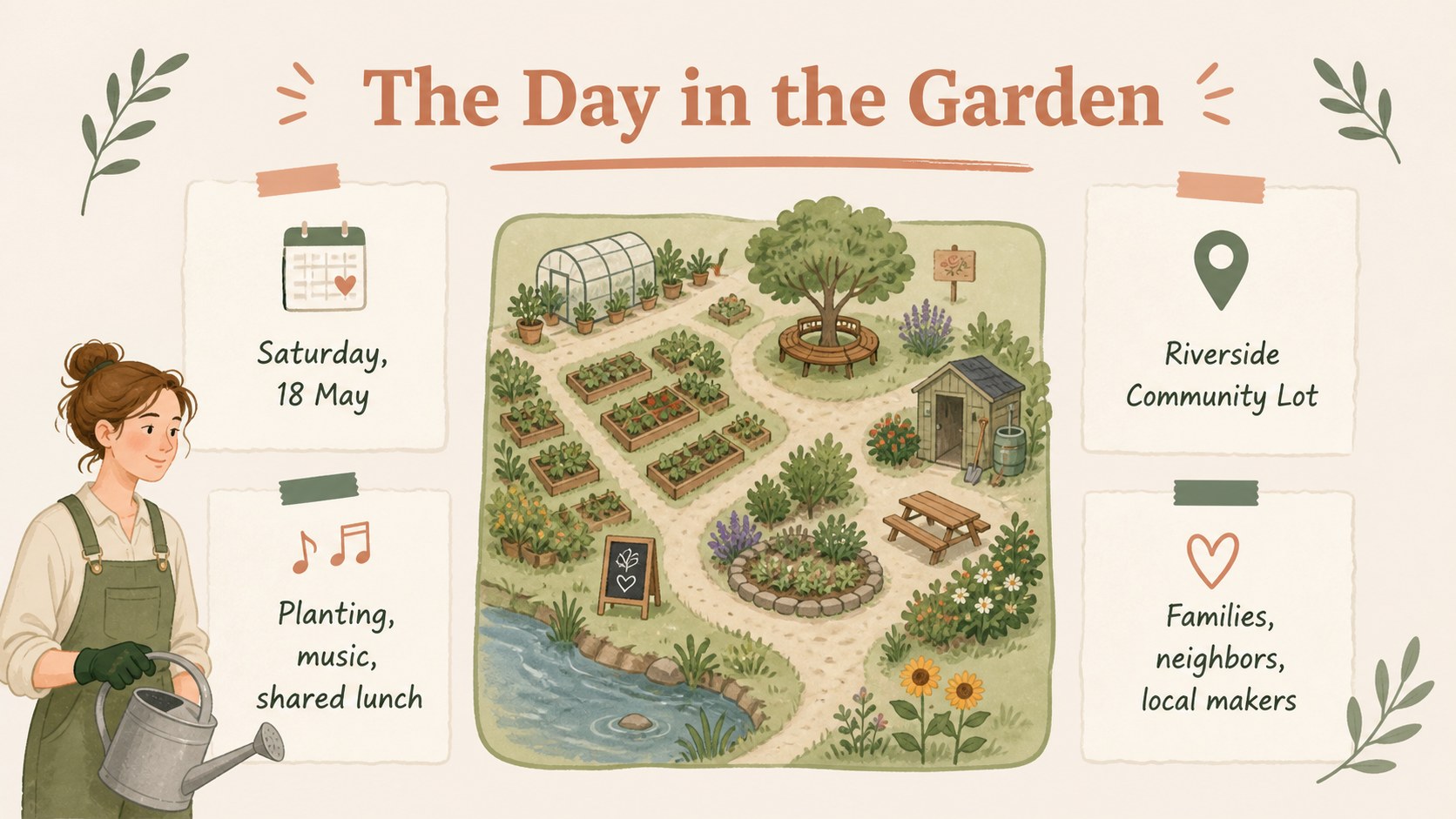
Create a welcoming charity garden campaign deck for a fundraising event, community planting day, or environmental outreach project. Its soft beige background, leafy green details, muted red accents, and scrapbook-inspired composition give the presentation a handmade, optimistic character while keeping the information easy to follow.
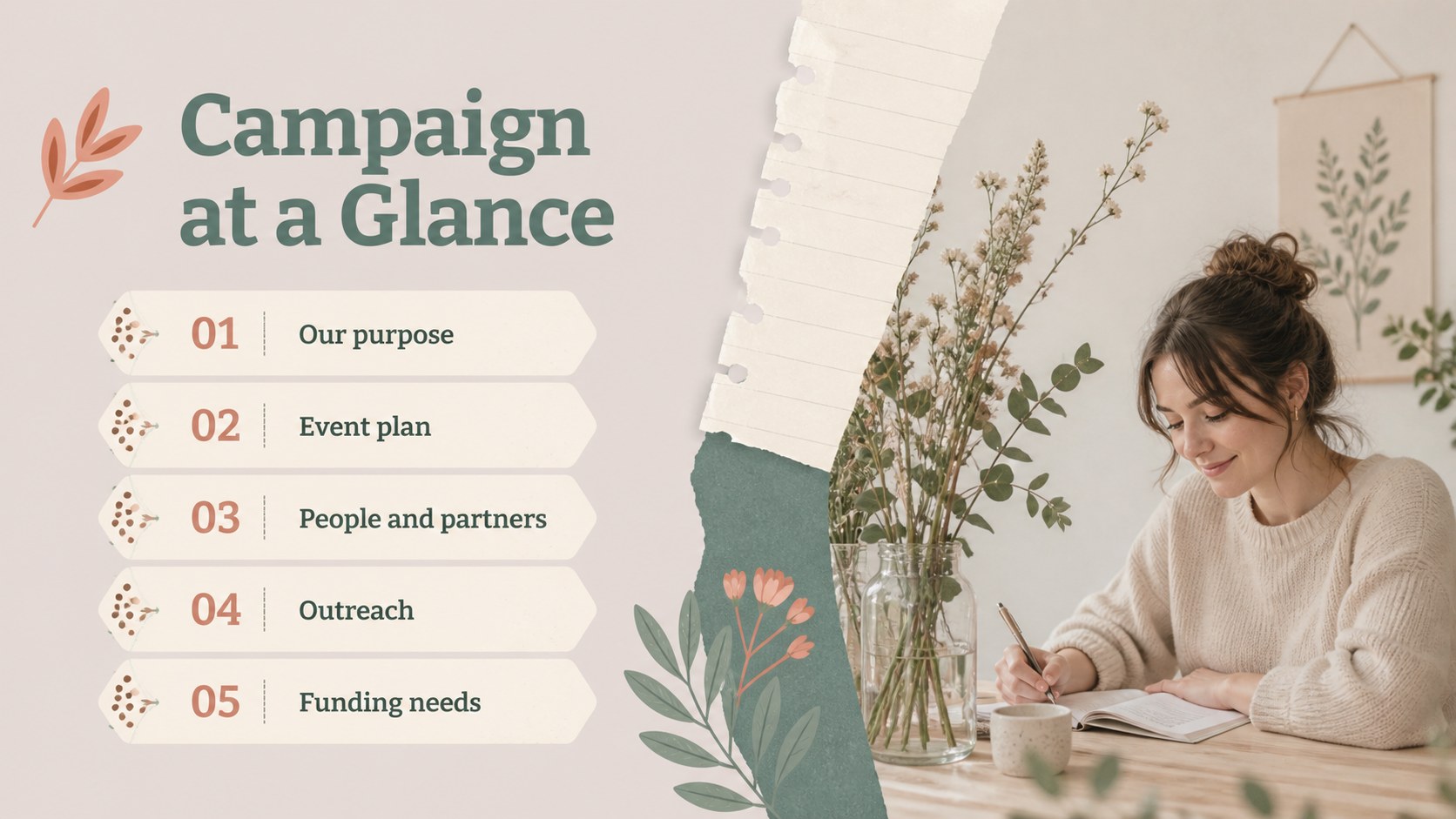
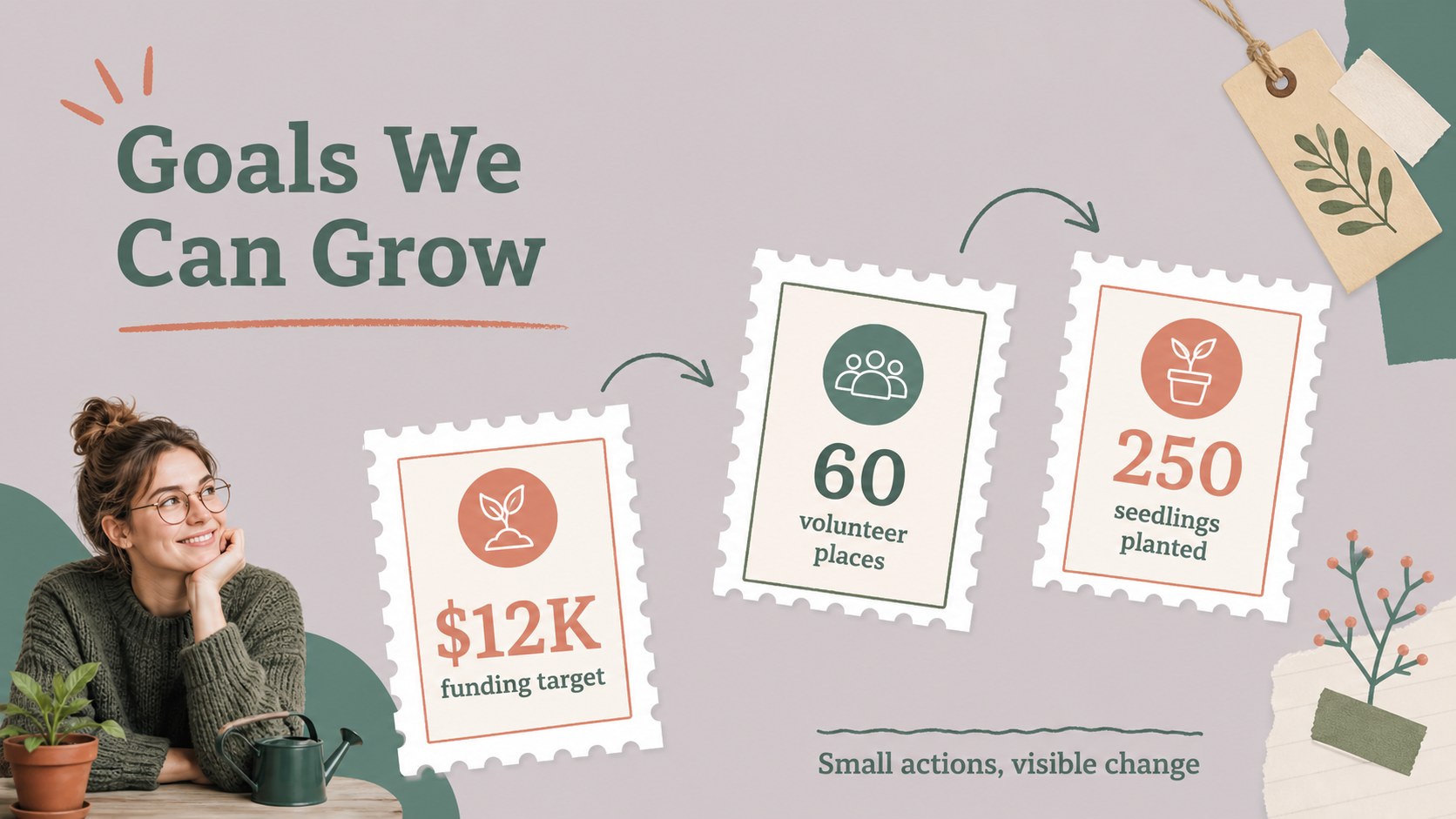
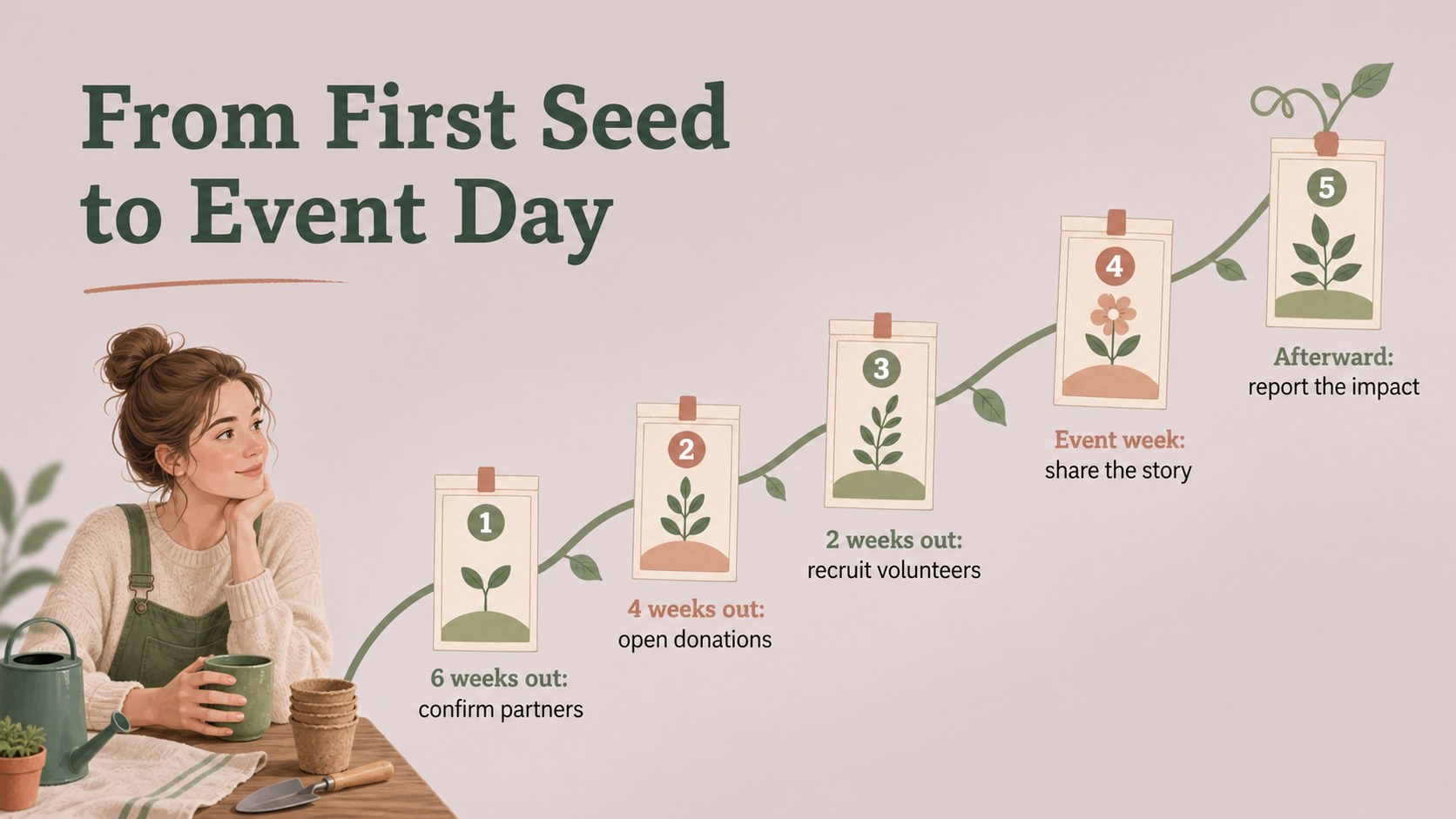
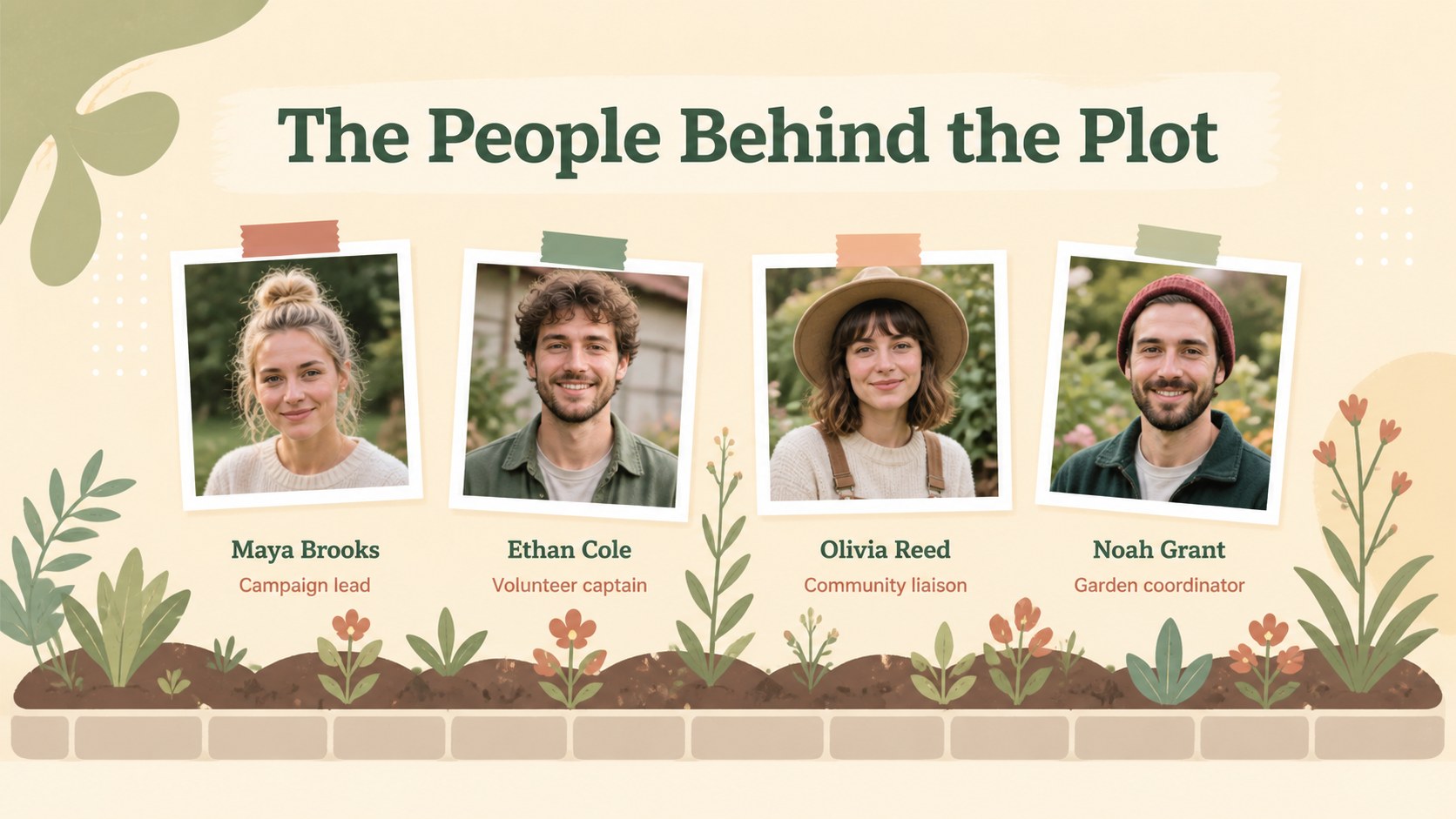
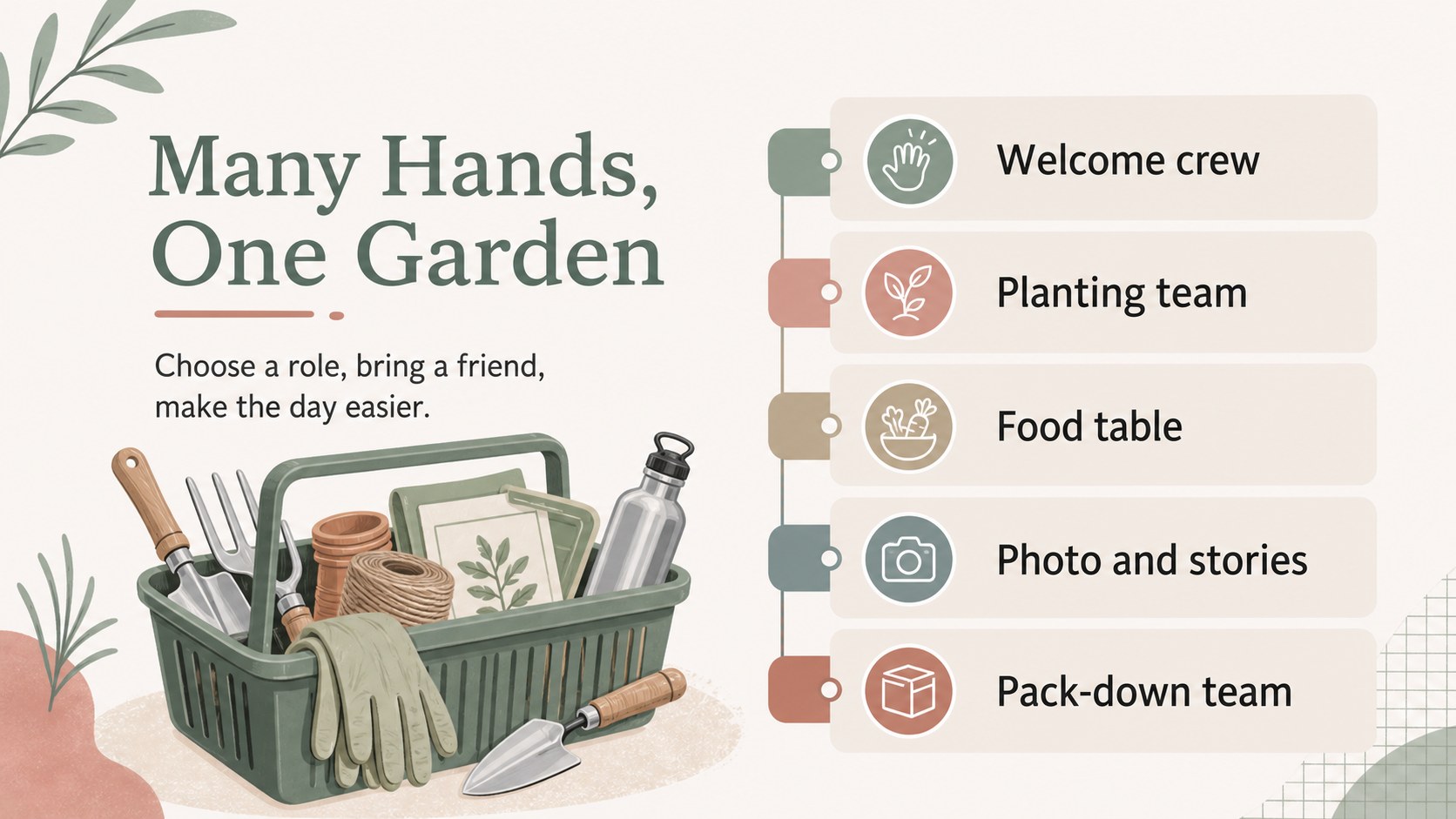
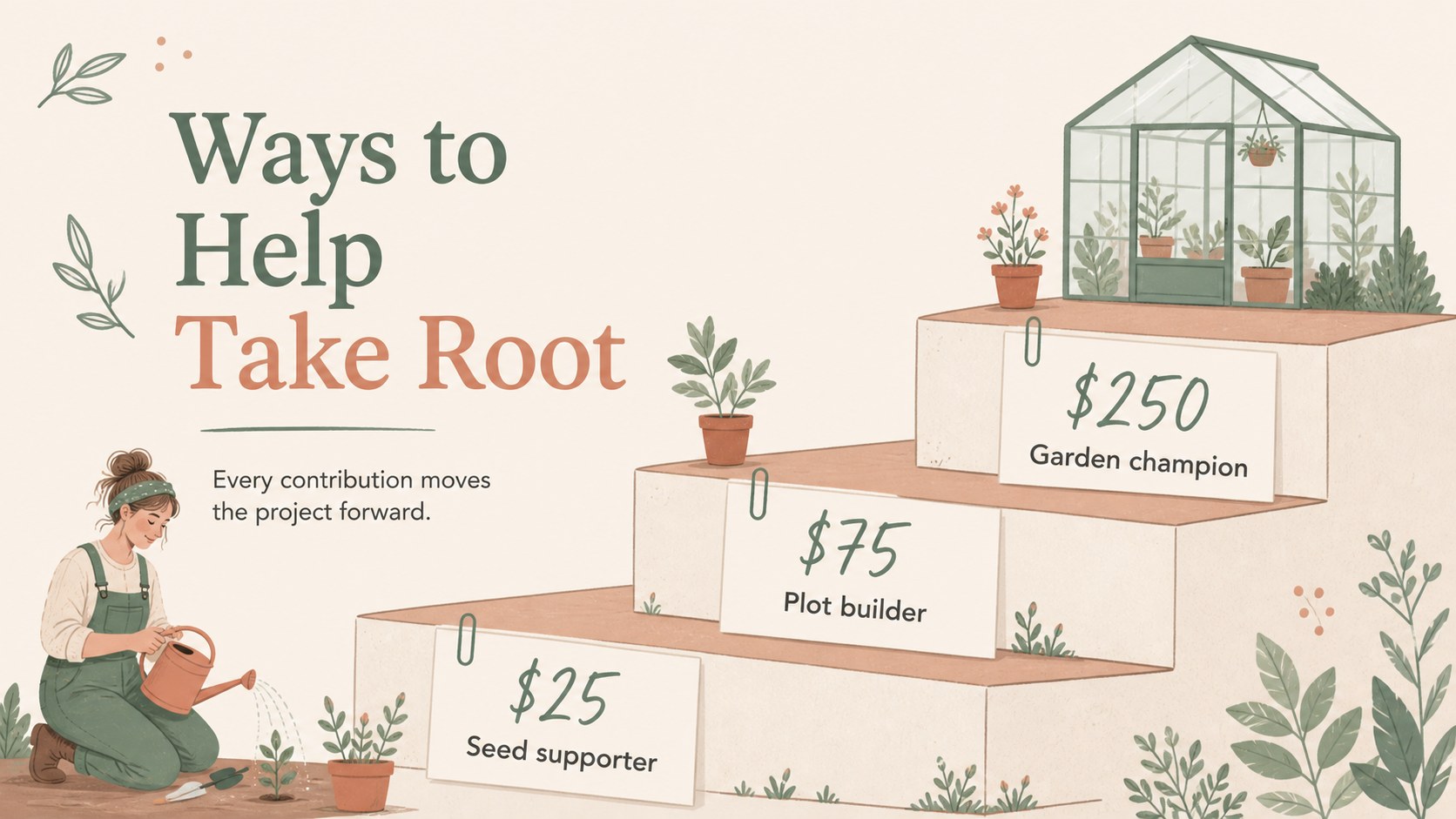
Inside, you will find editable layouts for the campaign story, event goals, audience overview, project timeline, volunteer roles, donation packages, partner highlights, promotional channels, social media content, budget notes, and contact information. Add photographs, illustrations, charts, icons, and short messages to make the deck reflect your organization and local community. The layouts work well for both quick planning meetings and polished external presentations.
This charity garden campaign deck is designed for nonprofit teams, school groups, neighborhood associations, environmental clubs, and small fundraising committees. Use it to brief volunteers, approach sponsors, present a planting initiative to donors, or coordinate a seasonal benefit event. The template is editable in PowerPoint and Google Slides, making it simple to adjust colors, imagery, typography, and campaign details before sharing.
Perfect for: community planting day briefing; nonprofit donor pitch; school garden fundraiser; volunteer orientation; environmental club campaign; sponsor outreach meeting.
Frequently asked questions
Can I edit this charity garden campaign deck in PowerPoint? Yes. The presentation can be opened and customized in PowerPoint, including its text, images, colors, shapes, and layouts. Replace the sample campaign details with your organization’s information before presenting.
Practical details
Yes. The presentation can be opened and customized in PowerPoint, including its text, images, colors, shapes, and layouts. Replace the sample campaign details with your organization’s information before presenting.
Yes, you can import the presentation into Google Slides and edit the main content there. Check fonts and image positioning after import, then make any small adjustments needed for your preferred sharing format.
It suits community gardens, school planting programs, neighborhood cleanups, seed drives, and environmental benefit events. The timeline, donation, partner, and outreach slides can be adapted to different project sizes.
Add your own event photography, plant illustrations, donor logos, volunteer names, and campaign statistics. Keep the beige, green, and muted red palette for the original handmade feel, or adjust the accent colors to match your organization.
Keep exploring
15Use this astrology audience insights deck to present zodiac-based segments, behaviors, and campaign findings in polished black-and-gold slides.
 14
14Plan a memorable Lunar New Year campaign with the 2036 Dragon Year Celebration Theme, featuring bold red-and-yellow slides for lessons and events.
 15
15Build eerie lessons, campaigns, and story pitches with an undead survival scenario theme featuring editable slides for PowerPoint and Google Slides.
 15
15Build a clear breast cancer awareness bulletin with bold pink-and-red slides for campaign news, screening reminders, impact data, and community updates.
 15
15Shape your publishing concept with an indie magazine startup pitch deck featuring pastel gradients, bold collage layouts, and editable planning slides.
 15
15Build a bold retro-futurist campaign pitch deck for client meetings, with editable strategy layouts and playful pastel Y2K-inspired visuals.
 16
16Build a consistent presence with a social channel identity playbook covering voice, visuals, content formats, publishing rules, and approvals.
 15
15Celebrate online learners with webinar completion certificate slides, featuring editable violet artwork for university events in PowerPoint and Google Slides.