
 15
15presentation
Astrology Audience Insights Deck
Use this astrology audience insights deck to present zodiac-based segments, behaviors, and campaign findings in polished black-and-gold slides.
Google SlidesPowerPoint
presentation · English
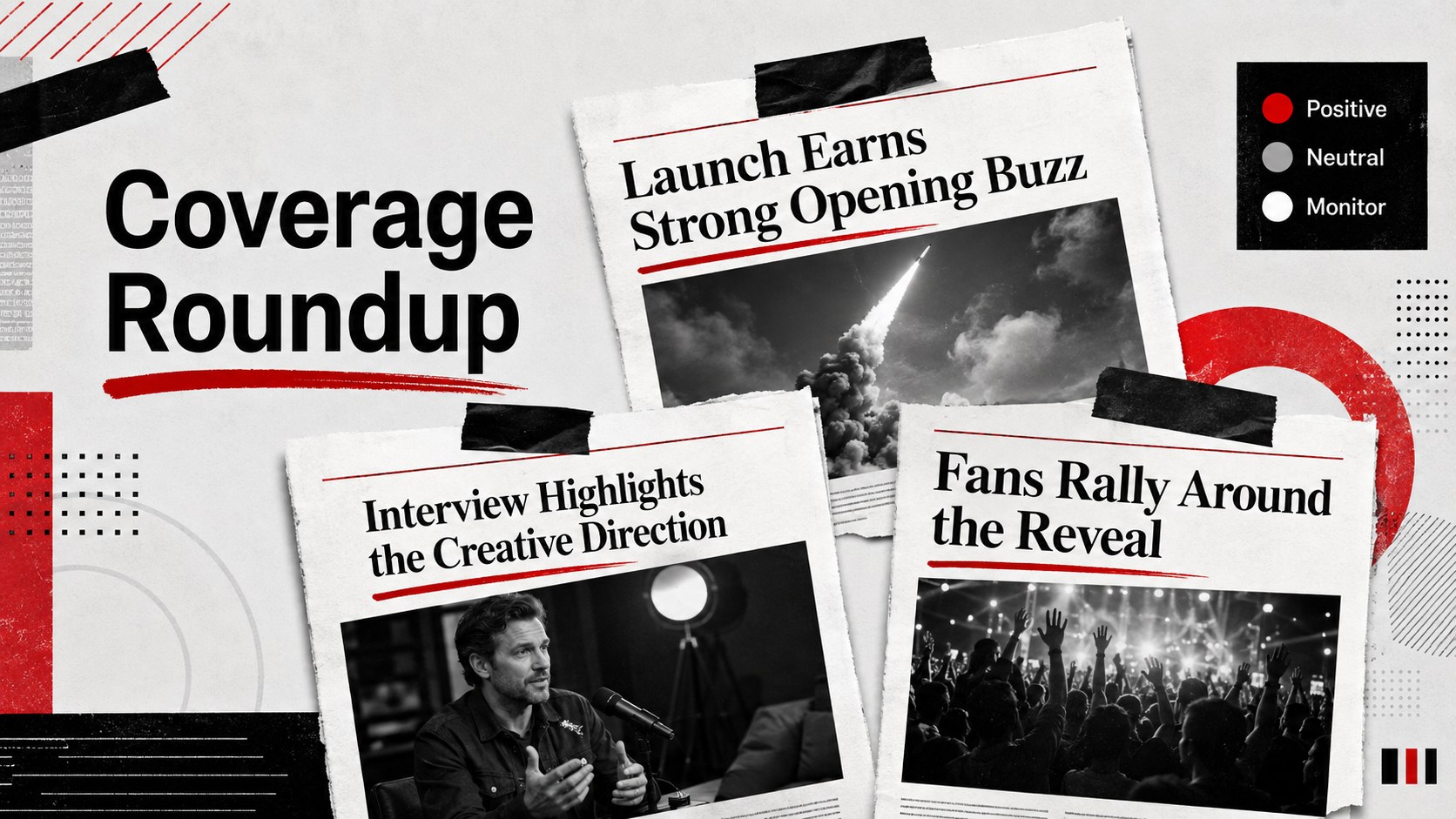
Publish campaign updates with a celebrity news editorial deck featuring bold red-and-black layouts, photo-led stories, sharp headlines, and audience insights.
Design notes
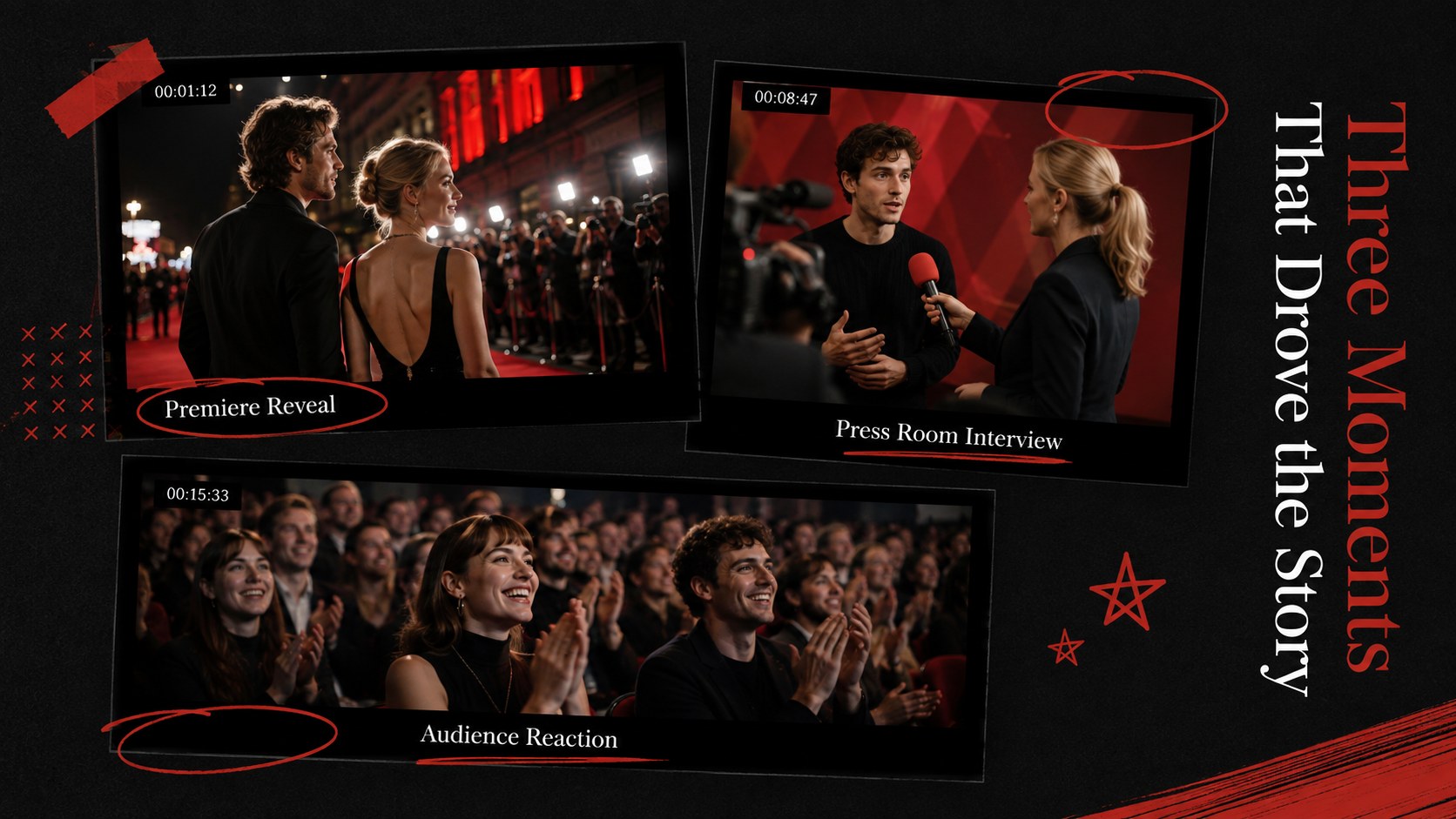
Build a fast-paced media briefing with this celebrity news editorial deck, designed for entertainment marketers, publicists, content teams, and social media managers. Its striking black and red palette combines newspaper-inspired typography with generous photo areas, making announcements, campaign highlights, and trending stories easy to scan.
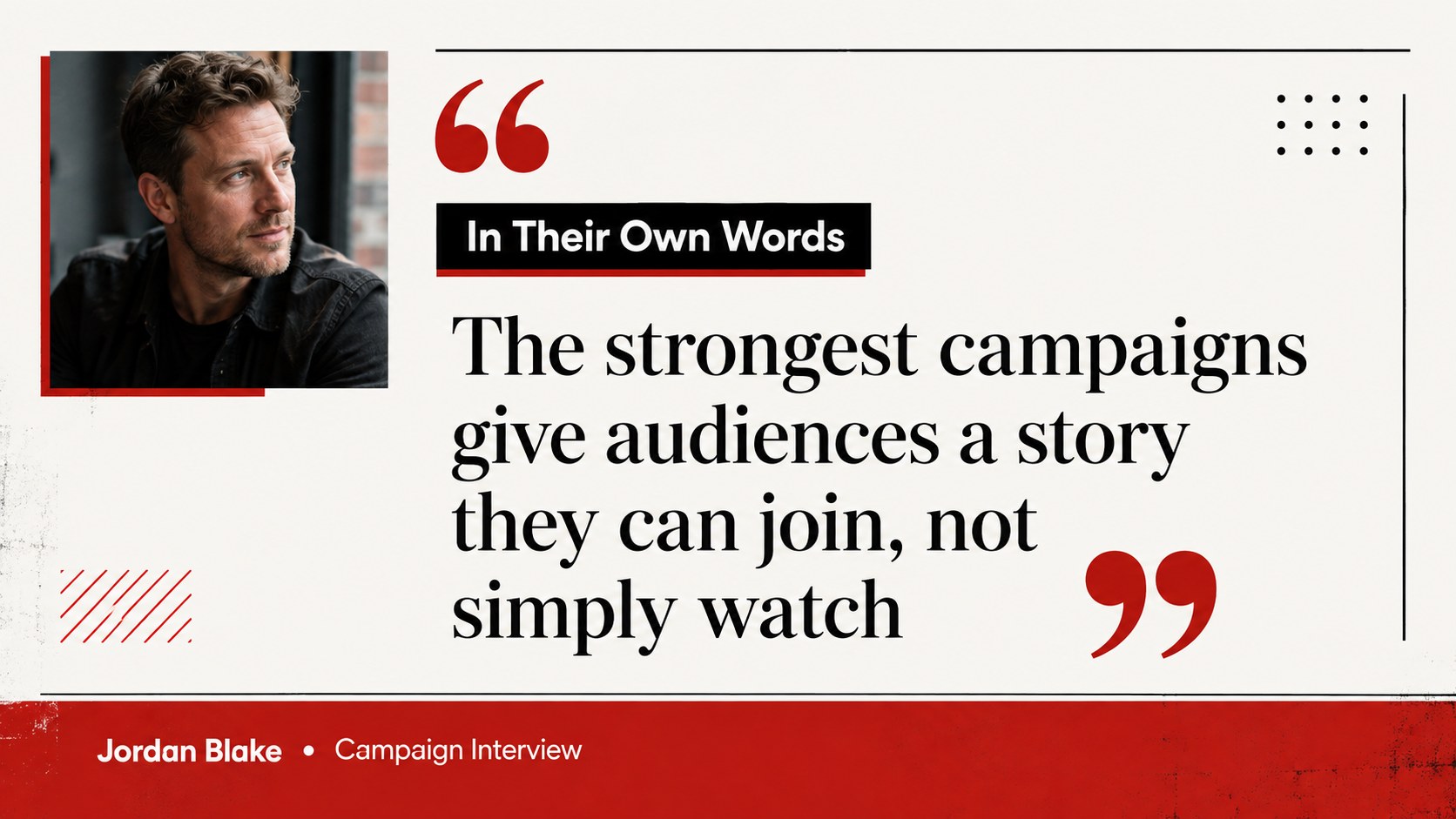
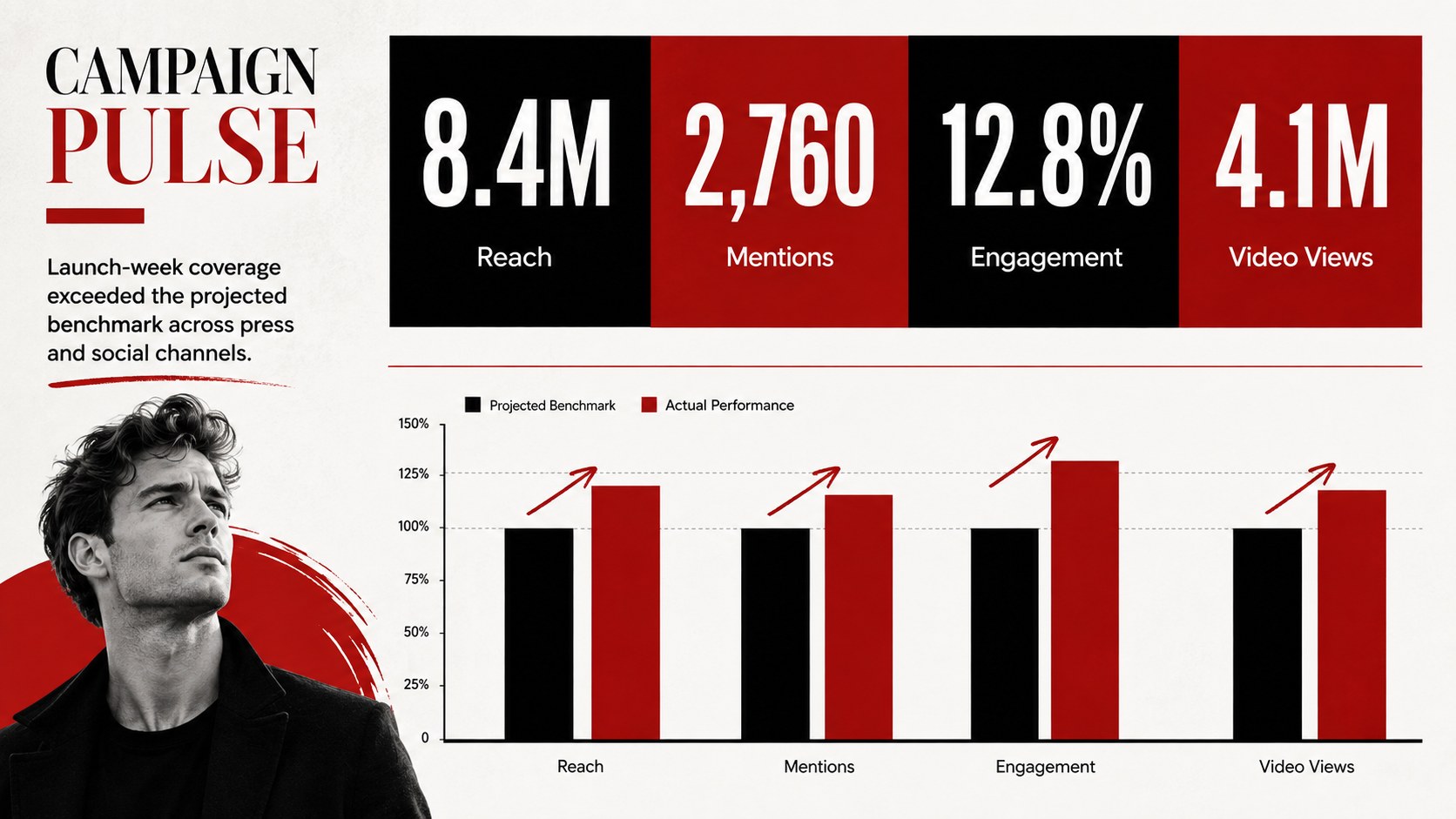
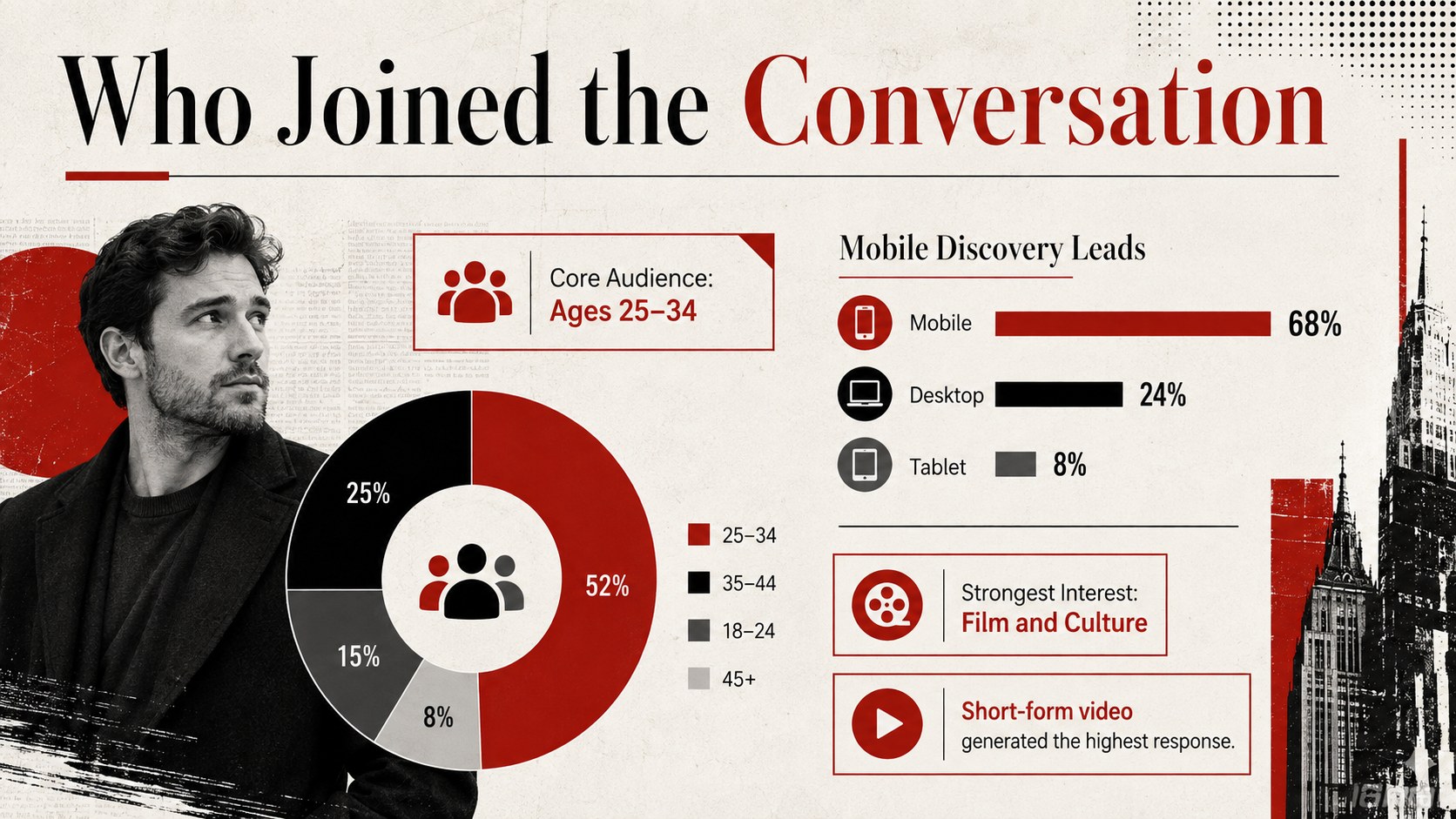
The deck includes flexible layouts for a cover story, contents page, breaking news, talent profiles, quote features, interview highlights, campaign results, audience insights, timelines, and closing recommendations. Use it as a red black entertainment newsletter template for recurring updates or adapt it into a photo led pop culture presentation for an agency meeting. Charts, image frames, pull quotes, labels, and text sections can be edited to match your publication or client.
This format works particularly well for celebrity campaign recaps, entertainment launches, press monitoring, influencer coverage, and internal editorial planning. The high-contrast visual system keeps dense information organized without losing the expressive character of magazine and newspaper design. Customize the fonts, replace the photography, adjust the red accents, and reorganize sections in PowerPoint or Google Slides. Whether you are preparing entertainment marketing update slides for stakeholders or presenting weekly culture news to a creative team, the layouts provide a confident structure for visual storytelling.
Perfect for: weekly entertainment news briefing; celebrity campaign recap; public relations media update; pop culture editorial meeting; influencer coverage report; entertainment launch presentation.
Frequently asked questions
Can I edit this deck in PowerPoint and Google Slides? Yes. All slide text, colors, images, shapes, and layout elements can be edited in PowerPoint or Google Slides. Some fonts may be substituted automatically if they are not installed on your device.
Practical details
Yes. All slide text, colors, images, shapes, and layout elements can be edited in PowerPoint or Google Slides. Some fonts may be substituted automatically if they are not installed on your device.
Select an image placeholder and use the platform's replace-image or change-picture command. Crop the new photo inside its frame to preserve the editorial composition.
Yes. Change the theme colors to update recurring accents across the presentation, then adjust individual elements where needed. High-contrast color combinations work best with the newspaper-inspired typography.
Yes. Duplicate the story, profile, quote, and results layouts to create weekly or monthly issues. Reordering the sections also makes the deck useful for one-off campaign briefings.
Keep exploring
15Use this astrology audience insights deck to present zodiac-based segments, behaviors, and campaign findings in polished black-and-gold slides.
 14
14Plan a memorable Lunar New Year campaign with the 2036 Dragon Year Celebration Theme, featuring bold red-and-yellow slides for lessons and events.
 15
15Build eerie lessons, campaigns, and story pitches with an undead survival scenario theme featuring editable slides for PowerPoint and Google Slides.
 15
15Build a clear breast cancer awareness bulletin with bold pink-and-red slides for campaign news, screening reminders, impact data, and community updates.
 15
15Shape your publishing concept with an indie magazine startup pitch deck featuring pastel gradients, bold collage layouts, and editable planning slides.
 15
15Build a bold retro-futurist campaign pitch deck for client meetings, with editable strategy layouts and playful pastel Y2K-inspired visuals.
 16
16Build a consistent presence with a social channel identity playbook covering voice, visuals, content formats, publishing rules, and approvals.
 15
15Celebrate online learners with webinar completion certificate slides, featuring editable violet artwork for university events in PowerPoint and Google Slides.