
 15
15presentation
College Essay Thesis Builder Slides
Build stronger academic arguments with a college essay thesis builder featuring guided examples, revision prompts, and editable PowerPoint and Google Slides.
Google SlidesPowerPoint
presentation · English
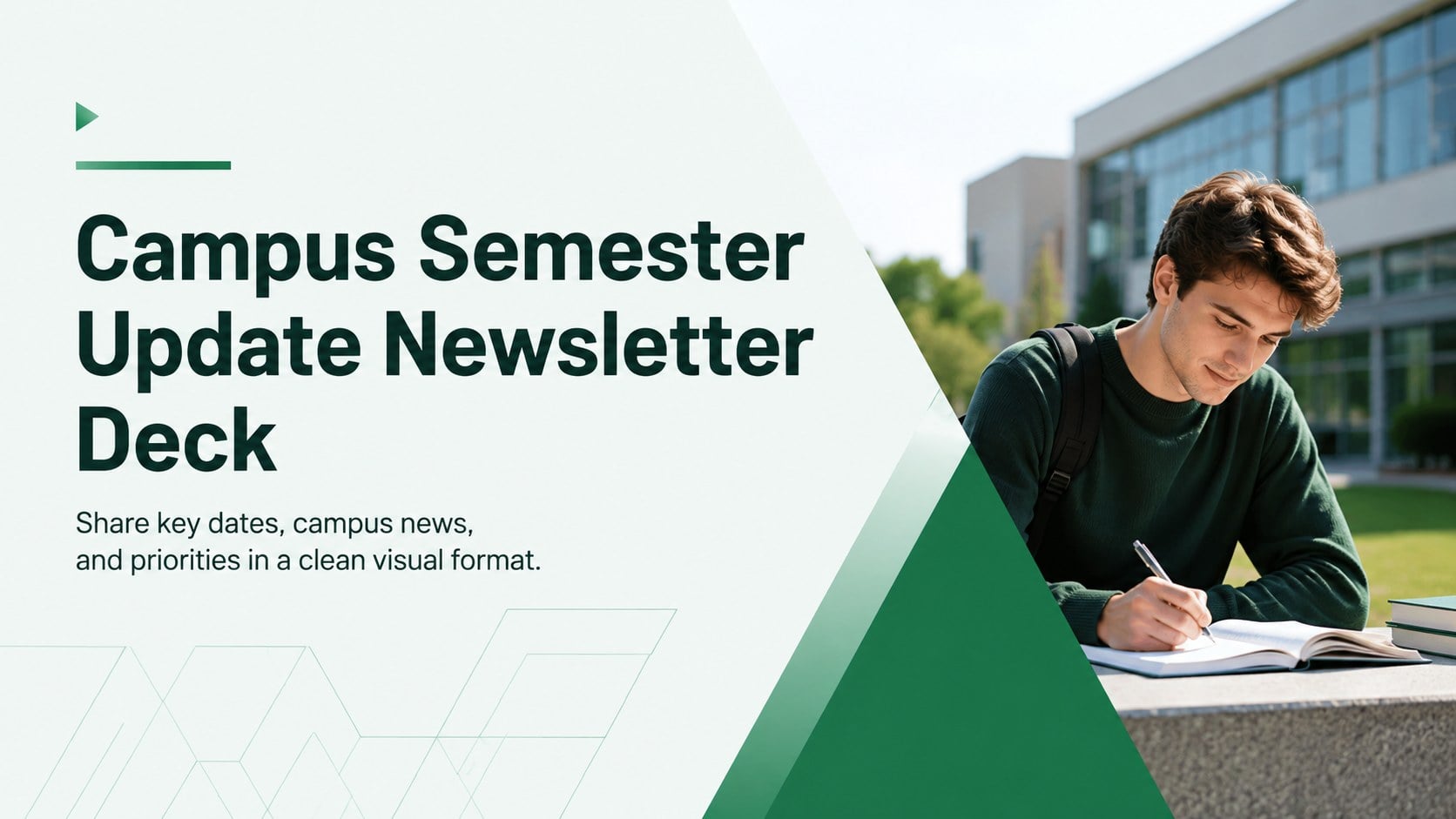
Organize campus news, key dates, and priorities with a green geometric campus semester update newsletter deck for PowerPoint and Google Slides.



Design notes
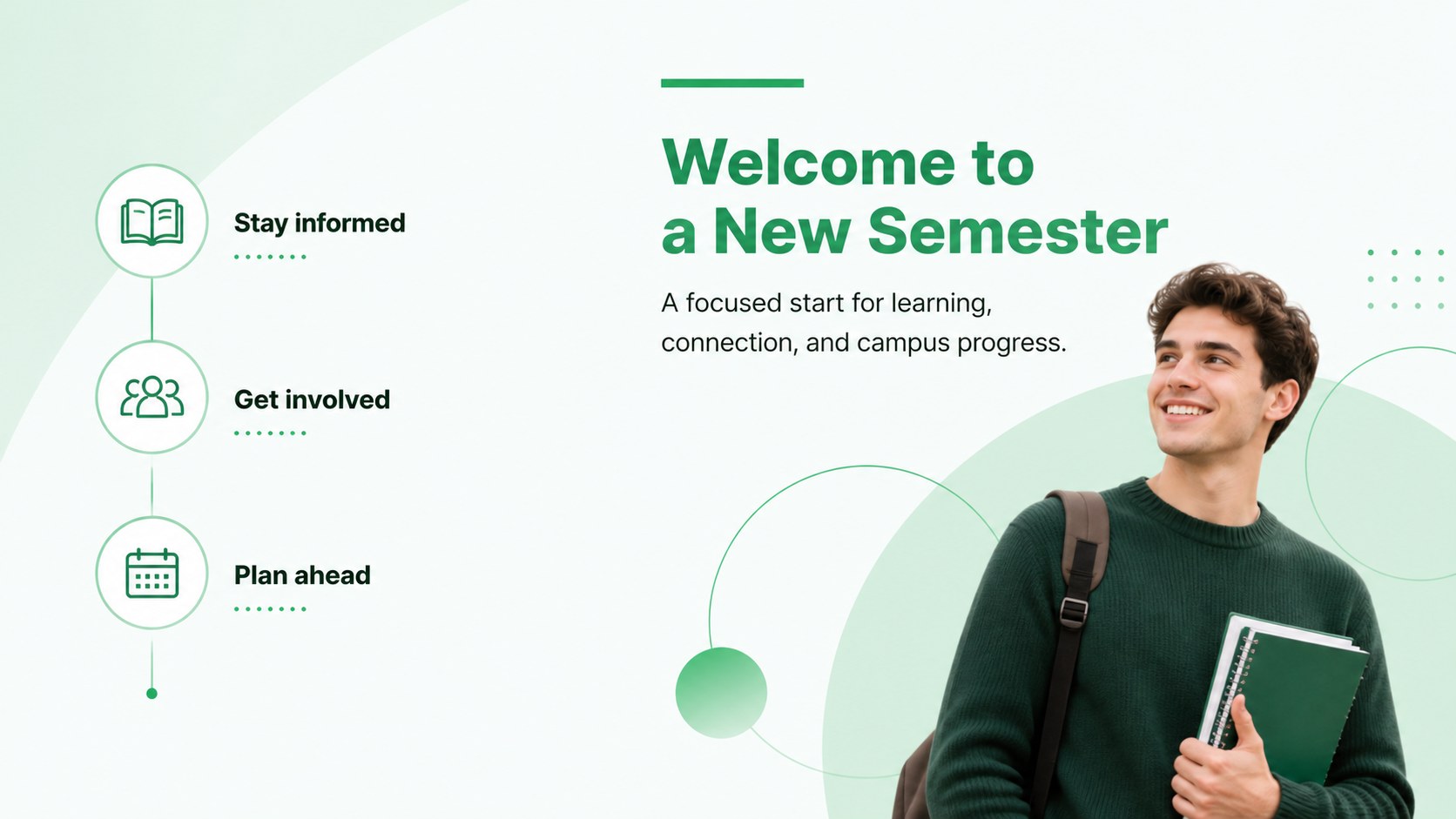
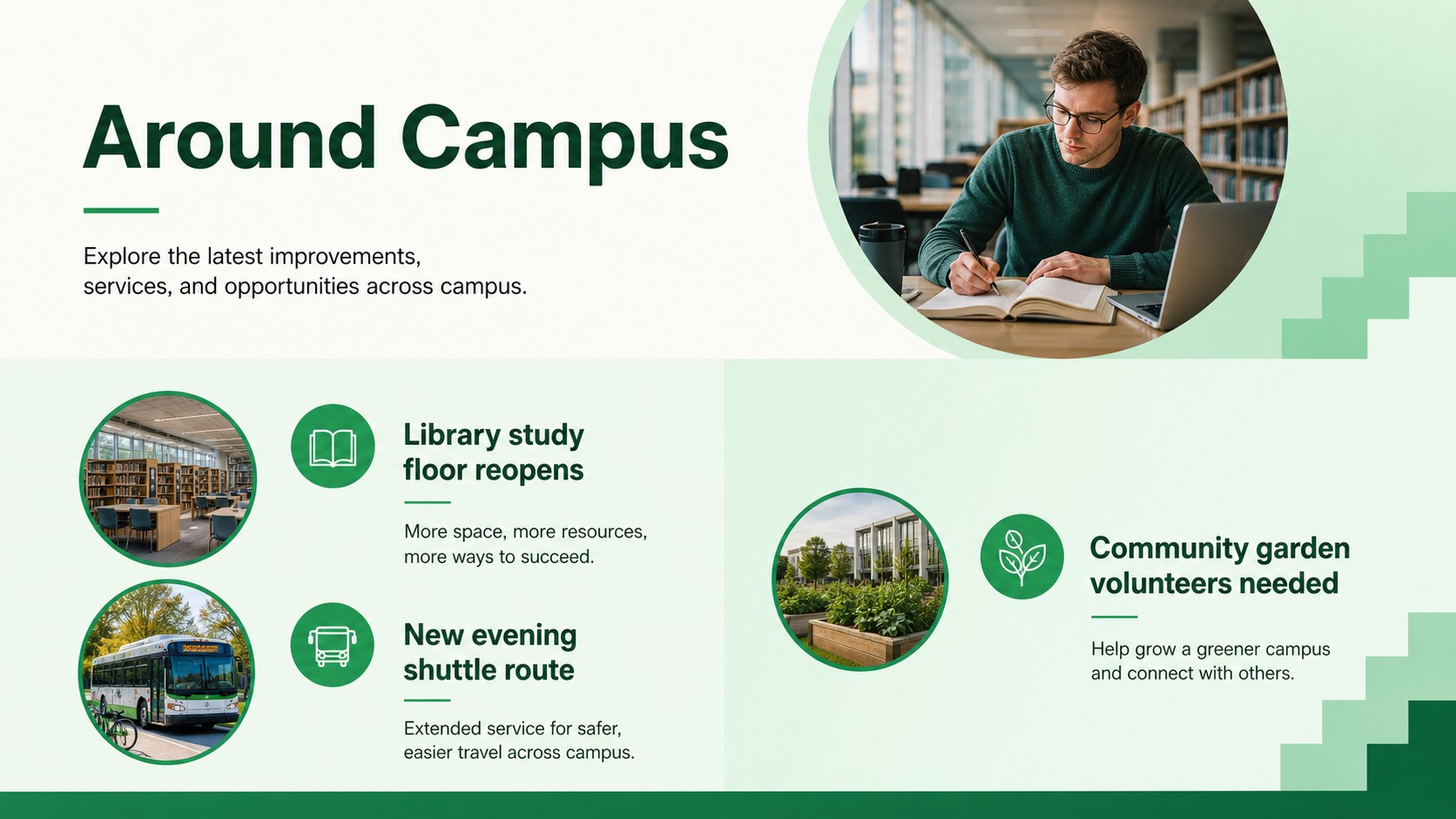
Keep your academic community informed with a campus semester update newsletter deck designed for clear, organized communication. The crisp green palette, minimal geometric accents, and spacious layouts give every announcement a professional presence without distracting from essential details. Edit the deck in PowerPoint or Google Slides to create a polished update that matches your institution’s needs.
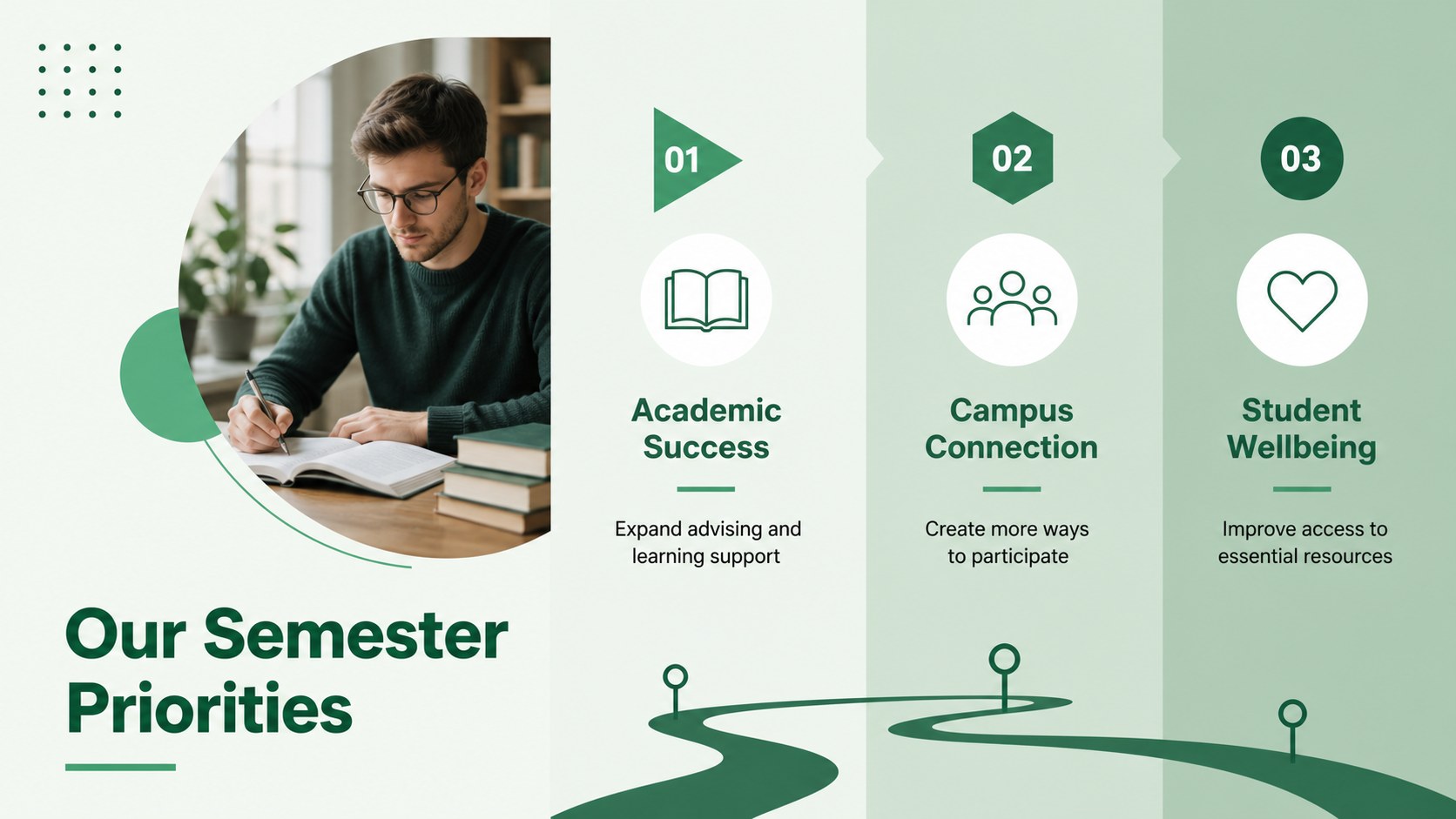
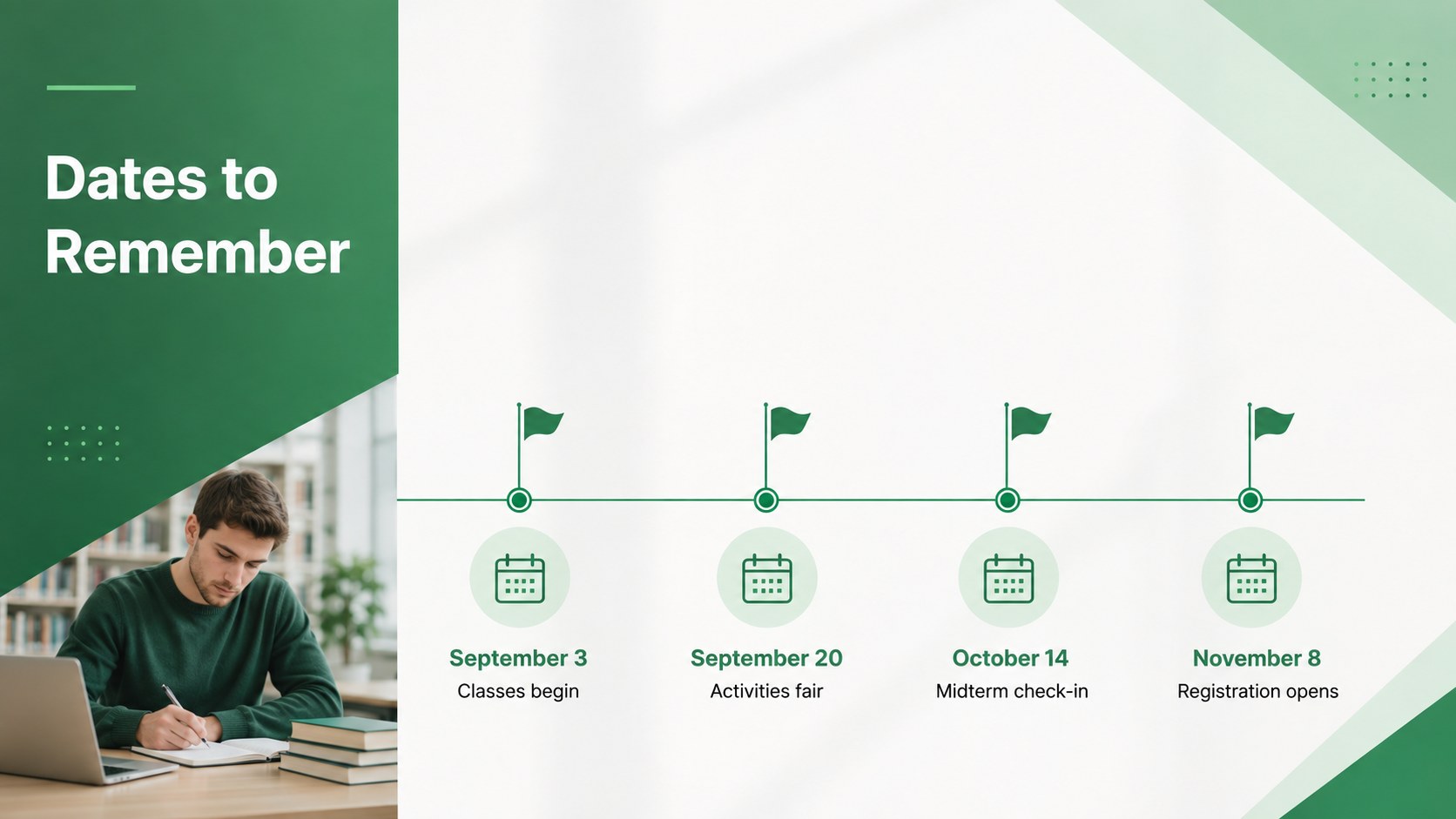
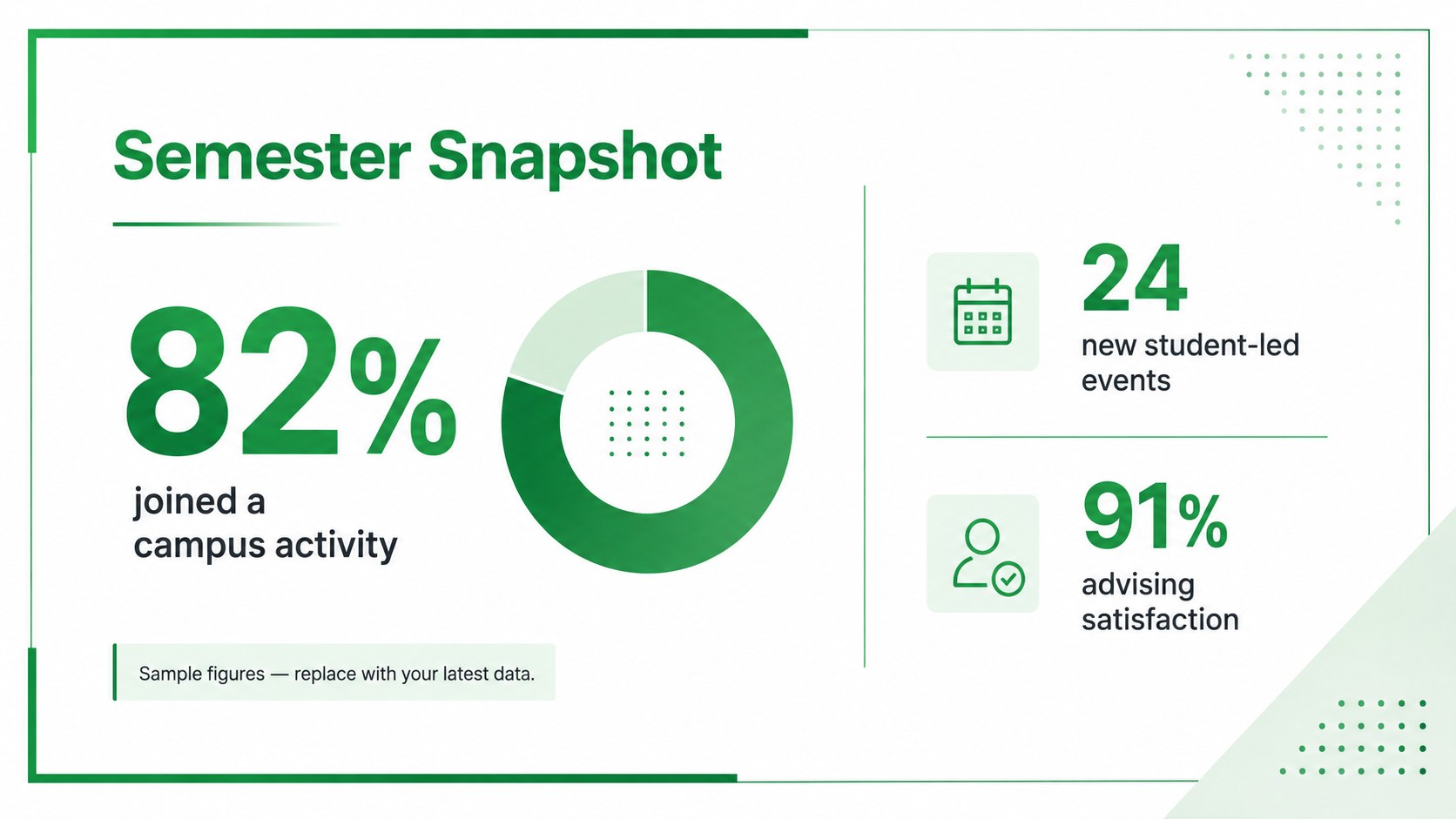
The 15-slide collection includes layouts for a welcome message, semester priorities, important dates, department news, student resources, upcoming events, faculty introductions, key statistics, project timelines, and contact information. Flexible text areas and visual placeholders make it easy to build a university newsletter presentation or adapt the design as an academic year kickoff presentation. Charts, timelines, callouts, and photo layouts help readers scan information quickly during meetings or when reviewing the deck independently.
This template is suited to university administrators, department coordinators, student affairs teams, faculty leaders, and campus communications staff. Use it for orientation briefings, monthly updates, faculty meetings, student services announcements, or a college semester planning deck. Every slide uses a consistent geometric system, modern typography, and an energetic green color palette, giving your message a unified look while leaving ample room for customization.
Perfect for: semester kickoff briefing; faculty meeting update; student orientation overview; campus events newsletter; department progress report; student services announcement.
Frequently asked questions
Can I edit this newsletter deck in PowerPoint and Google Slides? Yes. All slide text, colors, shapes, images, and layout elements can be edited in PowerPoint or Google Slides. You can duplicate, remove, or reorder slides to fit your communication plan.
Practical details
Yes. All slide text, colors, shapes, images, and layout elements can be edited in PowerPoint or Google Slides. You can duplicate, remove, or reorder slides to fit your communication plan.
Replace the sample copy with your dates, announcements, department details, and contact information. You can also apply institutional colors, typography, photography, and approved logos.
Yes. The modular layouts work for weekly, monthly, or term-based newsletters. Keep the core design consistent and refresh the announcements, events, statistics, and images for each edition.
Yes. The deck includes visual structures for key figures, schedules, milestones, and progress updates. These elements can be adjusted to present academic, operational, or student engagement data.
Keep exploring
15Build stronger academic arguments with a college essay thesis builder featuring guided examples, revision prompts, and editable PowerPoint and Google Slides.
 15
15Build an engaging World UFO Day session with this flying saucer history lesson deck, featuring retro green-and-brown slides for PowerPoint and Google Slides.
 14
14Plan a memorable Lunar New Year campaign with the 2036 Dragon Year Celebration Theme, featuring bold red-and-yellow slides for lessons and events.
 15
15Build a thoughtful classroom discussion with this interfaith awareness lesson deck, featuring editable blue-and-white slides for PowerPoint and Google Slides.
 15
15Use this environmental awareness lesson deck to teach climate action through illustrated activities, discussion prompts, and ready-to-edit visuals.
 15
15Build playful lessons and party stories with a kid-friendly zombie celebration theme in purple, green and pastel blue for PowerPoint and Google Slides.
 15
15Build eerie lessons, campaigns, and story pitches with an undead survival scenario theme featuring editable slides for PowerPoint and Google Slides.
 16
16