
 15
15presentation
Astrology Audience Insights Deck
Use this astrology audience insights deck to present zodiac-based segments, behaviors, and campaign findings in polished black-and-gold slides.
Google SlidesPowerPoint
presentation · English
Create vivid Lunar New Year campaigns and culture lessons with this Year of the Dragon 2036 celebration deck for PowerPoint and Google Slides.
Design notes
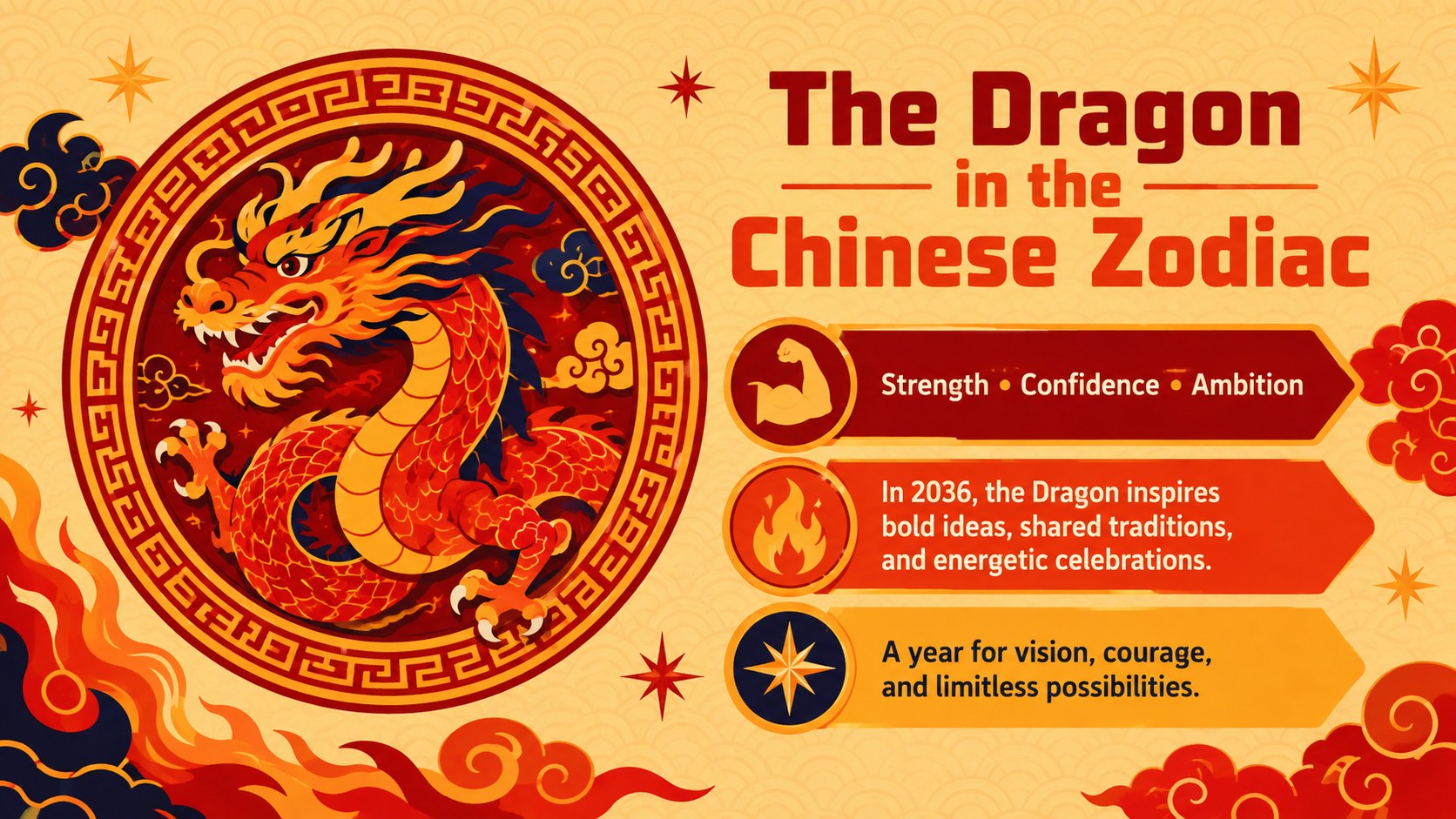
Celebrate a powerful new zodiac cycle with the Year of the Dragon 2036 celebration deck, a vivid presentation built around energetic red and golden-yellow illustrations. Its festive visual system helps ideas feel exciting and approachable without overwhelming the message. Use it to introduce traditions, share event plans, or give a seasonal campaign a confident creative direction.
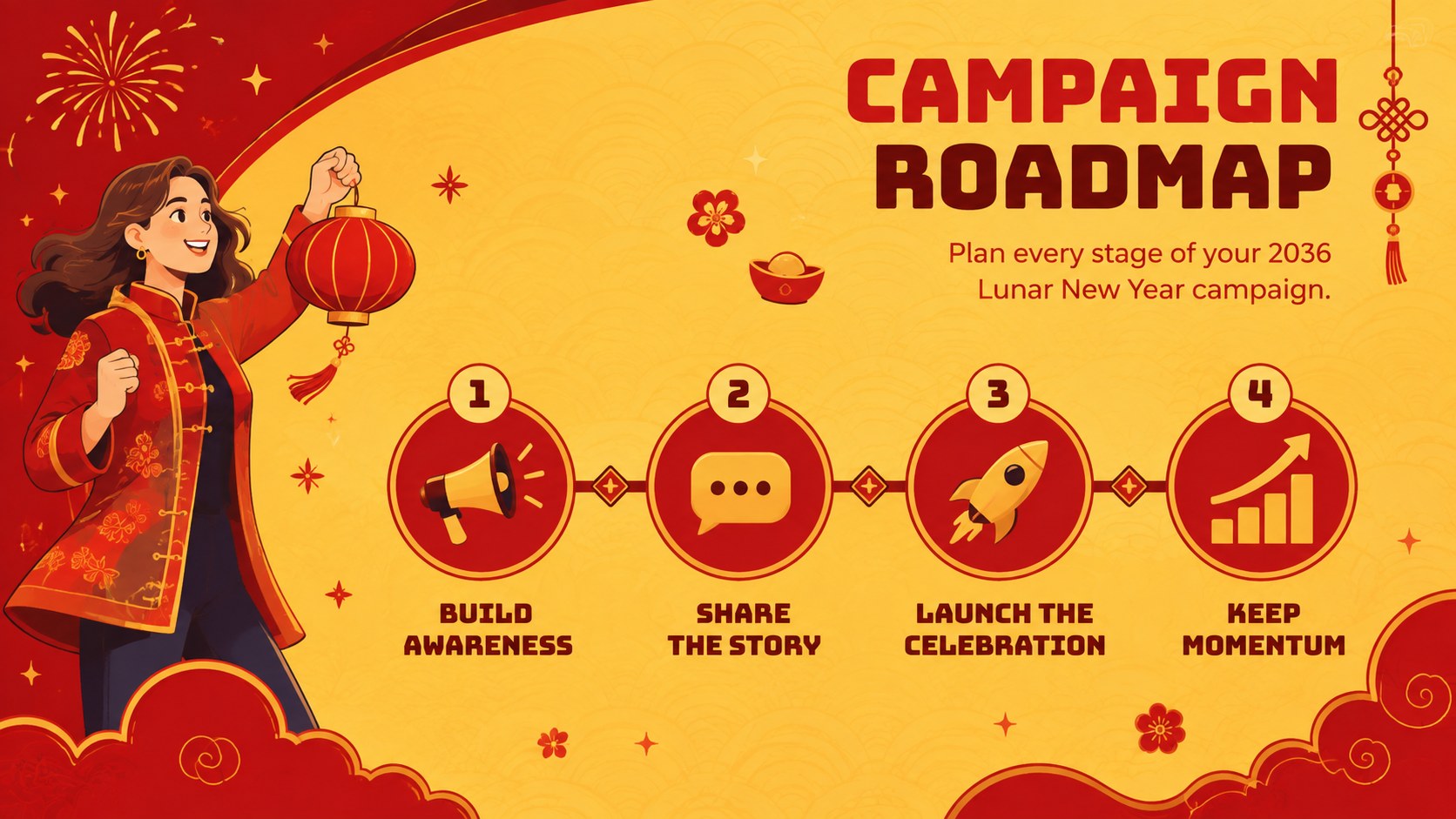
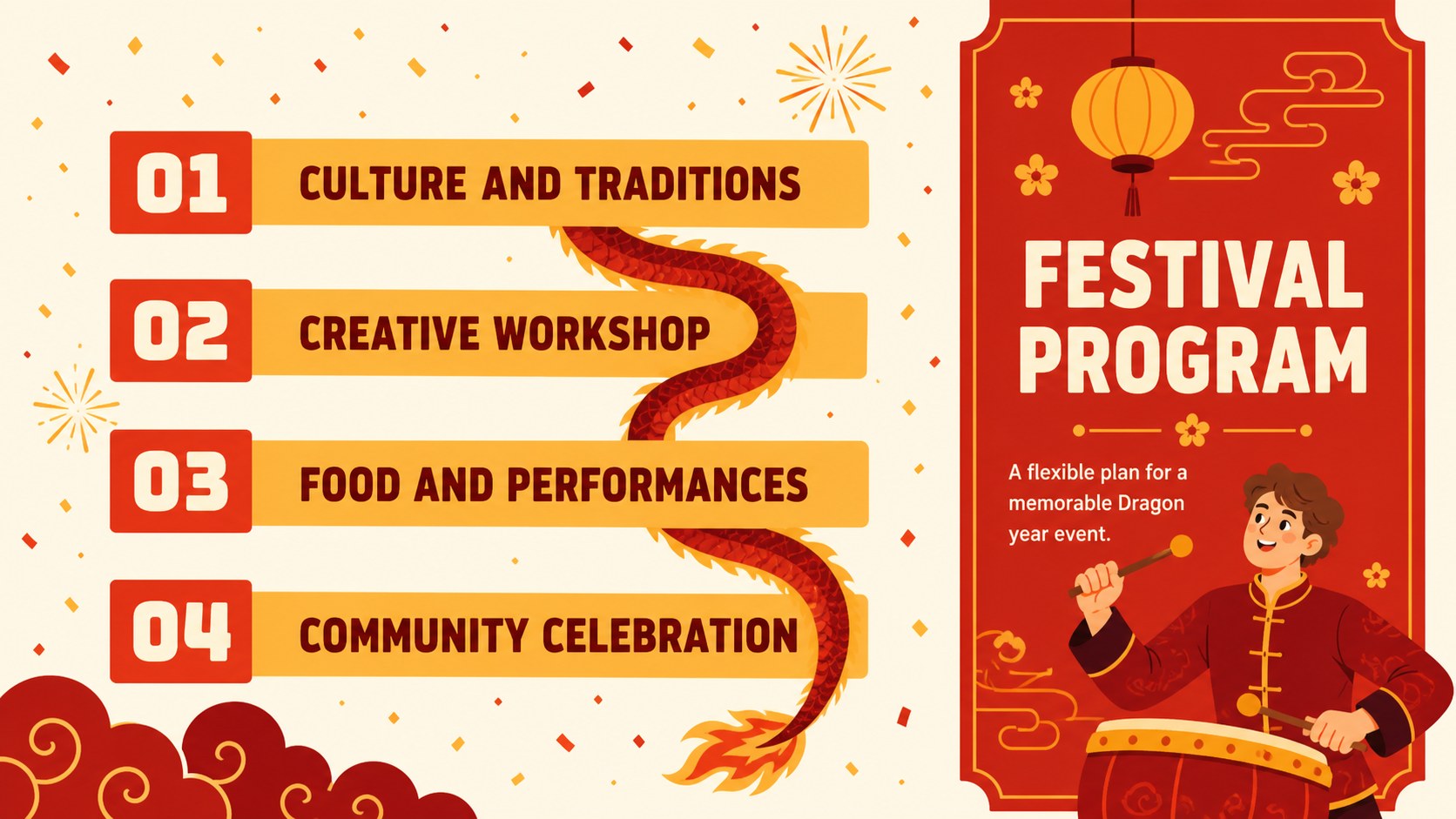
The deck includes more than 25 adaptable layouts for opening statements, cultural facts, schedules, campaign concepts, timelines, comparisons, charts, and closing messages. Editable typography, colors, shapes, icons, and image areas make it easy to create a red and gold festival PowerPoint that fits your organization. Animation-ready compositions and clear content hierarchy also support polished delivery in Google Slides.
Marketers can shape the layouts into a Lunar New Year marketing campaign deck for product launches, social content, promotional calendars, and audience insights. Teachers and students can develop a Chinese zodiac classroom presentation covering Dragon symbolism, holiday customs, storytelling, and creative assignments. Community organizers can turn the same system into Dragon year event planning slides for performances, workshops, dinners, and family activities.
Every layout can be customized with your own text, photography, charts, and branding. The template works with PowerPoint and Google Slides, making it practical for individual editing, classroom collaboration, and team presentations.
Perfect for: Lunar New Year marketing campaign; Chinese zodiac classroom lesson; Community festival schedule; Seasonal product launch; Dragon year cultural workshop.
Frequently asked questions
Practical details
Yes. The layouts, text, colors, shapes, and image areas are designed for editing in both PowerPoint and Google Slides. Some transitions or font rendering may vary slightly between platforms.
Replace the sample copy with age-appropriate material about zodiac history, Dragon symbolism, regional customs, or holiday vocabulary. The timeline, comparison, and fact layouts can also support quizzes and classroom discussions.
Yes. You can adjust the theme colors to match a school, company, or event identity while preserving the high-contrast festival style. Update accent colors consistently across titles, illustrations, charts, and decorative shapes.
Yes. It includes layouts suitable for campaign goals, audience insights, content schedules, product highlights, and promotional milestones. Add your own logo, photography, metrics, and calls to action before presenting.
Keep exploring
15Use this astrology audience insights deck to present zodiac-based segments, behaviors, and campaign findings in polished black-and-gold slides.
 14
14Plan a memorable Lunar New Year campaign with the 2036 Dragon Year Celebration Theme, featuring bold red-and-yellow slides for lessons and events.
 15
15Build eerie lessons, campaigns, and story pitches with an undead survival scenario theme featuring editable slides for PowerPoint and Google Slides.
 15
15Build a clear breast cancer awareness bulletin with bold pink-and-red slides for campaign news, screening reminders, impact data, and community updates.
 15
15Shape your publishing concept with an indie magazine startup pitch deck featuring pastel gradients, bold collage layouts, and editable planning slides.
 15
15Build a bold retro-futurist campaign pitch deck for client meetings, with editable strategy layouts and playful pastel Y2K-inspired visuals.
 16
16Build a consistent presence with a social channel identity playbook covering voice, visuals, content formats, publishing rules, and approvals.
 15
15Celebrate online learners with webinar completion certificate slides, featuring editable violet artwork for university events in PowerPoint and Google Slides.