
 15
15presentation
Astrology Audience Insights Deck
Use this astrology audience insights deck to present zodiac-based segments, behaviors, and campaign findings in polished black-and-gold slides.
Google SlidesPowerPoint
presentation · English
Present milestones, plans, and seasonal highlights with a blue watercolor seasonal briefing, editable in PowerPoint and Google Slides for polished updates.


Design notes
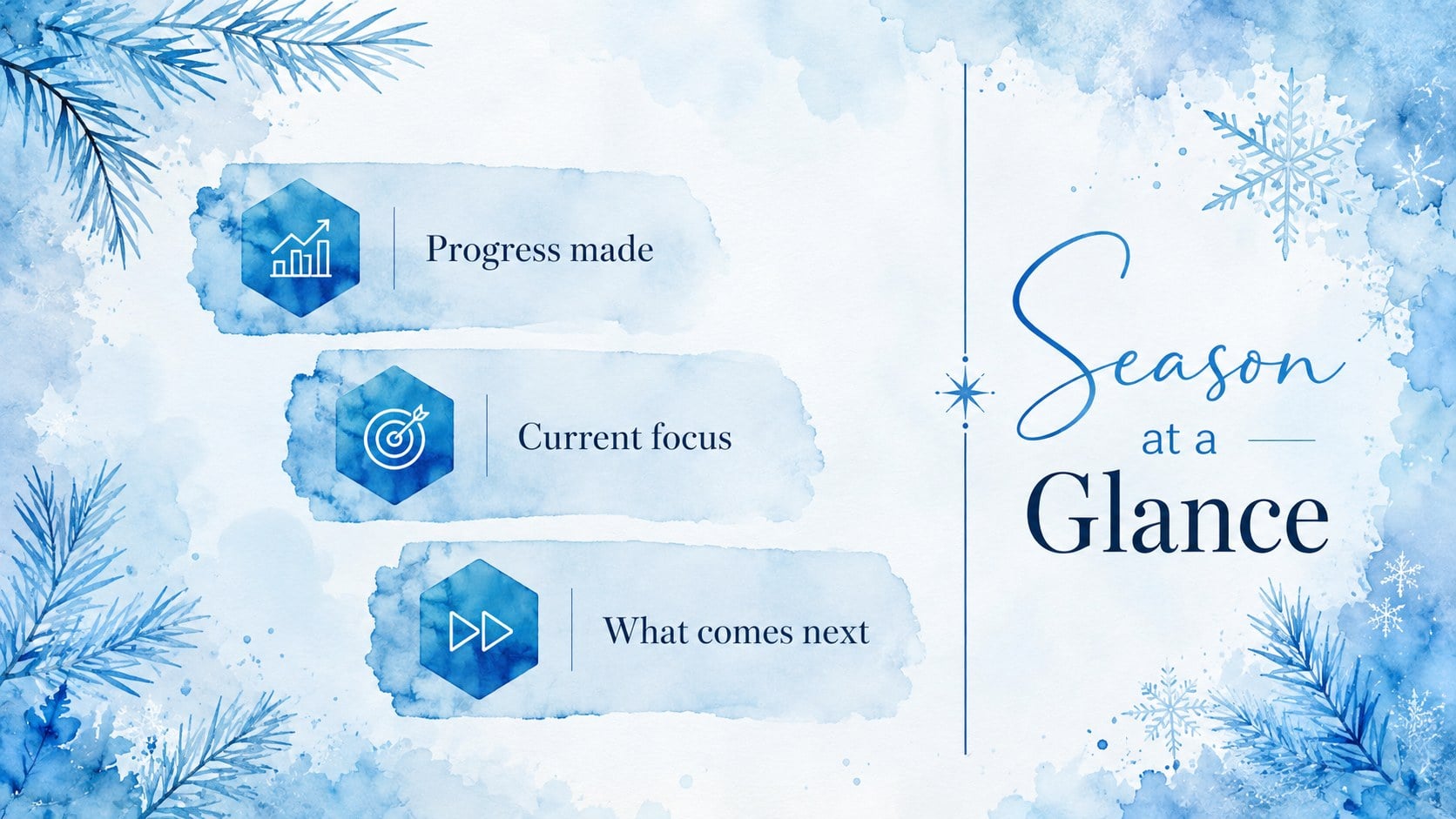
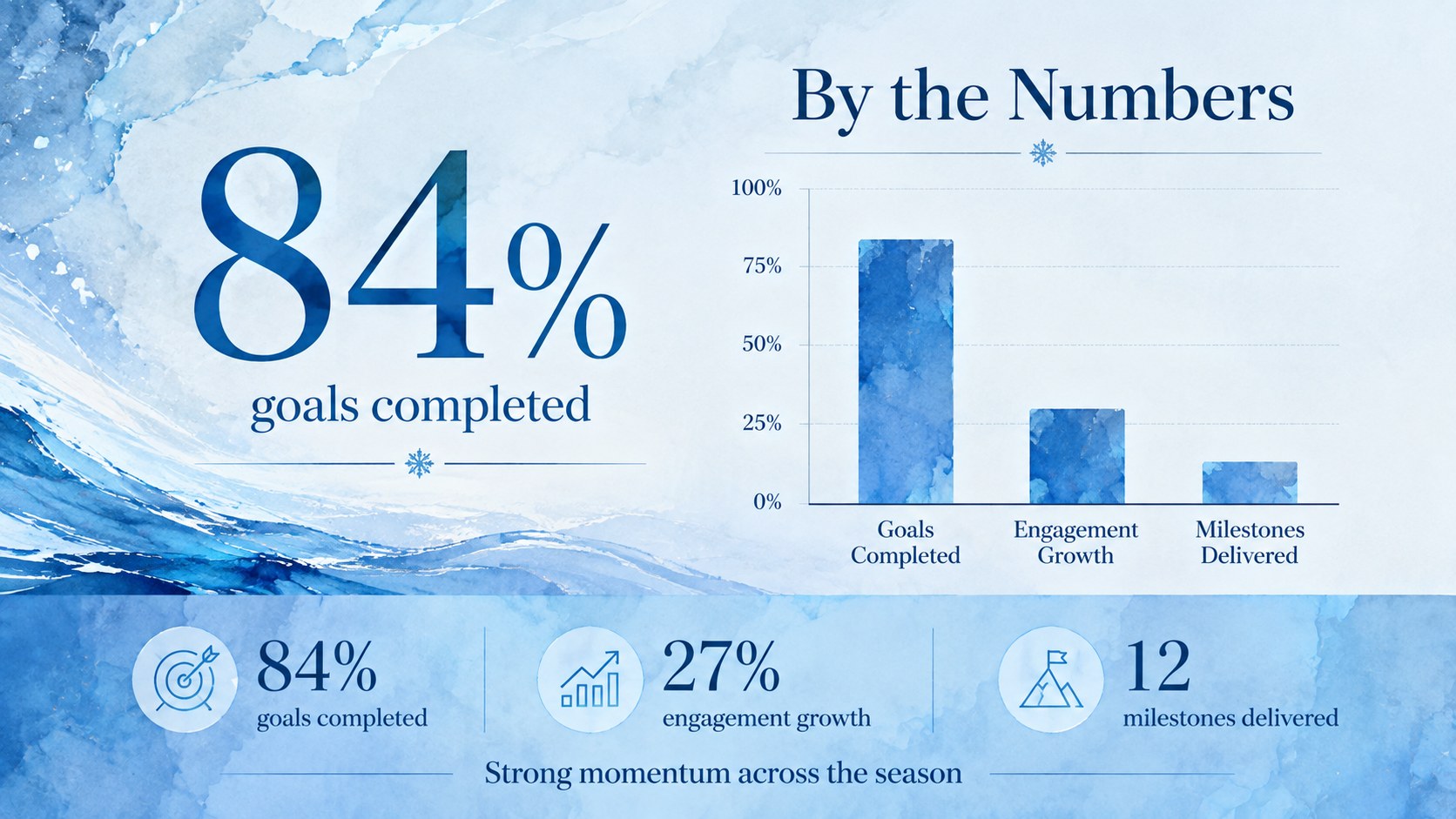
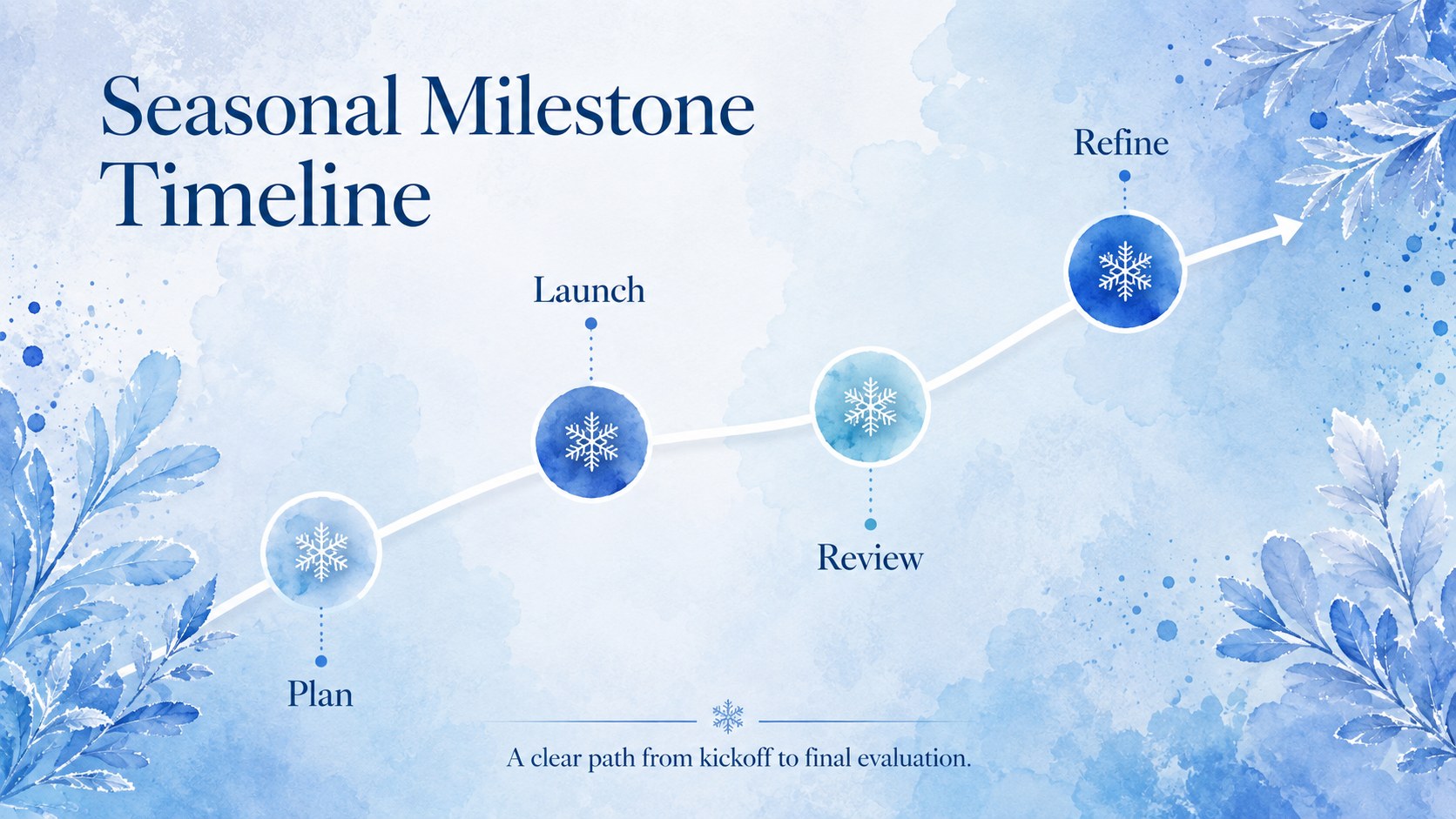
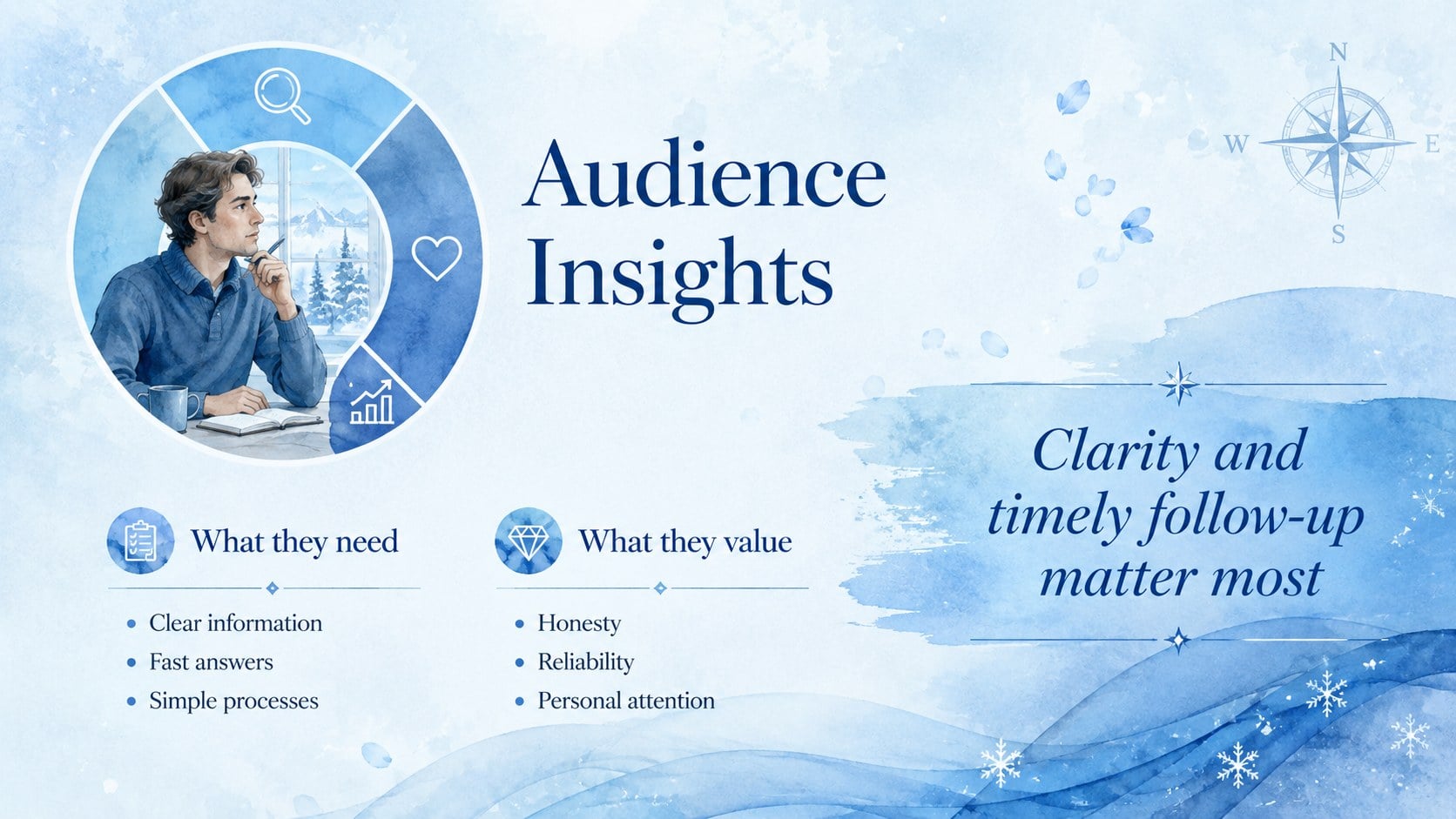
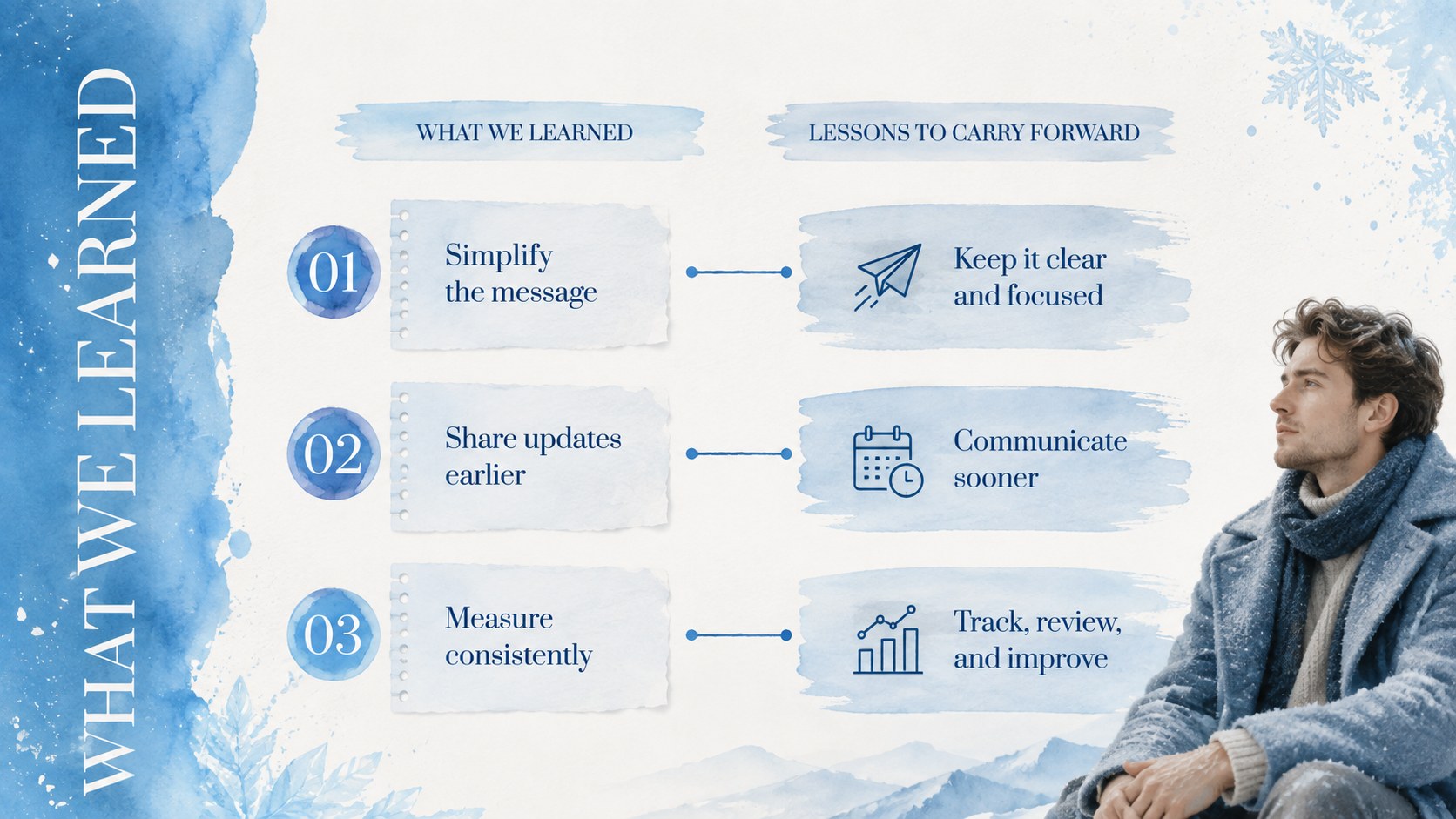
Bring structure and visual warmth to cold-season communications with this blue watercolor seasonal briefing. Soft blue washes, elegant typography, and airy layouts create a polished setting for sharing recent achievements, current priorities, performance results, and upcoming plans.
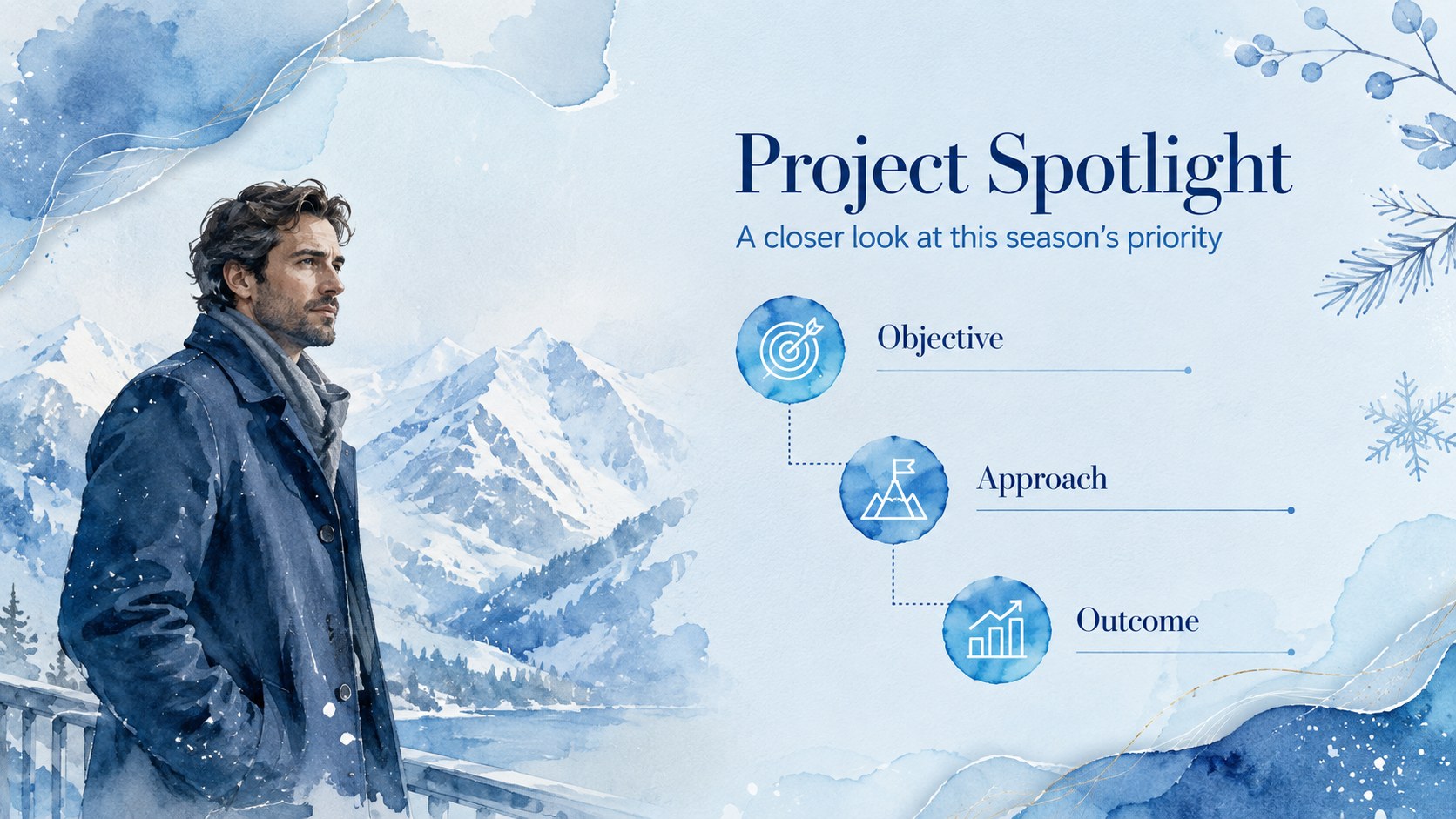
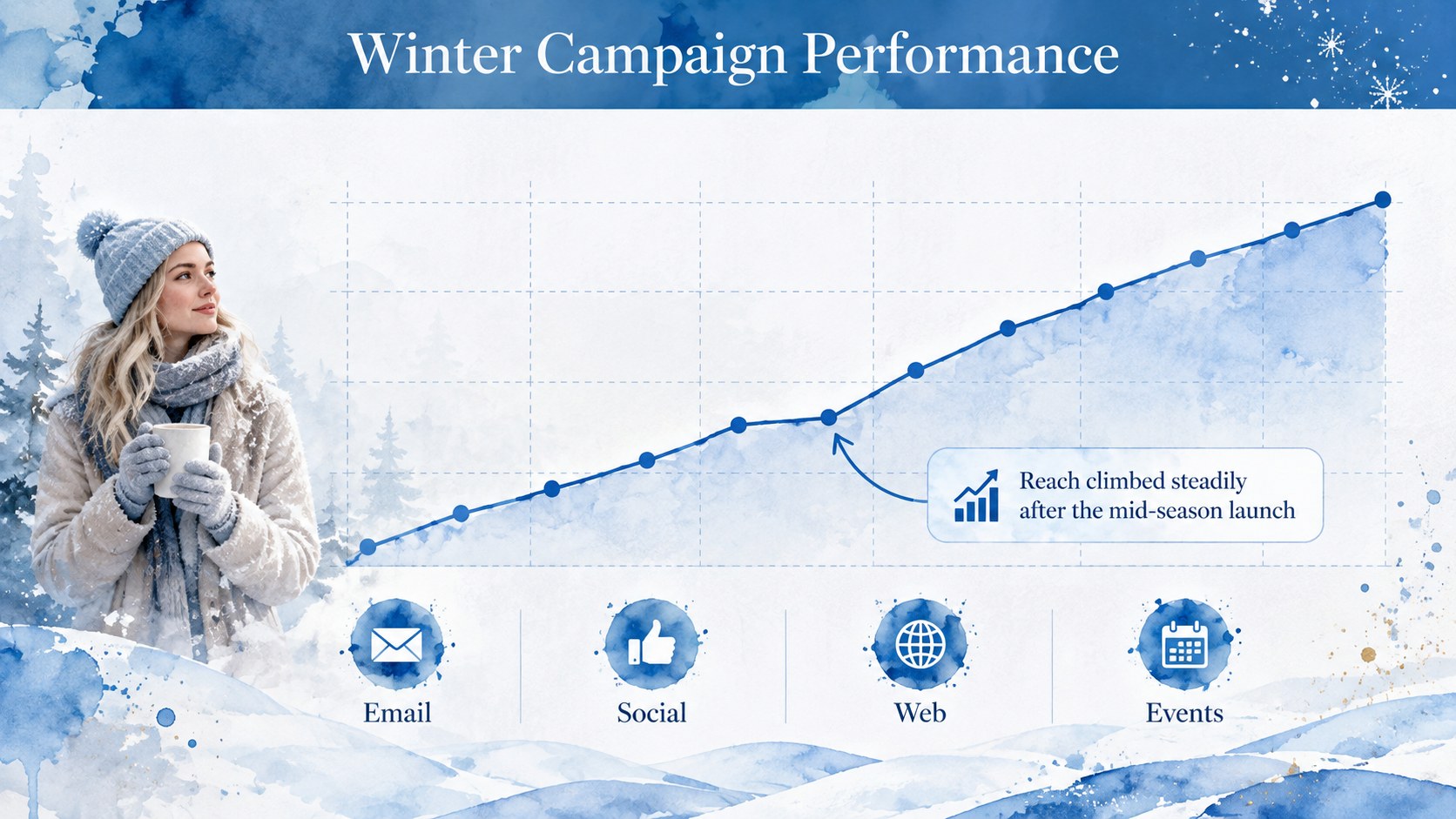
The deck includes adaptable layouts for an opening overview, key wins, metrics, project highlights, campaign results, timelines, audience insights, lessons learned, next steps, team updates, resources, and discussion. Use it as a seasonal project status presentation or shape it into a winter campaign performance report with your own charts, images, icons, and concise commentary. Every page is designed to keep information readable while preserving the expressive painted style.
This blue watercolor presentation theme suits marketing teams, educators, small businesses, nonprofit groups, project leads, and independent professionals. It works especially well for quarterly check-ins, classroom recaps, stakeholder briefings, and end-of-season reviews. Edit the text, reorder sections, apply your own data, or adjust the blue palette directly in PowerPoint or Google Slides. The flexible structure supports both live presentations and exported PDF handouts without relying on branded elements.
Perfect for: winter stakeholder briefing; seasonal project status review; marketing campaign recap; classroom term update; small business performance report; nonprofit program check-in.
Frequently asked questions
Can I edit this seasonal briefing in PowerPoint? Yes. Open the PPTX file in PowerPoint to replace text, update charts, rearrange layouts, and add your own images. The core slide structure and watercolor styling remain editable.
Practical details
Yes. Open the PPTX file in PowerPoint to replace text, update charts, rearrange layouts, and add your own images. The core slide structure and watercolor styling remain editable.
Yes. Upload the presentation to Google Drive and open it with Google Slides. Review font substitutions and image placement after importing to ensure the design appears as intended.
Adjust accent colors, typography, icons, and background graphics to match your organization or subject. Keeping a limited range of cool blues and generous white space will preserve the original winter mood.
Yes. Replace seasonal wording and imagery while retaining the briefing layouts for quarterly reviews, project updates, or classroom summaries. The charts, timelines, and content sections are designed for broad reuse.
Keep exploring
15Use this astrology audience insights deck to present zodiac-based segments, behaviors, and campaign findings in polished black-and-gold slides.
 14
14Plan a memorable Lunar New Year campaign with the 2036 Dragon Year Celebration Theme, featuring bold red-and-yellow slides for lessons and events.
 15
15Build eerie lessons, campaigns, and story pitches with an undead survival scenario theme featuring editable slides for PowerPoint and Google Slides.
 15
15Build a clear breast cancer awareness bulletin with bold pink-and-red slides for campaign news, screening reminders, impact data, and community updates.
 15
15Shape your publishing concept with an indie magazine startup pitch deck featuring pastel gradients, bold collage layouts, and editable planning slides.
 15
15Build a bold retro-futurist campaign pitch deck for client meetings, with editable strategy layouts and playful pastel Y2K-inspired visuals.
 16
16Build a consistent presence with a social channel identity playbook covering voice, visuals, content formats, publishing rules, and approvals.
 15
15Celebrate online learners with webinar completion certificate slides, featuring editable violet artwork for university events in PowerPoint and Google Slides.