
 15
15presentation
Astrology Audience Insights Deck
Use this astrology audience insights deck to present zodiac-based segments, behaviors, and campaign findings in polished black-and-gold slides.
Google SlidesPowerPoint
presentation · English
Build a memorable client presentation with Blue Collage Designer Portfolio Slides, featuring editorial layouts for print projects, case studies, and skills.

Design notes
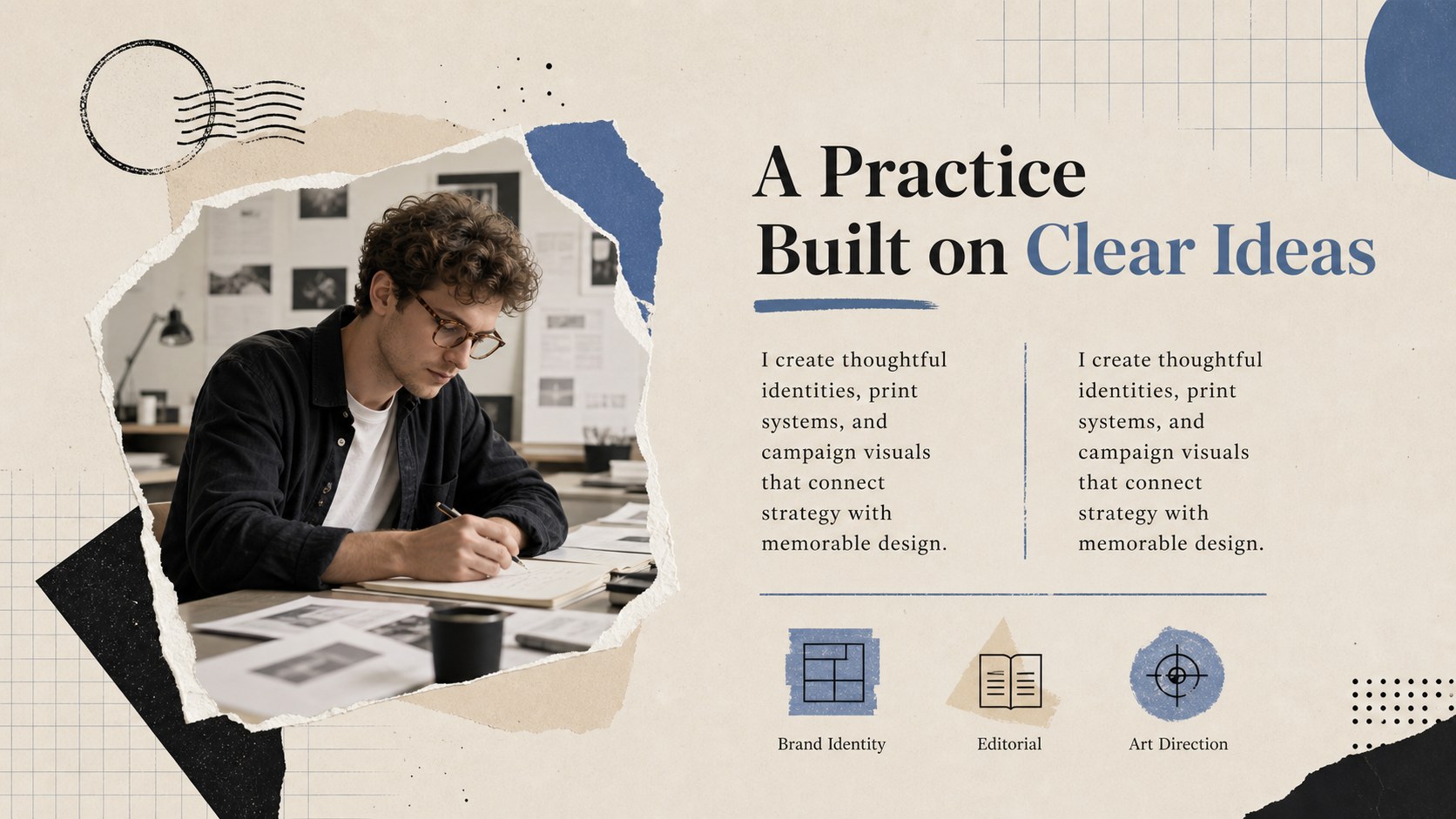
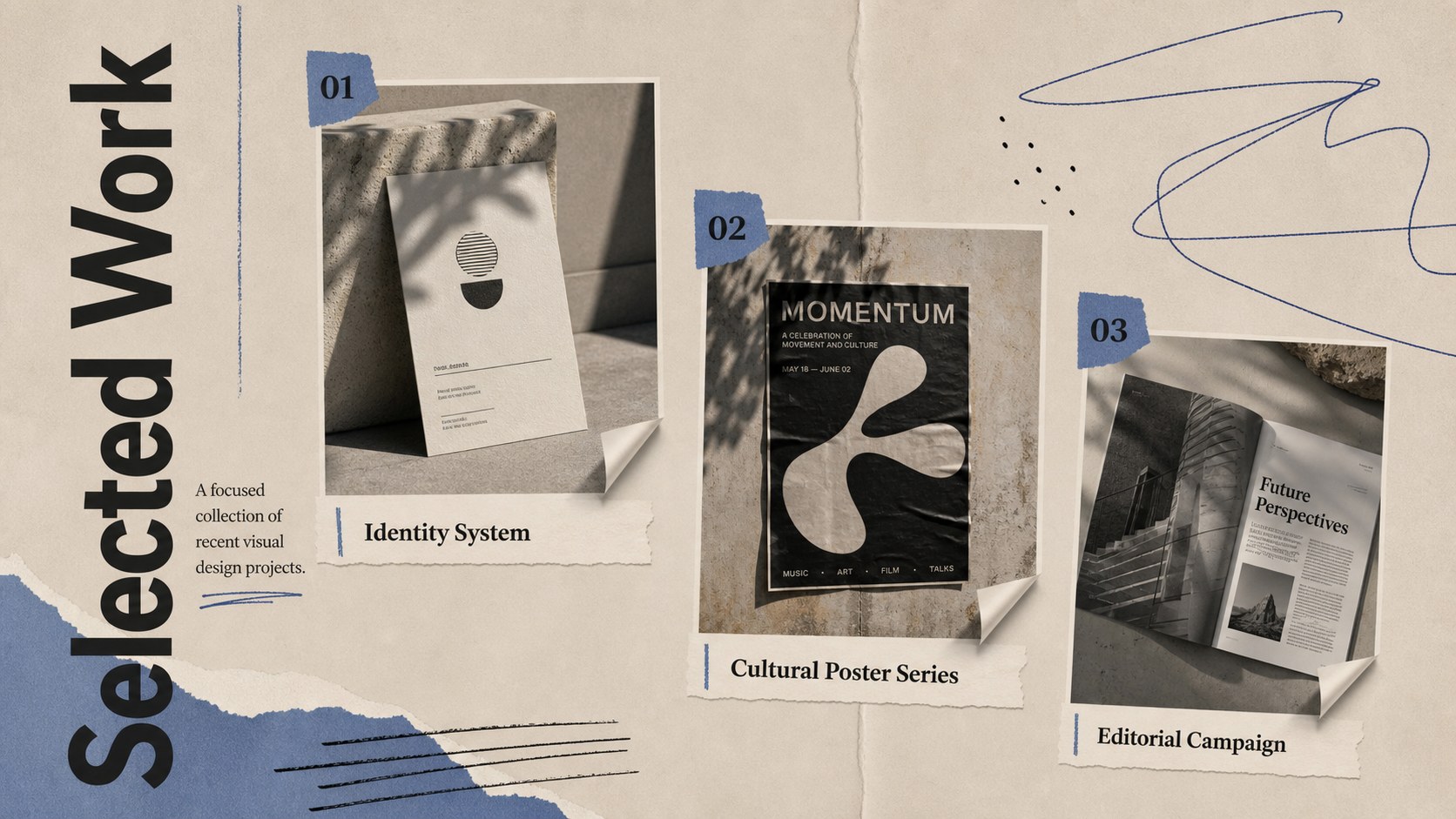
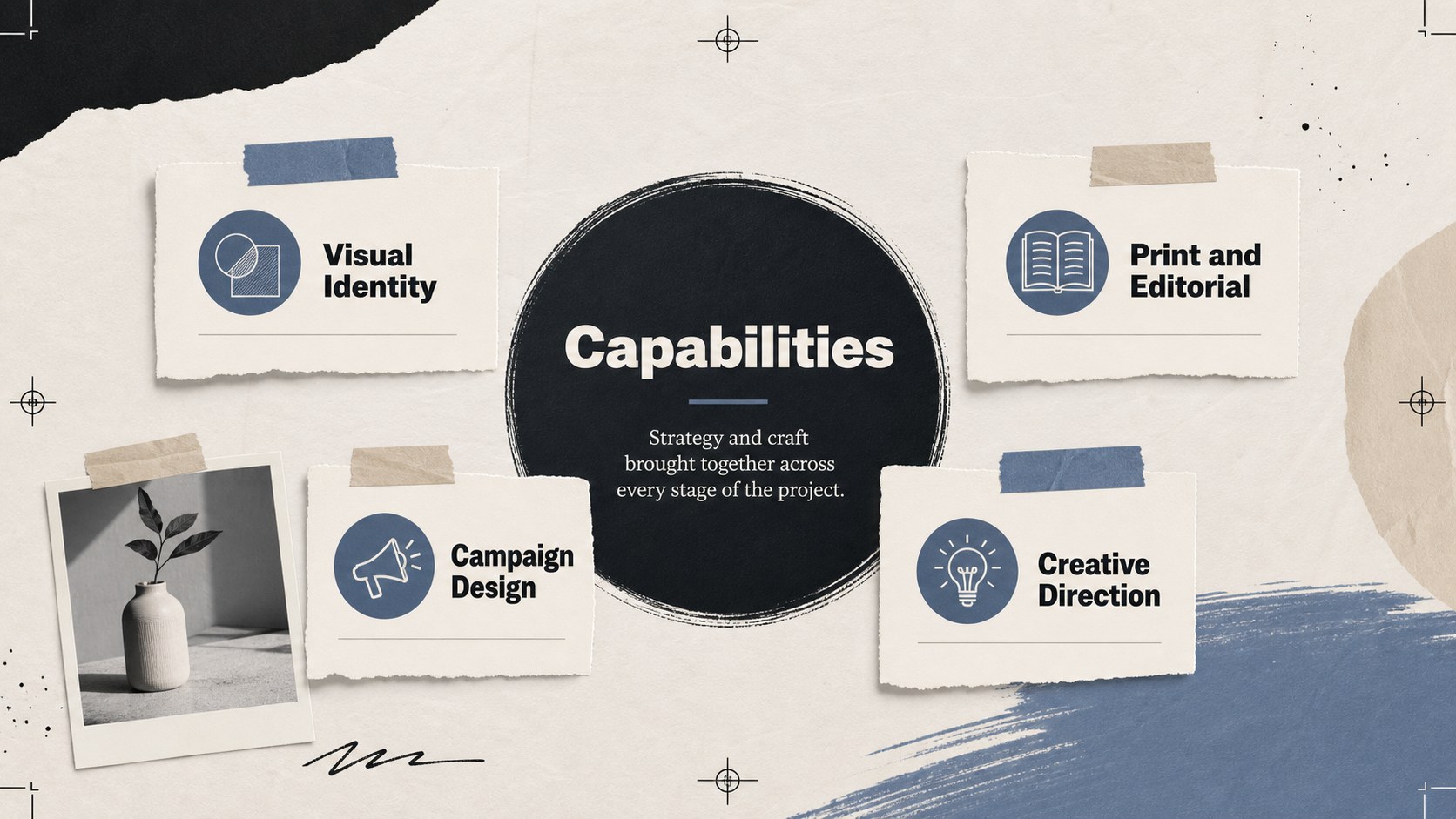
Blue collage designer portfolio slides give creative professionals a polished way to present print work, campaign concepts, and visual identities. The refined blue, beige, and black palette balances expressive collage details with an editorial structure, helping each project feel distinctive without distracting from the work itself. Use the deck in PowerPoint or Google Slides for interviews, client meetings, studio introductions, and portfolio reviews.
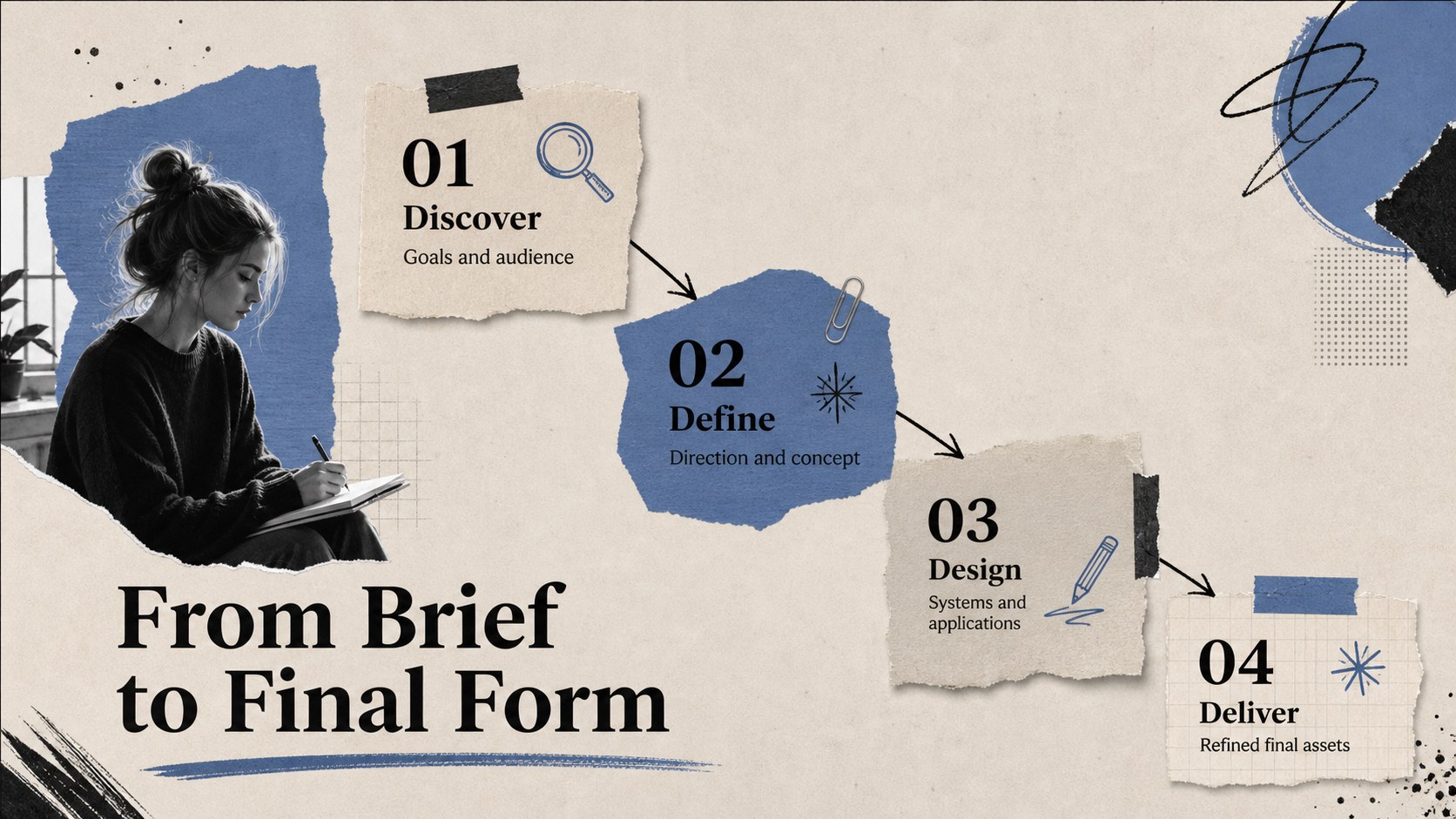
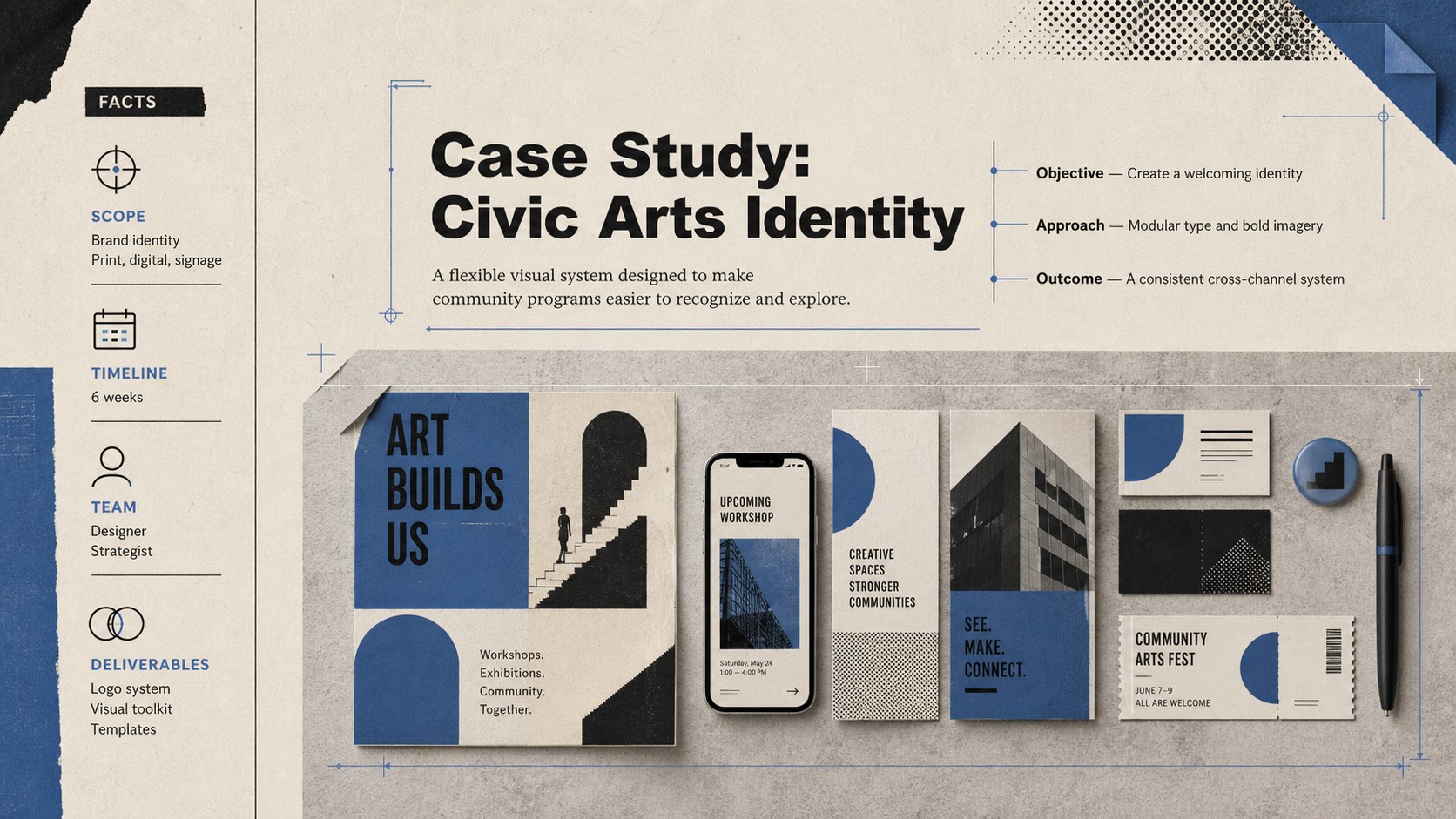
Inside, seven ready-to-edit layouts cover an opening statement, profile, selected projects, creative process, skills, case-study details, and contact information. Portrait-oriented mockups, paper textures, geometric accents, image frames, and bold typography create the character of a printed design book within a widescreen presentation. Replace the sample images, adjust the text, and refine the colors to build a graphic designer portfolio presentation that reflects your own practice.
This print design portfolio template suits freelance designers, graduating students, art directors, illustrators, and small studios. It also works as creative agency portfolio slides when a team needs to introduce its approach and showcase recent outcomes. Flexible layouts support branding, packaging, editorial, advertising, photography, and digital design projects while keeping the presentation consistent from cover to closing slide.
Perfect for: design job interview; freelance client presentation; creative agency introduction; student portfolio review; print project case study; studio work showcase.
Frequently asked questions
Can I edit these portfolio slides in PowerPoint and Google Slides? Yes. Every layout can be opened and customized in PowerPoint or Google Slides, including text, colors, image frames, and decorative elements.
Practical details
Yes. Every layout can be opened and customized in PowerPoint or Google Slides, including text, colors, image frames, and decorative elements.
Replace the sample visuals with exported project images, mockups, or photographs. Update the project titles and descriptions, then duplicate layouts when you need space for additional case studies.
Yes. Adjust the theme colors to match your personal identity or studio branding while preserving enough contrast between text, backgrounds, and collage elements.
The layouts accommodate branding, packaging, editorial, advertising, illustration, photography, and digital design. They can also be adapted for multidisciplinary projects that combine several creative formats.
Keep exploring
15Use this astrology audience insights deck to present zodiac-based segments, behaviors, and campaign findings in polished black-and-gold slides.
 14
14Plan a memorable Lunar New Year campaign with the 2036 Dragon Year Celebration Theme, featuring bold red-and-yellow slides for lessons and events.
 15
15Build eerie lessons, campaigns, and story pitches with an undead survival scenario theme featuring editable slides for PowerPoint and Google Slides.
 15
15Build a clear breast cancer awareness bulletin with bold pink-and-red slides for campaign news, screening reminders, impact data, and community updates.
 15
15Shape your publishing concept with an indie magazine startup pitch deck featuring pastel gradients, bold collage layouts, and editable planning slides.
 15
15Build a bold retro-futurist campaign pitch deck for client meetings, with editable strategy layouts and playful pastel Y2K-inspired visuals.
 16
16Build a consistent presence with a social channel identity playbook covering voice, visuals, content formats, publishing rules, and approvals.
 15
15Celebrate online learners with webinar completion certificate slides, featuring editable violet artwork for university events in PowerPoint and Google Slides.