
 15
15presentation
Astrology Audience Insights Deck
Use this astrology audience insights deck to present zodiac-based segments, behaviors, and campaign findings in polished black-and-gold slides.
Google SlidesPowerPoint
presentation · English
Build polished talks with a black editorial presentation deck for fashion, literature, conferences, portfolios, and personal storytelling in Google Slides…
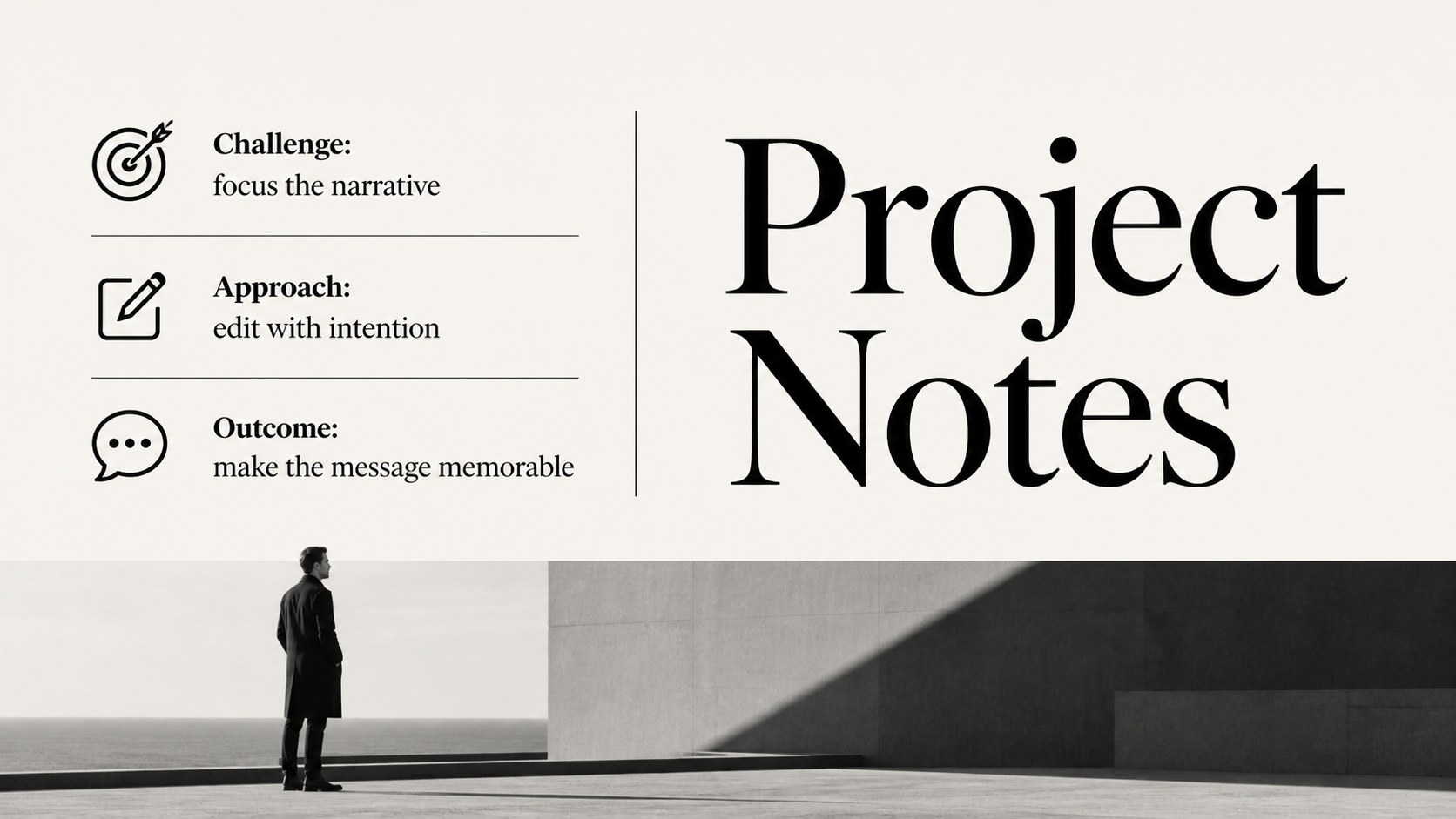
Design notes
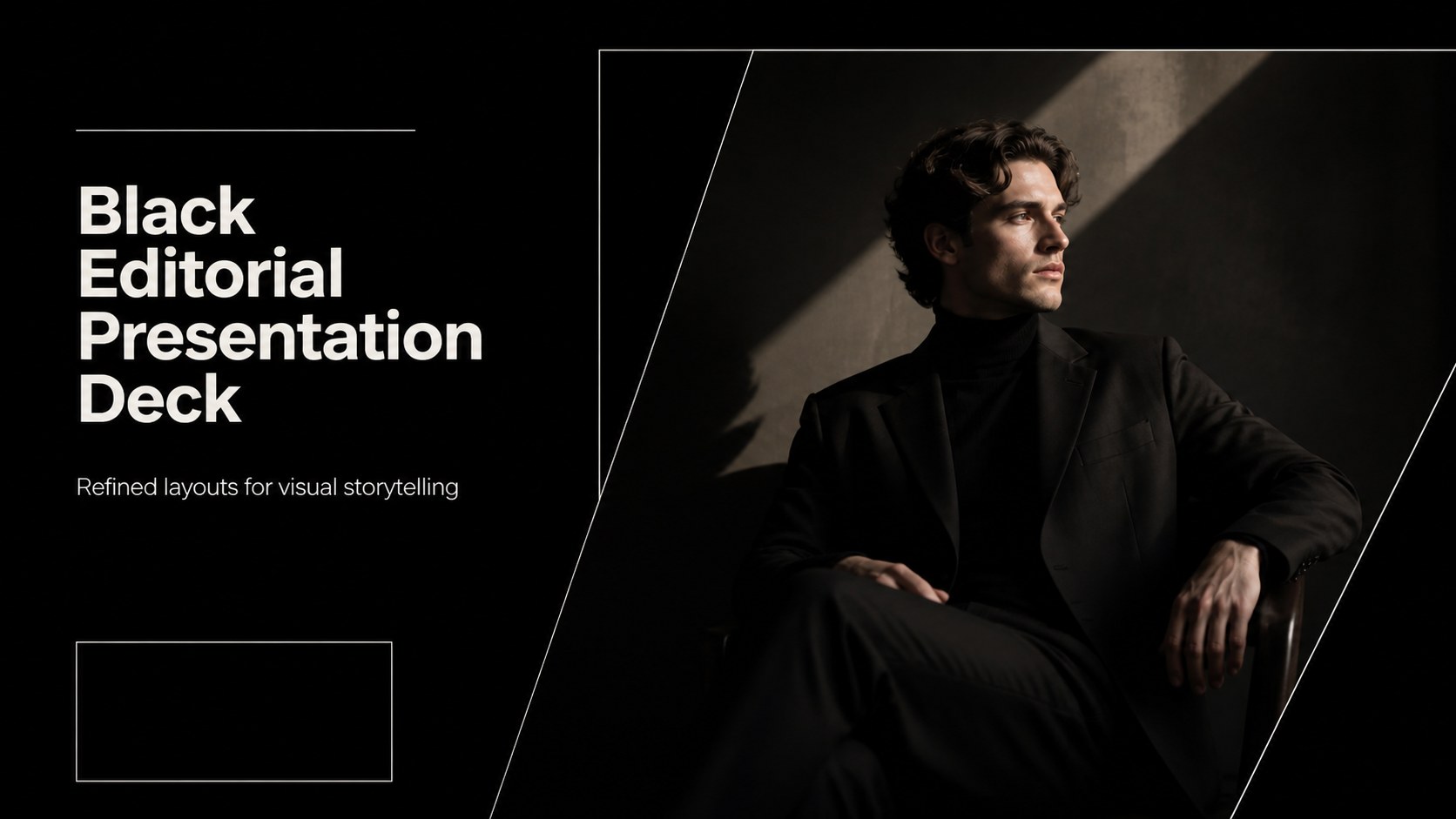
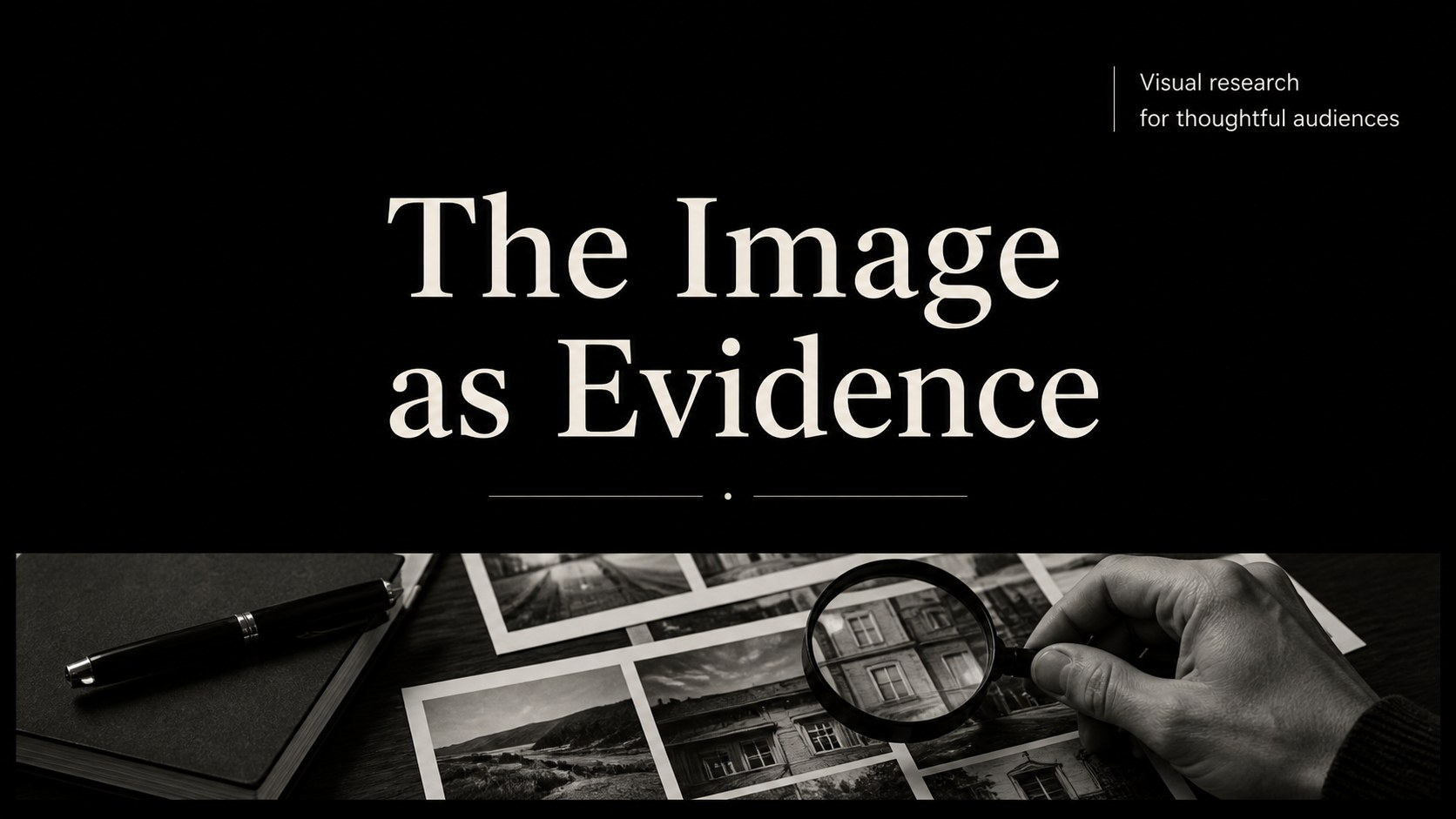
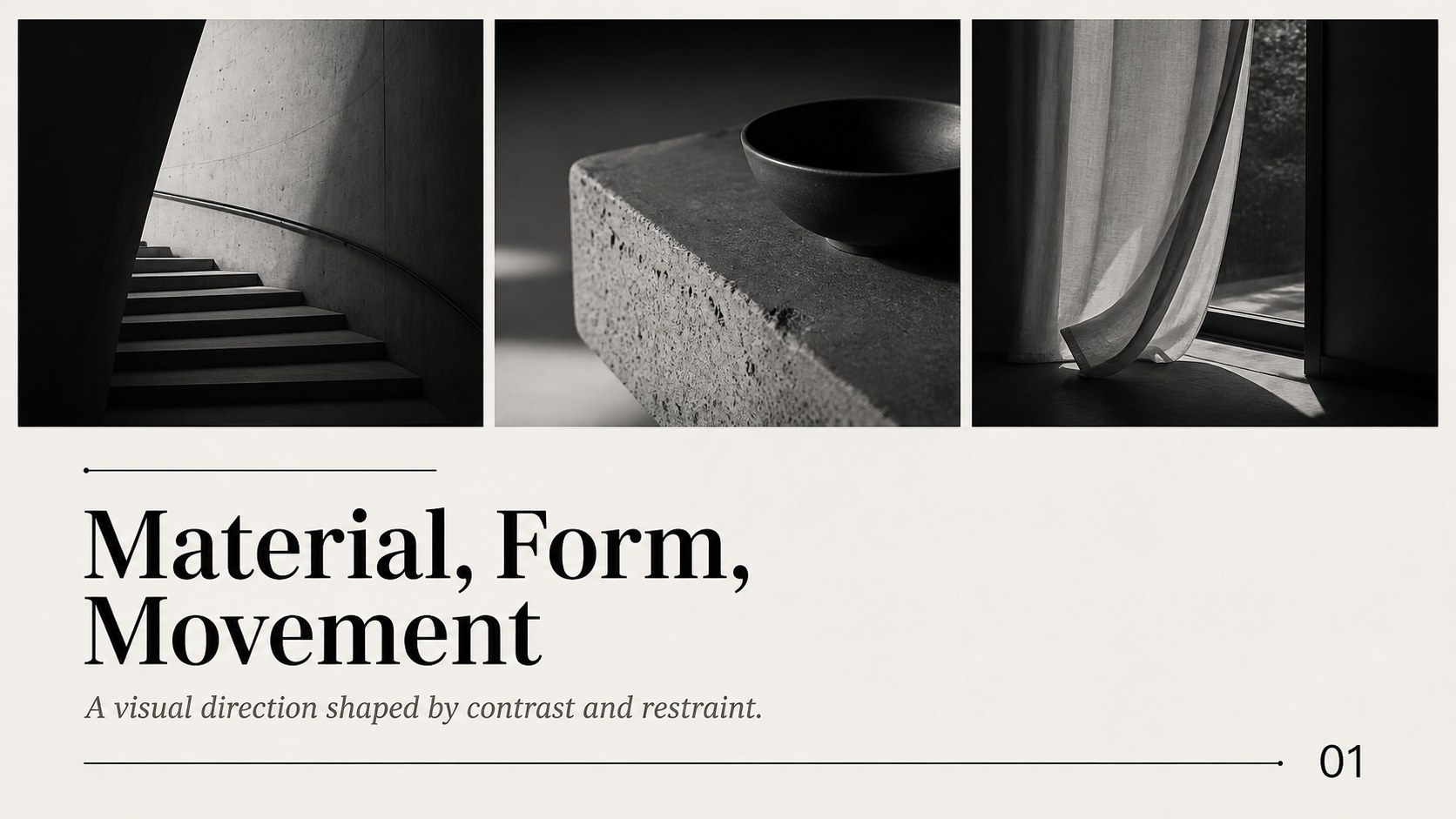
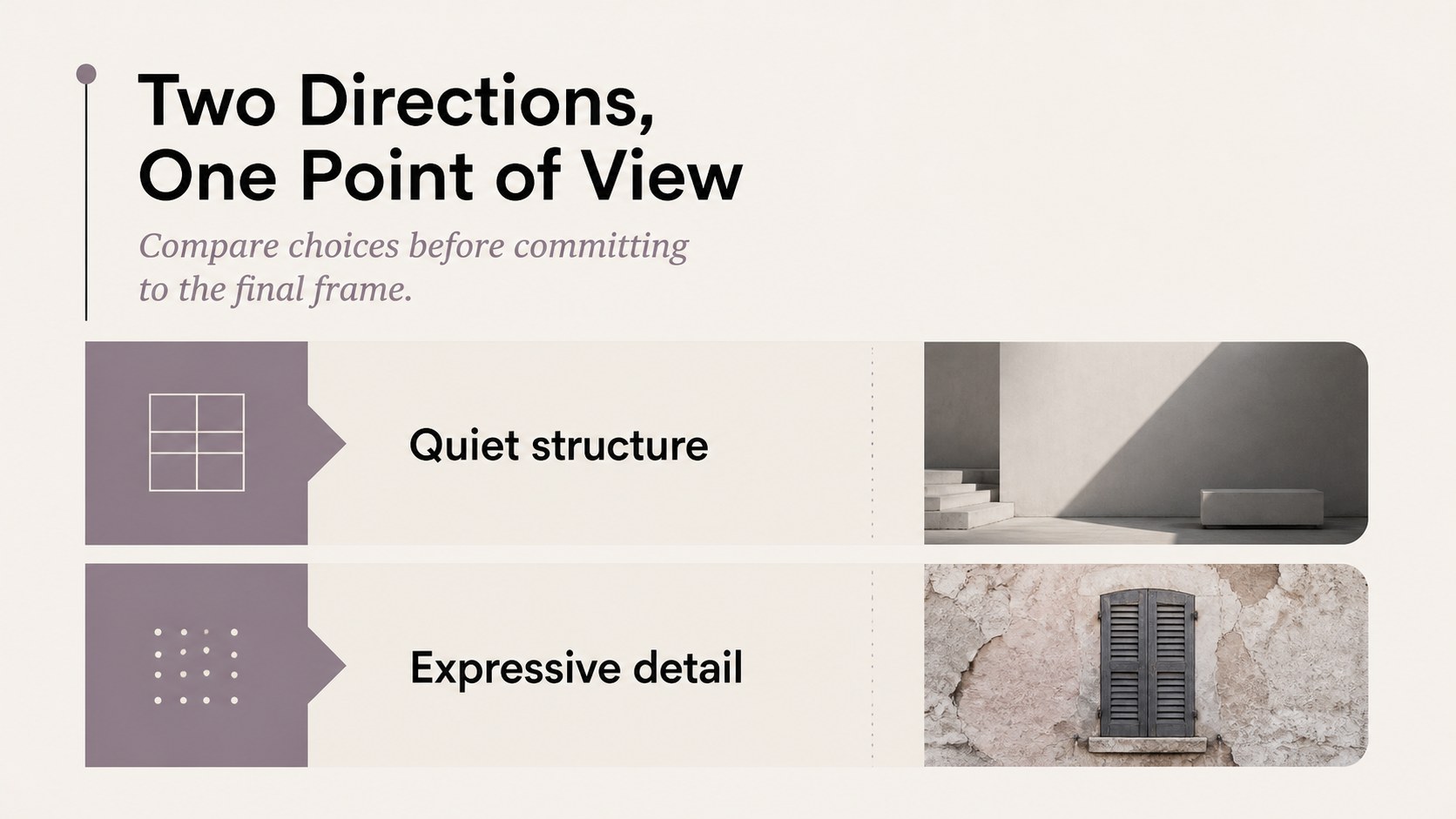
Bring a considered editorial feel to your next talk with this black editorial presentation deck. The restrained black palette, serif typography, and flexible page structures create a polished setting for ideas that need clarity and atmosphere, from a fashion collection review to a literary analysis or personal portfolio.
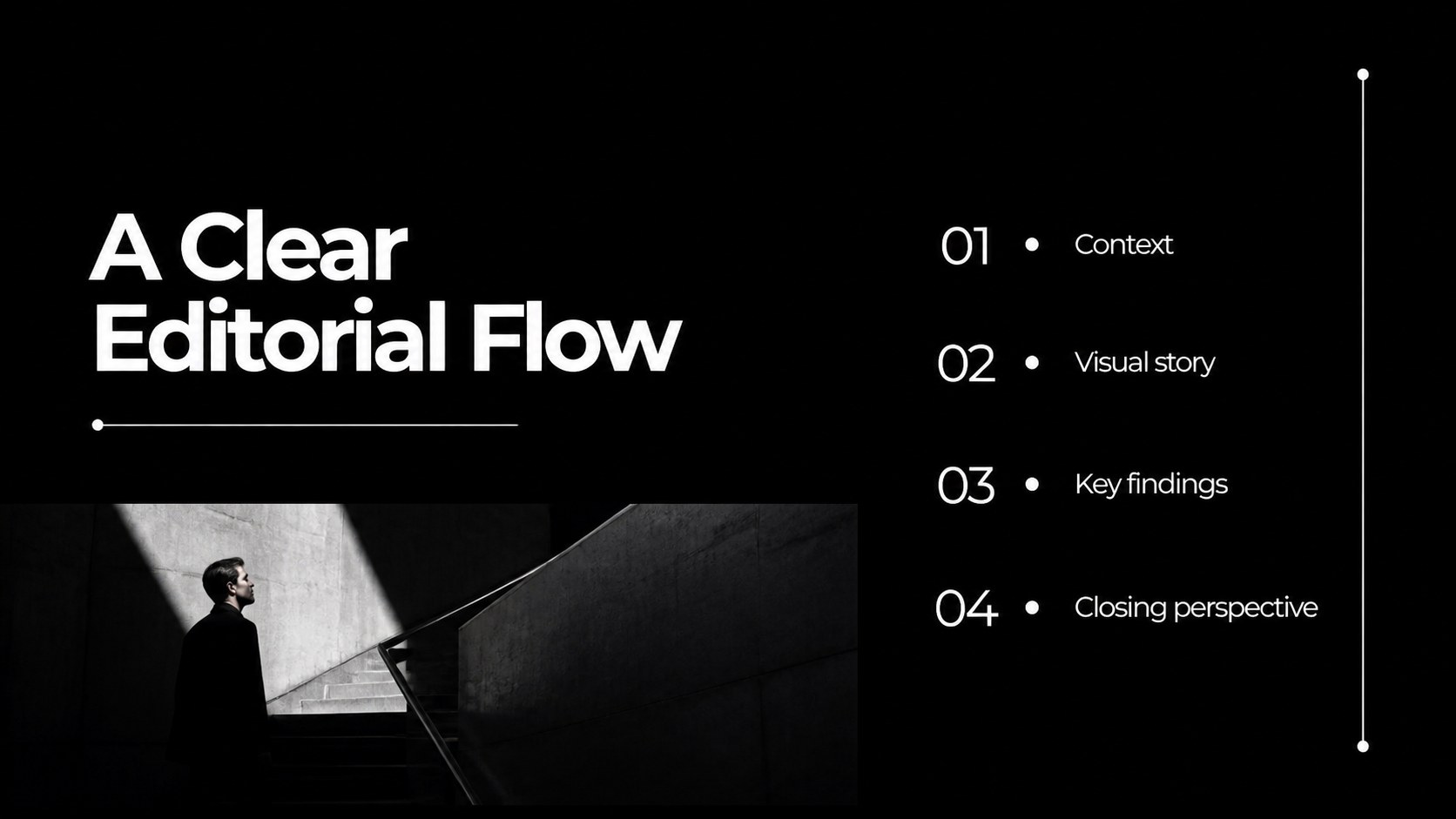
Inside, you will find 16:9 layouts for opening statements, agendas, section dividers, image-led stories, text columns, data displays, timelines, comparisons, and closing remarks. Every element is fully editable, including colors, text, photographs, charts, tables, icons, and maps. The deck includes 25 adaptable slide styles, practical presentation tips, an 80-icon set, and a customizable world map. Rearrange, duplicate, or remove pages to match the pace of your narrative.
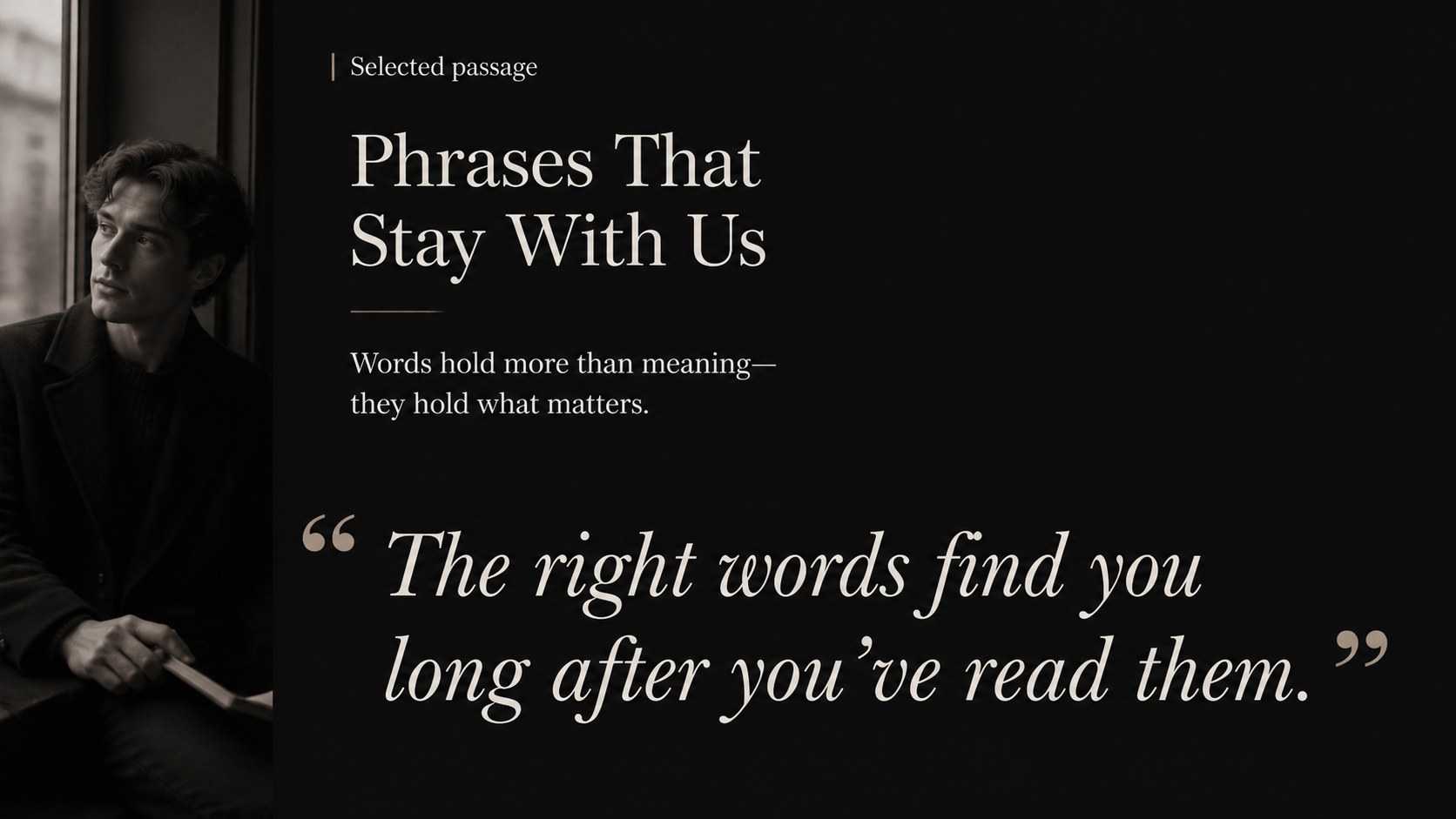
Use these editorial presentation slides in Google Slides or PowerPoint, then export the finished work to PDF or JPG. The design is especially useful for an editorial presentation for fashion, literature presentation slides, conference talks, creative research, and a black portfolio presentation template. Montserrat and PT Serif provide a balanced mix of modern structure and literary character, while the subtle monochrome treatment keeps attention on your content.
Perfect for: fashion collection review; literary analysis; conference keynote; creative portfolio; personal storytelling; research presentation.
Frequently asked questions
Can I edit this deck in Google Slides? Yes. The template is designed for Google Slides and can be edited directly in your browser. Text, images, colors, charts, icons, and layouts can all be adjusted.
Practical details
Yes. The template is designed for Google Slides and can be edited directly in your browser. Text, images, colors, charts, icons, and layouts can all be adjusted.
Yes, you can download and edit the presentation in PowerPoint on your computer. You can also export the completed deck as a PDF or JPG.
Yes. The color system is fully customizable, so you can adapt the monochrome treatment to your brand or project. Some graphic assets may need minor adjustment after recoloring.
The deck includes 16:9 layouts, editable charts and tables, presentation tips, an 80-icon family, and a customizable world map. You can duplicate, delete, or reorder slides as needed.
Keep exploring
15Use this astrology audience insights deck to present zodiac-based segments, behaviors, and campaign findings in polished black-and-gold slides.
 14
14Plan a memorable Lunar New Year campaign with the 2036 Dragon Year Celebration Theme, featuring bold red-and-yellow slides for lessons and events.
 15
15Build eerie lessons, campaigns, and story pitches with an undead survival scenario theme featuring editable slides for PowerPoint and Google Slides.
 15
15Build a clear breast cancer awareness bulletin with bold pink-and-red slides for campaign news, screening reminders, impact data, and community updates.
 15
15Shape your publishing concept with an indie magazine startup pitch deck featuring pastel gradients, bold collage layouts, and editable planning slides.
 15
15Build a bold retro-futurist campaign pitch deck for client meetings, with editable strategy layouts and playful pastel Y2K-inspired visuals.
 16
16Build a consistent presence with a social channel identity playbook covering voice, visuals, content formats, publishing rules, and approvals.
 15
15Celebrate online learners with webinar completion certificate slides, featuring editable violet artwork for university events in PowerPoint and Google Slides.