
 15
15presentation
Astrology Audience Insights Deck
Use this astrology audience insights deck to present zodiac-based segments, behaviors, and campaign findings in polished black-and-gold slides.
Google SlidesPowerPoint
presentation · English
Build a beige musical memories slideshow for travel, family, or portfolio stories, with 12 elegant layouts for PowerPoint and Google Slides projects.






Design notes
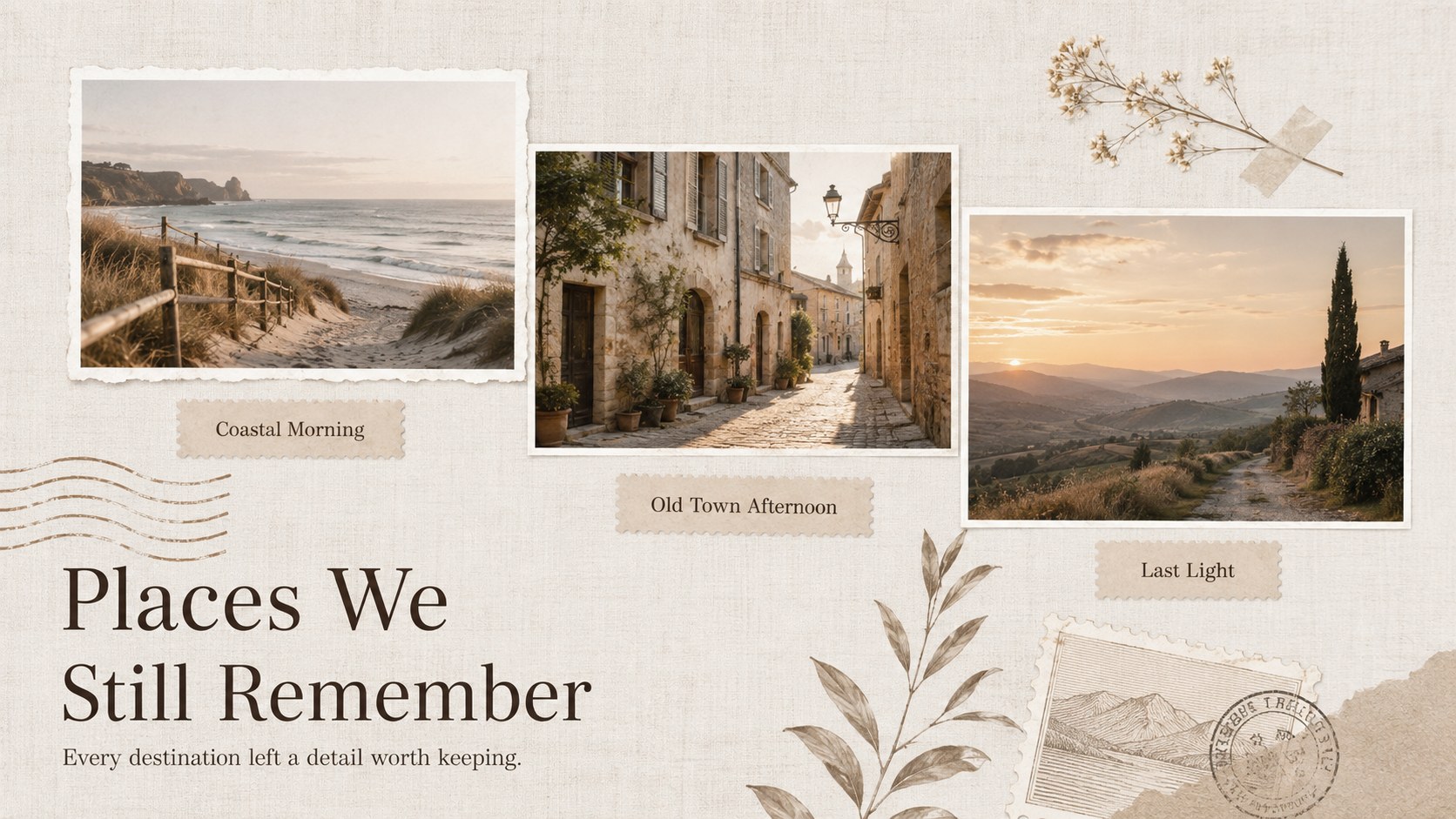
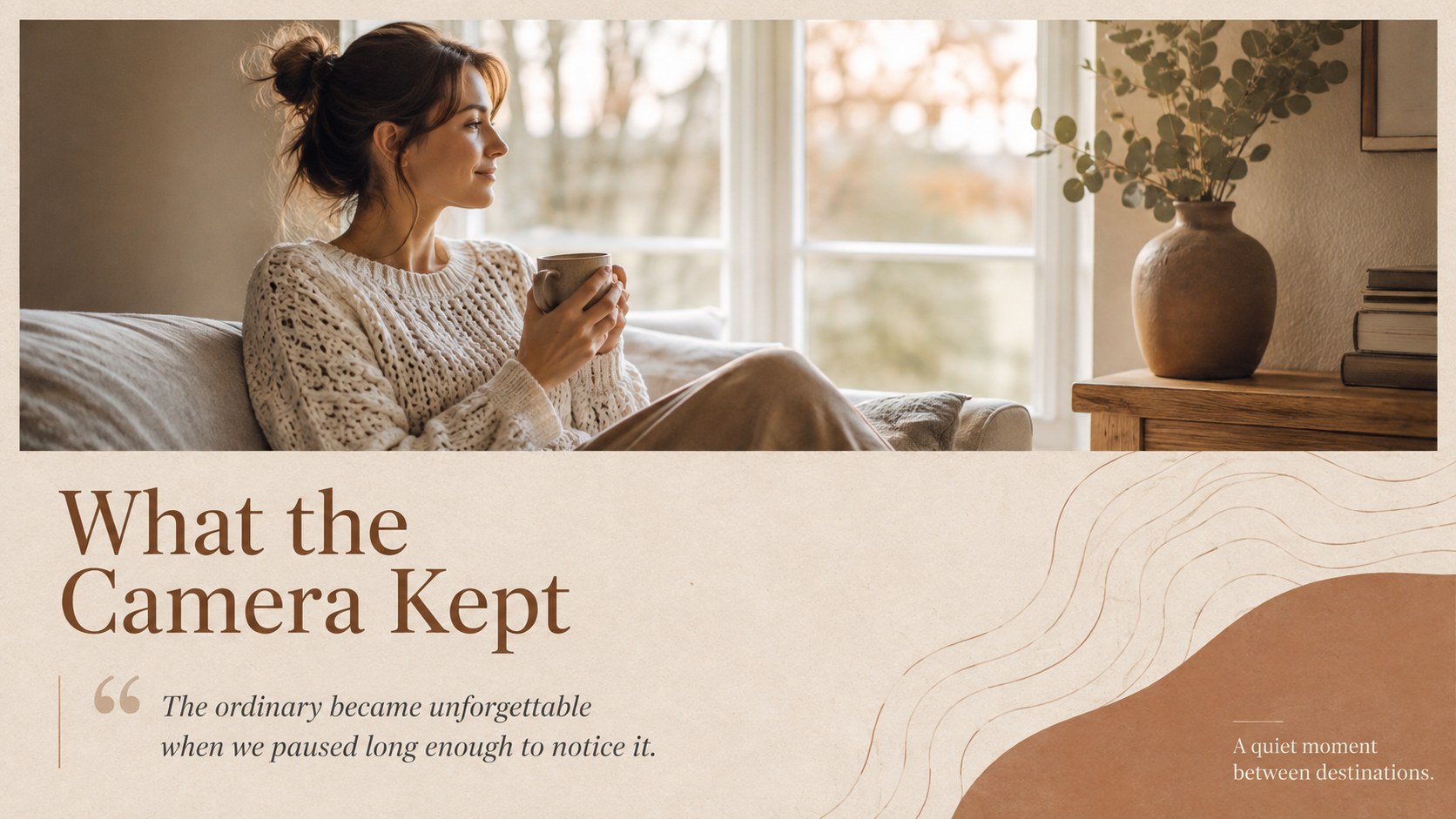
The beige musical memories slideshow turns photographs, short reflections, and favorite songs into a refined visual narrative. Its warm beige and brown palette, elegant serif typography, subtle botanical accents, and tactile paper textures give every image room to breathe. Use the deck to celebrate meaningful experiences without overwhelming viewers with busy decoration.
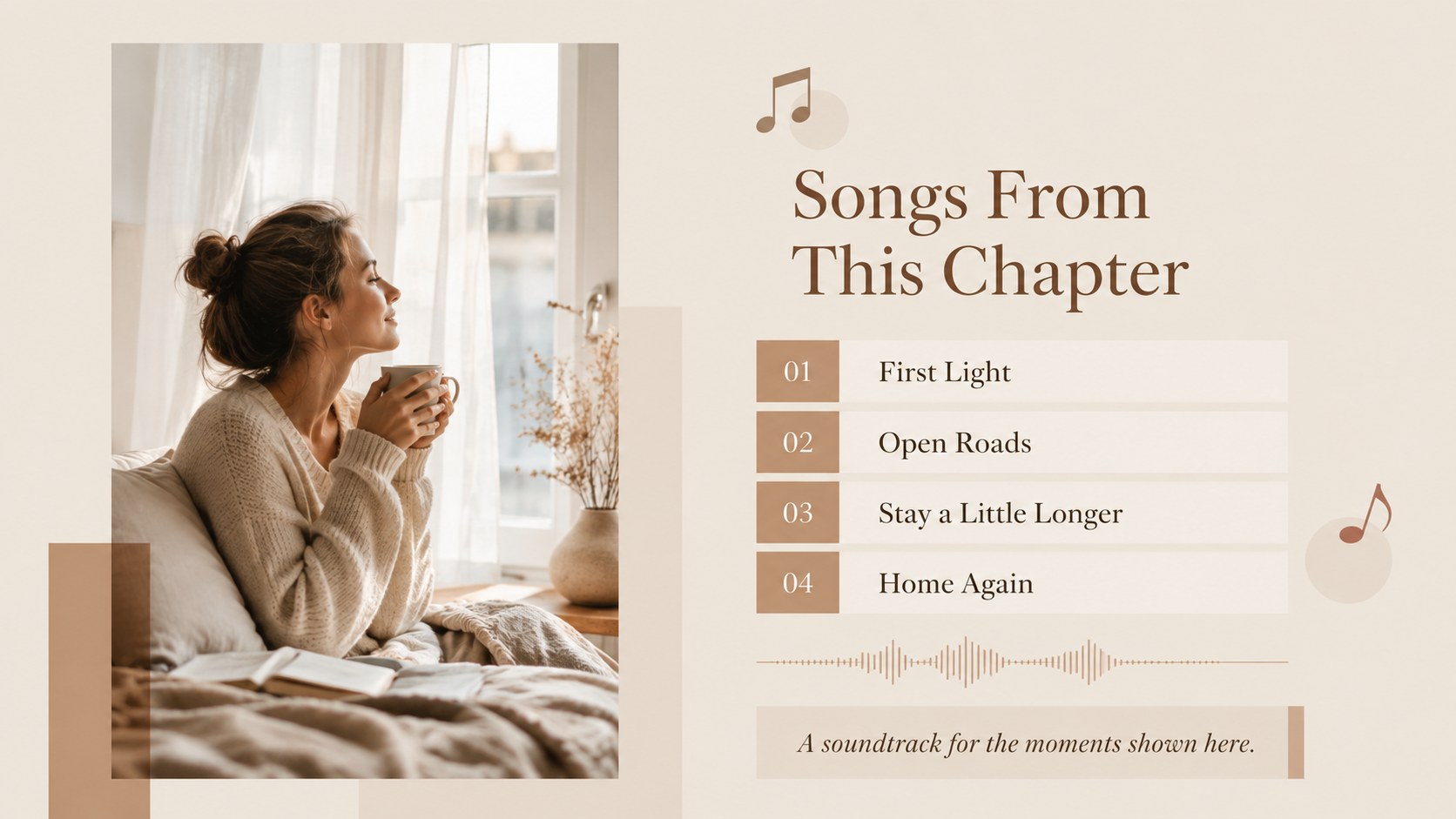
Inside are 12 widescreen layouts covering an opening title, story introduction, featured moments, favorite places, important people, small details, a soundtrack page, a comparison, a milestone timeline, a photo gallery, and a closing message. Image frames and concise text areas can be adapted for portraits, landscapes, event photography, captions, dates, or quotations. Add audio through the playback tools available in PowerPoint or Google Slides to complete the atmosphere.
This elegant photo story presentation template works especially well as a minimal family memory slideshow for PowerPoint, a travel memory slideshow for Google Slides, or a neutral photography portfolio with music. It also suits anniversaries, graduation recaps, creative journals, memorial tributes, and personal year-in-review presentations. Replace the sample imagery, adjust the captions, reorder sections, and select a soundtrack that supports the pace of your story. The restrained design keeps attention on the photographs while maintaining a consistent, professionally composed look from cover to closing slide.
Perfect for: family milestone recap; travel memory journal; anniversary photo story; photography portfolio showcase; graduation celebration; personal year in review.
Frequently asked questions
Can I edit every photo and caption? Yes. Replace the sample images, rewrite the captions, move layout elements, and adjust the colors in PowerPoint or Google Slides. Keep the existing image proportions for the cleanest results.
Practical details
Yes. Replace the sample images, rewrite the captions, move layout elements, and adjust the colors in PowerPoint or Google Slides. Keep the existing image proportions for the cleanest results.
In PowerPoint, insert an audio file and configure its playback across slides. In Google Slides, add an audio file stored in Google Drive and choose the available playback settings.
The template is designed for Microsoft PowerPoint and Google Slides. Both platforms support slide editing, transitions, speaker notes, image replacement, and audio insertion.
Yes. Update fills, text colors, lines, and decorative accents to match a celebration, brand, or photography style. For a cohesive result, use one light background color, one dark text color, and one restrained accent.
Keep exploring
15Use this astrology audience insights deck to present zodiac-based segments, behaviors, and campaign findings in polished black-and-gold slides.
 14
14Plan a memorable Lunar New Year campaign with the 2036 Dragon Year Celebration Theme, featuring bold red-and-yellow slides for lessons and events.
 15
15Build eerie lessons, campaigns, and story pitches with an undead survival scenario theme featuring editable slides for PowerPoint and Google Slides.
 15
15Build a clear breast cancer awareness bulletin with bold pink-and-red slides for campaign news, screening reminders, impact data, and community updates.
 15
15Shape your publishing concept with an indie magazine startup pitch deck featuring pastel gradients, bold collage layouts, and editable planning slides.
 15
15Build a bold retro-futurist campaign pitch deck for client meetings, with editable strategy layouts and playful pastel Y2K-inspired visuals.
 16
16Build a consistent presence with a social channel identity playbook covering voice, visuals, content formats, publishing rules, and approvals.
 15
15Celebrate online learners with webinar completion certificate slides, featuring editable violet artwork for university events in PowerPoint and Google Slides.