
 15
15presentation
Astrology Audience Insights Deck
Use this astrology audience insights deck to present zodiac-based segments, behaviors, and campaign findings in polished black-and-gold slides.
Google SlidesPowerPoint
presentation · English
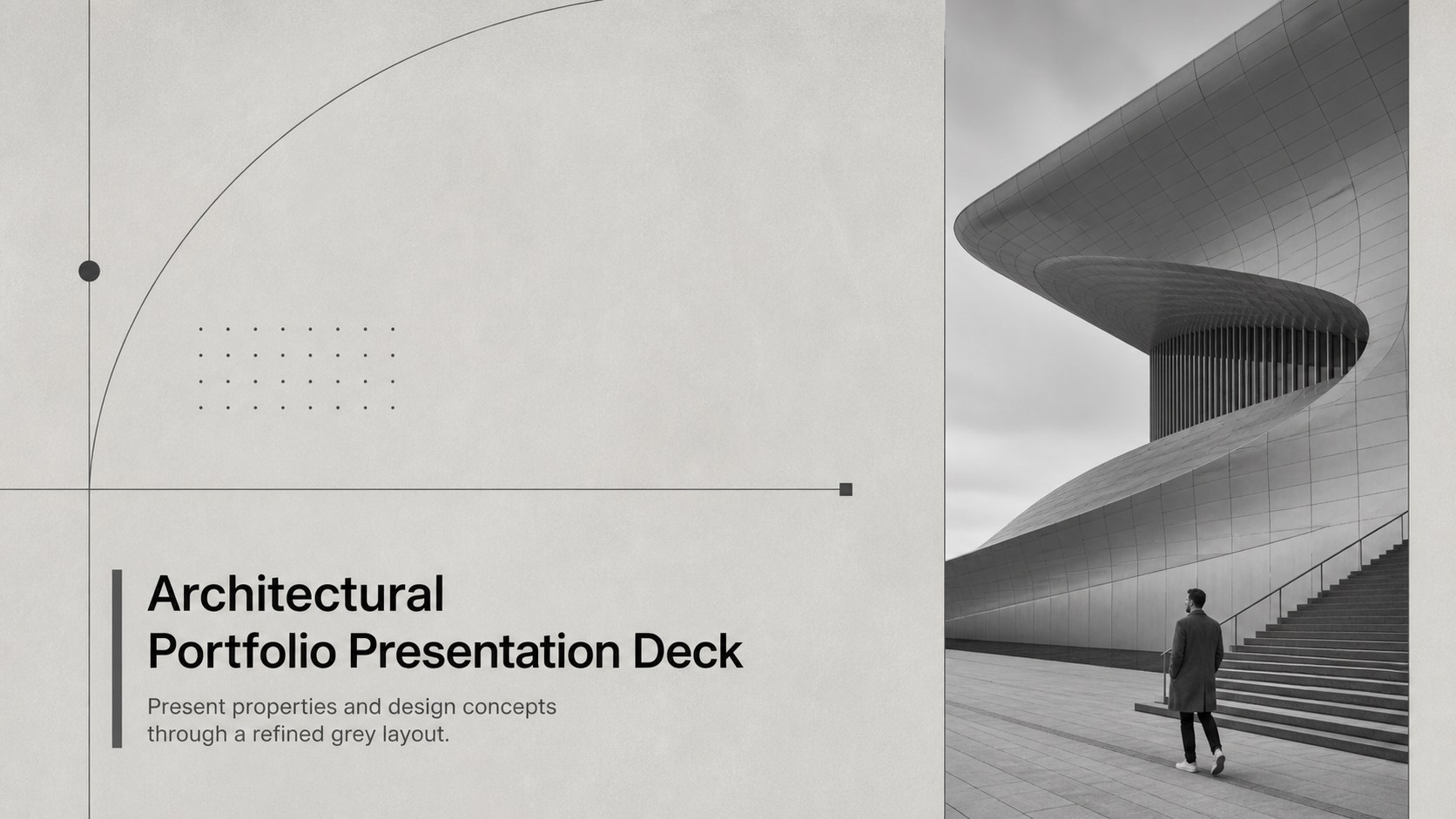
Build a polished architectural portfolio presentation deck for property tours, design reviews, and client proposals in PowerPoint or Google Slides.
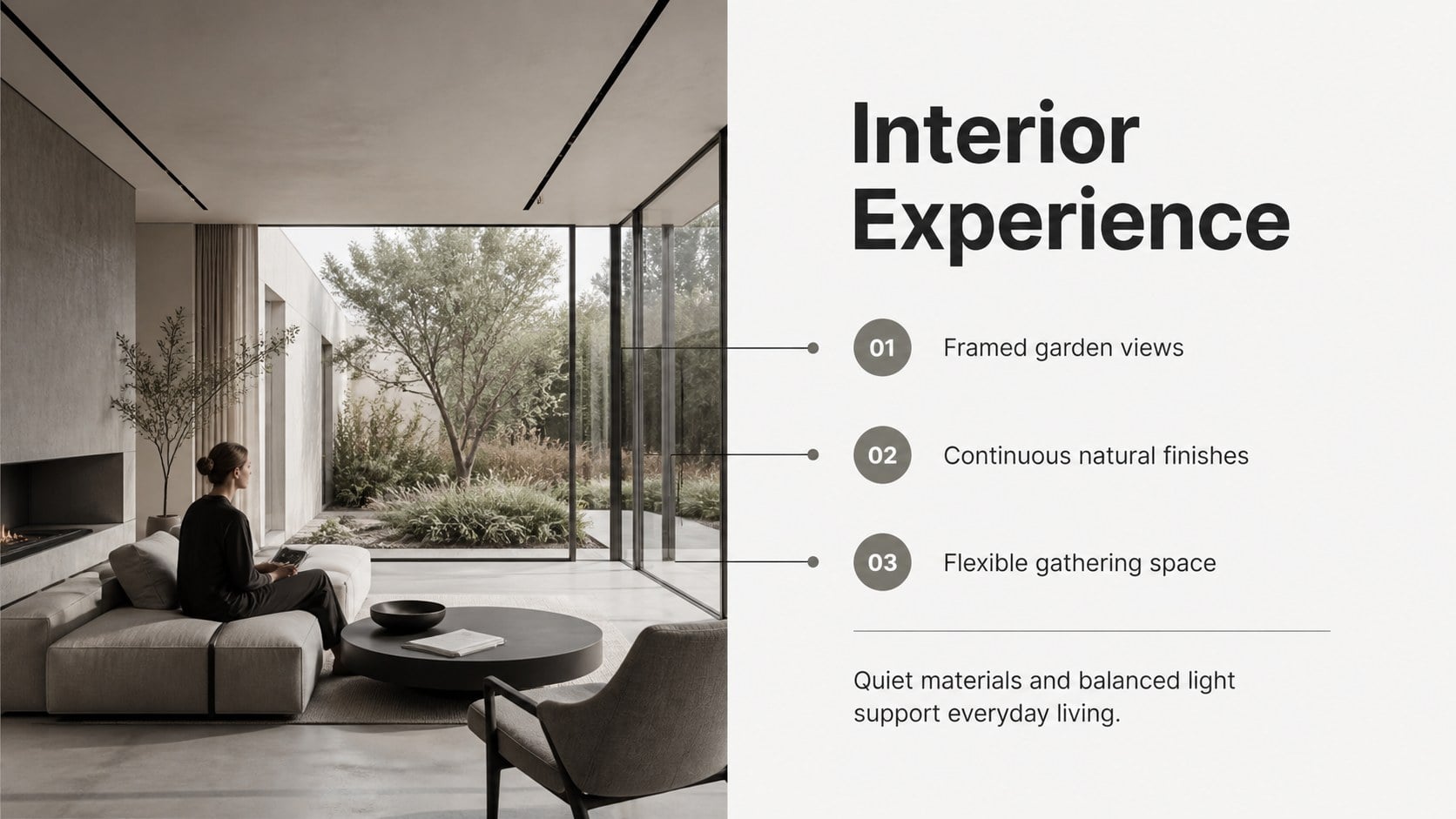
Design notes
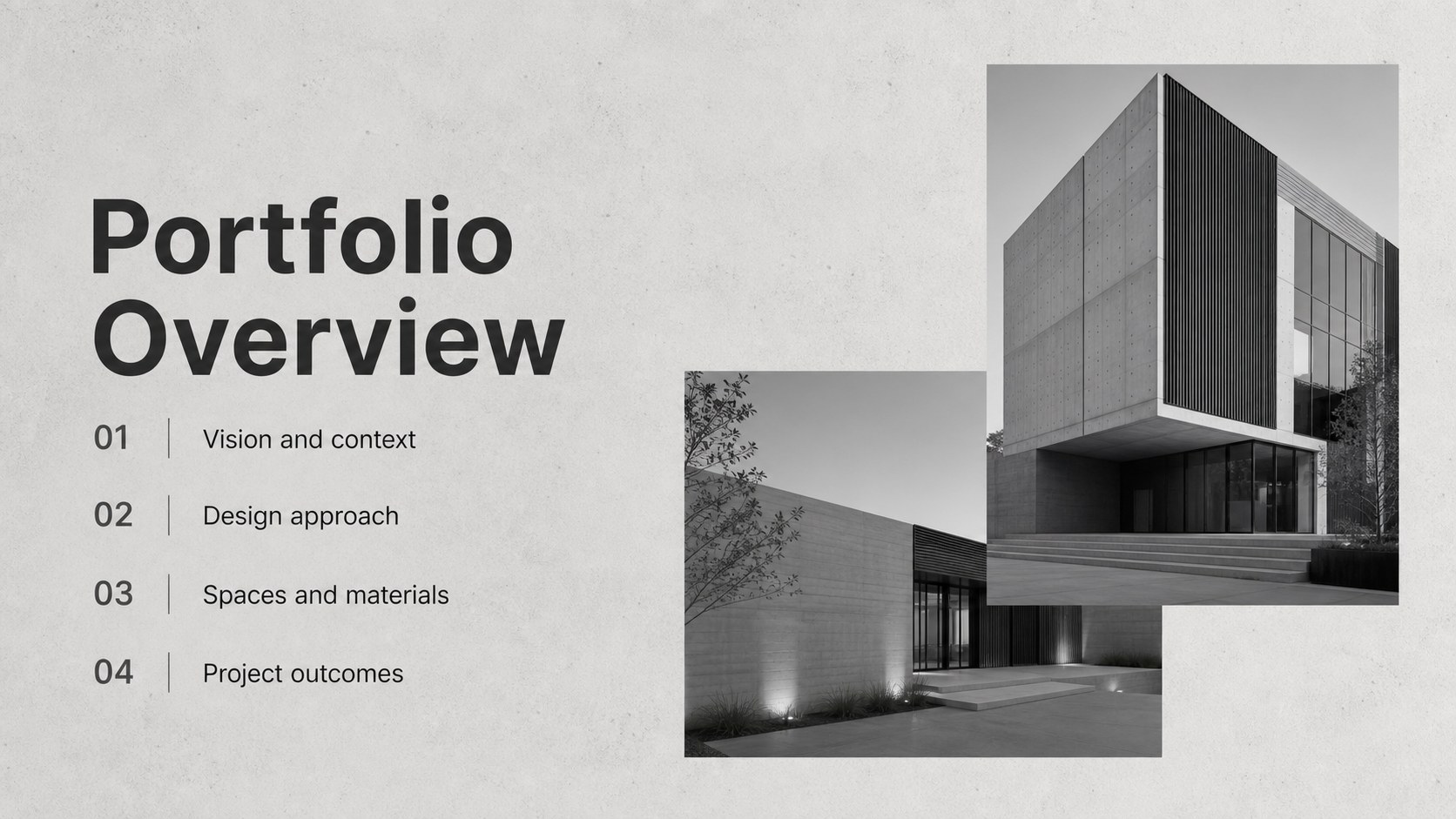
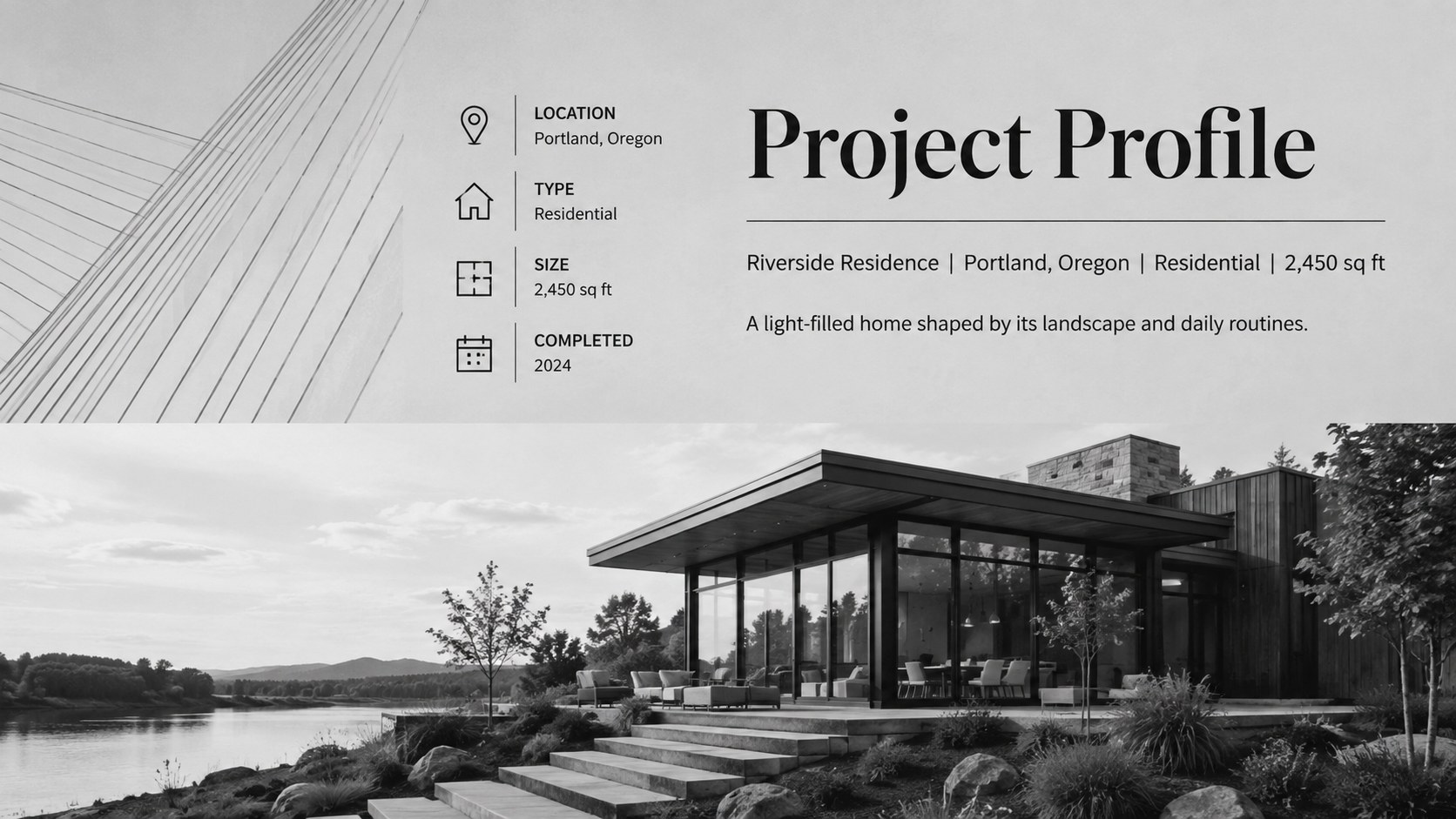
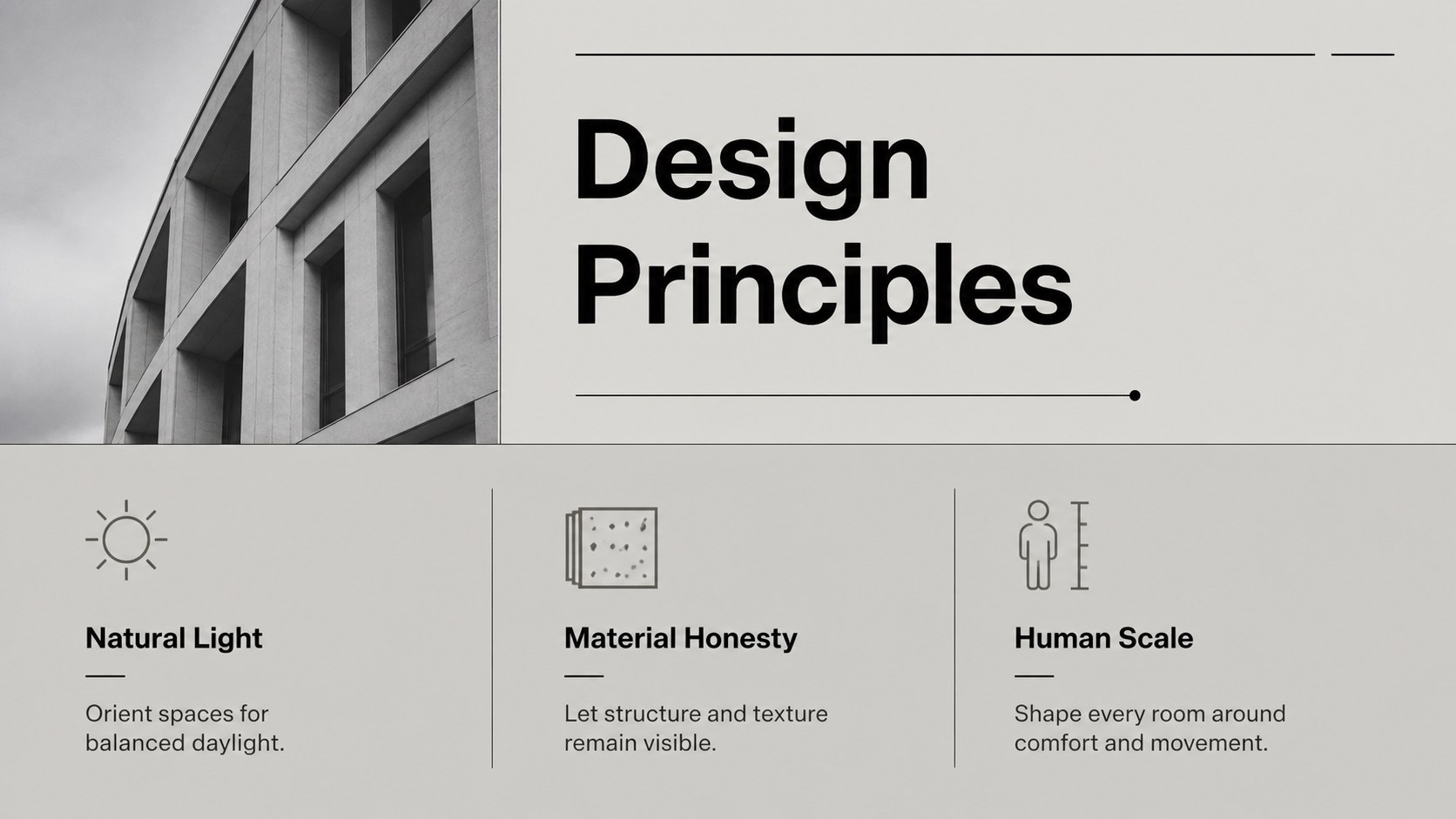
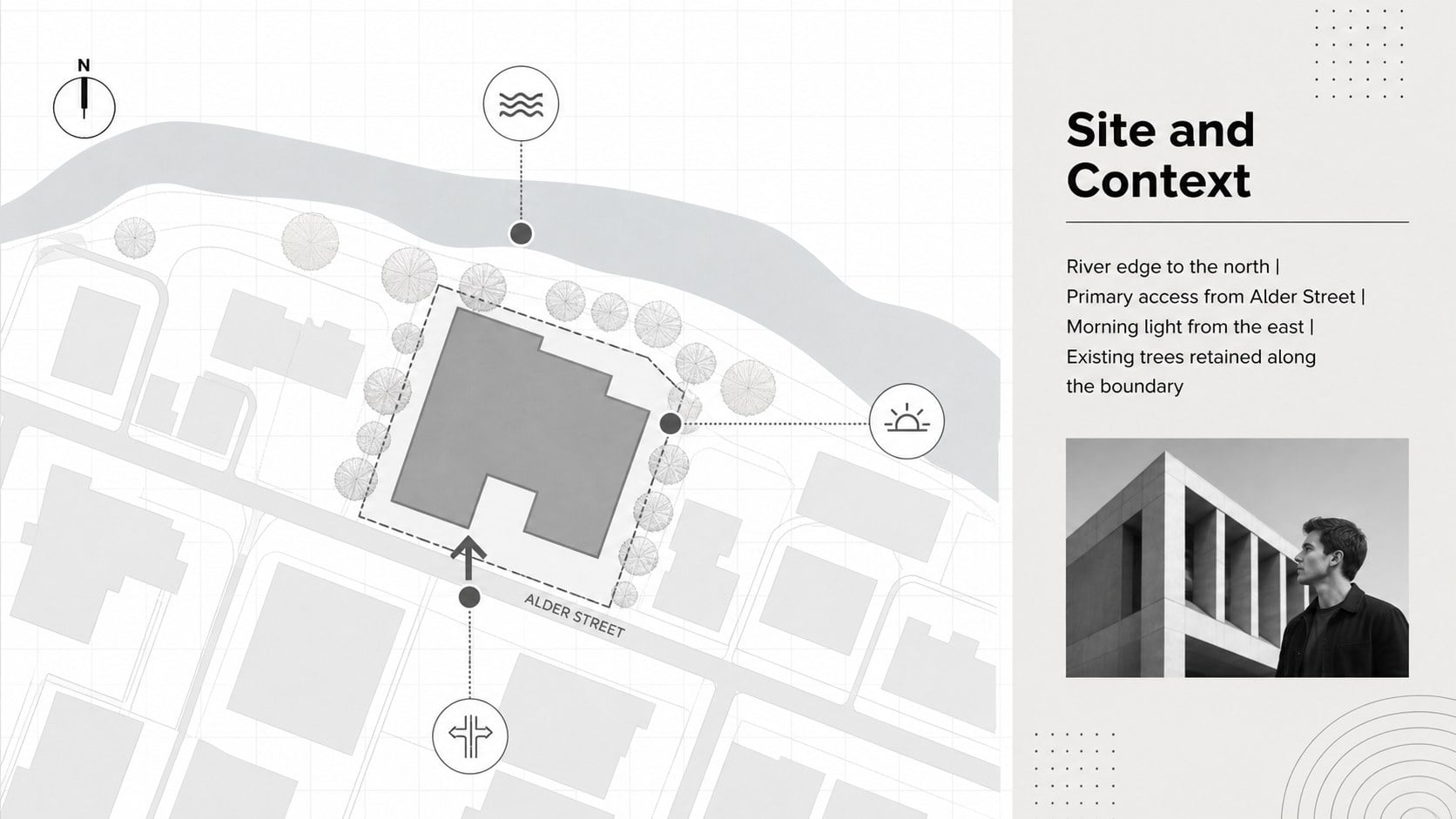
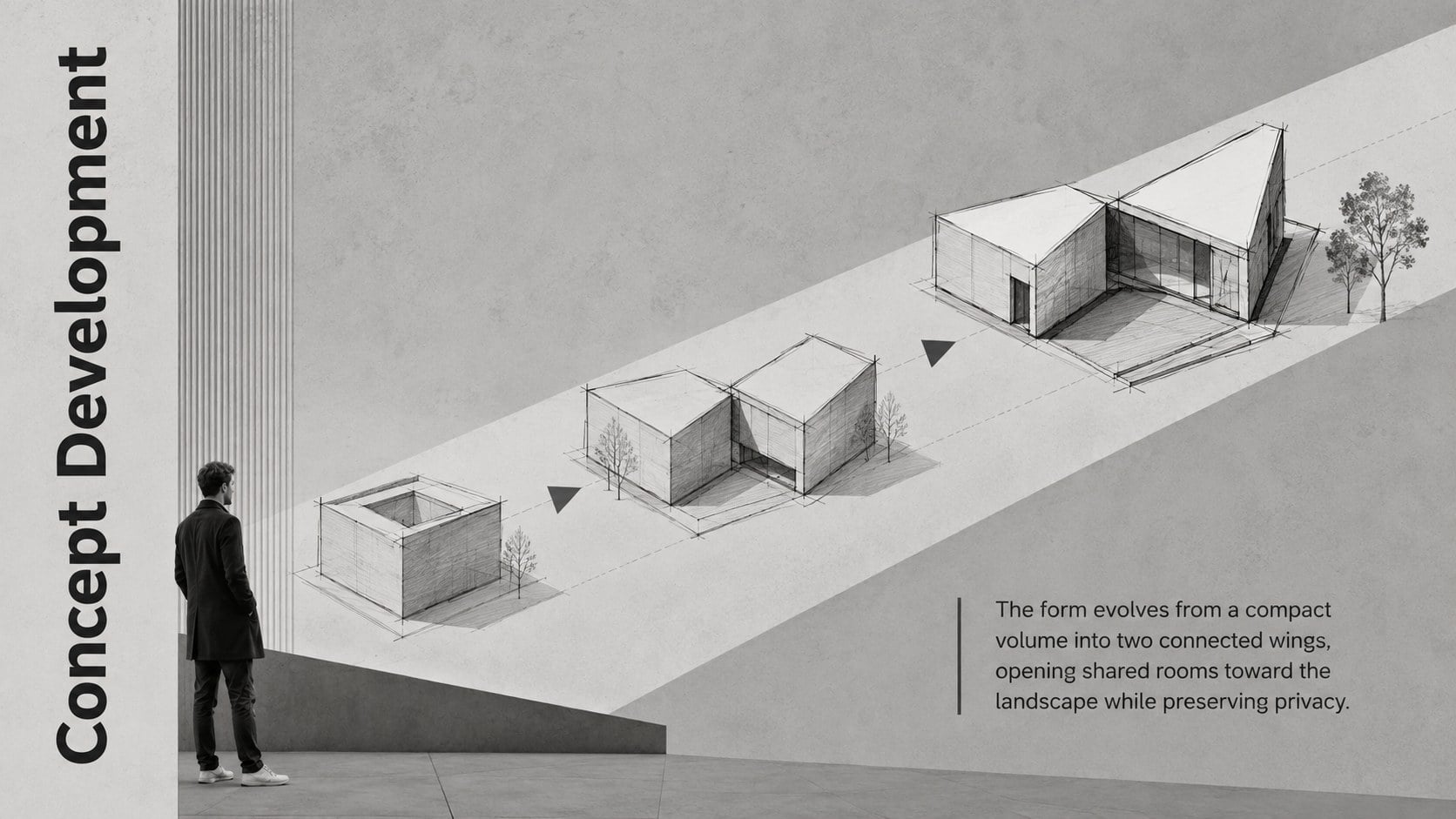
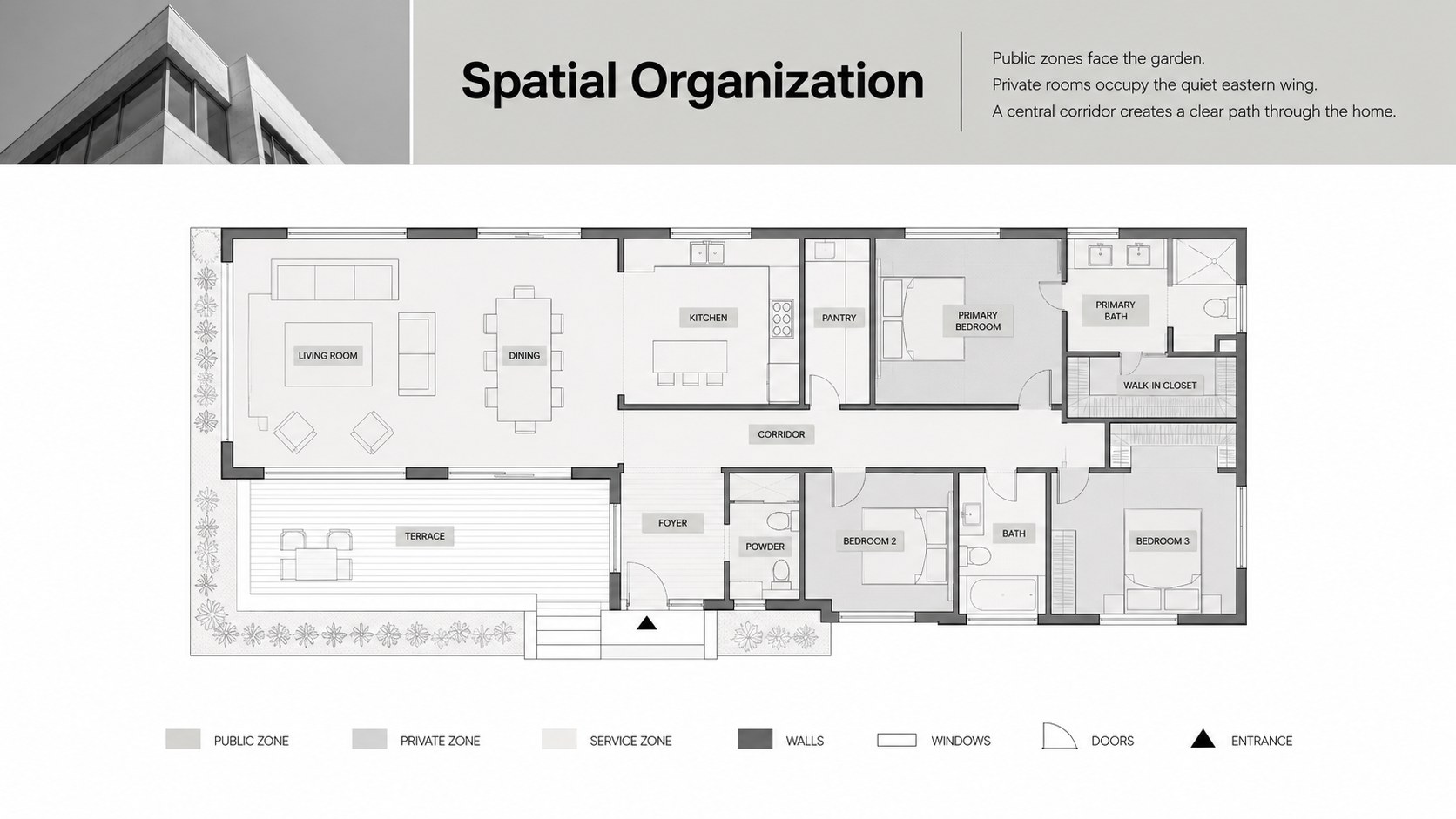
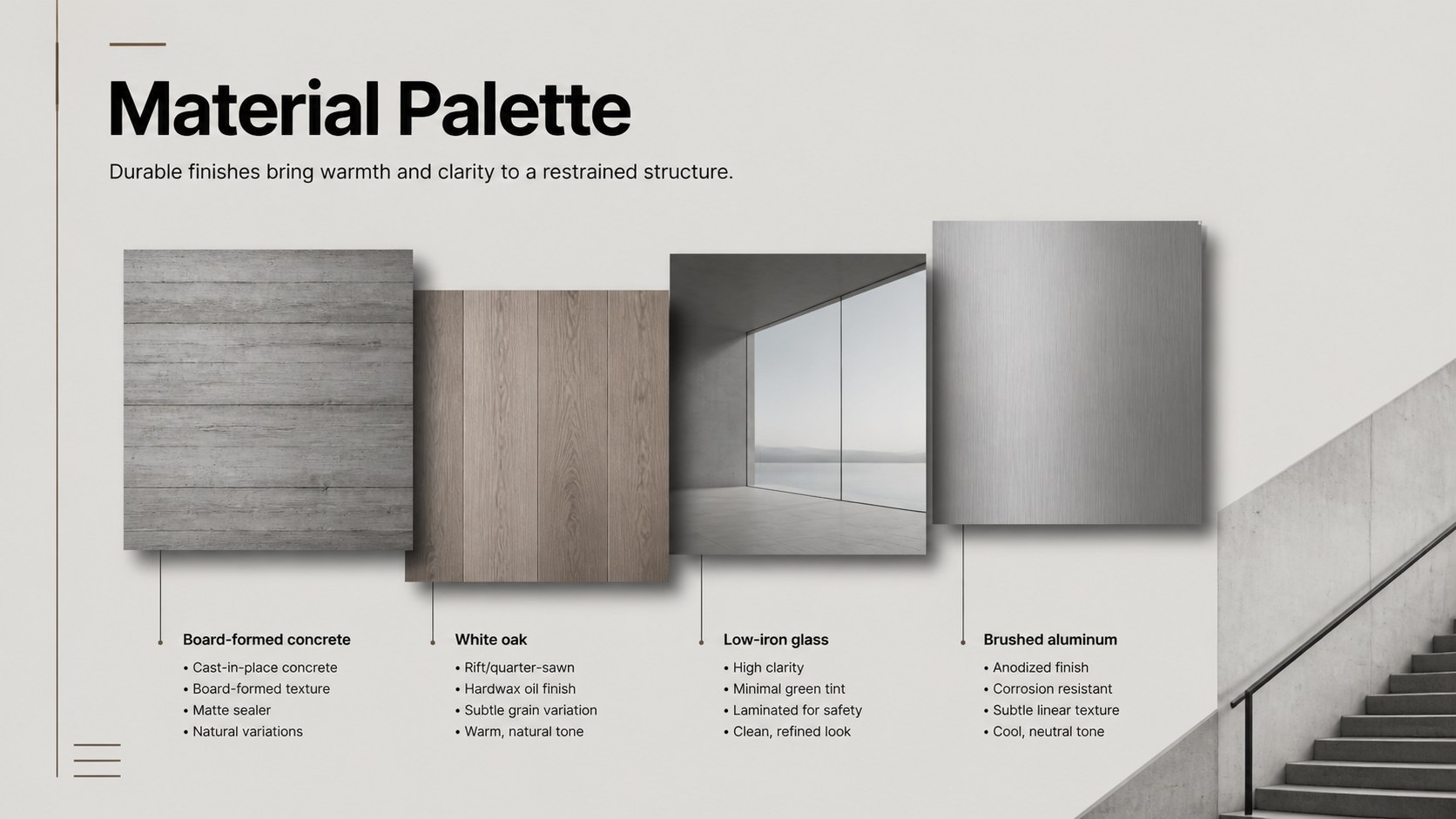
Turn architectural ideas into a clear visual narrative with the Architectural Portfolio Presentation Deck. Its restrained grey palette, generous spacing, and contemporary typography create a professional setting for photography, floor plans, project facts, and design commentary. Every layout is designed to support the work rather than compete with it.
The deck includes 15 adaptable 16:9 slides covering project introductions, design principles, site context, materials, floor plans, development phases, property highlights, market data, team profiles, and next steps. Image-led compositions sit alongside structured text pages, comparison layouts, charts, and timelines, giving you the flexibility to build a minimalist real estate presentation or a modern architecture project showcase without losing visual consistency.
Created for architects, property developers, interior studios, real estate professionals, and design students, this architectural portfolio presentation deck works equally well for client proposals, listing presentations, planning reviews, and academic critiques. Replace the sample wording, insert your own images, adjust the grey tones, and reorganize sections directly in PowerPoint or Google Slides. The clean framework also suits a property development proposal template when financial figures, schedules, and investment details need to appear alongside strong architectural imagery.
Perfect for: architectural client proposal; property development pitch; real estate listing presentation; design studio portfolio review; university architecture critique; residential project showcase.
Frequently asked questions
Can I edit every part of this architecture deck? Yes. Text, photographs, shapes, charts, colors, and section order can be adjusted to match your project and visual identity.
Practical details
Yes. Text, photographs, shapes, charts, colors, and section order can be adjusted to match your project and visual identity.
The template is designed for Microsoft PowerPoint and Google Slides. Some fonts, transitions, or image crops may require minor adjustments when moving between platforms.
Replace the sample projects with your own renders, plans, location maps, and financial details. Keep the established spacing and grey palette for consistency, or introduce one restrained accent color from your brand.
Yes. Students can use the layouts for studio critiques, case studies, site analysis, concept development, and final portfolio presentations.
Keep exploring
15Use this astrology audience insights deck to present zodiac-based segments, behaviors, and campaign findings in polished black-and-gold slides.
 14
14Plan a memorable Lunar New Year campaign with the 2036 Dragon Year Celebration Theme, featuring bold red-and-yellow slides for lessons and events.
 15
15Build eerie lessons, campaigns, and story pitches with an undead survival scenario theme featuring editable slides for PowerPoint and Google Slides.
 15
15Build a clear breast cancer awareness bulletin with bold pink-and-red slides for campaign news, screening reminders, impact data, and community updates.
 15
15Shape your publishing concept with an indie magazine startup pitch deck featuring pastel gradients, bold collage layouts, and editable planning slides.
 15
15Build a bold retro-futurist campaign pitch deck for client meetings, with editable strategy layouts and playful pastel Y2K-inspired visuals.
 16
16Build a consistent presence with a social channel identity playbook covering voice, visuals, content formats, publishing rules, and approvals.
 15
15Celebrate online learners with webinar completion certificate slides, featuring editable violet artwork for university events in PowerPoint and Google Slides.