
 15
15presentation
Astrology Audience Insights Deck
Use this astrology audience insights deck to present zodiac-based segments, behaviors, and campaign findings in polished black-and-gold slides.
Google SlidesPowerPoint
presentation · English
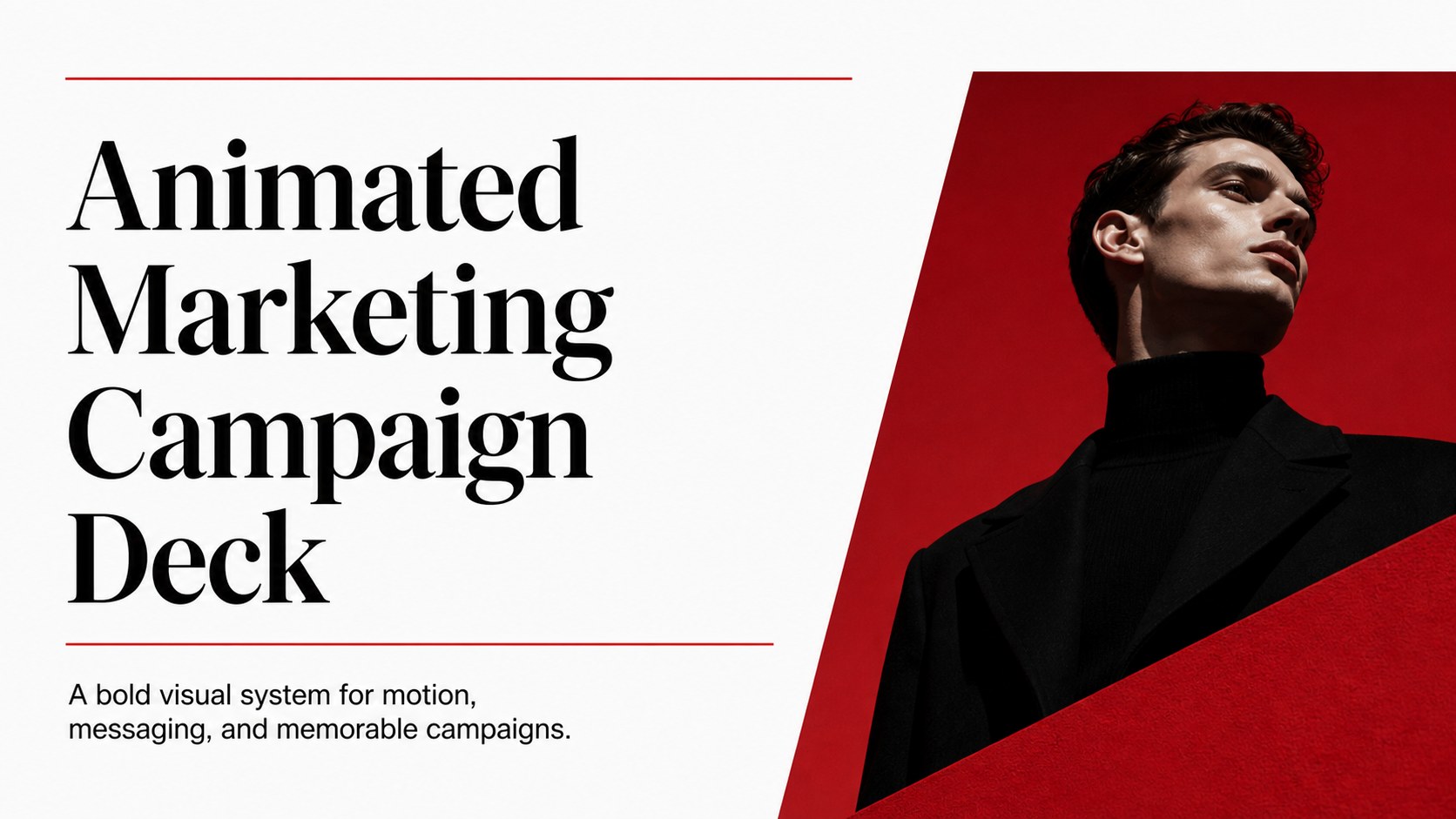
Build a sharper campaign story with an animated marketing campaign deck in black, white, and red, made for video newsletters, pitches, and launches.
Design notes
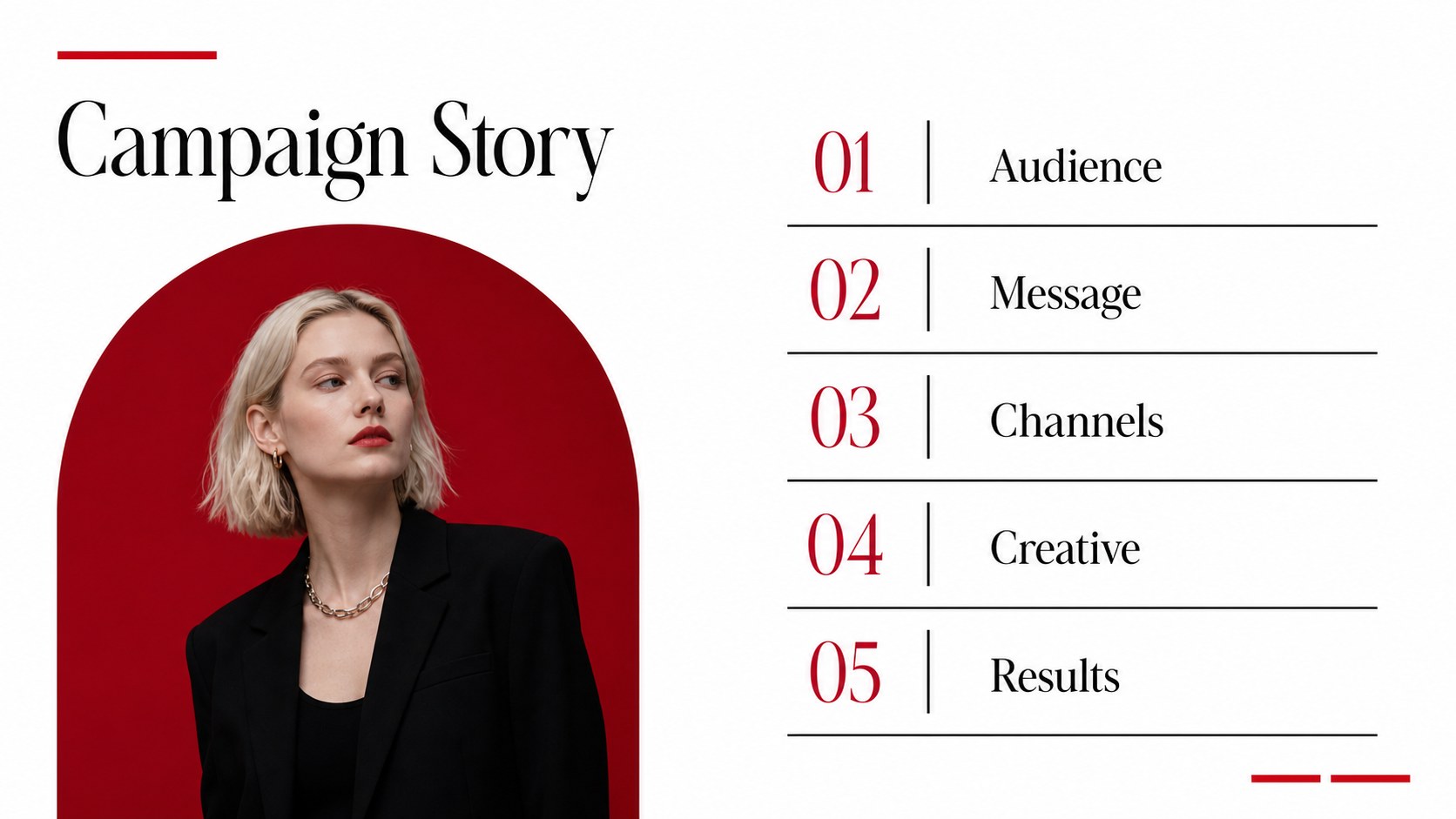
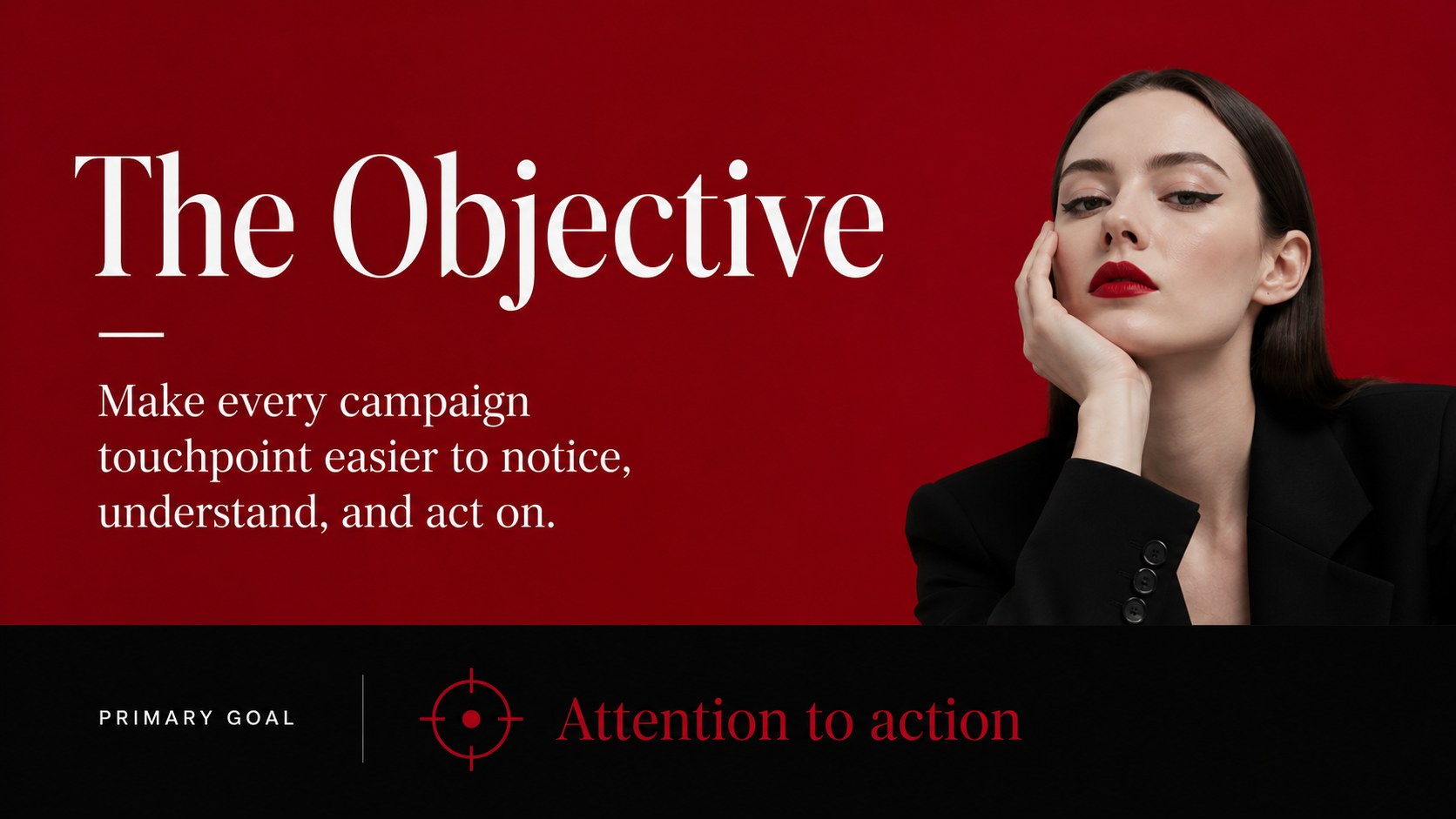
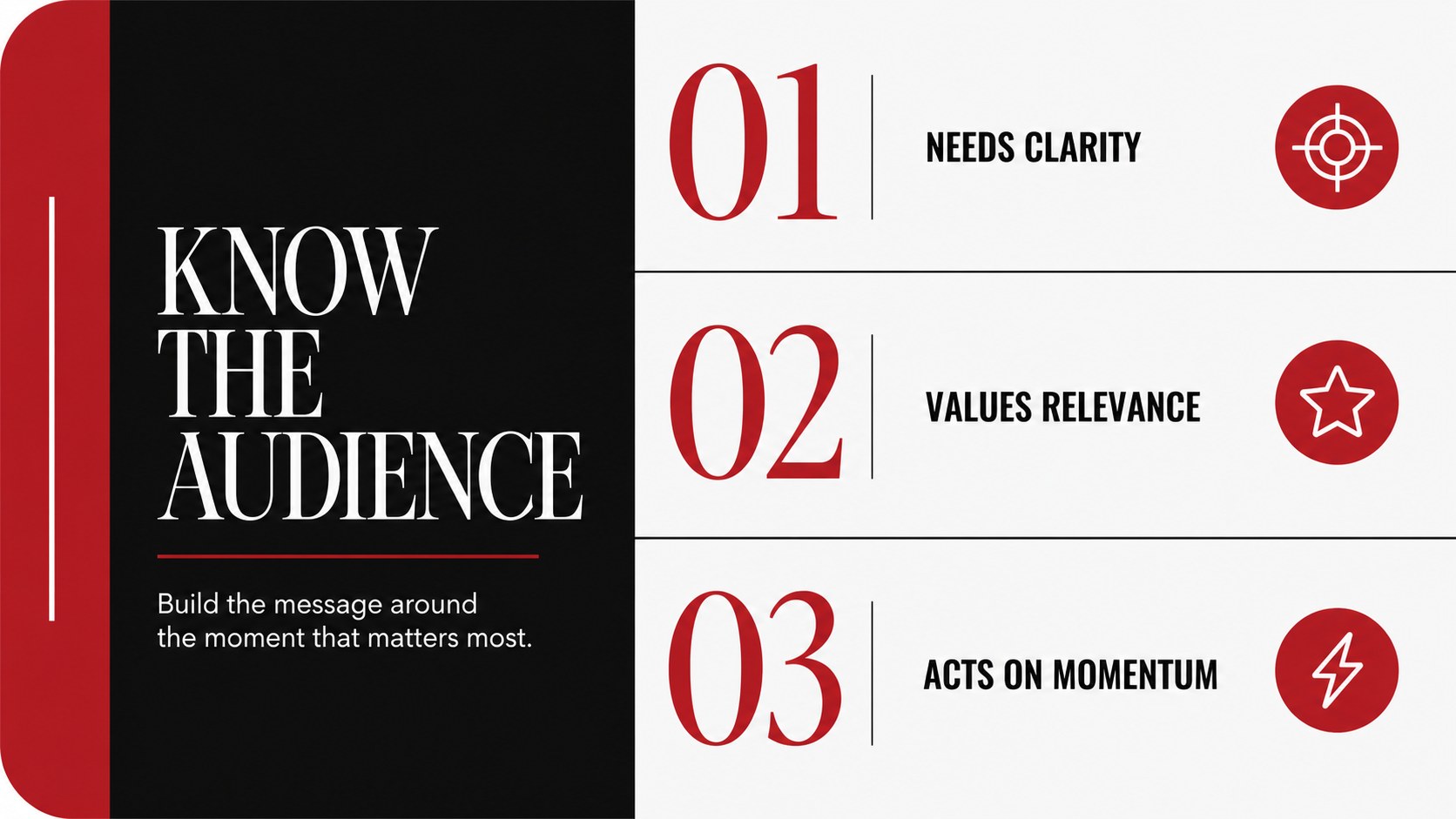
Animated Marketing Campaign Deck is designed for teams that need to turn campaign ideas, newsletter content, and launch plans into a focused visual narrative. Its high-contrast black, white, and red palette gives every message a confident editorial edge, while the motion-ready layouts help presenters create energy without overwhelming the audience.
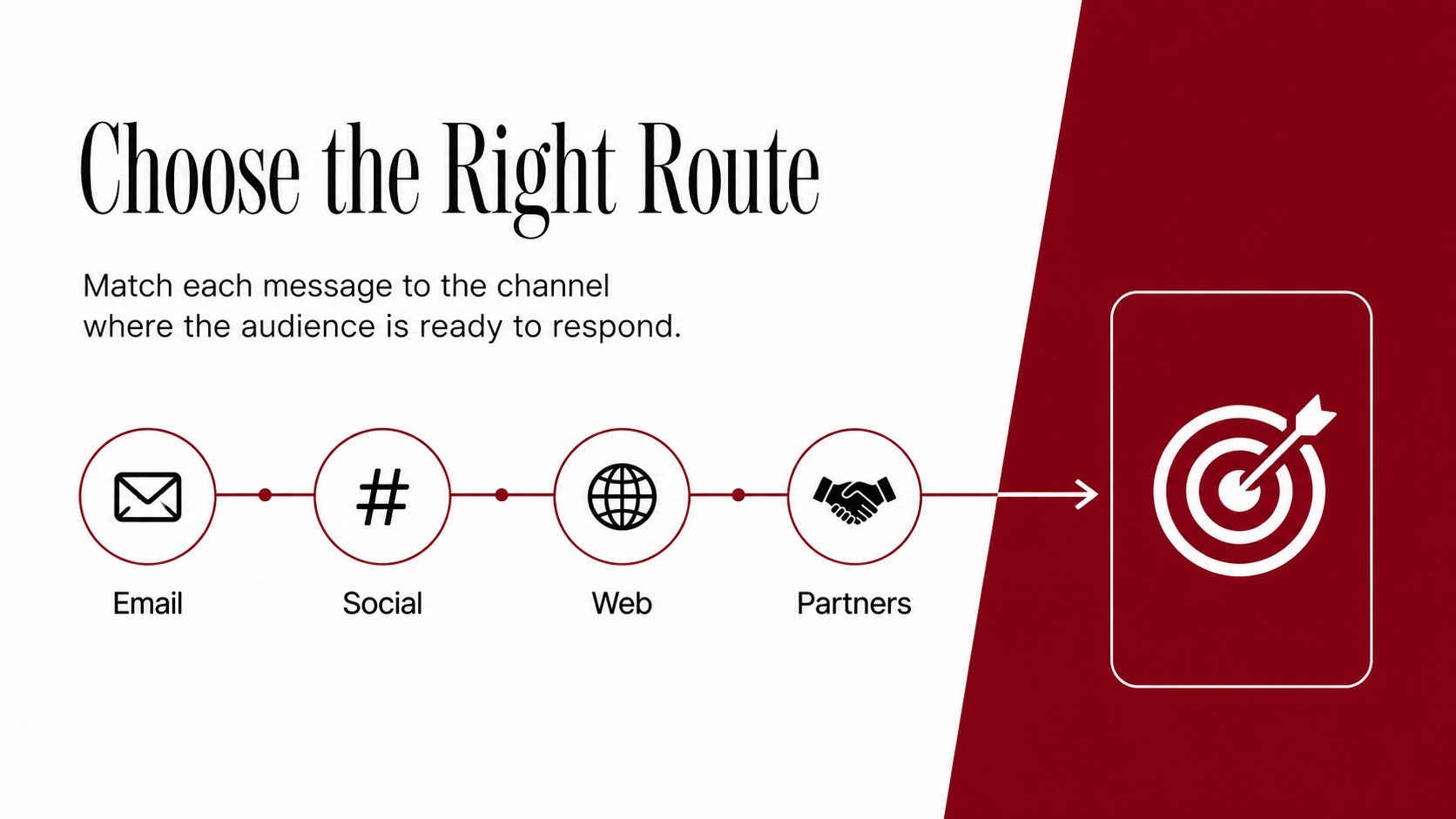
Inside, you’ll find 15 adaptable 16:9 slides for campaign objectives, audience snapshots, content calendars, channel plans, performance highlights, creative concepts, and next steps. The structure works especially well for animated email campaign slides, video newsletter presentation concepts, product launches, agency proposals, and internal marketing reviews. Replace sample copy, adjust the visual hierarchy, and add charts, screenshots, frames, or campaign imagery to match your brand.
The deck is suitable for marketing managers, creative strategists, social media teams, founders, and agencies presenting to clients or stakeholders. editing provides drag-and-drop controls, animation options, media libraries, font combinations, presenter notes, and collaboration tools. The finished presentation can be exported or shared through, PowerPoint, or Google Slides, making it practical for both live meetings and asynchronous reviews.
Perfect for: agency client campaign proposal; product launch briefing; email newsletter planning session; social media content review; quarterly marketing update.
Frequently asked questions
Can I edit this animated marketing campaign deck? Yes. The layouts, text, colors, images, charts, and animation settings can be adjusted. You can also duplicate slides or remove motion effects when preparing a static version.
Practical details
Yes. The layouts, text, colors, images, charts, and animation settings can be adjusted. You can also duplicate slides or remove motion effects when preparing a static version.
Yes. Open the template and use the Share menu to export a PowerPoint file or save an editable copy to Google Drive. Some -only animation effects may need to be simplified after export.
Use the deck for campaign objectives, newsletter concepts, channel plans, launch messaging, creative direction, and performance reporting. It also works for agency pitches and internal content strategy meetings.
Yes. color controls let you apply your own brand colors across backgrounds, type, accents, charts, and decorative elements. Keep the strong contrast when changing colors so the presentation remains easy to scan.
Keep exploring
15Use this astrology audience insights deck to present zodiac-based segments, behaviors, and campaign findings in polished black-and-gold slides.
 14
14Plan a memorable Lunar New Year campaign with the 2036 Dragon Year Celebration Theme, featuring bold red-and-yellow slides for lessons and events.
 15
15Build eerie lessons, campaigns, and story pitches with an undead survival scenario theme featuring editable slides for PowerPoint and Google Slides.
 15
15Build a clear breast cancer awareness bulletin with bold pink-and-red slides for campaign news, screening reminders, impact data, and community updates.
 15
15Shape your publishing concept with an indie magazine startup pitch deck featuring pastel gradients, bold collage layouts, and editable planning slides.
 15
15Build a bold retro-futurist campaign pitch deck for client meetings, with editable strategy layouts and playful pastel Y2K-inspired visuals.
 16
16Build a consistent presence with a social channel identity playbook covering voice, visuals, content formats, publishing rules, and approvals.
 15
15Celebrate online learners with webinar completion certificate slides, featuring editable violet artwork for university events in PowerPoint and Google Slides.