
 15
15presentation
Astrology Audience Insights Deck
Use this astrology audience insights deck to present zodiac-based segments, behaviors, and campaign findings in polished black-and-gold slides.
Google SlidesPowerPoint
presentation · English
Build an Amazon conservation newsletter presentation for eco campaigns, impact reports, and green product stories in PowerPoint or Google Slides.
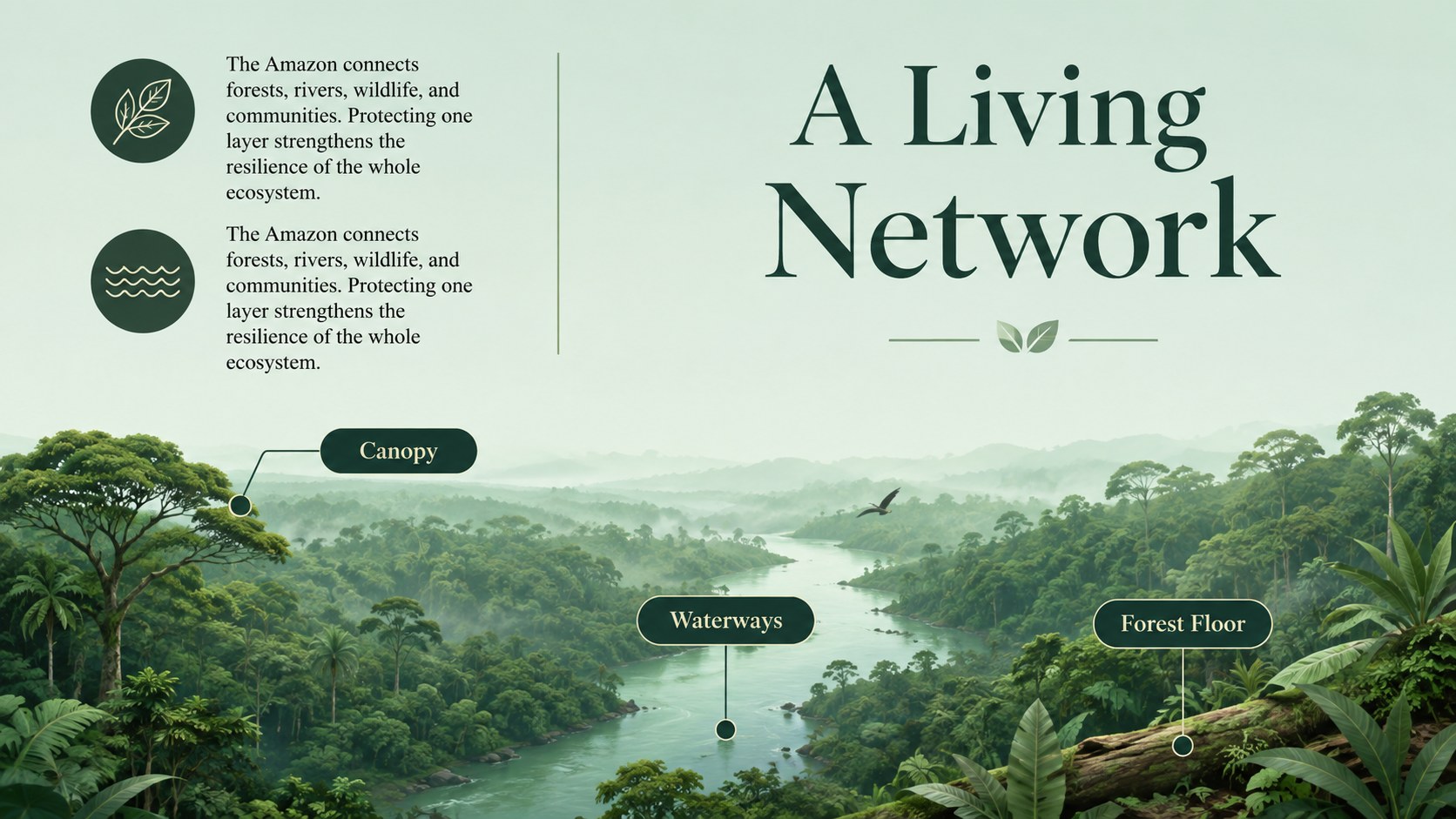
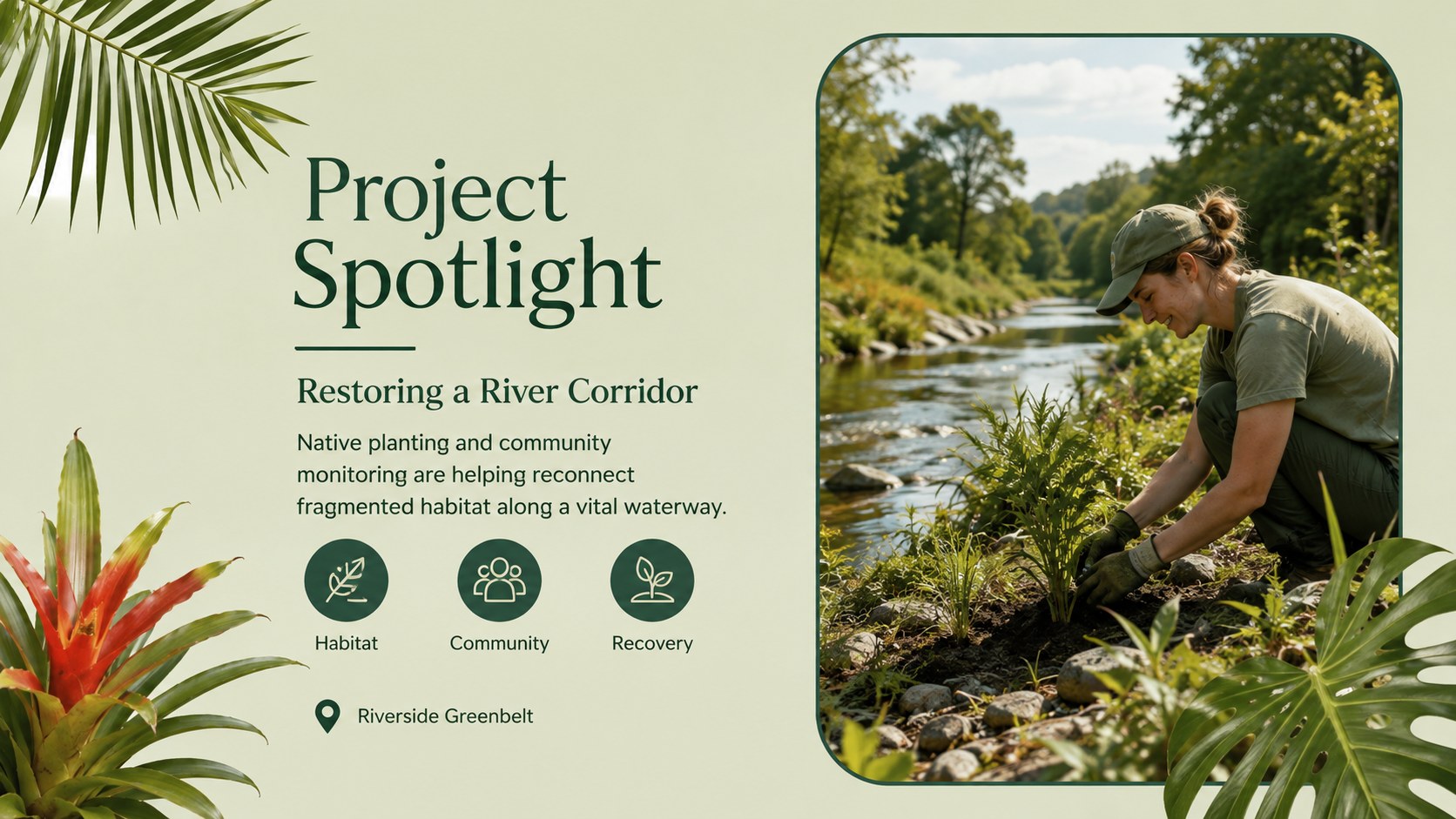
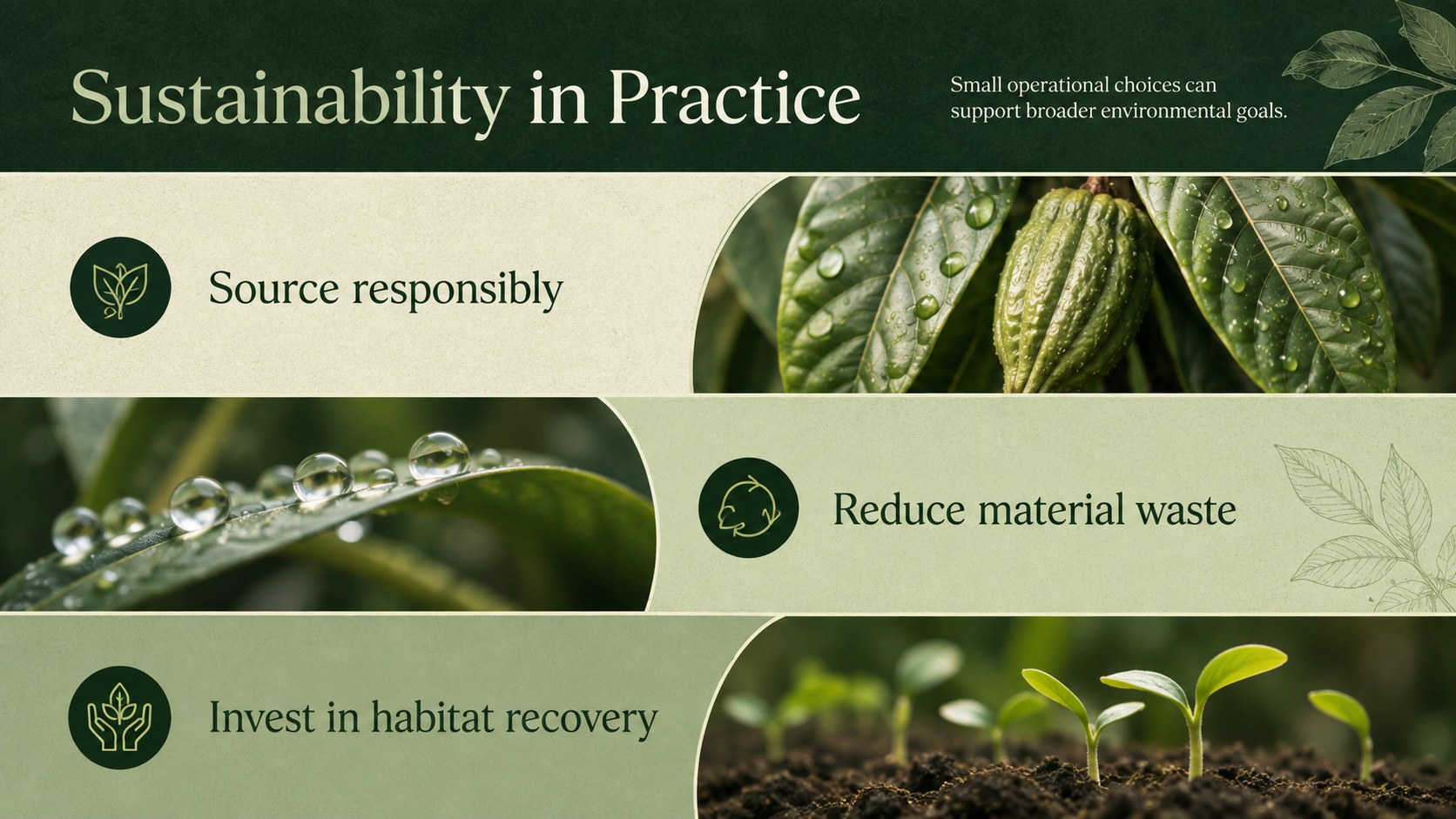
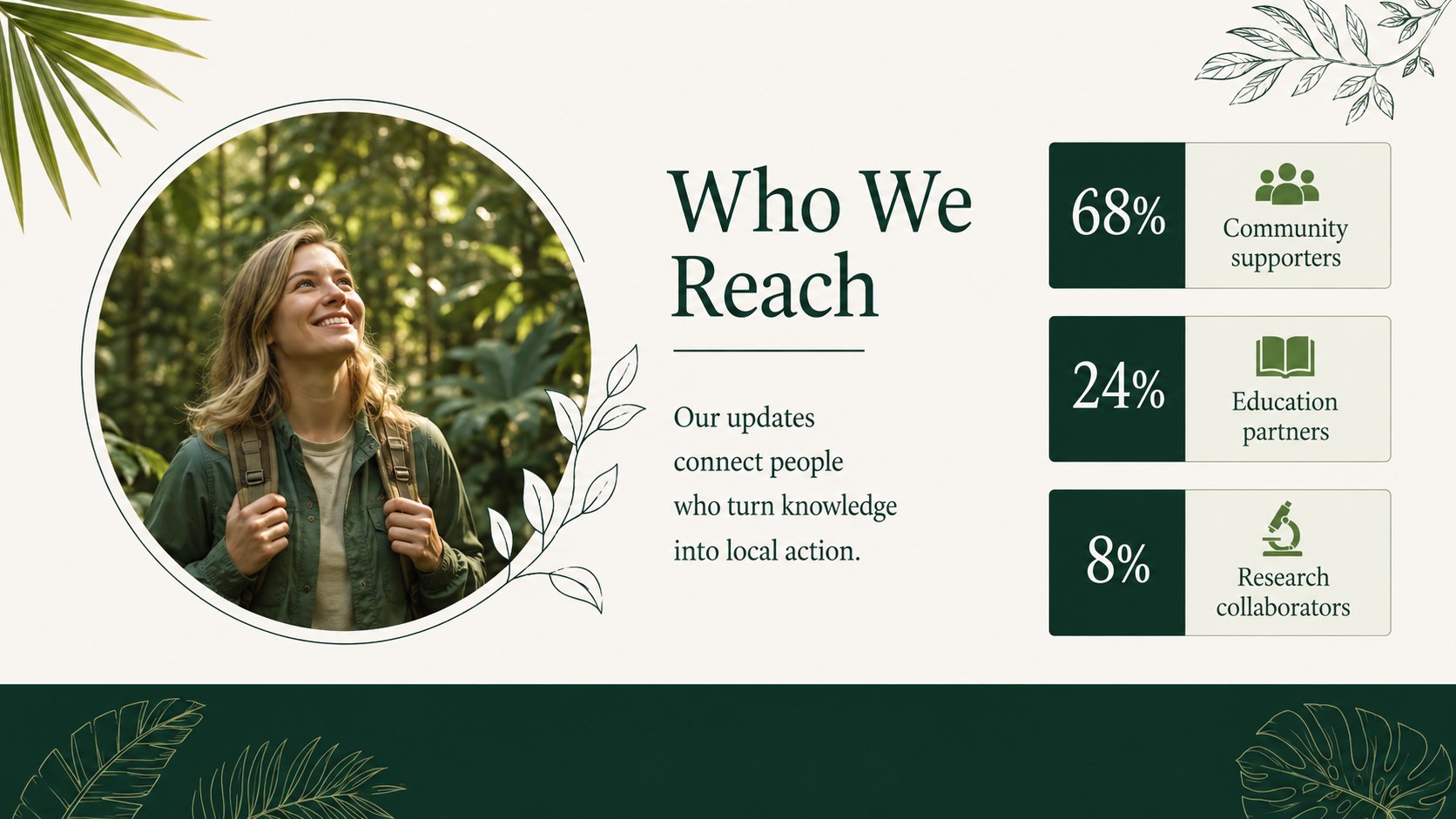
Design notes
Share environmental news, campaign progress, and responsible brand stories with the Amazon Conservation Newsletter Presentation. Its rich green palette, tropical foliage, and refined editorial styling create an immersive setting without distracting from your message. Use it as an eco-friendly marketing presentation template for conservation initiatives, sustainable products, nonprofit outreach, or corporate responsibility updates.
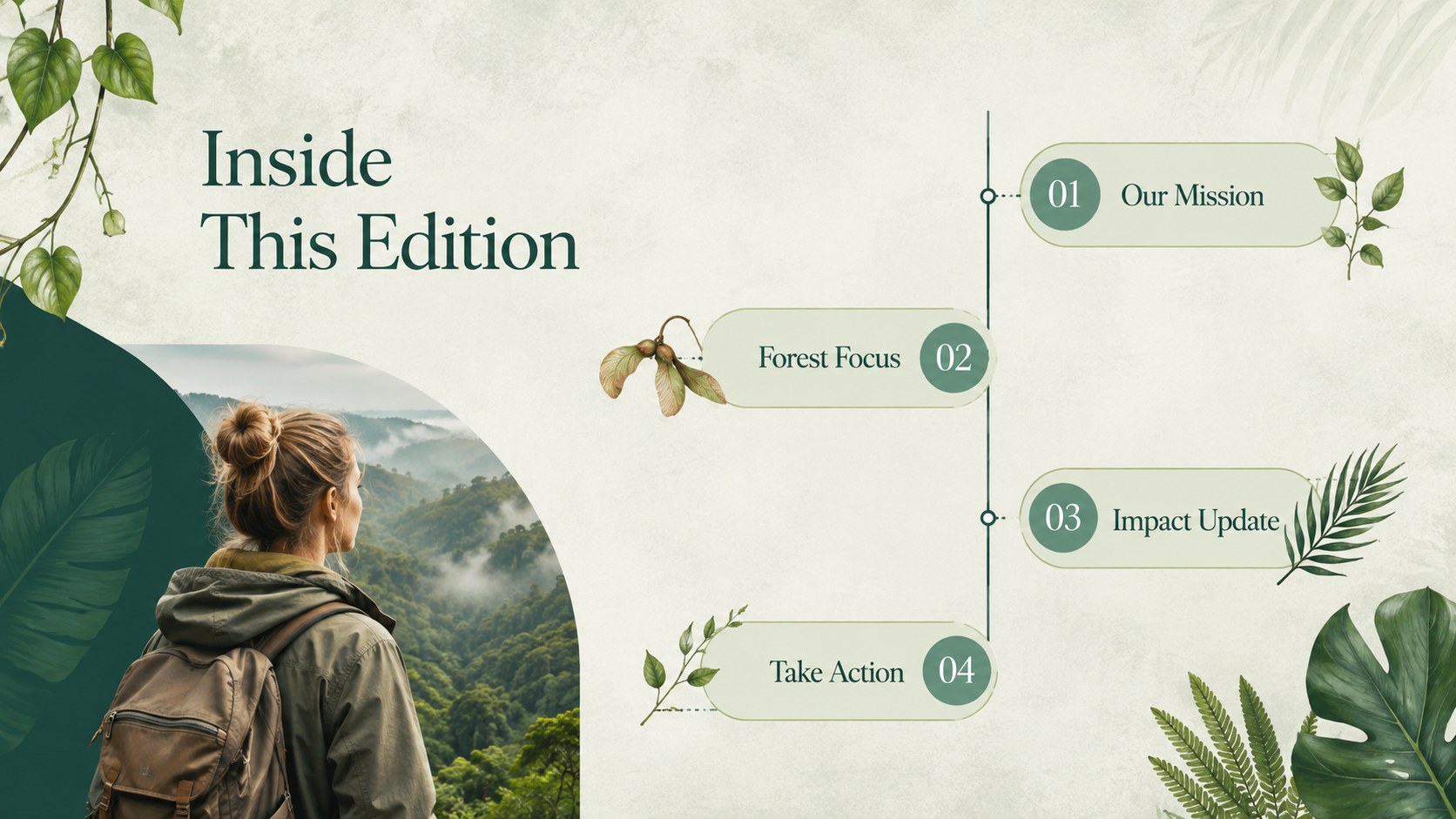
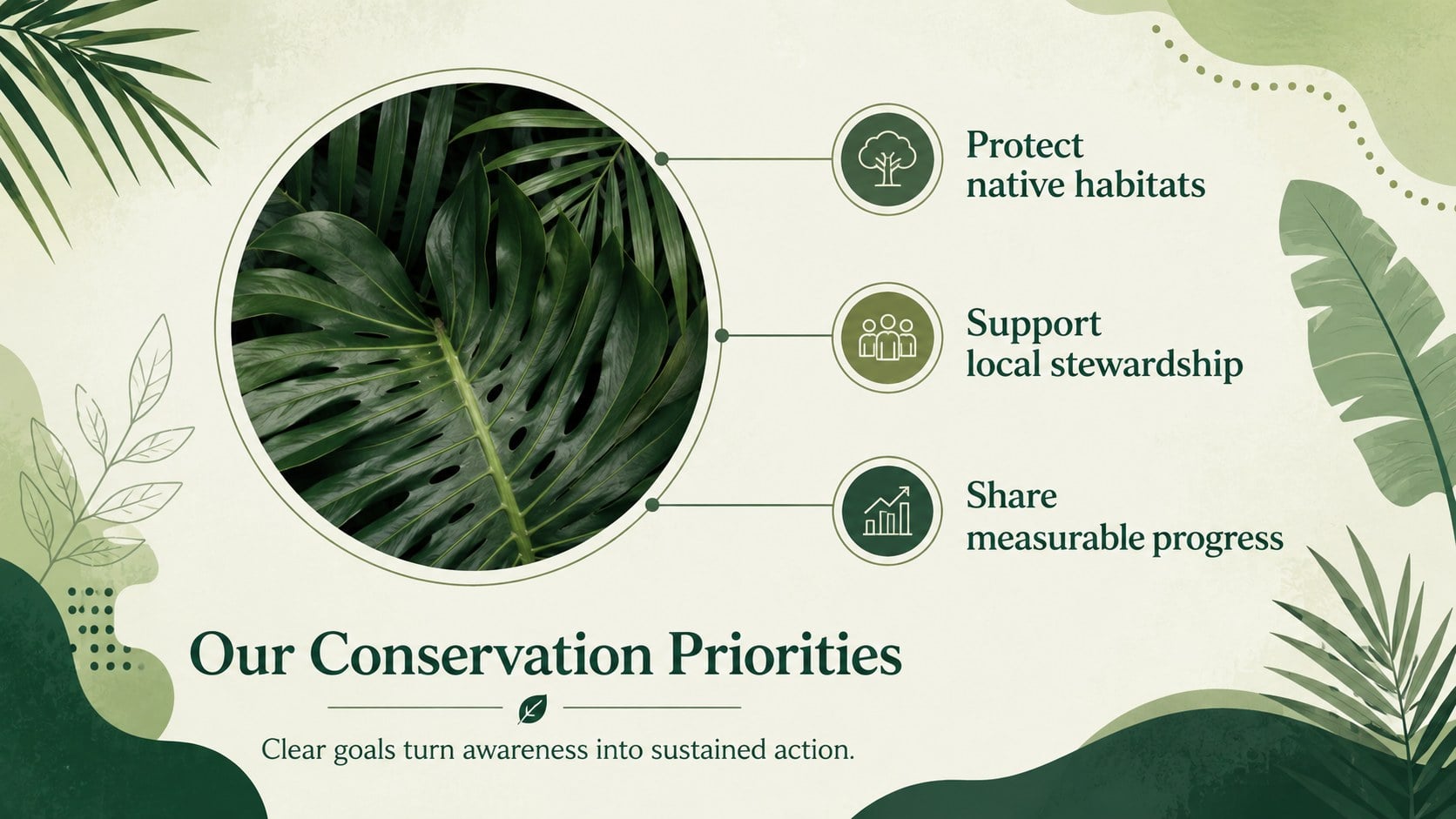
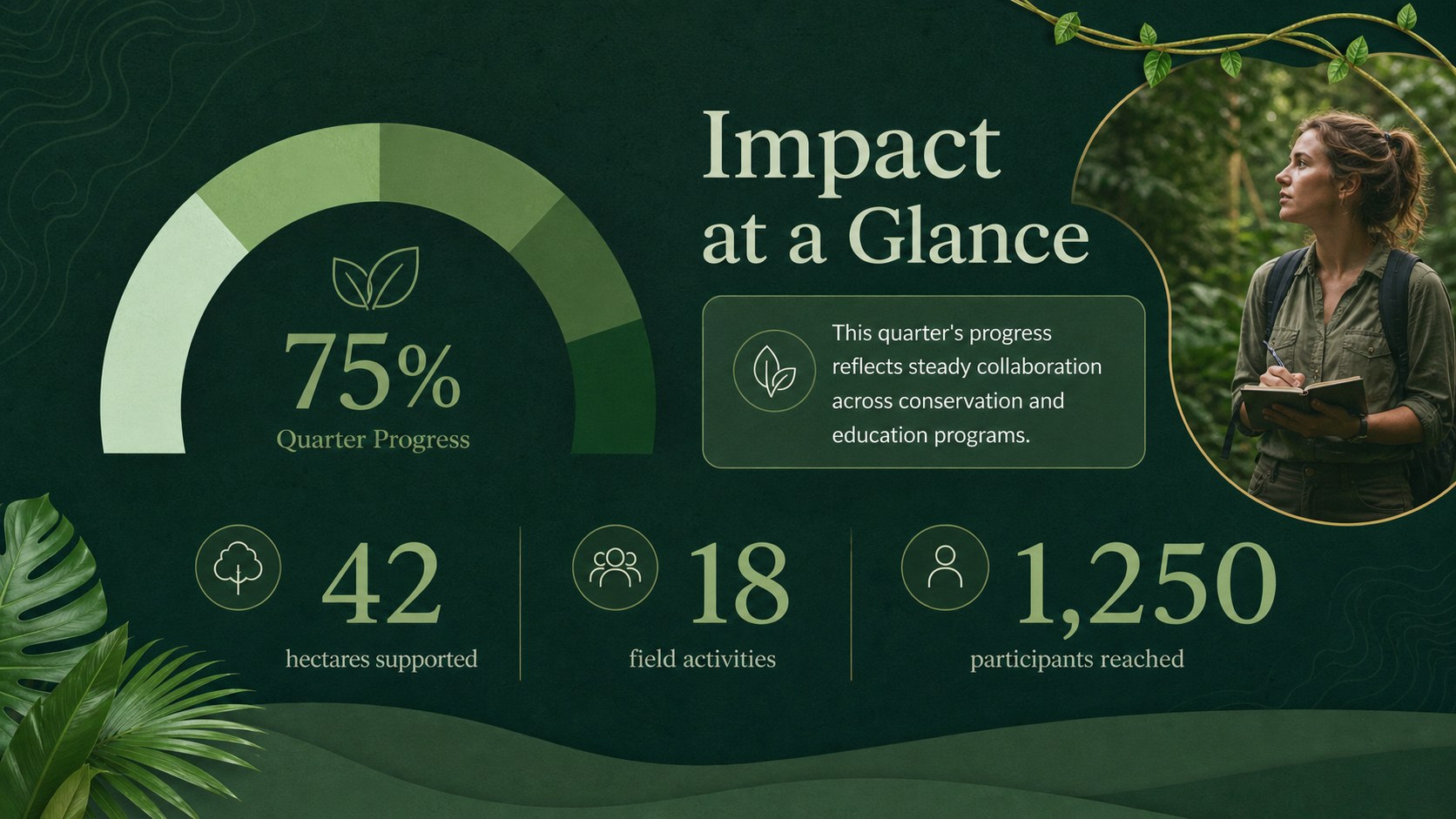
The deck includes layouts for a cover story, editor's note, campaign goals, ecosystem facts, featured projects, audience insights, impact metrics, field updates, timelines, and calls to action. Flexible image areas, concise text blocks, and data-focused pages help transform detailed information into rainforest campaign newsletter slides that remain easy to scan. Every element can be adjusted in PowerPoint or Google Slides, including colors, typography, photographs, charts, and decorative botanical details.
This Amazon conservation newsletter presentation is suited to marketing teams, environmental organizations, educators, sustainability consultants, and community groups. It also works as an Amazon biodiversity update deck for stakeholder briefings, donor communications, classroom projects, and recurring digital newsletters. Adapt the sections to a single campaign or build a complete publication that keeps readers informed, demonstrates measurable progress, and encourages meaningful participation.
Perfect for: conservation campaign update; environmental nonprofit newsletter; sustainable product launch; rainforest impact report; biodiversity classroom briefing; corporate responsibility update.
Frequently asked questions
Can I edit this presentation in PowerPoint and Google Slides? Yes. The slide layouts, text, colors, images, and graphic elements can be customized in both PowerPoint and Google Slides. Some transitions or font spacing may require minor adjustments after switching platforms.
Practical details
Yes. The slide layouts, text, colors, images, and graphic elements can be customized in both PowerPoint and Google Slides. Some transitions or font spacing may require minor adjustments after switching platforms.
Replace the sample copy and photographs with your own campaign updates, project data, and calls to action. You can also adjust the green palette, type styles, and botanical accents to align with your visual identity.
Yes. Duplicate the relevant sections for each edition and update the cover story, metrics, field notes, and upcoming activities. Keeping the same page structure across editions will help readers recognize and scan your updates.
Yes. Several layouts are designed for percentages, comparisons, milestones, and concise performance summaries. Edit the values and labels to present conservation outcomes, campaign reach, fundraising progress, or sustainability indicators.
Keep exploring
15Use this astrology audience insights deck to present zodiac-based segments, behaviors, and campaign findings in polished black-and-gold slides.
 14
14Plan a memorable Lunar New Year campaign with the 2036 Dragon Year Celebration Theme, featuring bold red-and-yellow slides for lessons and events.
 15
15Build eerie lessons, campaigns, and story pitches with an undead survival scenario theme featuring editable slides for PowerPoint and Google Slides.
 15
15Build a clear breast cancer awareness bulletin with bold pink-and-red slides for campaign news, screening reminders, impact data, and community updates.
 15
15Shape your publishing concept with an indie magazine startup pitch deck featuring pastel gradients, bold collage layouts, and editable planning slides.
 15
15Build a bold retro-futurist campaign pitch deck for client meetings, with editable strategy layouts and playful pastel Y2K-inspired visuals.
 16
16Build a consistent presence with a social channel identity playbook covering voice, visuals, content formats, publishing rules, and approvals.
 15
15Celebrate online learners with webinar completion certificate slides, featuring editable violet artwork for university events in PowerPoint and Google Slides.