
 15
15presentation
UFO Day Alien Encounter Deck
Build a bold cosmic story with this UFO Day alien encounter deck, featuring surreal green-and-black layouts for PowerPoint and Google Slides events.
Google SlidesPowerPoint
presentation · English
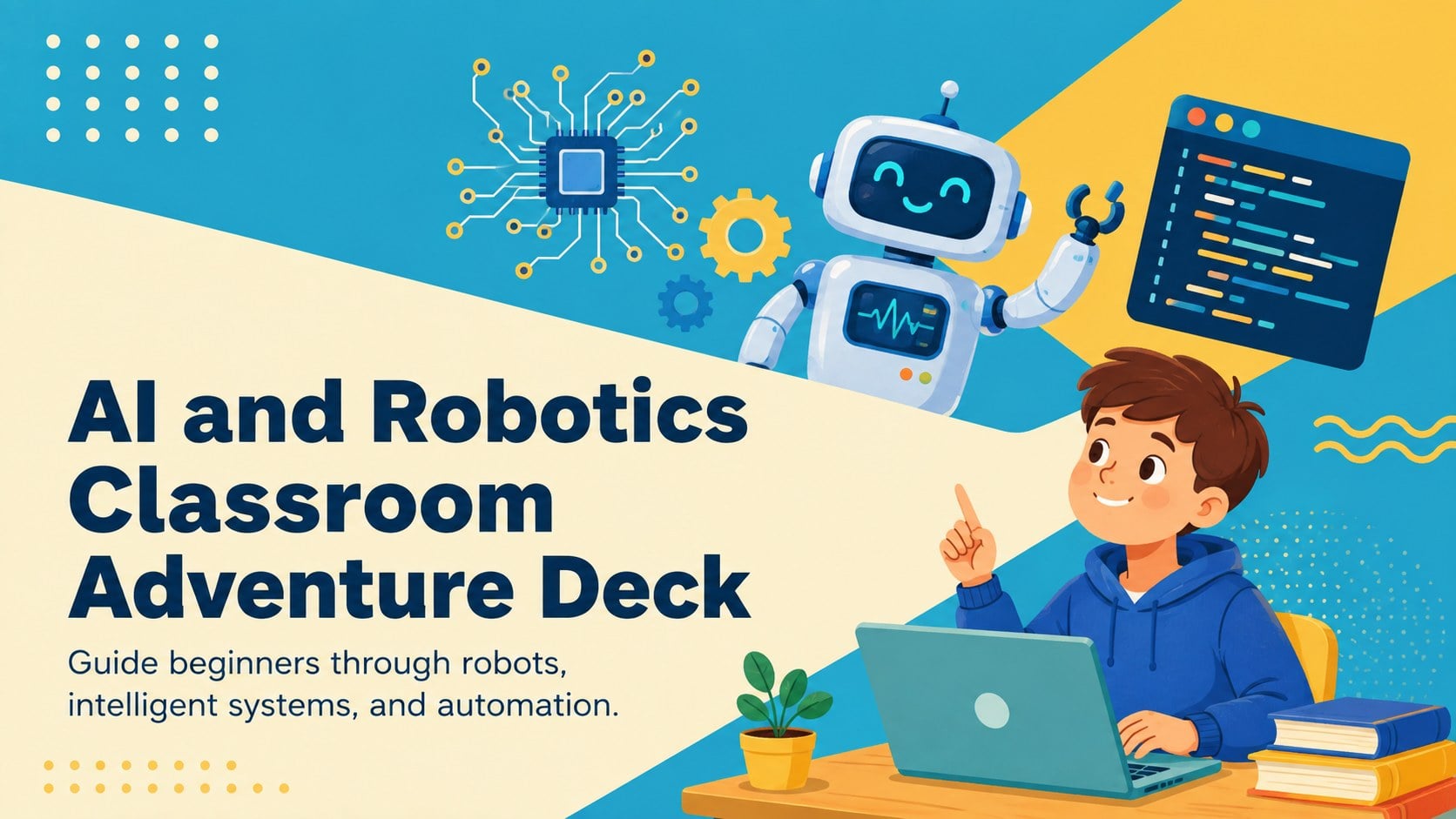
Turn complex tech topics into a visual classroom journey with this AI and Robotics Classroom Adventure Deck for PowerPoint and Google Slides.


Design notes
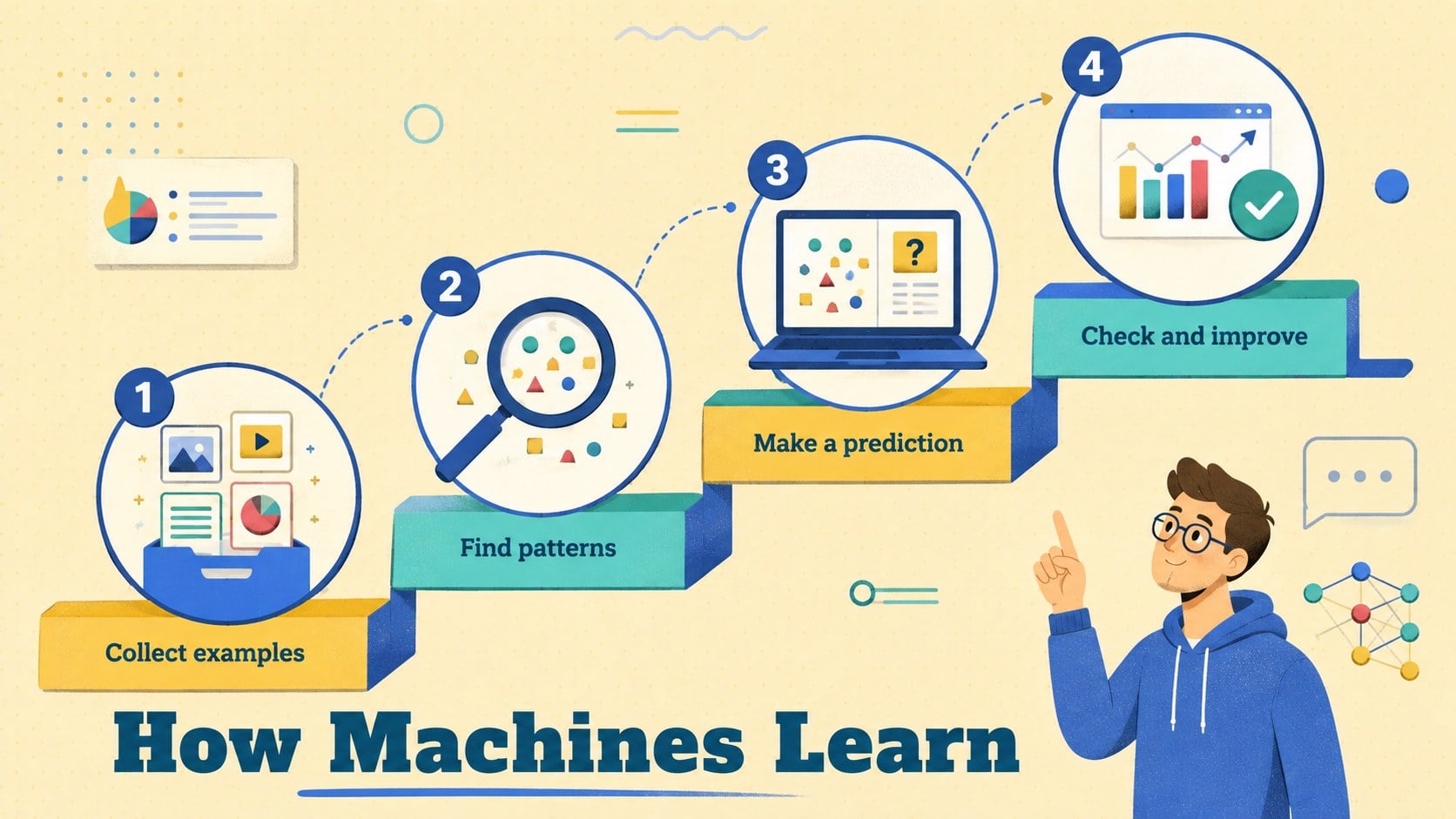
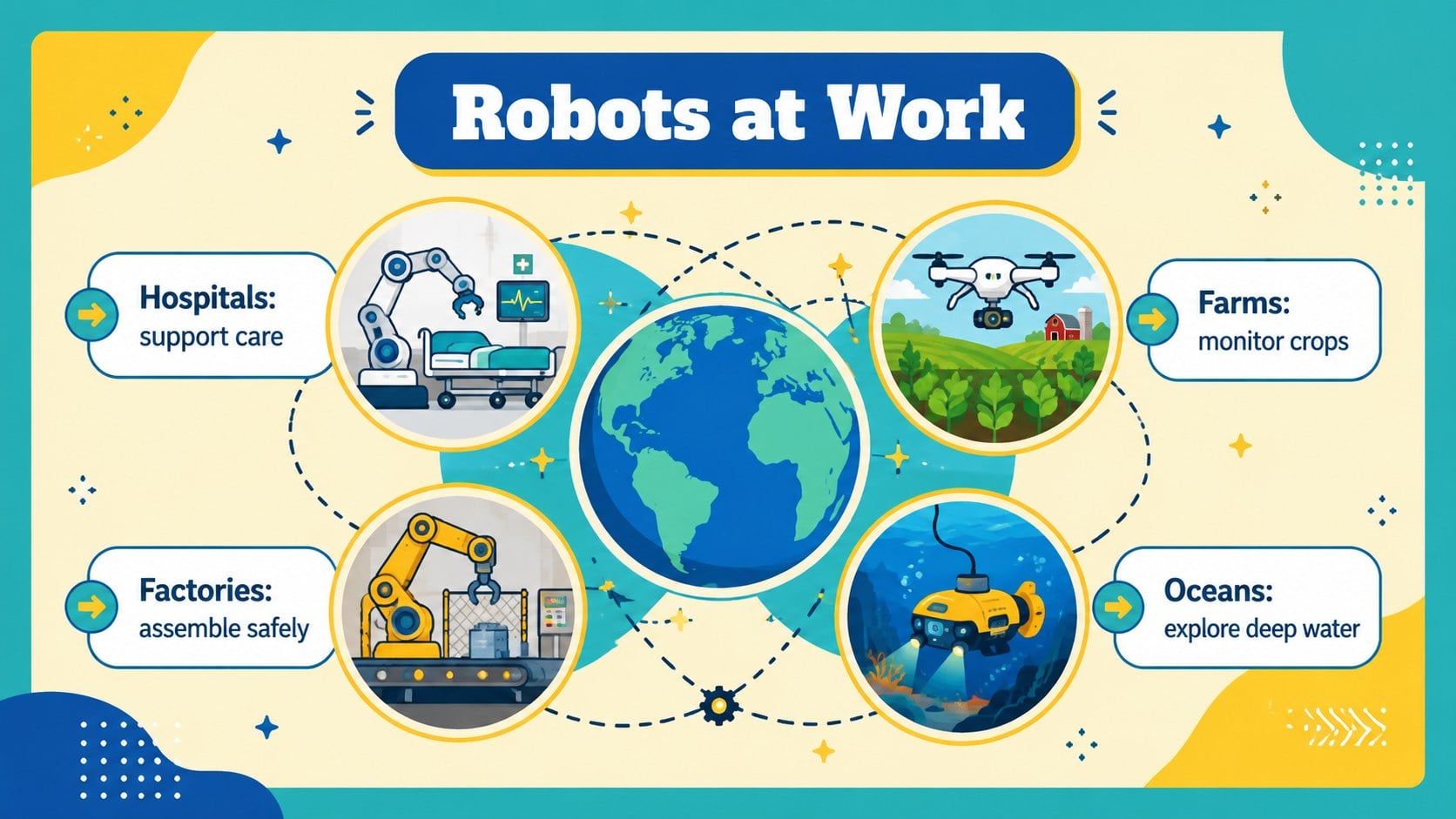
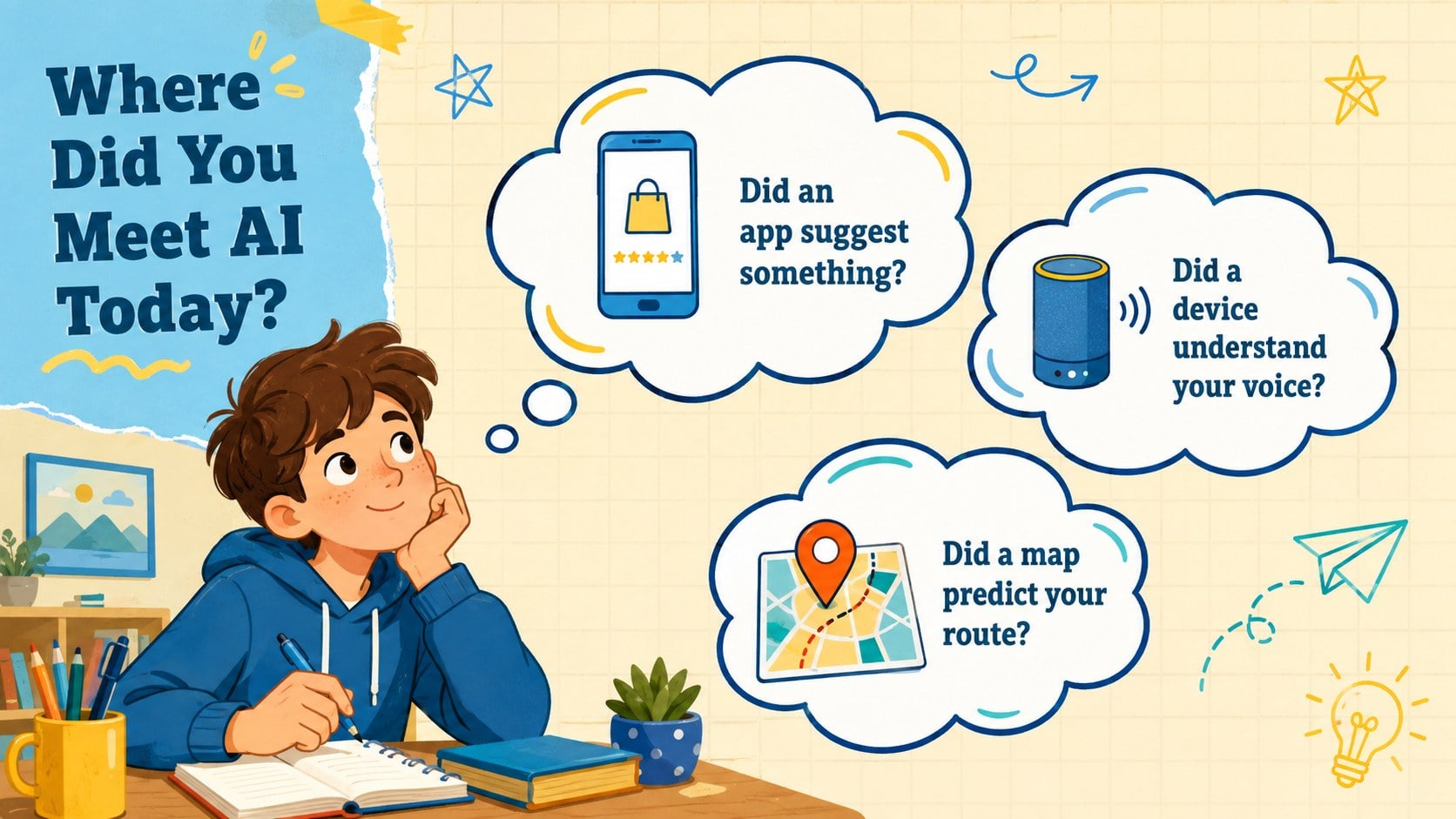
Make emerging technology easier to understand with the AI and Robotics Classroom Adventure Deck. Designed as a visual journey for beginners, this playful presentation introduces robots, artificial intelligence, machine learning, sensors, and automation without overwhelming students. Bright blue and yellow accents, friendly illustrations, and clear information layouts support lively classroom discussion.
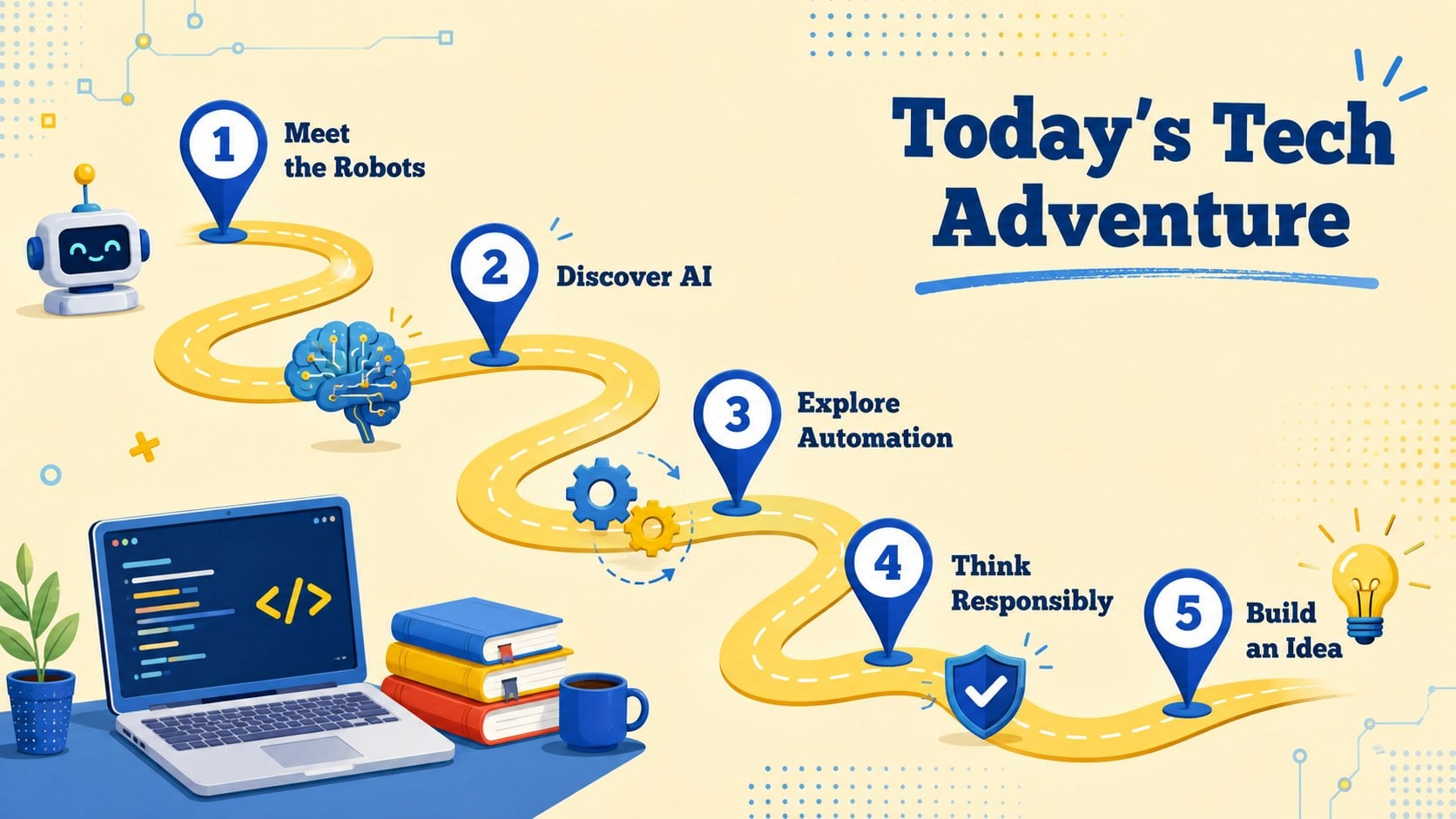
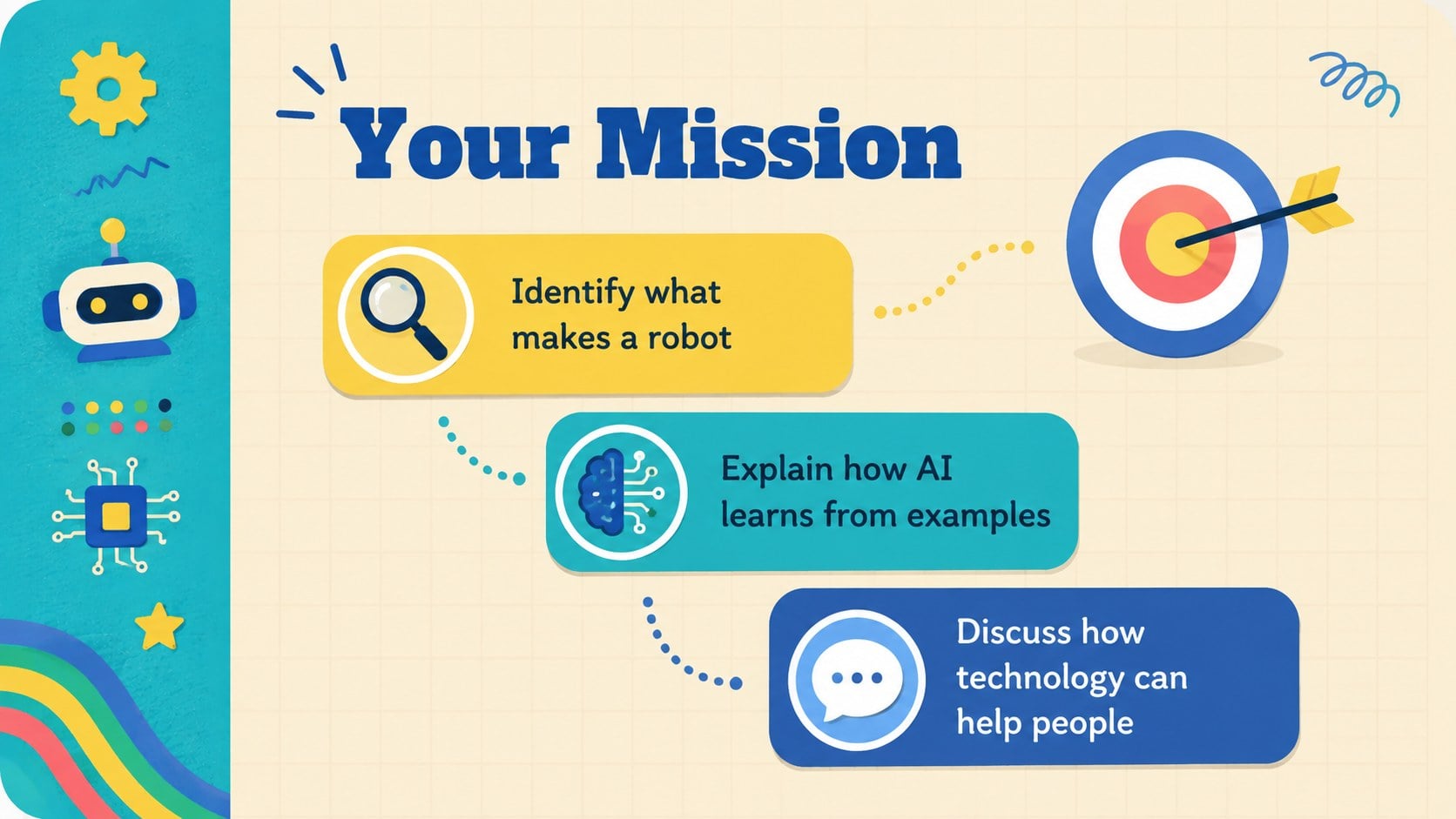
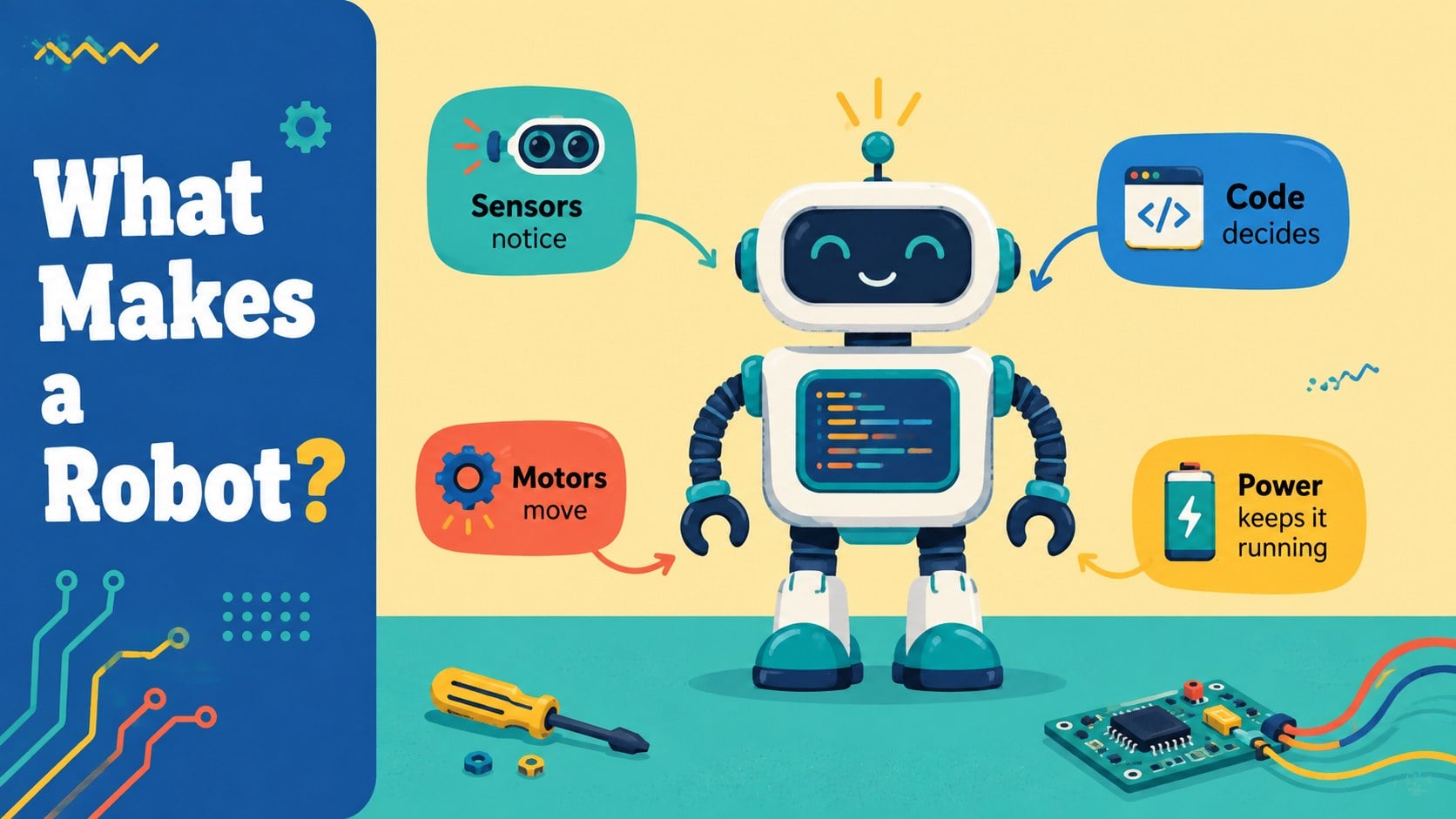
The deck includes an opening challenge, learning goals, robot anatomy, an AI-versus-automation comparison, a simple machine learning process, real-world examples, ethics prompts, a knowledge check, and a student design activity. Teachers can adapt it as robotics lesson slides for middle school, a beginner robotics education deck, or a kid friendly AI presentation. Editable diagrams, comparison tables, timelines, process graphics, and question slides help explain both concepts and connections.
Built for PowerPoint and Google Slides, the template is suitable for technology teachers, STEM coordinators, computing instructors, workshop leaders, and homeschool educators. Change the wording, reorder activities, add local examples, or replace illustrations to match a specific age group. Use the complete sequence for an introductory unit, select individual slides for revision, or turn the final challenge into a collaborative project. The illustrated style keeps the atmosphere upbeat while preserving enough structure for clear teaching, note-taking, and assessment.
Perfect for: middle school robotics introduction; beginner artificial intelligence lesson; STEM classroom workshop; computer science unit opener; student robot design challenge.
Frequently asked questions
Can I edit every part of this robotics presentation? Yes. Text, colors, diagrams, illustrations, and activity prompts can be adjusted to fit your lesson goals and student age group.
Practical details
Yes. Text, colors, diagrams, illustrations, and activity prompts can be adjusted to fit your lesson goals and student age group.
The deck is designed for PowerPoint and Google Slides. Import it into either platform to present, revise, duplicate, or reorder the slides.
Yes. The sequence begins with familiar examples before introducing machine learning, automation, and responsible technology use. Teachers can simplify or expand the explanations as needed.
Replace the sample questions with examples from your curriculum, local industries, or student interests. The design challenge and knowledge check can also be adapted for individual, paired, or group work.
Keep exploring
15Build a bold cosmic story with this UFO Day alien encounter deck, featuring surreal green-and-black layouts for PowerPoint and Google Slides events.
 16
16Use the Navy Stripe Corporate Briefing Theme to present plans, results, and proposals with credible blue-green layouts for PowerPoint and Google Slides.
 5
5Turn customer research into clear decisions with product experience mapping slides in a dark navy and green style for PowerPoint and Google Slides.
 16
16Win stakeholder approval with website launch proposal slides that organize strategy, UX, rollout, and results in editable PowerPoint and Google Slides formats.
 15
15Build clearer campaign plans with an AI marketing strategy deck featuring neon blue-green visuals, editable workflows, data slides, and practical examples.
 15
15Build memorable campaign updates with a Cosmic Desert Newsletter Deck, featuring warm beige-brown slides for PowerPoint and Google Slides teams.
 15
15Lead productive urban-tech meetings with a smart city business briefing deck in vivid violet and pink, ready to edit in PowerPoint or Google Slides.
 16
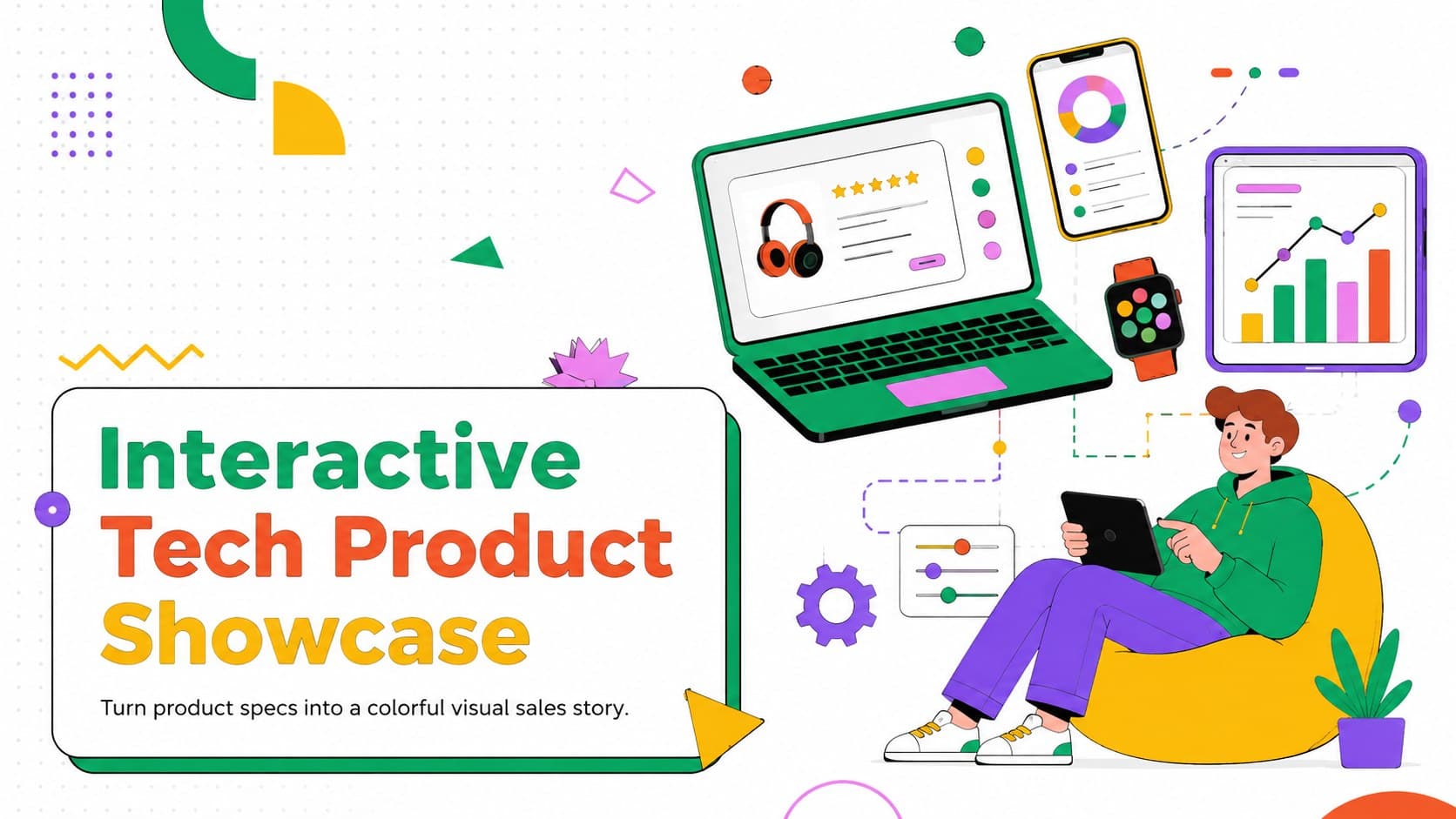
16Build a lively sales story with the Interactive Tech Product Showcase, using colorful illustrated layouts made for PowerPoint and Google Slides.