
 15
15presentation
Astrology Audience Insights Deck
Use this astrology audience insights deck to present zodiac-based segments, behaviors, and campaign findings in polished black-and-gold slides.
Google SlidesPowerPoint
presentation · English
Build an ai product update deck for launch news, feature releases, and team briefings with editable dark neon slides for PowerPoint and Google Slides.








Design notes
An ai product update deck designed for teams that need to explain fast-moving technology clearly and convincingly. Its dark blue and black foundation, electric neon details, and streamlined layouts give product announcements a polished editorial feel without overwhelming the message.
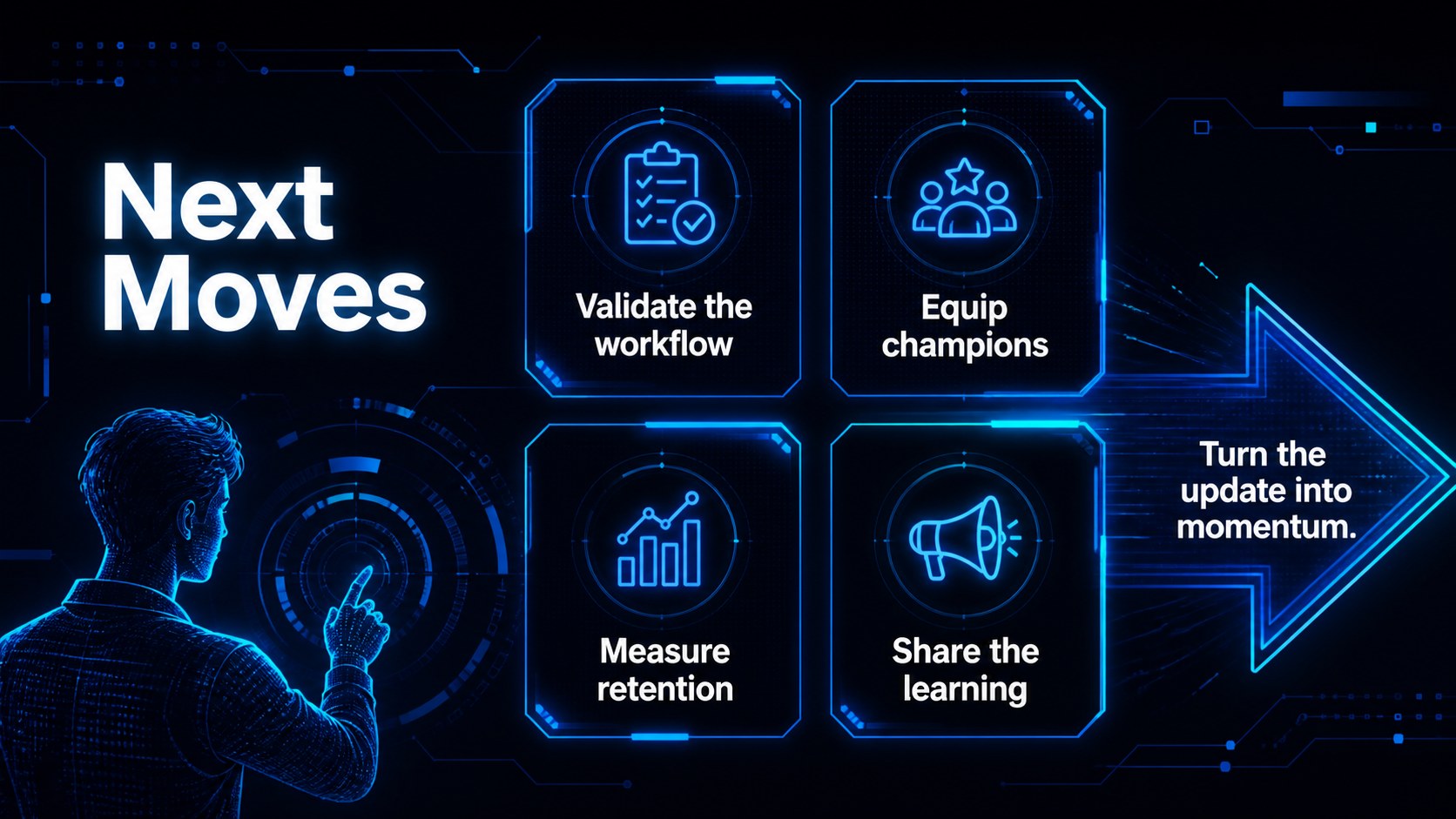
Inside, you will find flexible slides for an executive summary, product release notes, feature highlights, customer outcomes, adoption metrics, roadmap milestones, competitive context, and next steps. Charts, diagrams, image frames, icons, and modular content blocks make it easy to turn technical information into an engaging visual story. The layouts can also support an AI product launch presentation, a technology roadmap briefing, or a recurring company newsletter.
This template suits product managers, startup founders, marketing teams, innovation departments, software companies, and consultants. Edit the deck, then export it to PowerPoint or Google Slides when you need to share a finished briefing. Swap colors, typography, images, and data while preserving the neon technology aesthetic and clear presentation flow.
Perfect for: AI product launch presentation; software feature release briefing; startup investor update; technology roadmap meeting; company innovation newsletter.
Frequently asked questions
Can I edit this AI product update deck? Yes. The layouts, text, charts, colors, images, and decorative elements can be customized. The drag-and-drop editor is suitable for both quick edits and detailed branding work.
Practical details
Yes. The layouts, text, charts, colors, images, and decorative elements can be customized. The drag-and-drop editor is suitable for both quick edits and detailed branding work.
Yes. After editing, export the presentation as a PowerPoint file or send it to Google Drive as an editable Google Slides copy. Review fonts, animations, and spacing after export because some platform features may differ.
Yes. It includes layouts for feature explanations, performance data, roadmaps, customer results, and release summaries. Technical teams can simplify complex information with diagrams, charts, and short content blocks.
Yes. Replace the blue and neon accents with your own brand colors while keeping the dark background for contrast. You can also update the font pairings and imagery to match your organization.
Keep exploring
15Use this astrology audience insights deck to present zodiac-based segments, behaviors, and campaign findings in polished black-and-gold slides.
 14
14Plan a memorable Lunar New Year campaign with the 2036 Dragon Year Celebration Theme, featuring bold red-and-yellow slides for lessons and events.
 15
15Build eerie lessons, campaigns, and story pitches with an undead survival scenario theme featuring editable slides for PowerPoint and Google Slides.
 15
15Build a clear breast cancer awareness bulletin with bold pink-and-red slides for campaign news, screening reminders, impact data, and community updates.
 15
15Shape your publishing concept with an indie magazine startup pitch deck featuring pastel gradients, bold collage layouts, and editable planning slides.
 15
15Build a bold retro-futurist campaign pitch deck for client meetings, with editable strategy layouts and playful pastel Y2K-inspired visuals.
 16
16Build a consistent presence with a social channel identity playbook covering voice, visuals, content formats, publishing rules, and approvals.
 15
15Celebrate online learners with webinar completion certificate slides, featuring editable violet artwork for university events in PowerPoint and Google Slides.