
 15
15presentation
Astrology Audience Insights Deck
Use this astrology audience insights deck to present zodiac-based segments, behaviors, and campaign findings in polished black-and-gold slides.
Google SlidesPowerPoint
presentation · English
Build an expressive acting career showcase theme with editable black, blue, and pink slides for auditions, student portfolios, casting pitches, and creative…

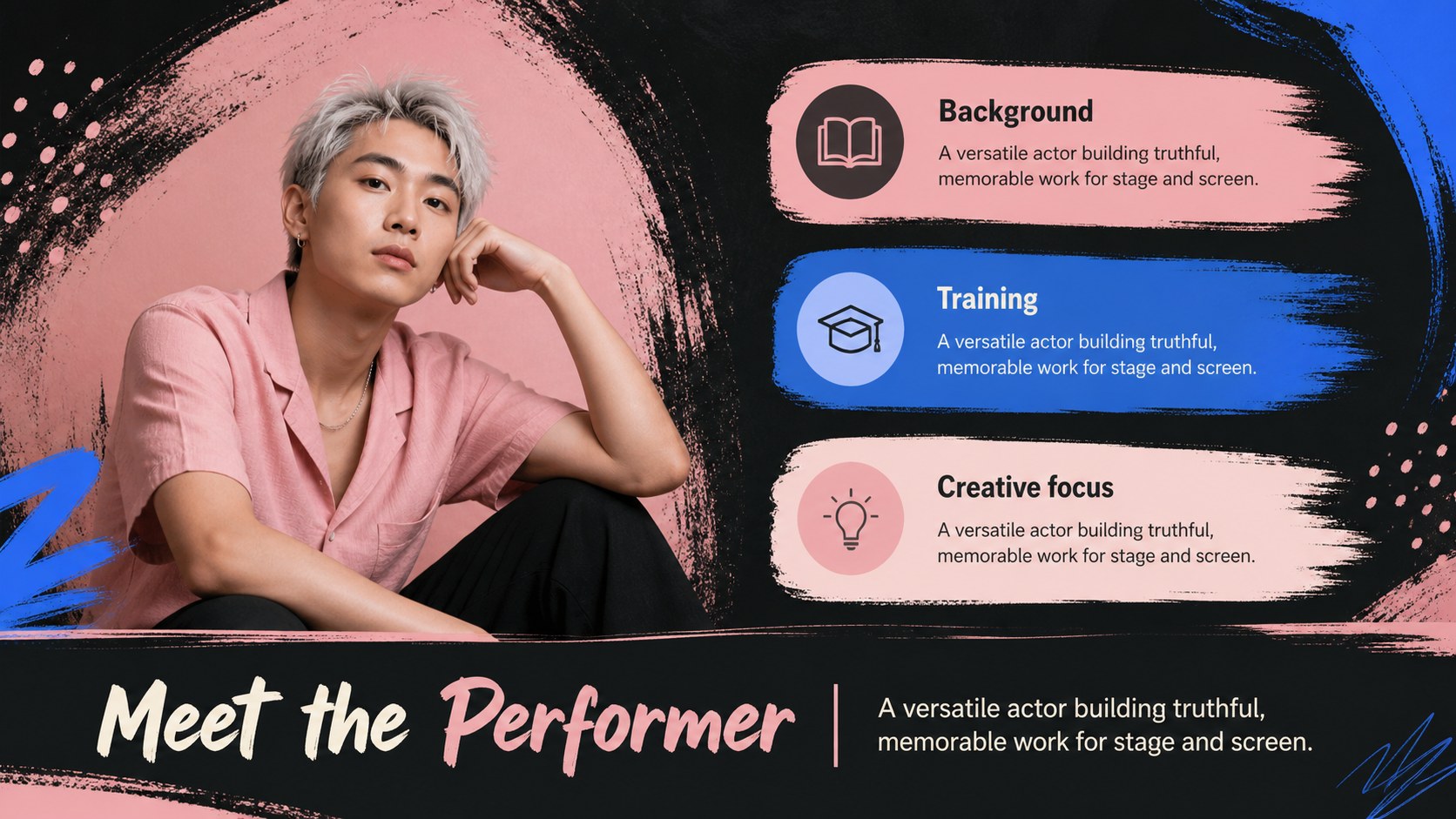
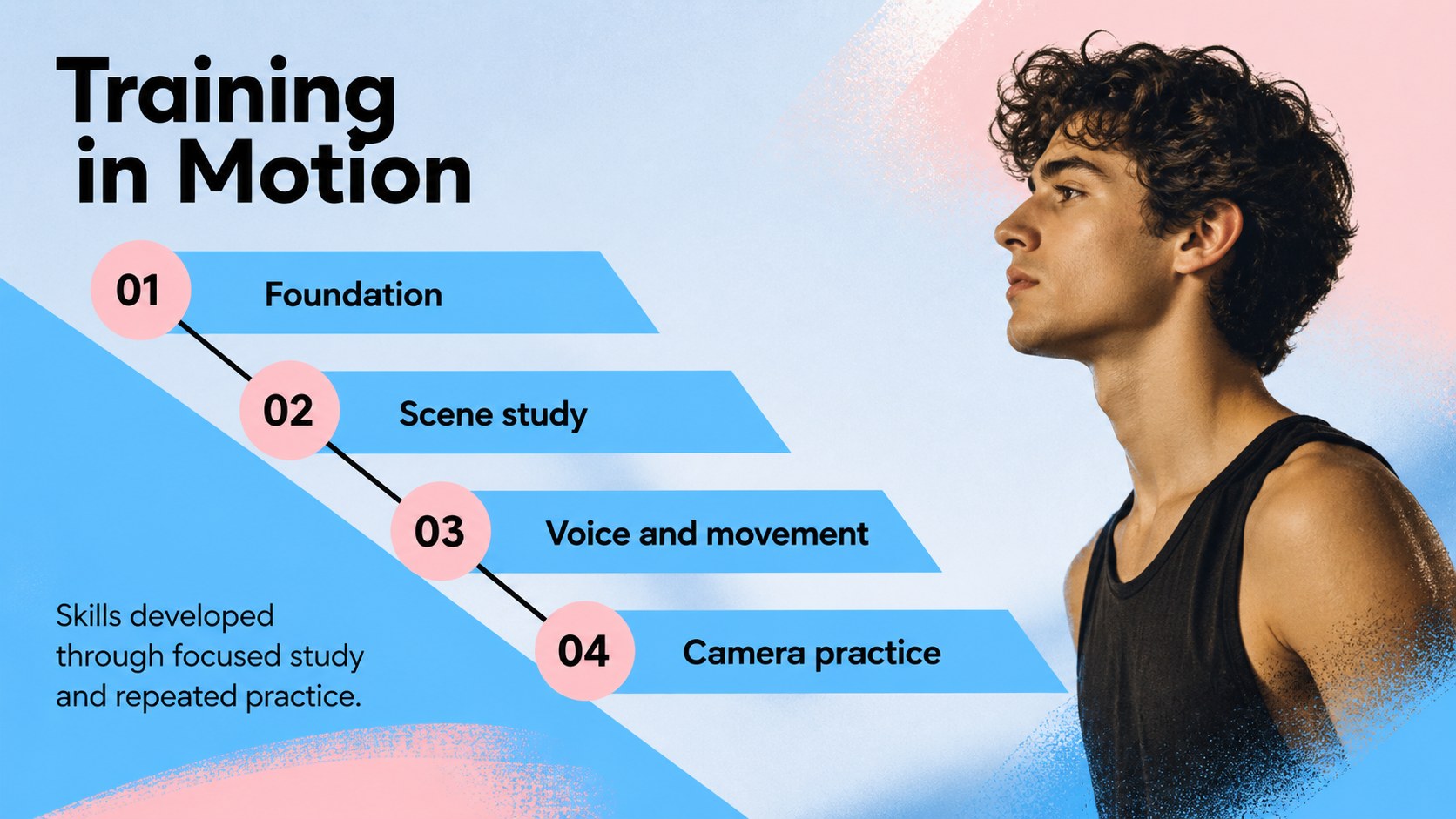
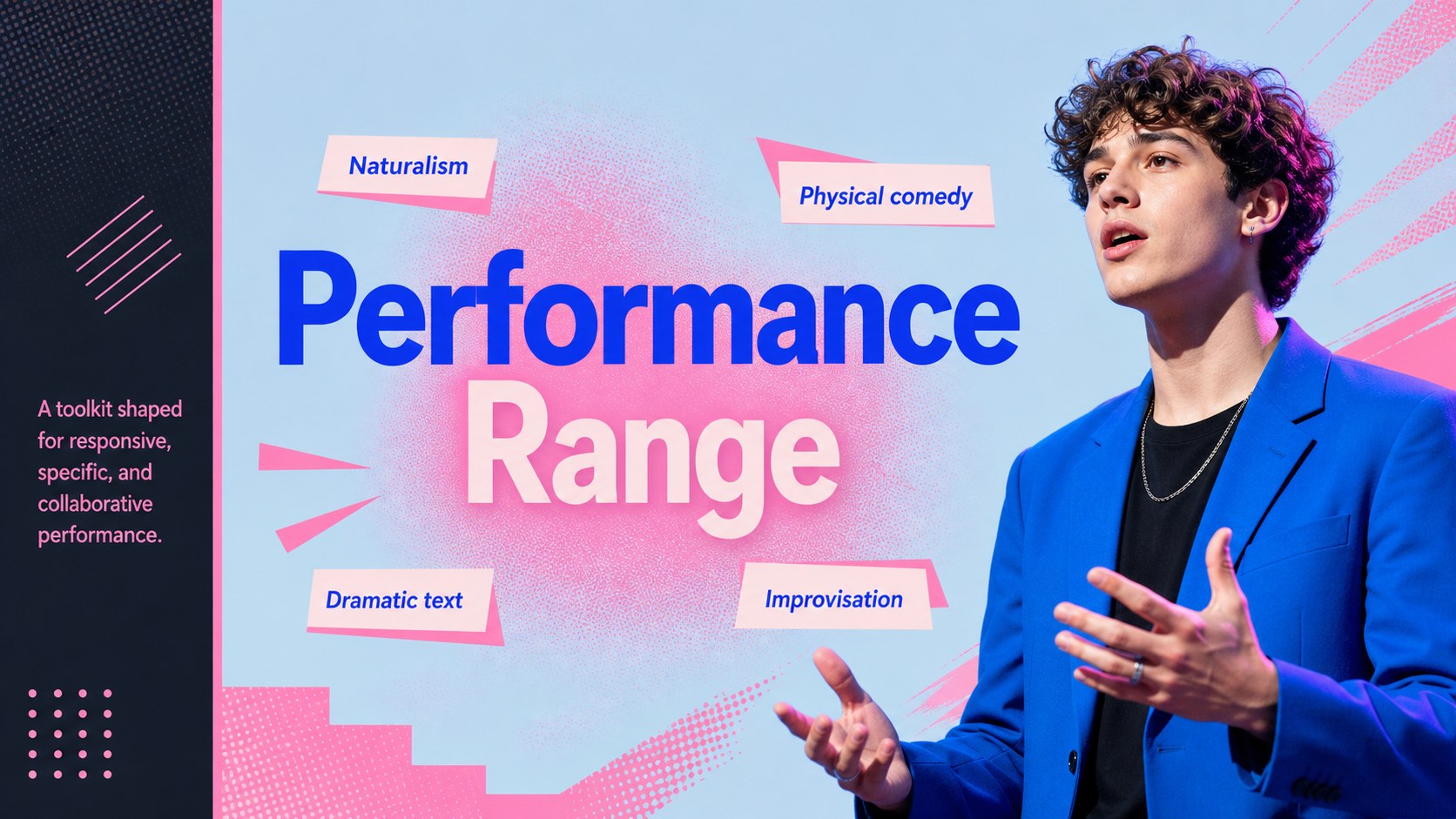
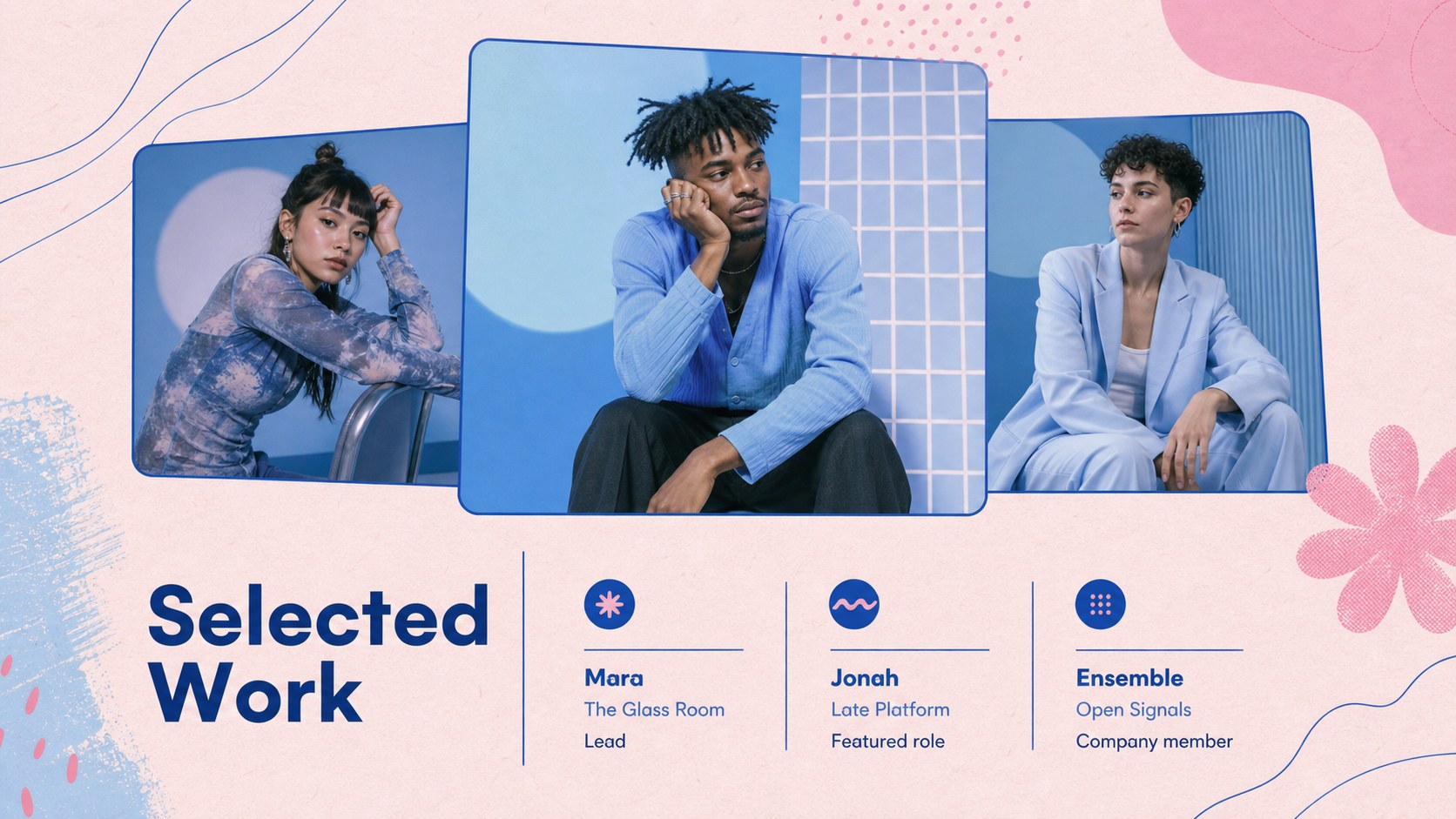
Design notes
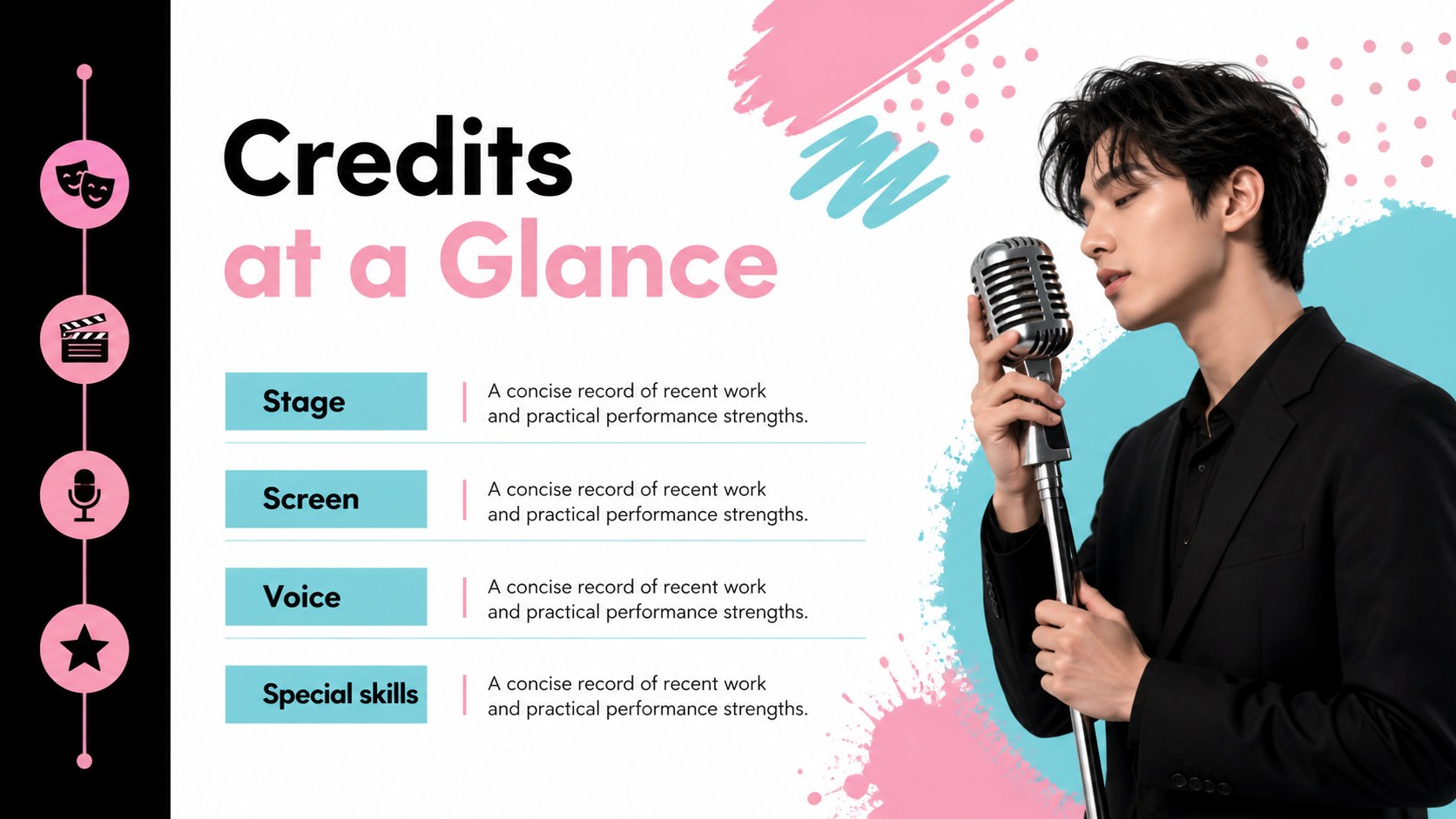
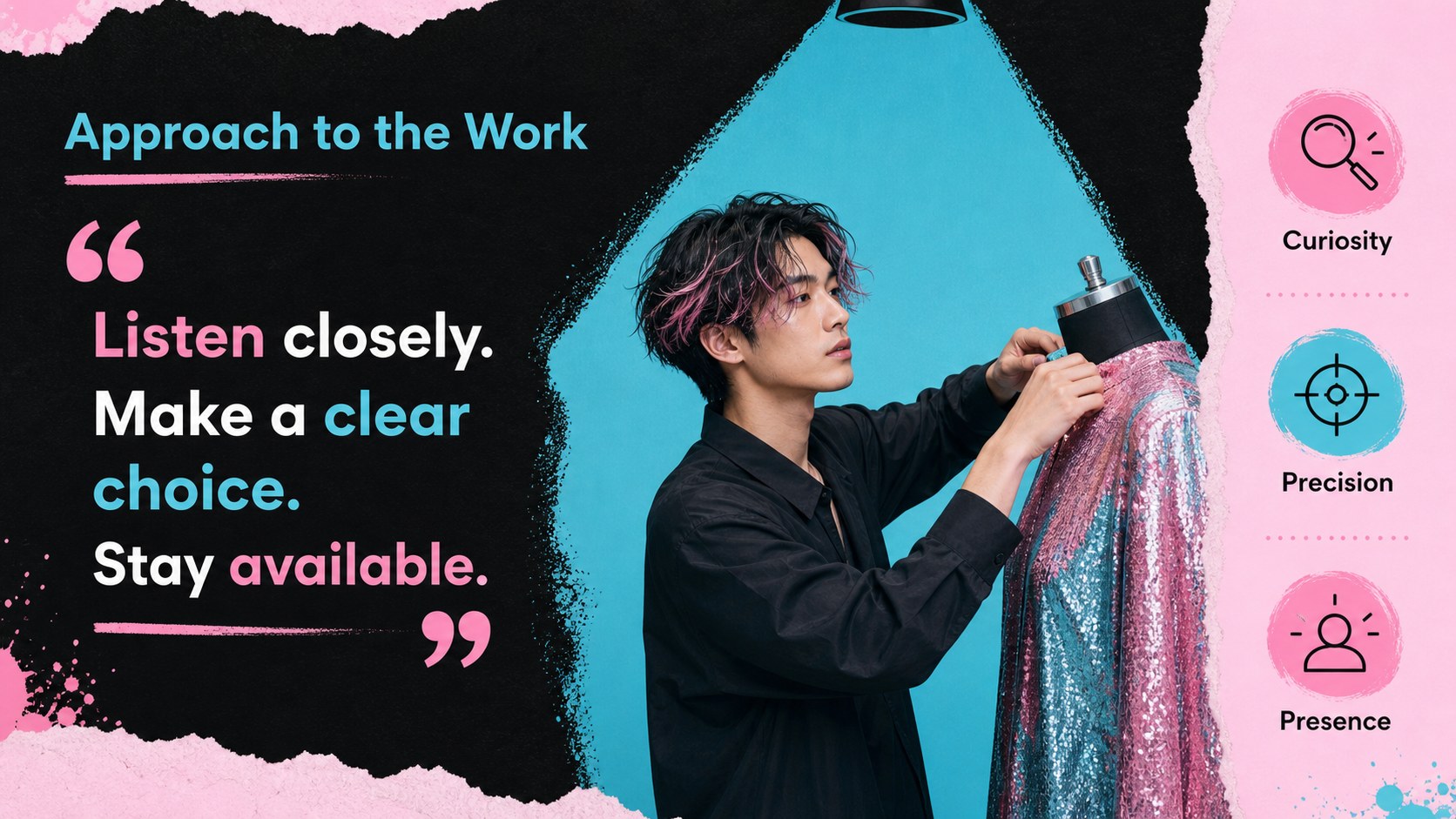
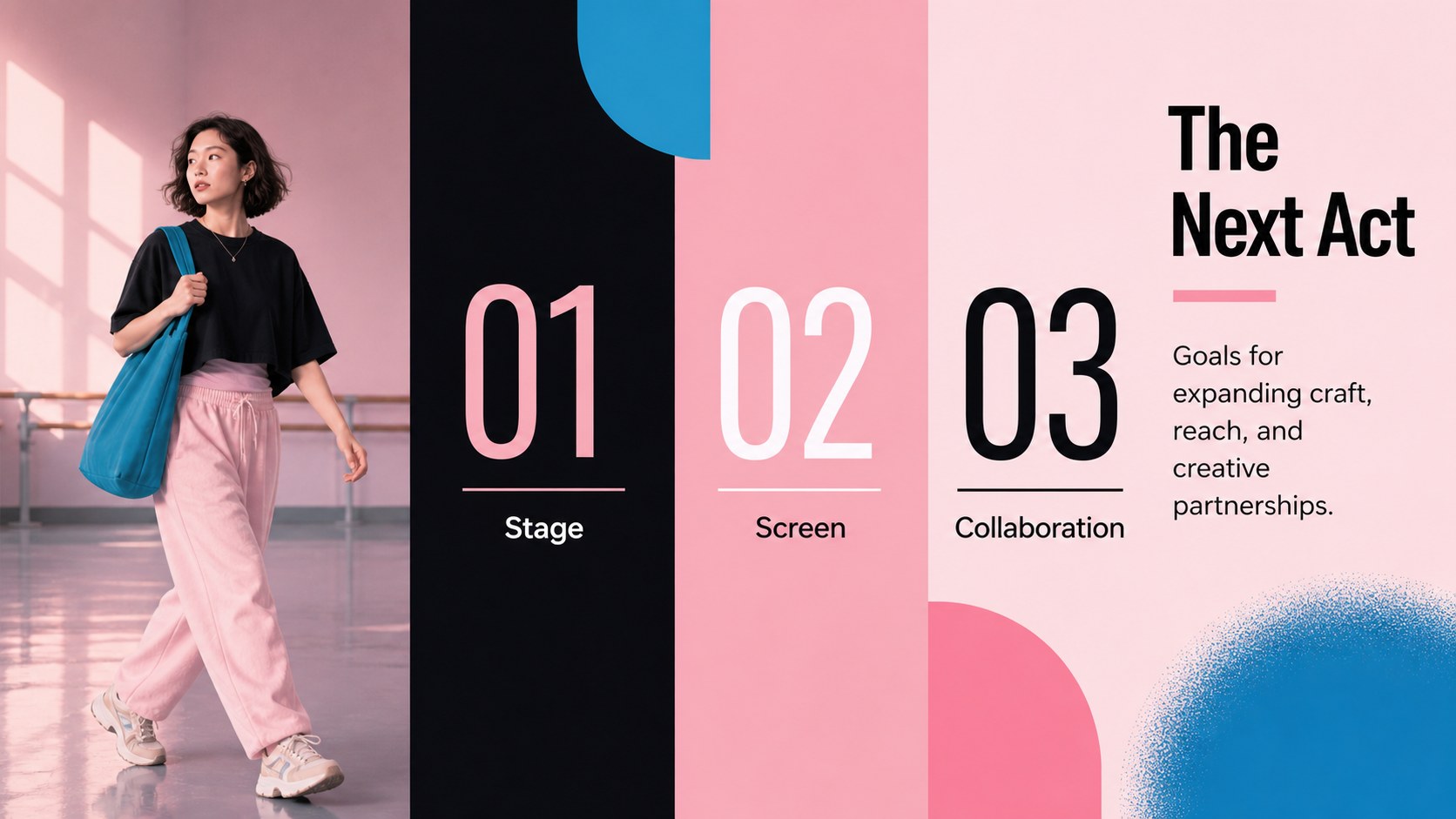
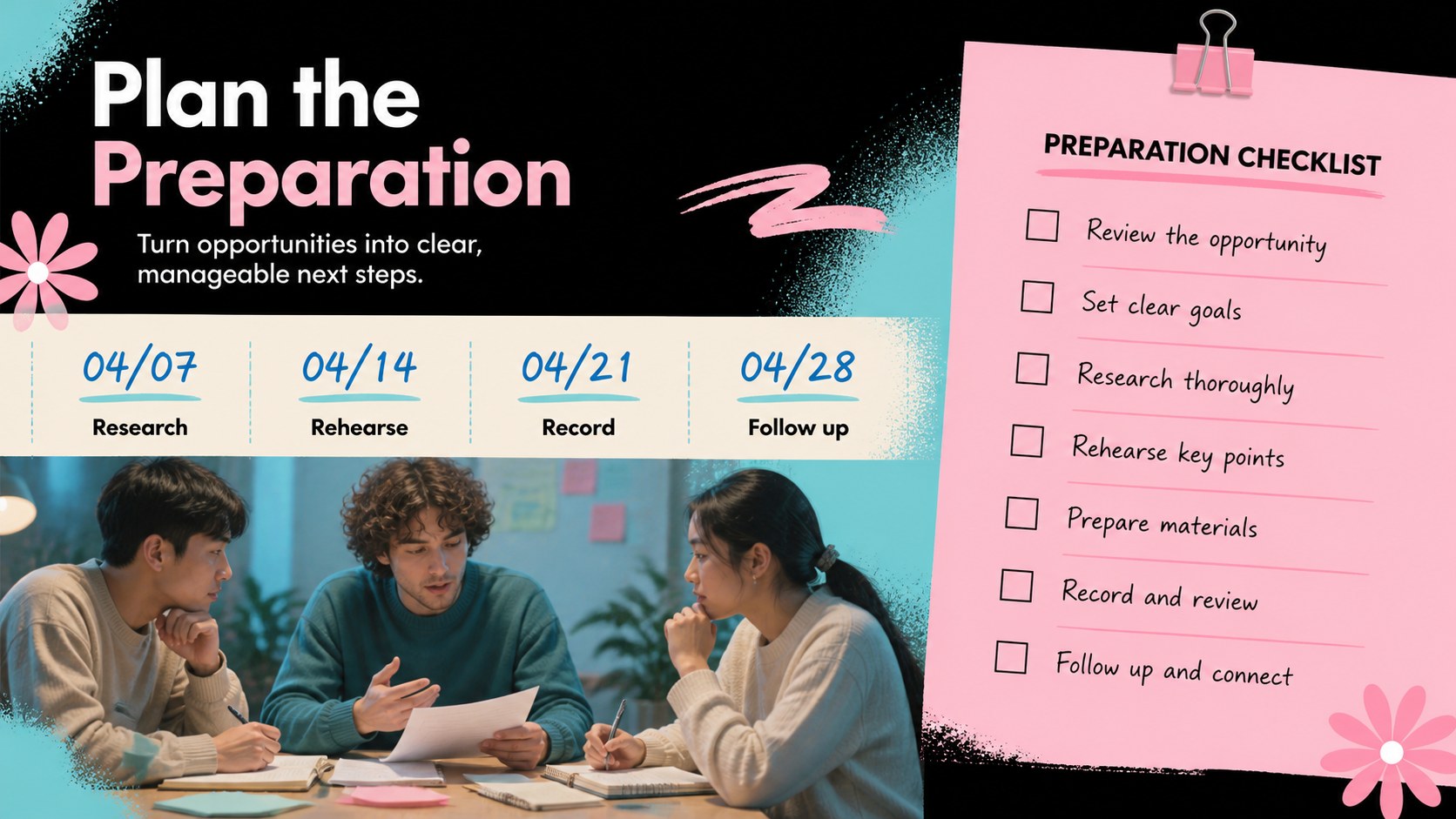
Make a striking first impression with an acting career showcase theme designed for performers, students, and creative professionals. Its graffiti-inspired visual language combines black, electric blue, soft pink, and pastel accents to give career stories a distinctive stage-ready identity without overwhelming the content. Use it to introduce your background, define your performance style, and present your next creative direction.
Inside, you will find more than 25 editable layouts for biography slides, training history, role highlights, skills, production credits, audition preparation, and contact details. The deck also includes flexible spaces for portraits, rehearsal photography, timelines, quote callouts, and project snapshots. It works especially well for an actor portfolio presentation, drama-school review, casting introduction, or personal brand pitch. Charts, frames, shapes, animations, and transitions help turn a simple resume into a polished visual narrative.
Customize the full design, then export it for PowerPoint or Google Slides when needed. Replace imagery, adjust the type hierarchy, and adapt the color balance to match your identity while keeping the energetic editorial style. It is a practical presentation tool for auditions, workshops, career planning, and creative networking.
Perfect for: acting school portfolio review; casting audition introduction; performer career pitch; role and credits presentation; creative networking event; acting workshop presentation.
Frequently asked questions
Can I edit this acting presentation? Yes. The layouts are designed for editing, so you can change text, images, fonts, colors, and slide order with drag-and-drop controls. You can also add presenter notes, animations, and transitions in the editor.
Practical details
Yes. The layouts are designed for editing, so you can change text, images, fonts, colors, and slide order with drag-and-drop controls. You can also add presenter notes, animations, and transitions in the editor.
Yes. Open the template and use the Share or Download menu to export a PowerPoint file or save an editable copy to Google Drive. Review the exported file afterward because some animations and fonts may render differently.
Useful sections include a short biography, training, performance skills, selected roles, production credits, contact details, and links to relevant work. Add strong, high-resolution images that support the story without overcrowding the layouts.
Yes. Update the document colors and individual design elements to match your personal brand or production identity. Keeping one bright accent color will preserve the deck's energetic visual rhythm.
Keep exploring
15Use this astrology audience insights deck to present zodiac-based segments, behaviors, and campaign findings in polished black-and-gold slides.
 14
14Plan a memorable Lunar New Year campaign with the 2036 Dragon Year Celebration Theme, featuring bold red-and-yellow slides for lessons and events.
 15
15Build eerie lessons, campaigns, and story pitches with an undead survival scenario theme featuring editable slides for PowerPoint and Google Slides.
 15
15Build a clear breast cancer awareness bulletin with bold pink-and-red slides for campaign news, screening reminders, impact data, and community updates.
 15
15Shape your publishing concept with an indie magazine startup pitch deck featuring pastel gradients, bold collage layouts, and editable planning slides.
 15
15Build a bold retro-futurist campaign pitch deck for client meetings, with editable strategy layouts and playful pastel Y2K-inspired visuals.
 16
16Build a consistent presence with a social channel identity playbook covering voice, visuals, content formats, publishing rules, and approvals.
 15
15Celebrate online learners with webinar completion certificate slides, featuring editable violet artwork for university events in PowerPoint and Google Slides.