
 15
15presentation
Flying Saucer History Lesson Deck
Build an engaging World UFO Day session with this flying saucer history lesson deck, featuring retro green-and-brown slides for PowerPoint and Google Slides.
Google SlidesPowerPoint
presentation · English
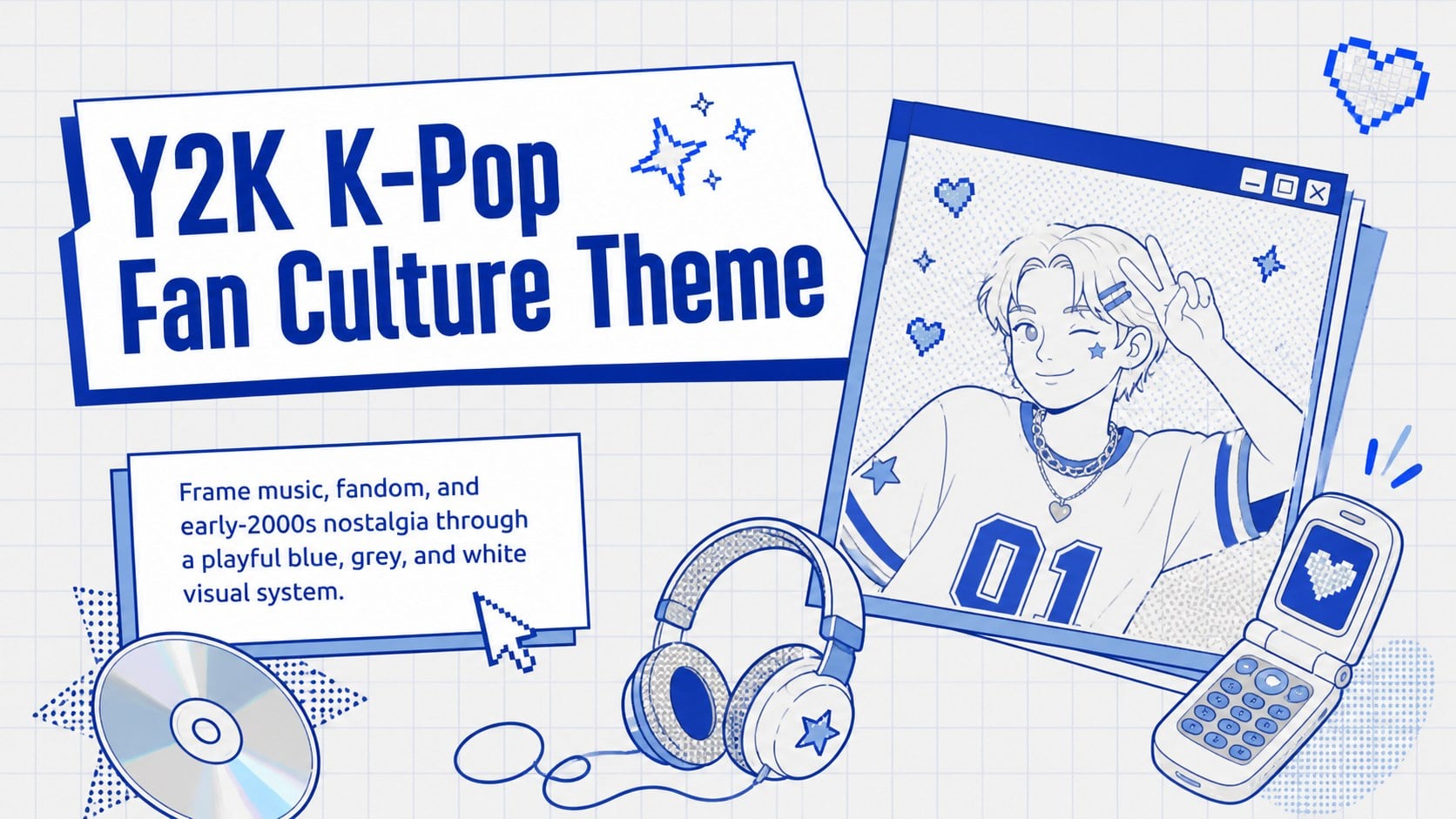
Bring fandom stories to life with a Y2K K-Pop fan culture theme in blue, grey, and white, ready to customize in PowerPoint or Google Slides.
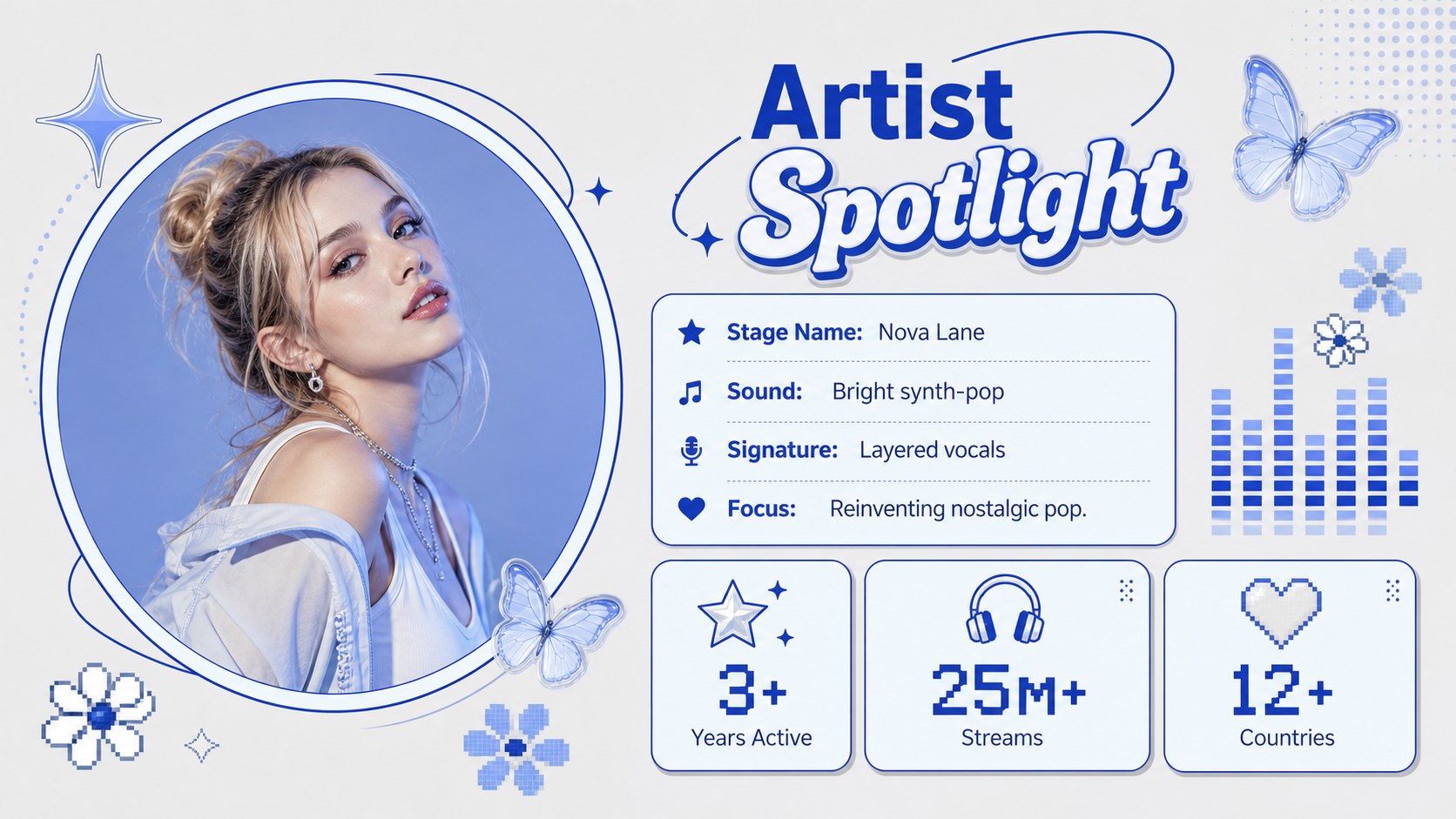
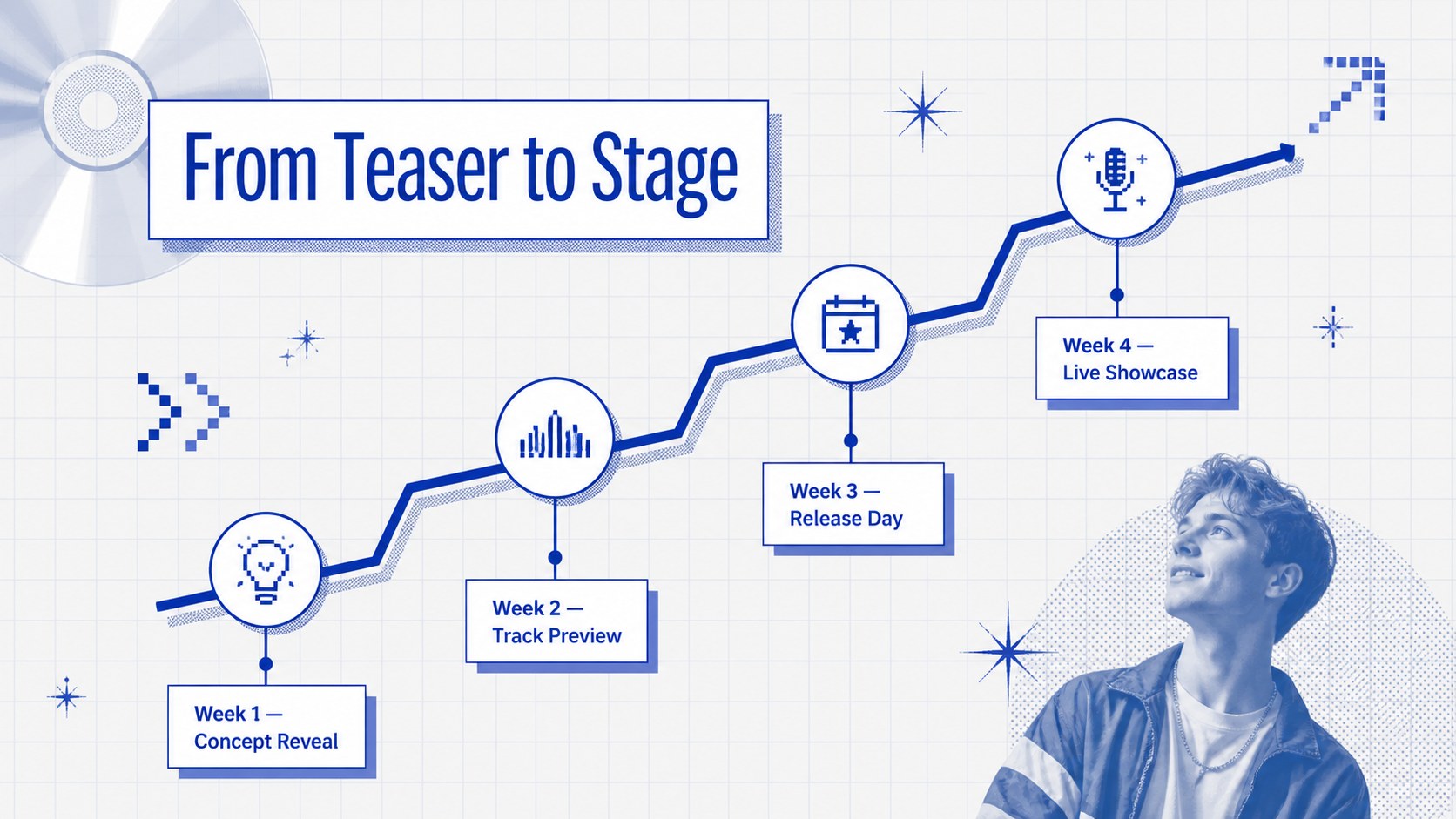
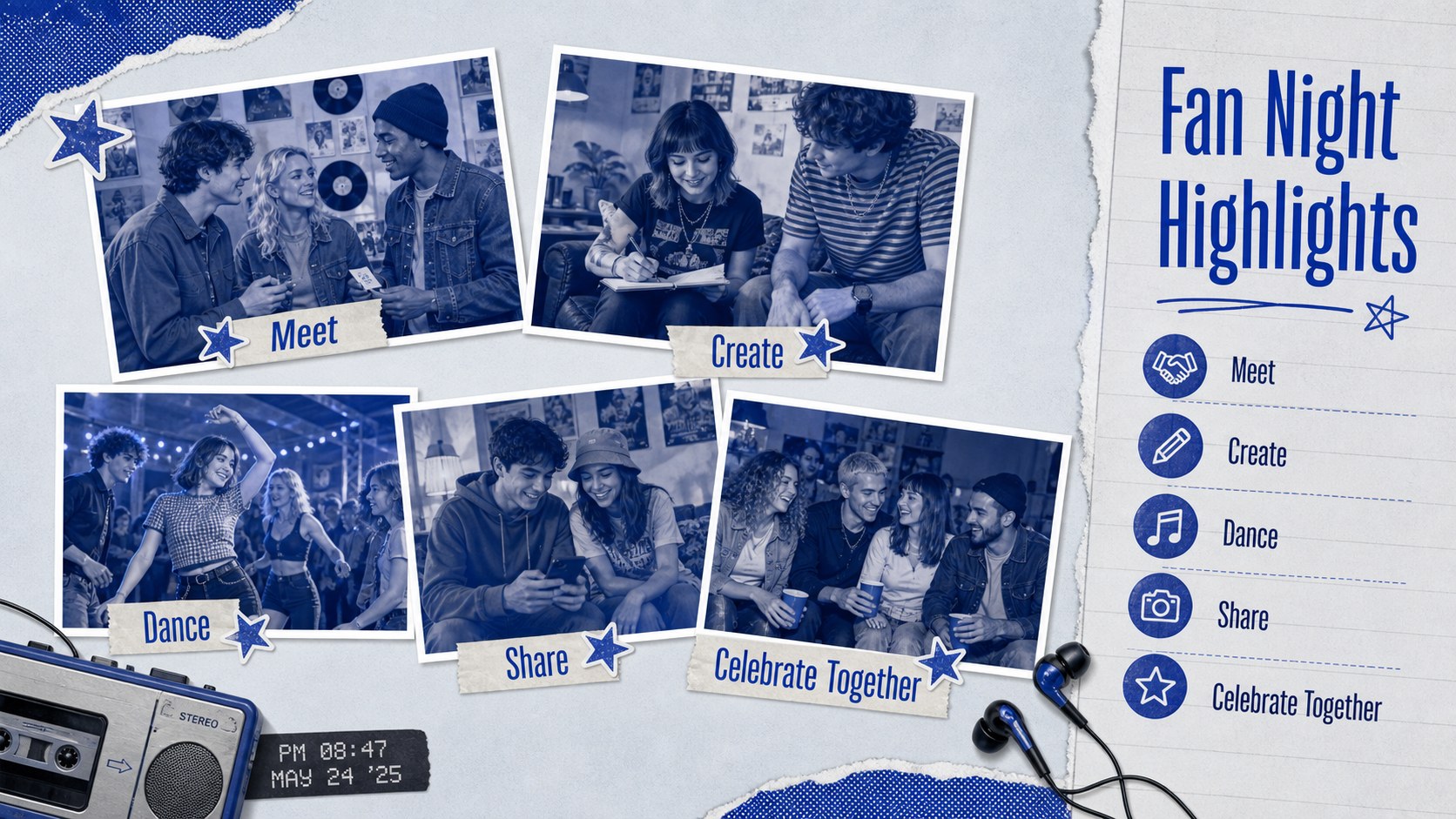
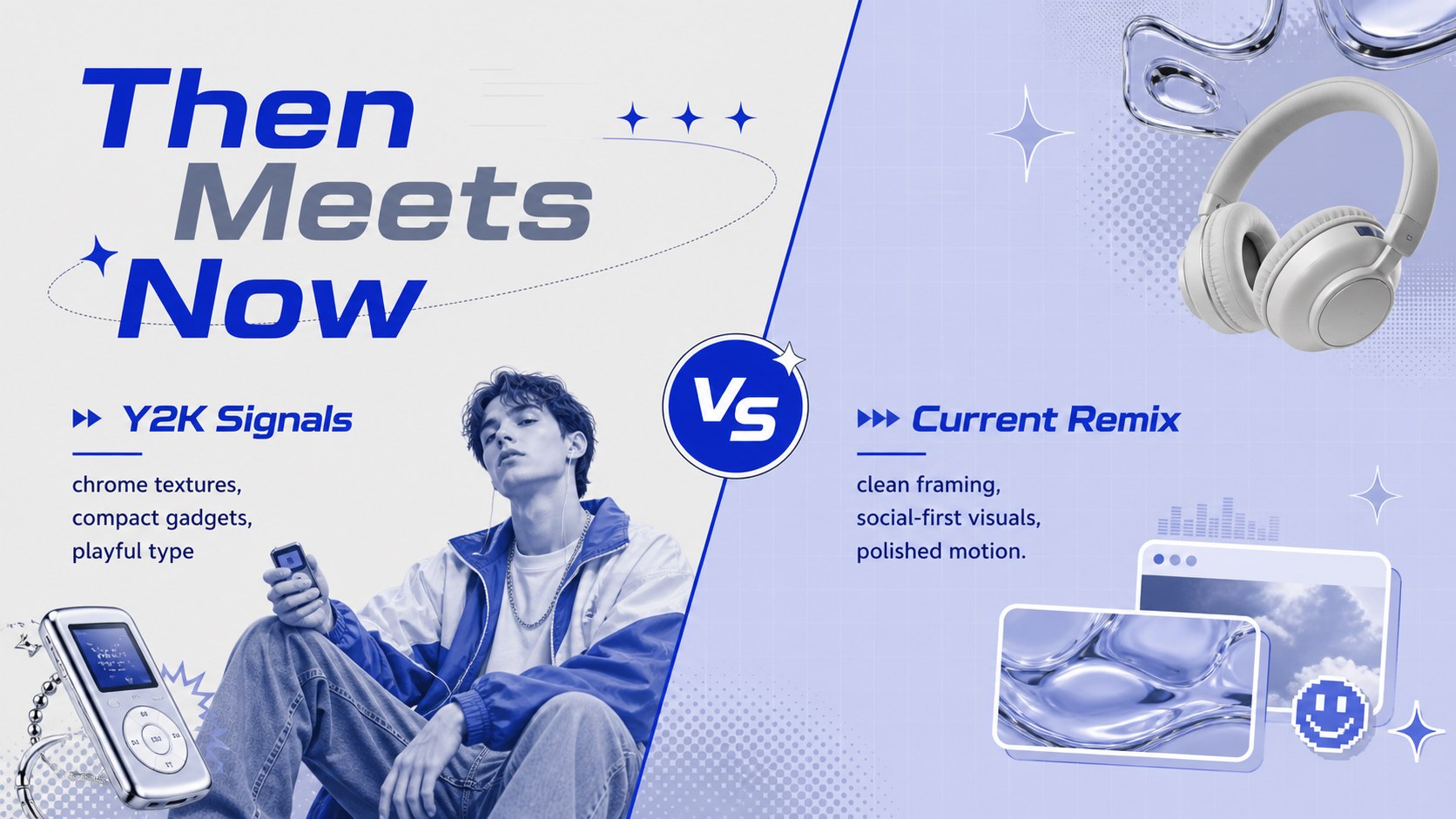
Design notes
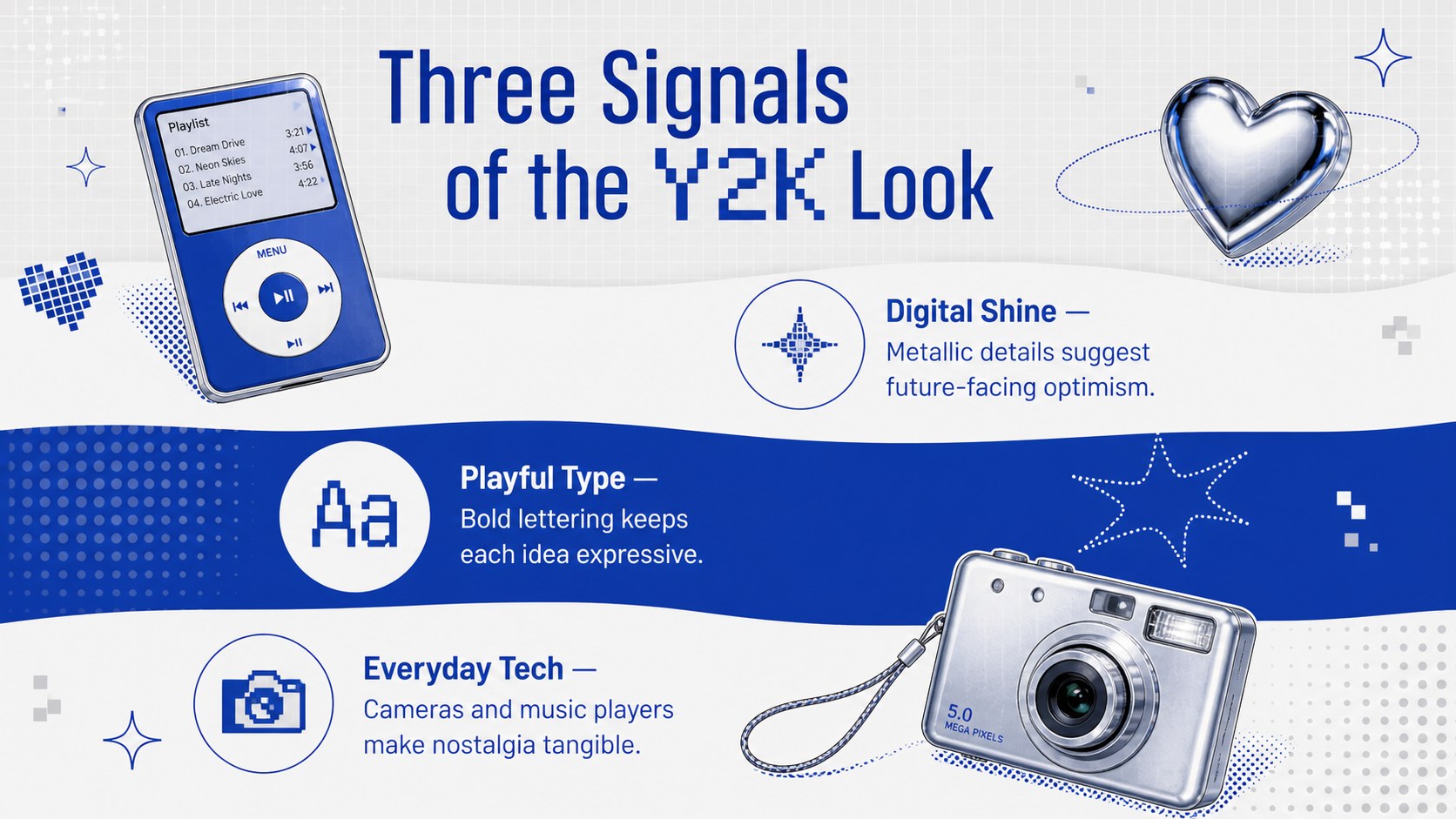
Give music stories an energetic retro identity with this Y2K K-Pop fan culture theme. Its blue, grey, and white palette combines playful cartoon details, digital-era accents, photo-ready frames, and bold display typography inspired by early-2000s pop aesthetics. The result feels nostalgic and expressive while keeping information clear for modern audiences.
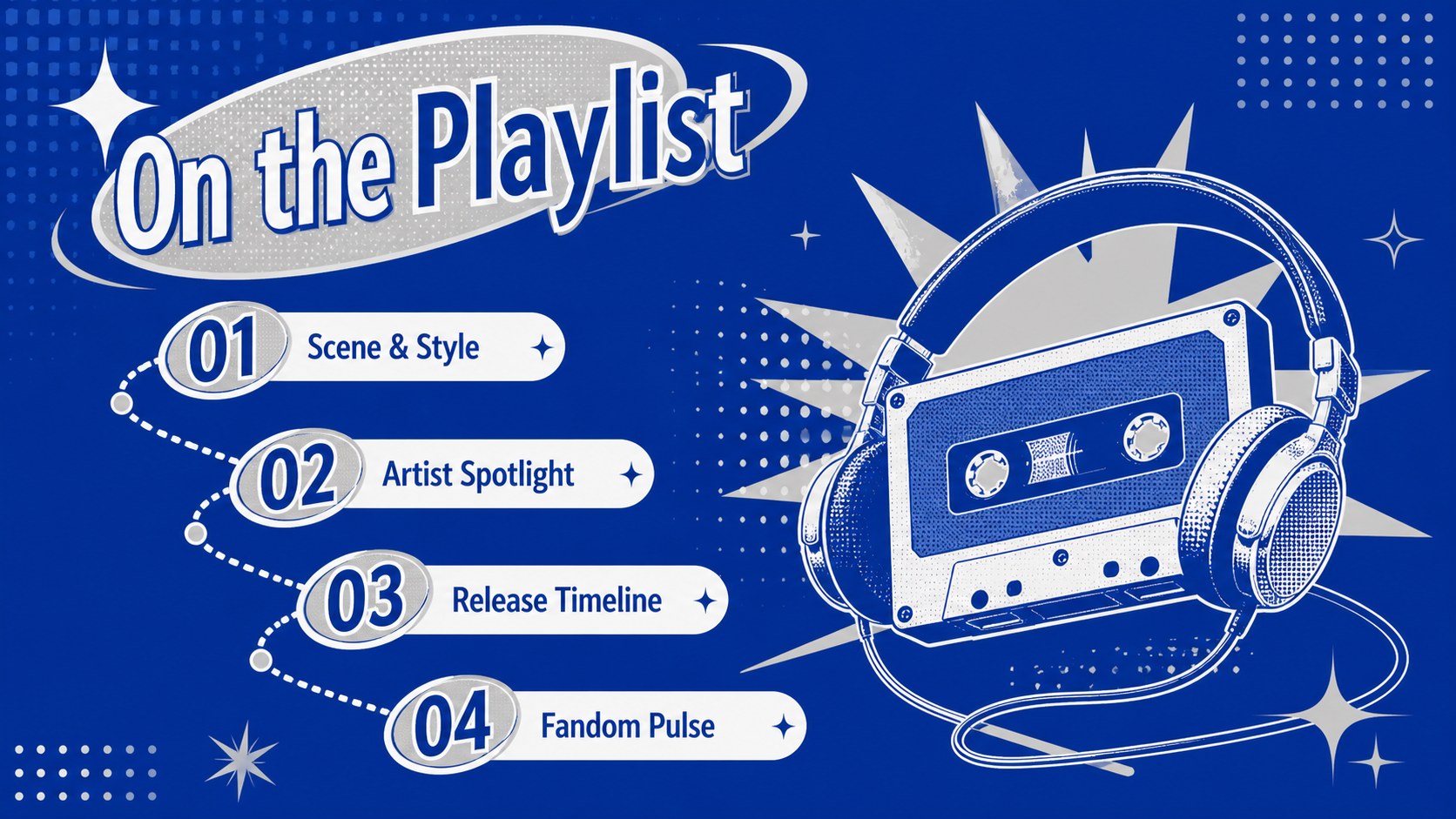
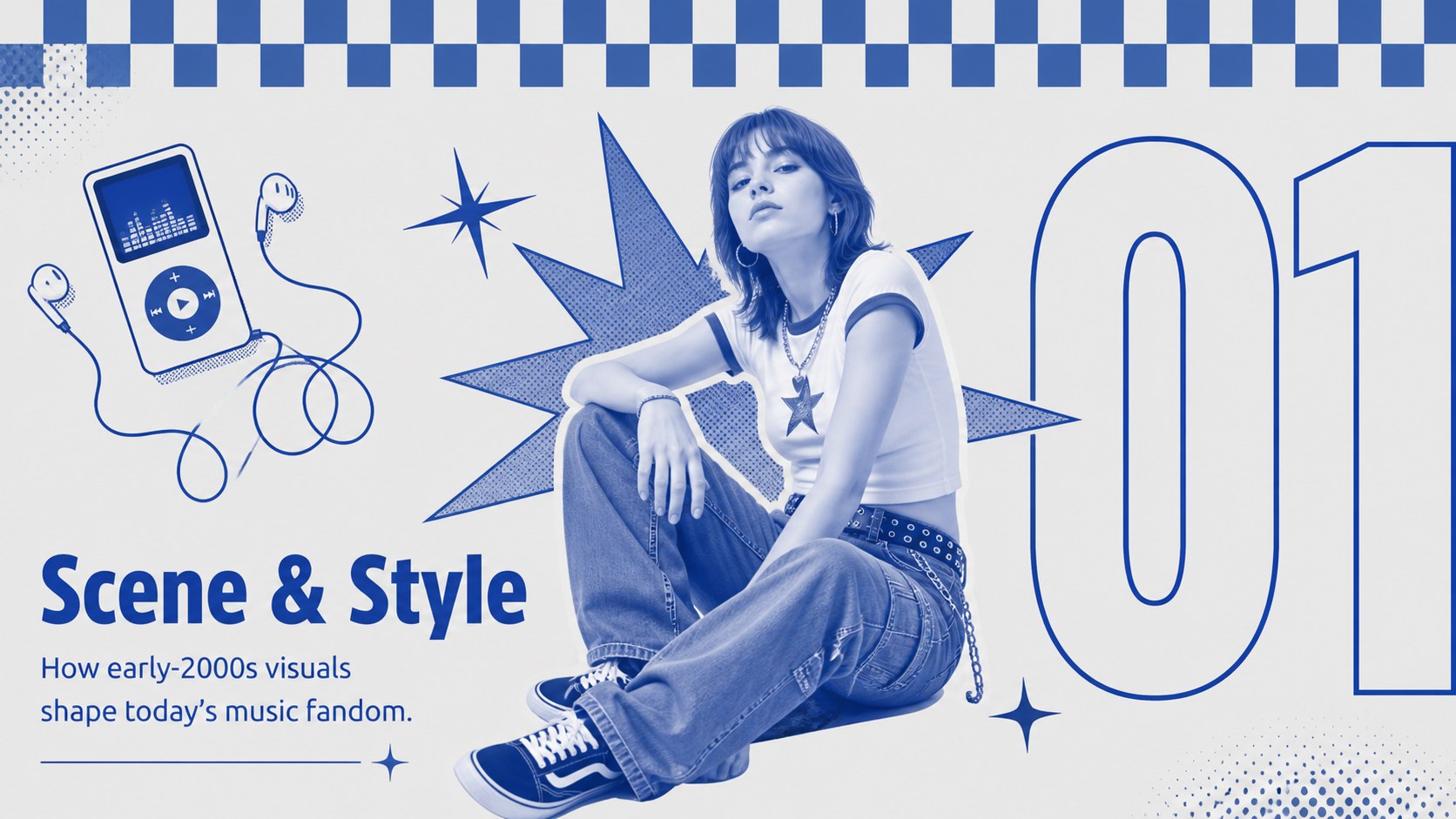
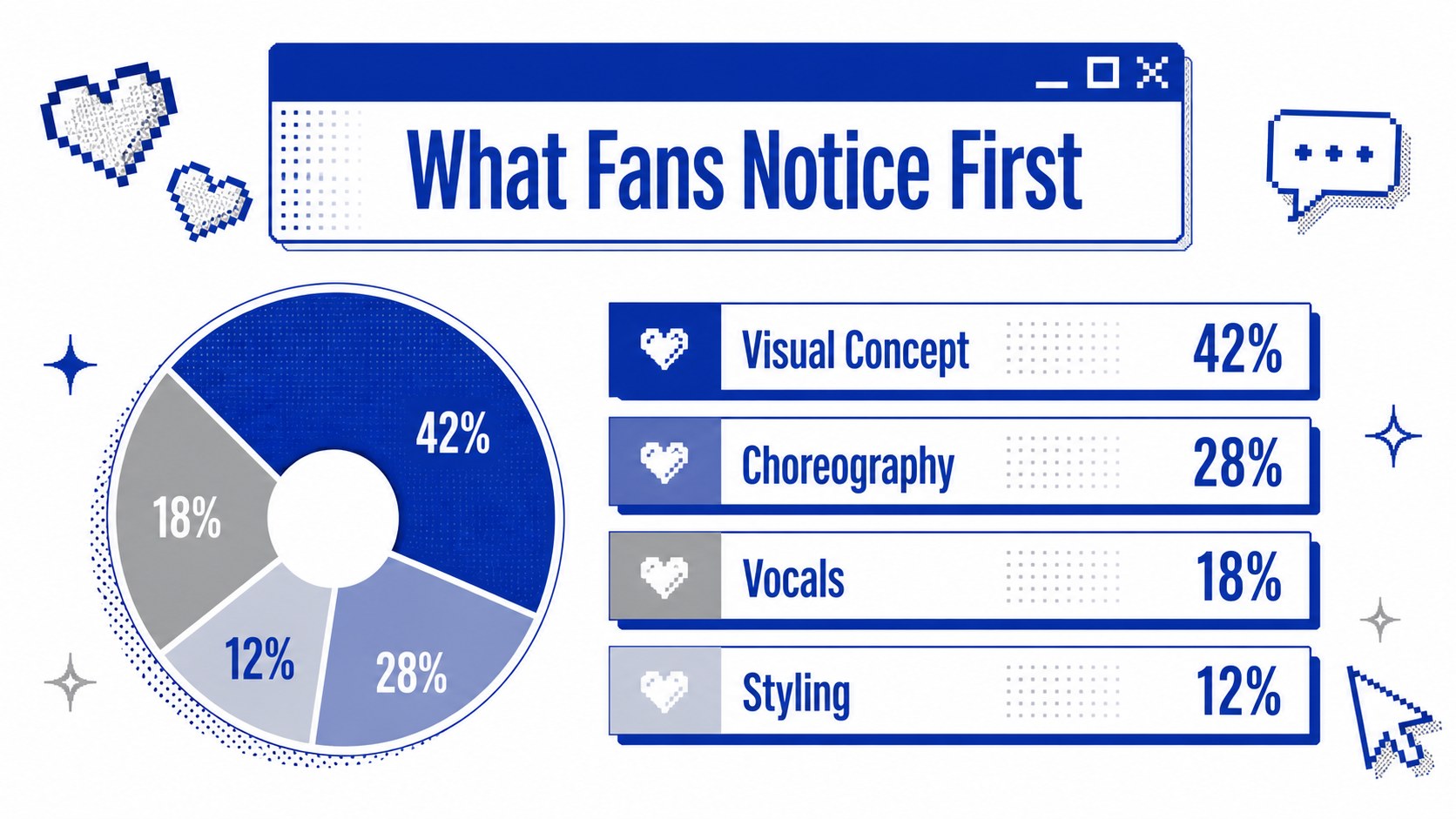
The 22 editable 16:9 layouts include opening pages, section dividers, artist profiles, track highlights, photo collections, timelines, charts, fan poll results, and closing slides. Use the modular shapes and image placeholders to build a Korean pop music presentation without starting from a blank canvas. Animation-friendly elements also make this retro music fandom slide deck suitable for lively classroom or community presentations.
Designed for PowerPoint and Google Slides, the Y2K K-Pop fan culture theme can be customized with your own photos, colors, captions, and data. It works well for fan club event decks, comeback concept analysis, music history lessons, album reviews, creative portfolios, and Gen Z pop culture projects. Teachers can turn it into a K-Pop classroom presentation template, while students and music communities can use it to organize visual research, celebrate favorite releases, or share fandom trends with a polished and cohesive look.
Perfect for: K-Pop fan club event; album review presentation; music history lesson; comeback concept analysis; fandom trend report; creative portfolio showcase.
Frequently asked questions
Can I edit this theme in PowerPoint and Google Slides? Yes. The layouts, text, colors, images, and graphic elements can be edited in both PowerPoint and Google Slides. Font substitutions may vary slightly depending on which fonts are installed or available online.
Practical details
Yes. The layouts, text, colors, images, and graphic elements can be edited in both PowerPoint and Google Slides. Font substitutions may vary slightly depending on which fonts are installed or available online.
Replace the sample photos and captions, then adjust the blue, grey, and white palette through the theme color controls. You can also move or remove stickers, frames, and retro digital accents without changing the overall layout.
Yes. The deck includes layouts for timelines, profiles, comparisons, charts, and image-led summaries. These formats work well for music history, media studies, cultural research, and student fan projects.
Use bright performance photos, album artwork you have permission to share, fan event photography, or original portraits with clean backgrounds. Consistent cropping and cool-toned image adjustments will help the visuals fit the blue and grey palette.
Keep exploring
15Build an engaging World UFO Day session with this flying saucer history lesson deck, featuring retro green-and-brown slides for PowerPoint and Google Slides.
 15
15Plan a lively animal-learning journey with this jungle zoo adventure lesson deck, ready to customize in PowerPoint and Google Slides for young learners.
 16
16Turn environmental research into a clear story with a Watercolor Ecology Presentation Theme for PowerPoint and Google Slides in calming green and blue.