
 15
15presentation
Flying Saucer History Lesson Deck
Build an engaging World UFO Day session with this flying saucer history lesson deck, featuring retro green-and-brown slides for PowerPoint and Google Slides.
Google SlidesPowerPoint
presentation · English
Build clearer plans with this project canvas planning toolkit, featuring editable orange-and-white diagrams for PowerPoint and Google Slides teams.
Design notes
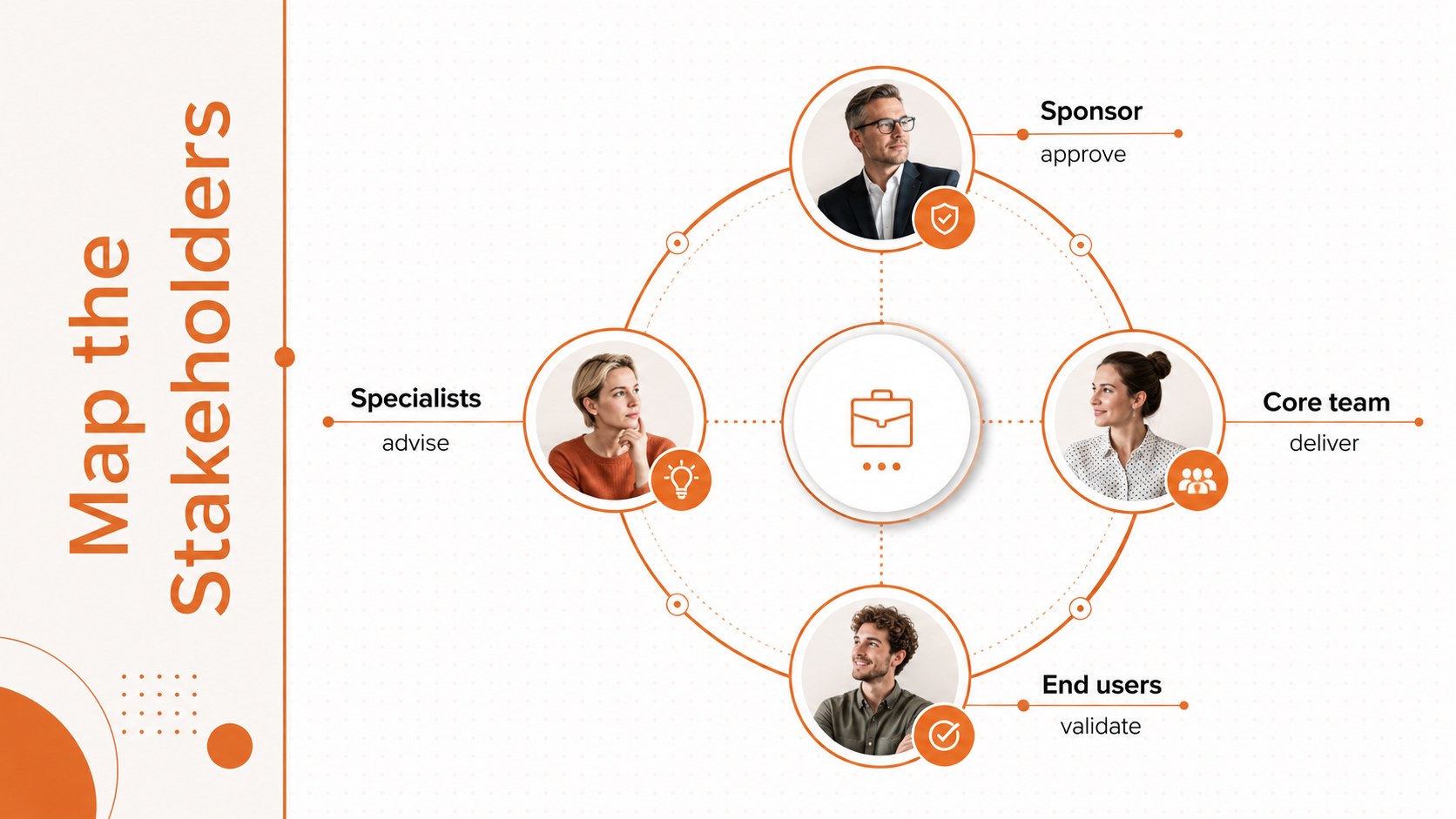
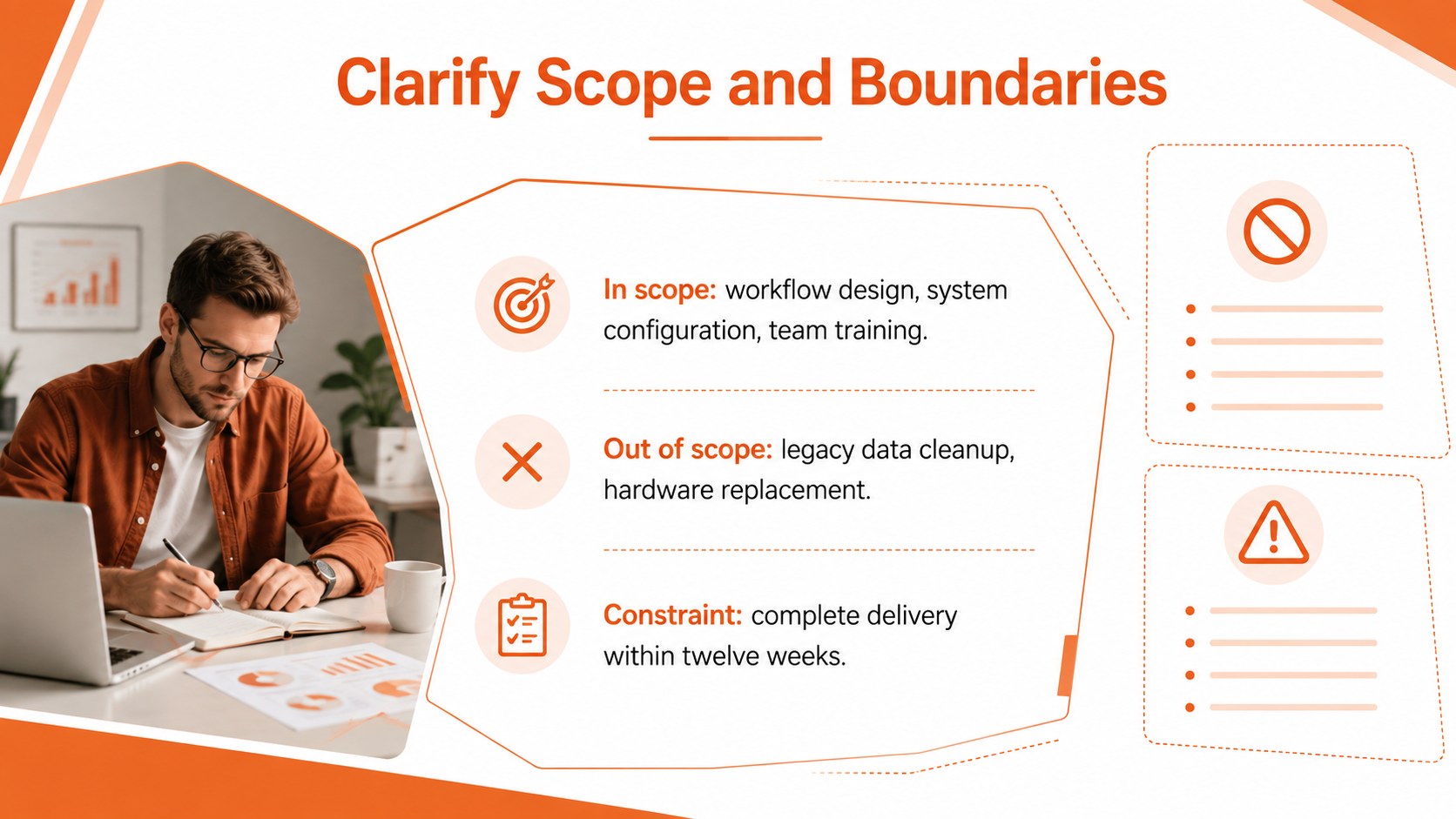
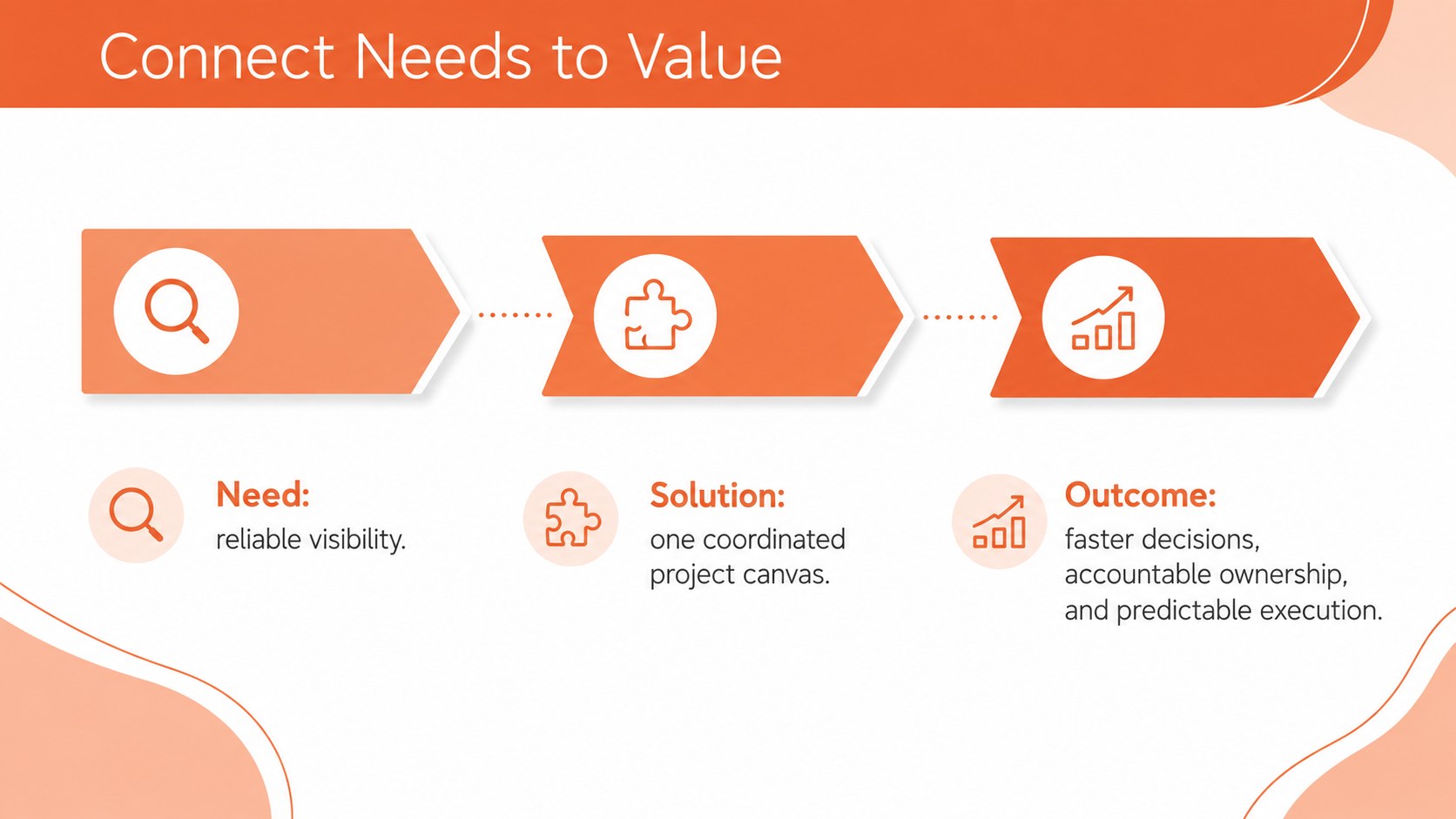
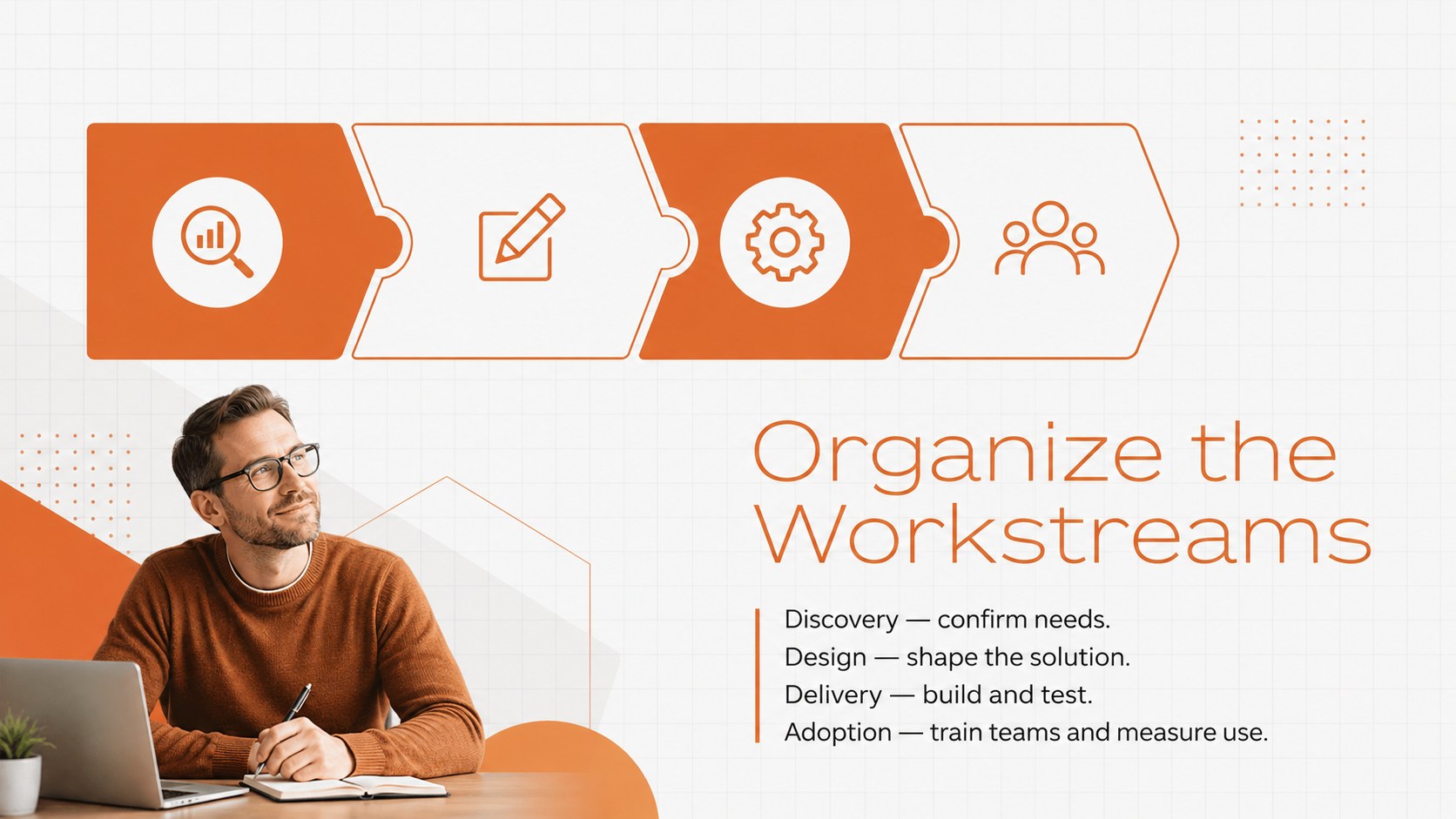
Turn an early-stage idea into a structured, presentation-ready plan with this project canvas planning toolkit. Its modern orange-and-white design helps teams organize complex information without overwhelming stakeholders, making it suitable for workshops, planning meetings, client updates, and internal reviews.
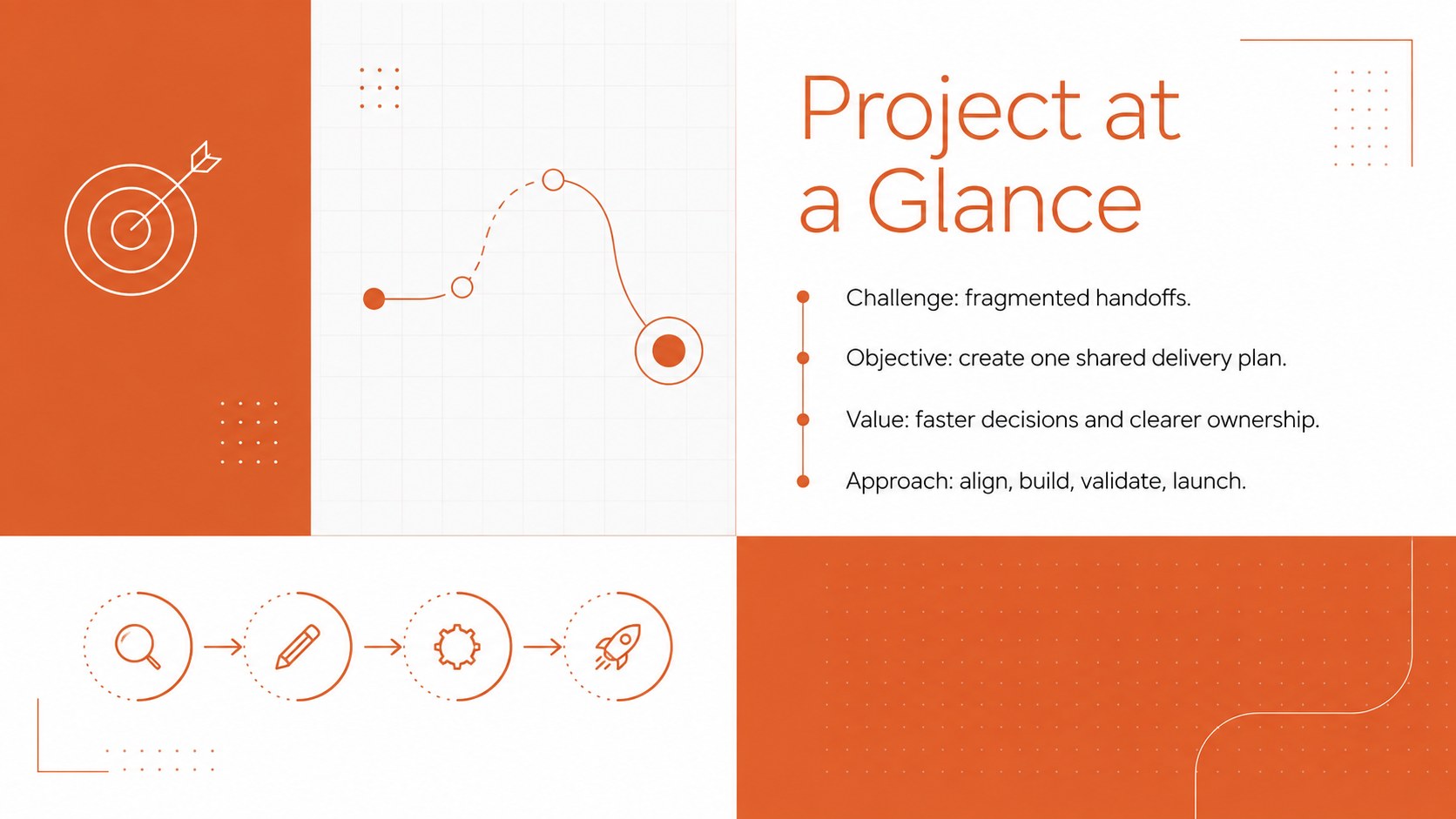
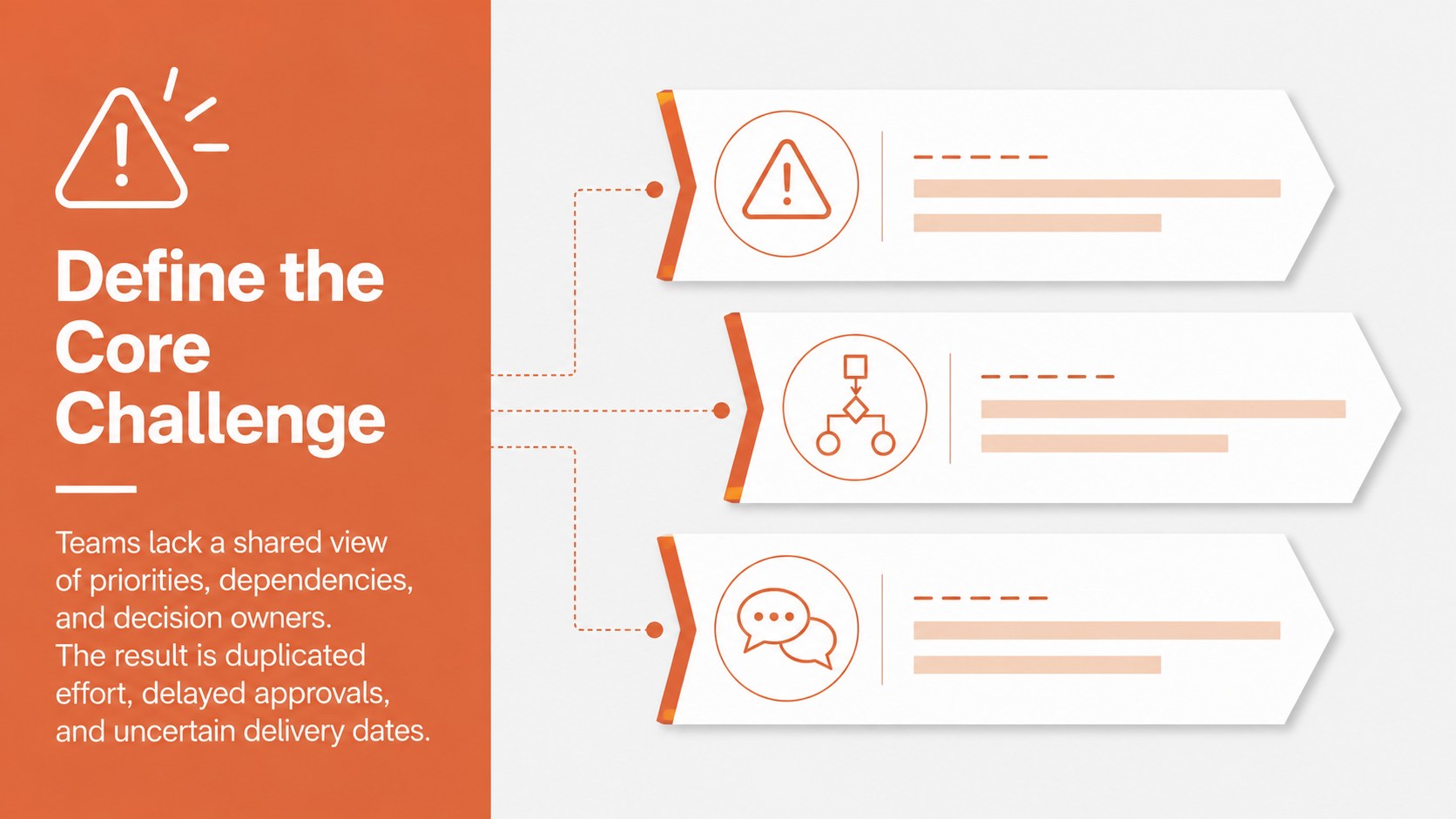
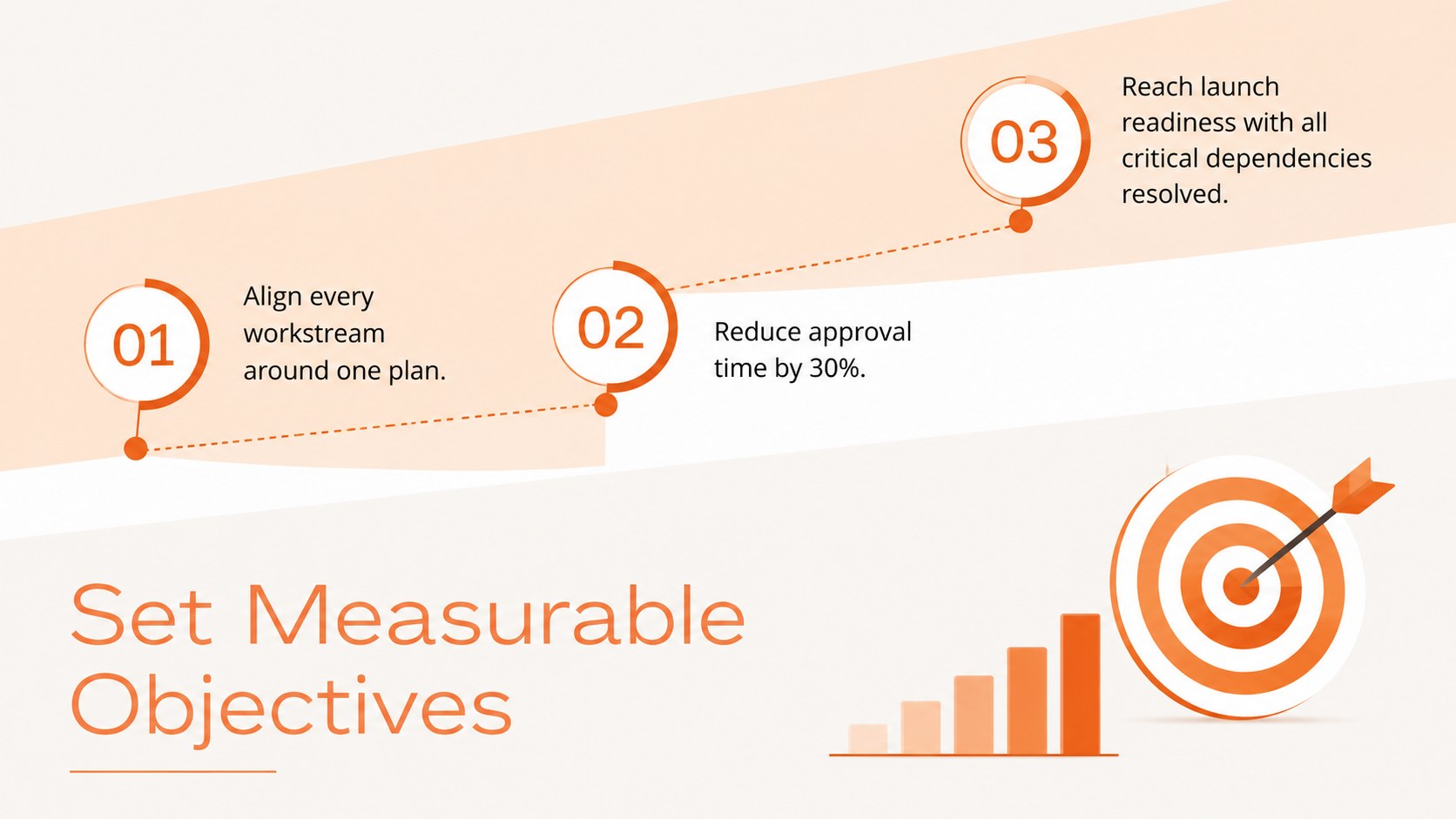
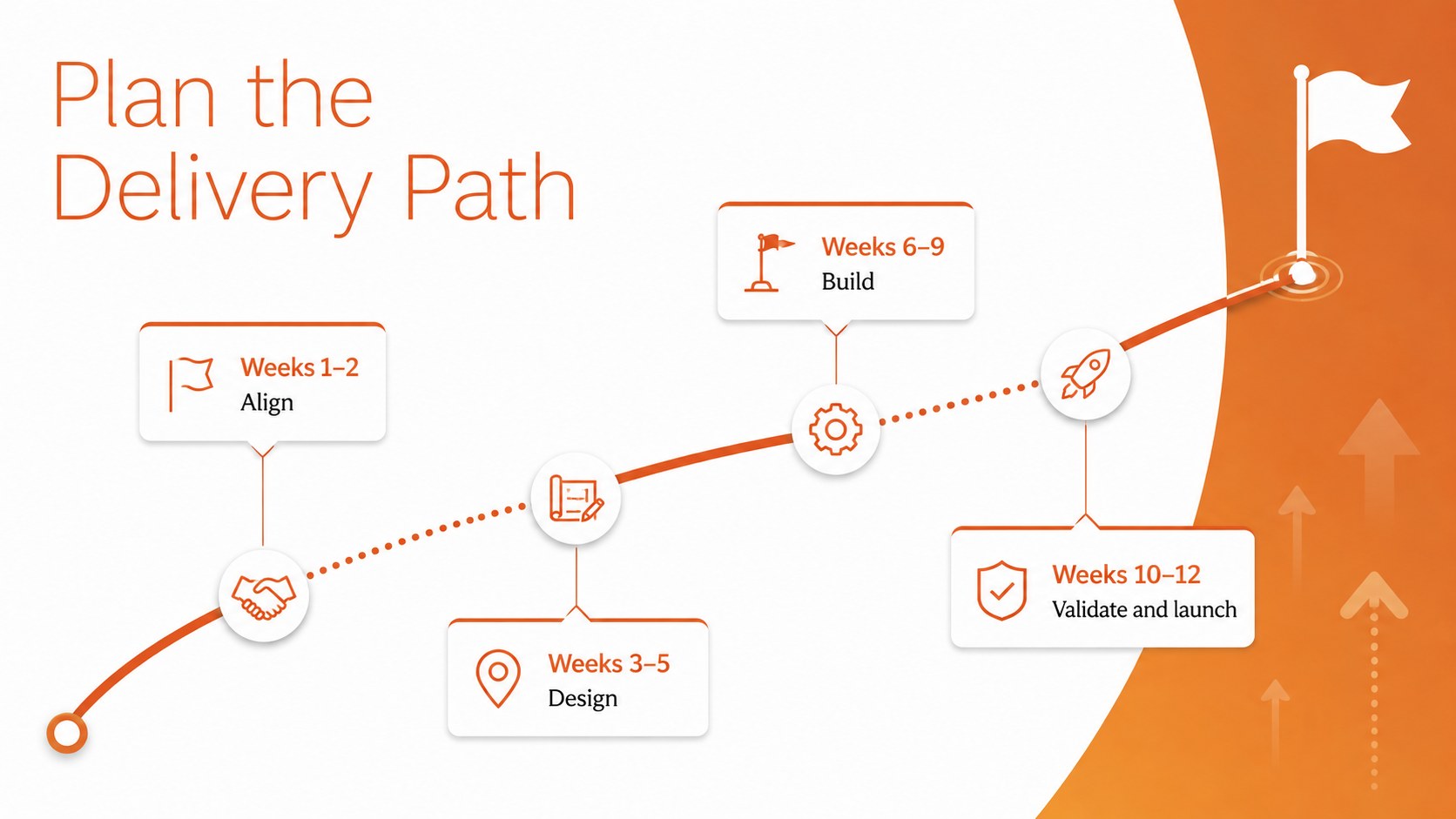
The deck includes editable project canvas slides for defining objectives, challenges, scope, stakeholders, value, workstreams, resources, risks, and success measures. Timelines, process diagrams, comparison layouts, and data visualizations provide flexible ways to explain how an initiative will move from concept to delivery. Motion-ready elements also support polished transitions between sections.
Use the project planning framework presentation to guide a collaborative session or convert workshop findings into a concise leadership briefing. The layouts are especially useful for project managers, consultants, operations teams, product leads, agency strategists, and business professionals who need a consistent visual structure for decisions and next steps.
Every element can be adapted in PowerPoint or Google Slides. Update the wording, recolor shapes, revise charts, rearrange sections, and add company-specific metrics while preserving the energetic minimalist style. The result is an orange business infographic template that keeps attention on practical outcomes, accountable owners, and measurable progress.
Perfect for: project alignment workshop; client initiative briefing; project scope review; strategy planning session; leadership progress update; cross-functional kickoff.
Frequently asked questions
Practical details
Yes. Text, colors, shapes, charts, icons, and layout elements can be adjusted to match your project and visual identity.
The template is designed for PowerPoint and Google Slides. Minor differences in fonts, transitions, or object positioning may occur when moving between platforms.
Yes. Use the theme color controls to apply your organization’s palette across the slides, then review charts and icons for contrast.
Yes. The modular layouts can support agile initiatives, consulting engagements, product launches, operational improvements, and traditional project plans.
Keep exploring
15Build an engaging World UFO Day session with this flying saucer history lesson deck, featuring retro green-and-brown slides for PowerPoint and Google Slides.
 15
15Plan a lively animal-learning journey with this jungle zoo adventure lesson deck, ready to customize in PowerPoint and Google Slides for young learners.
 16
16Turn environmental research into a clear story with a Watercolor Ecology Presentation Theme for PowerPoint and Google Slides in calming green and blue.