
presentation · English
Tsunami Preparedness Education Deck
Teach warning signs, evacuation steps, and coastal safety with a Tsunami Preparedness Education Deck for PowerPoint and Google Slides lessons.
Template preview
15 views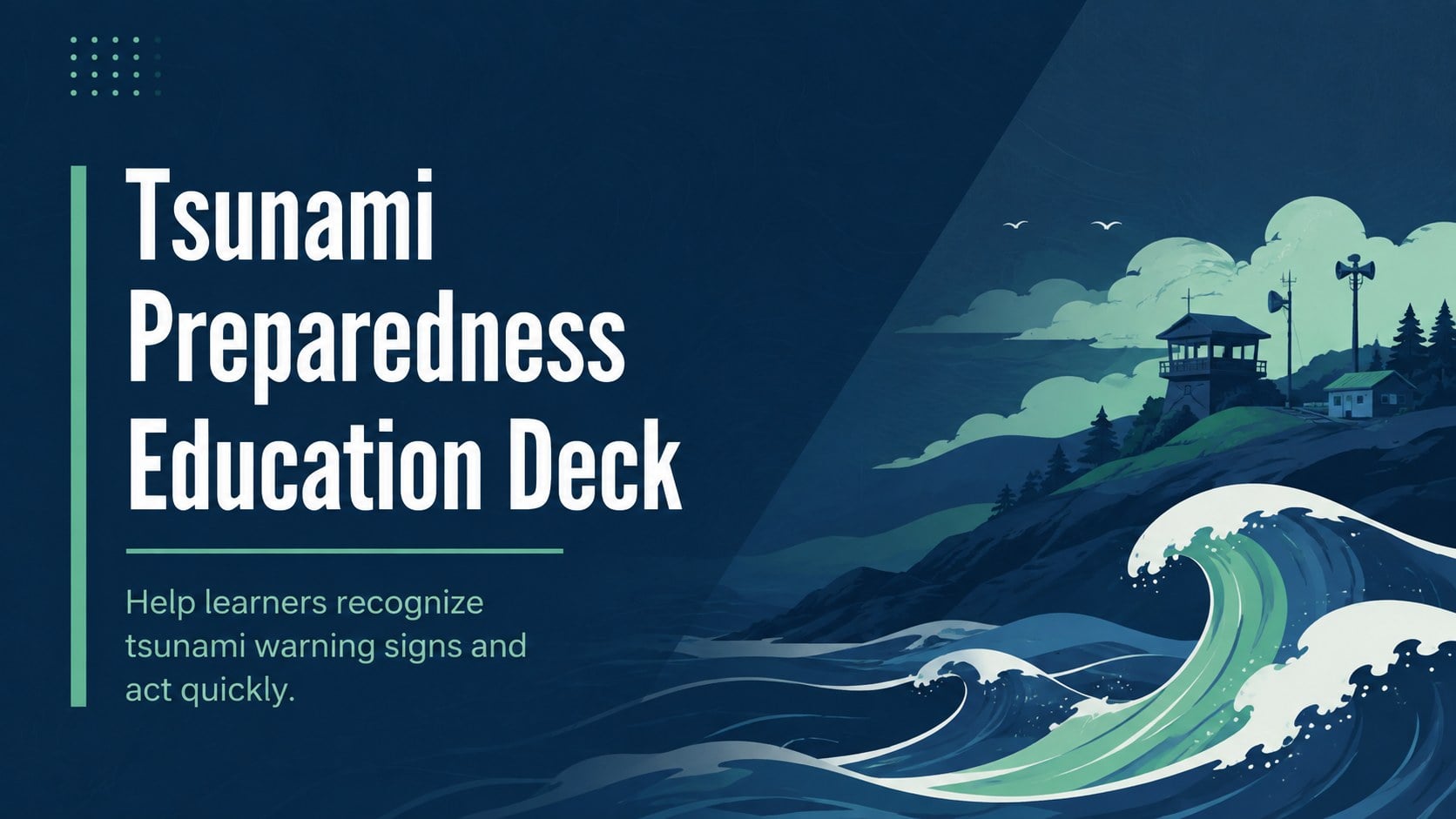
Design notes
About this presentation
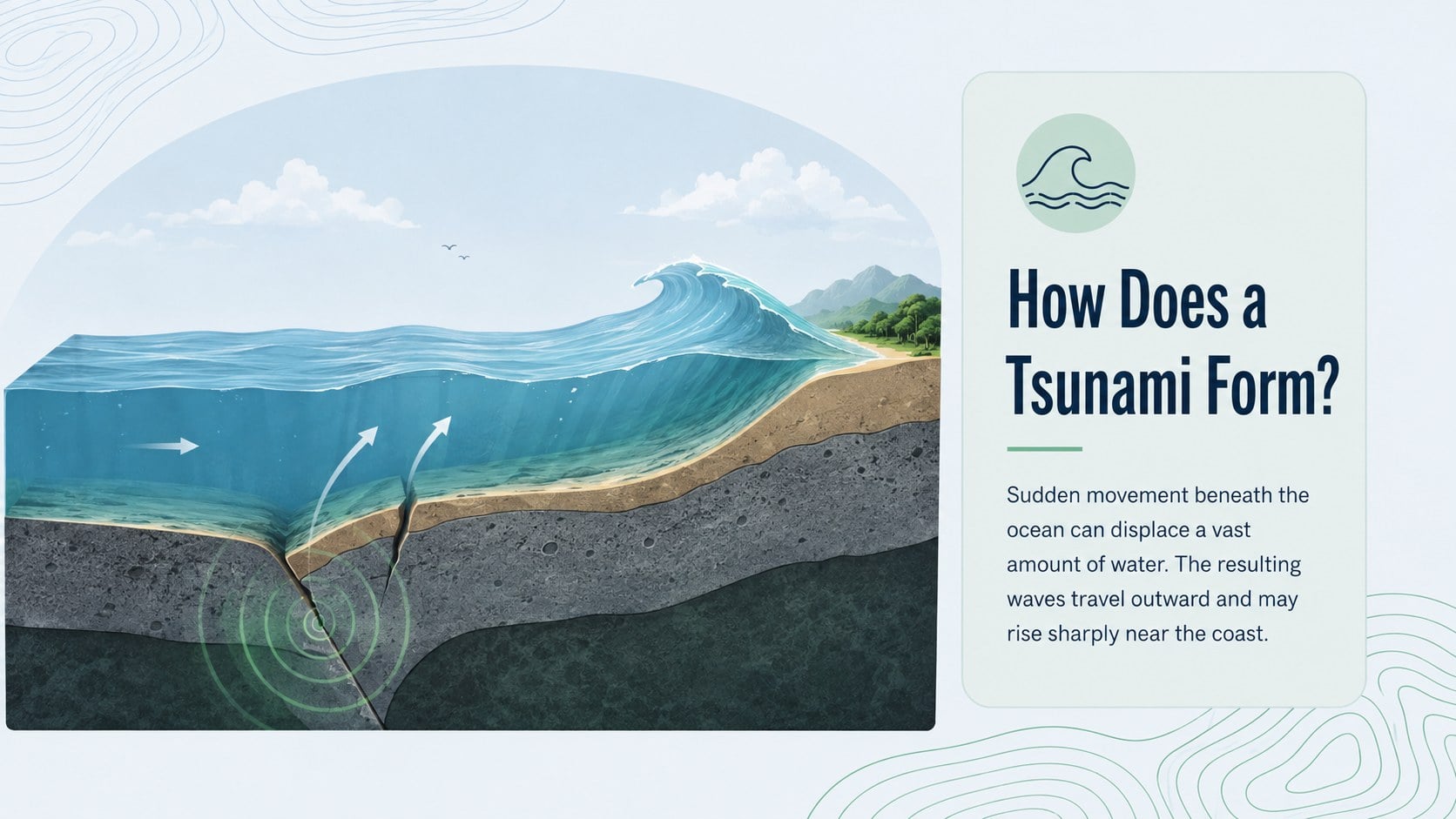
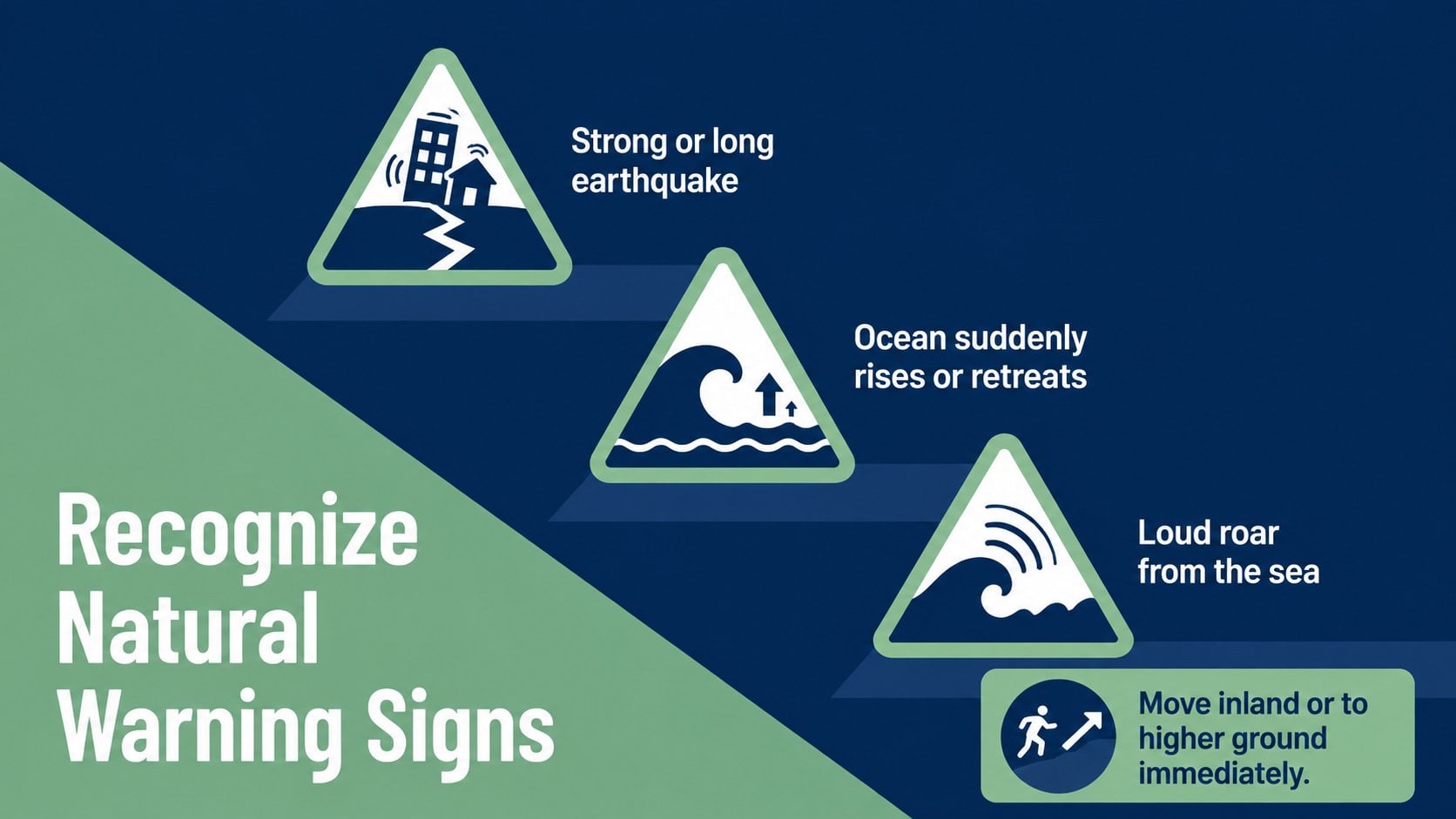
Build a clear, practical lesson around coastal hazards with this Tsunami Preparedness Education Deck. Designed for teachers, safety educators, and community presenters, its blue and green abstract style balances a serious subject with an approachable classroom look. Use it to explain how tsunamis form, identify natural warning signs, and introduce actions that can reduce risk.
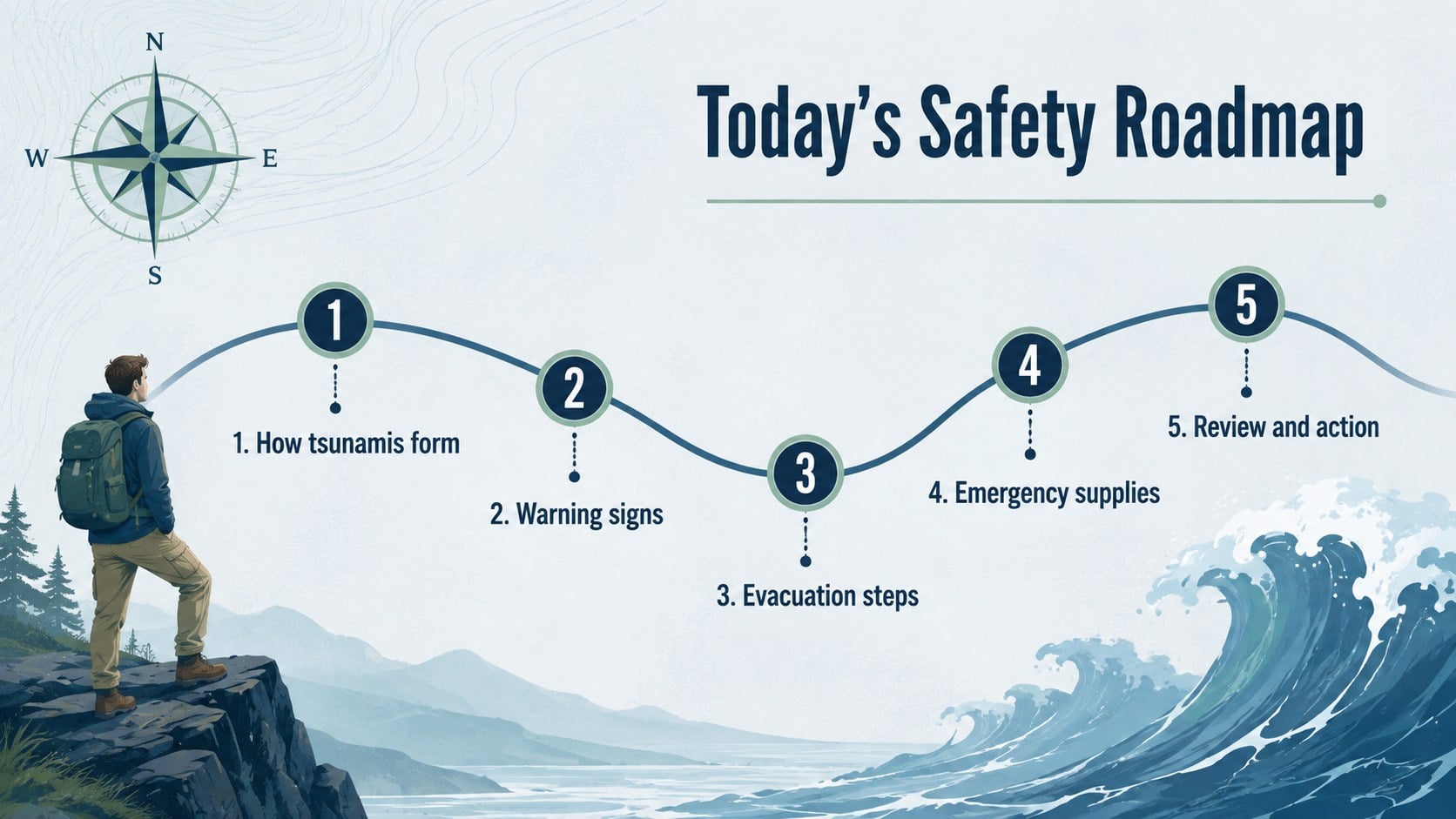
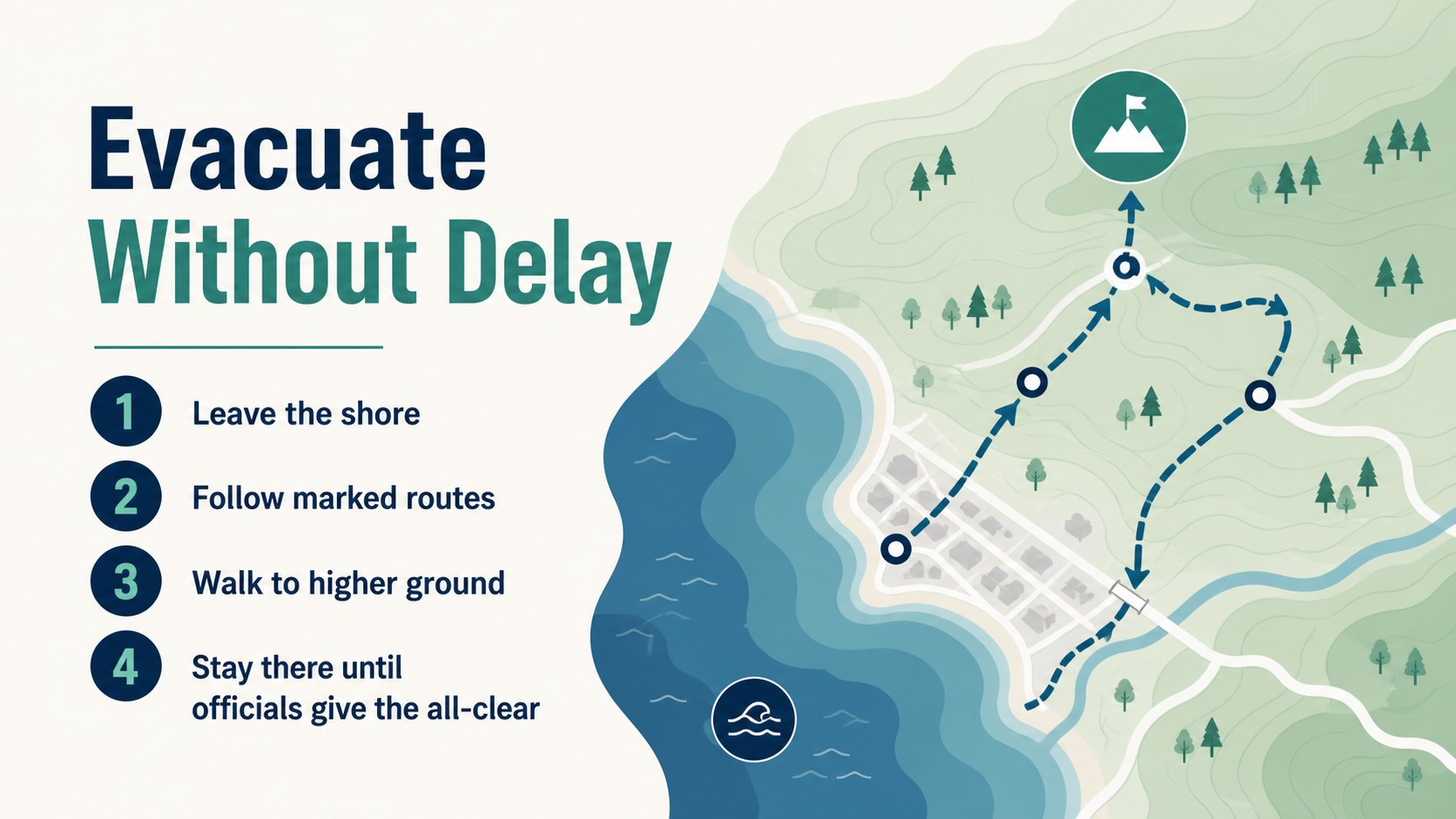
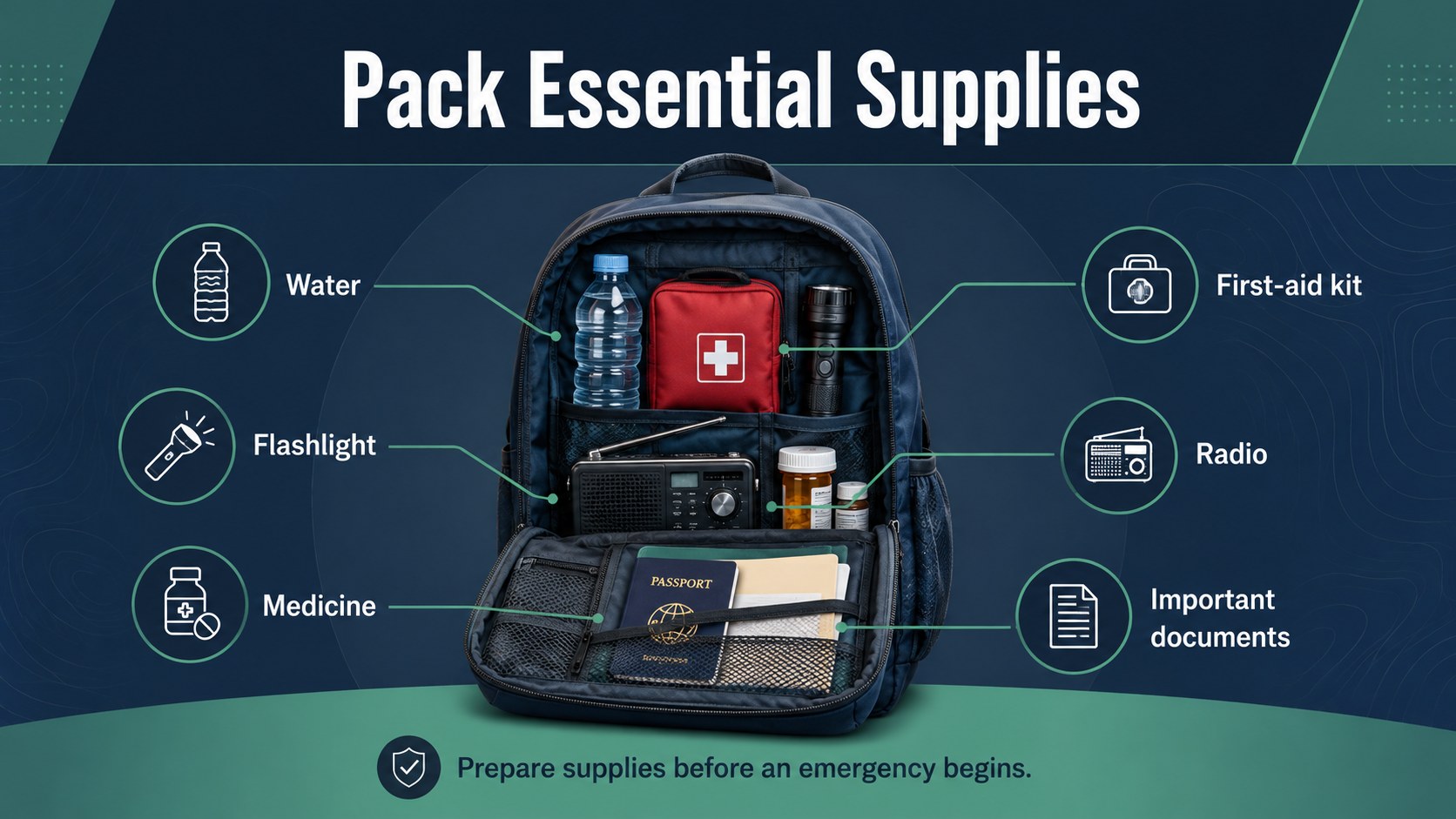
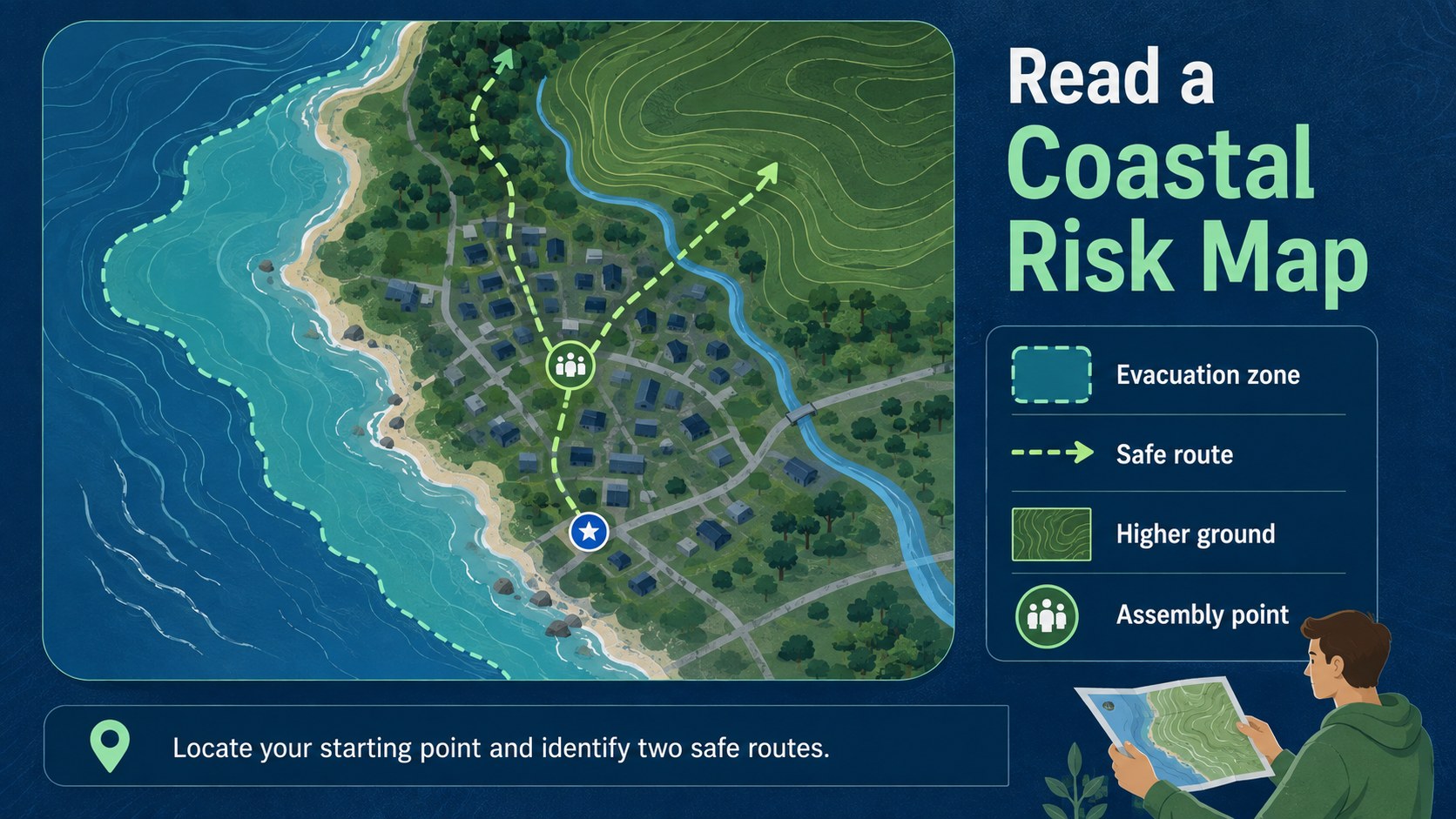
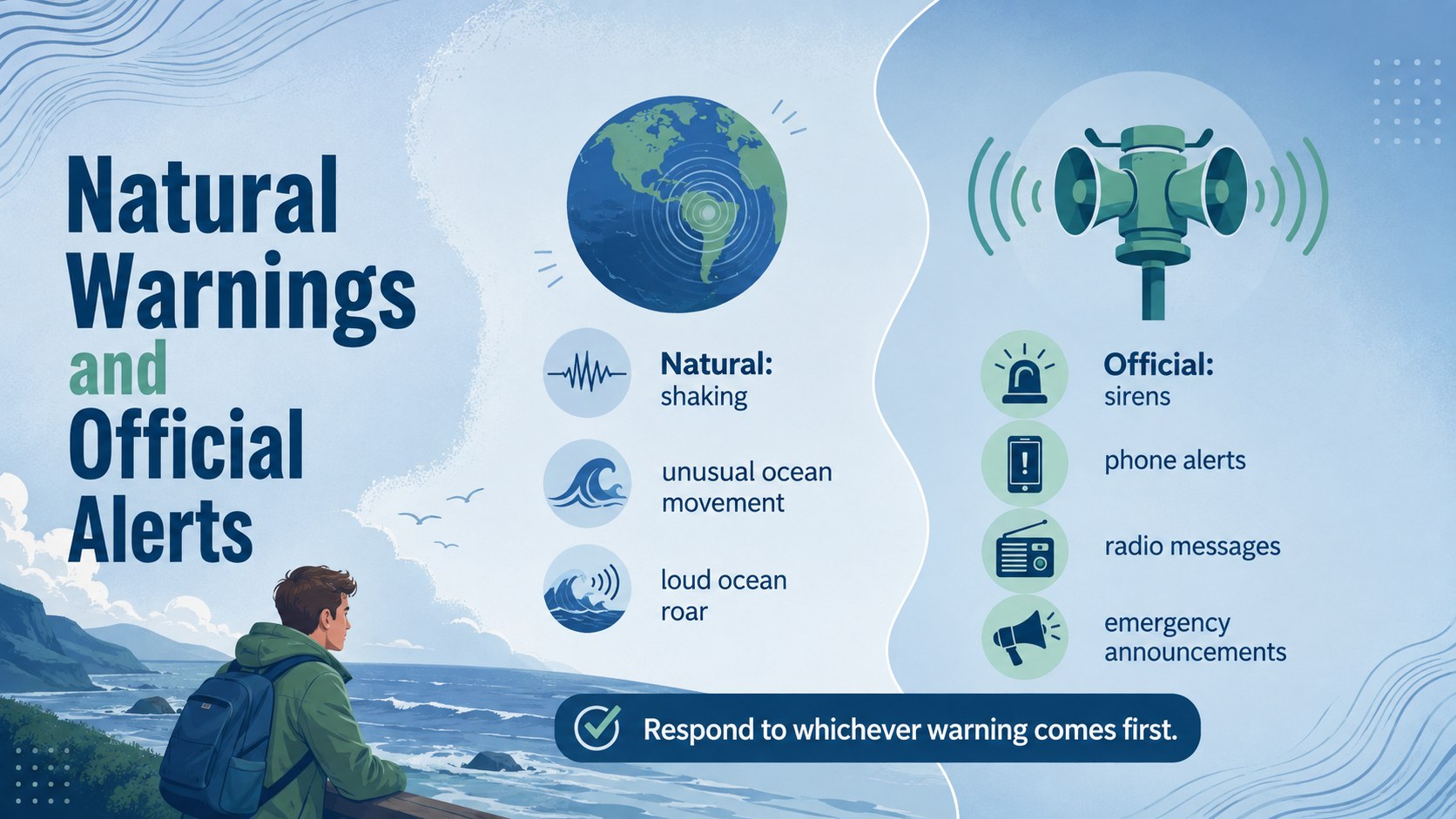
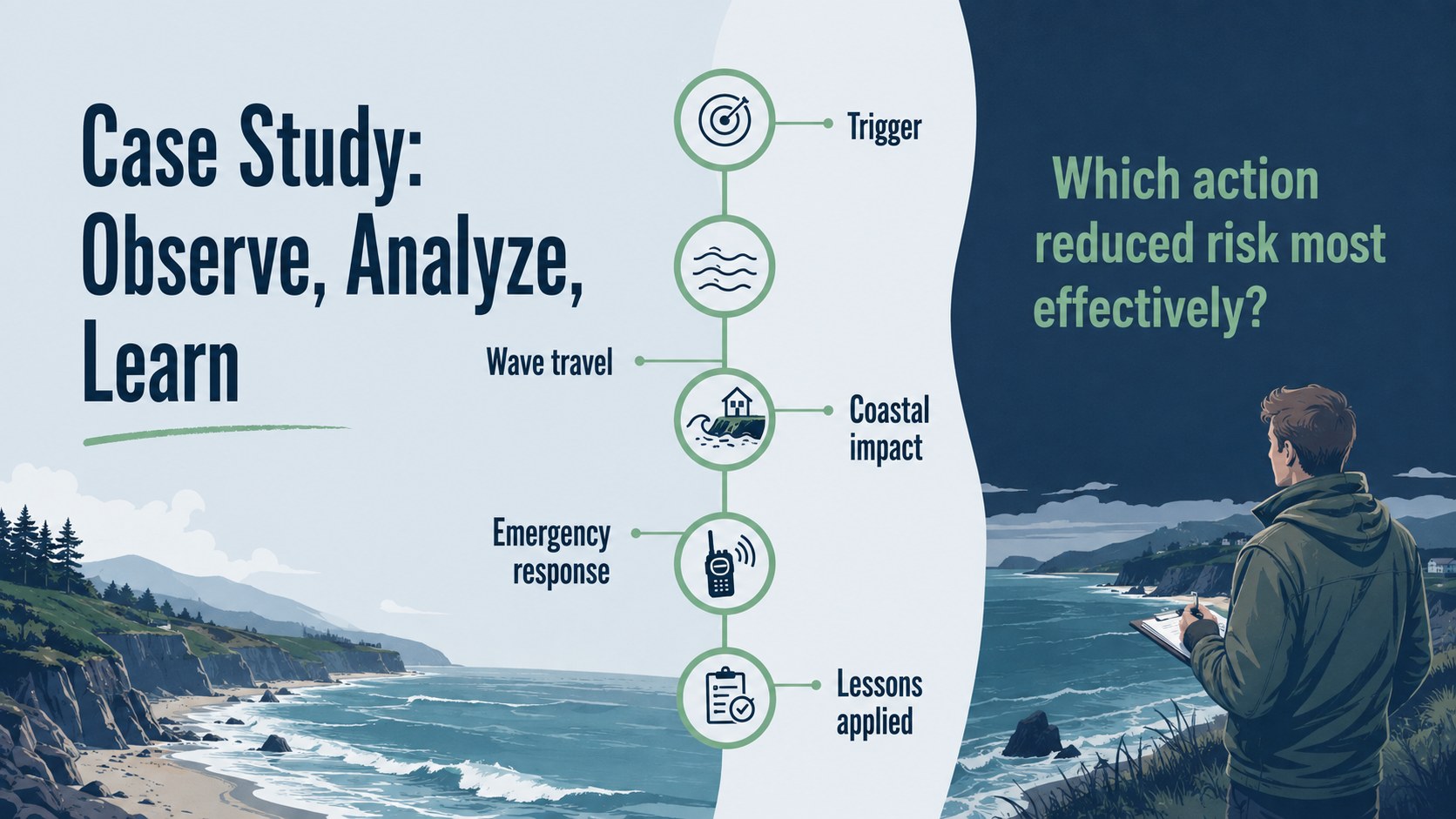
The 15-slide classroom tsunami safety presentation includes a lesson roadmap, wave formation overview, warning sign guide, evacuation checklist, emergency kit summary, risk-zone map layout, historical case study, response timeline, knowledge check, and closing action plan. Flexible diagrams, comparison layouts, charts, and image spaces help you adapt the material for local coastlines, student age groups, or specific learning objectives. The deck also works as a tsunami warning signs lesson or a concise coastal evacuation planning resource.
Created for geography classes, Earth science units, emergency preparedness workshops, and public awareness events, every slide can be edited in PowerPoint or Google Slides. Replace sample wording, adjust colors, add regional maps, and enter official guidance from local emergency agencies. The organized layouts support both introductory teaching and more detailed discussion while keeping critical safety information easy to scan, remember, and present.
Perfect for: middle school geography lesson; Earth science hazard unit; coastal community safety workshop; school emergency preparedness briefing; World Tsunami Awareness Day lesson.
Frequently asked questions
Can I edit this deck in PowerPoint and Google Slides? Yes. All text, colors, images, charts, and layout elements can be adjusted in PowerPoint or Google Slides. You can also duplicate, remove, or reorder slides to match your lesson plan.
Practical details
Questions about this template
Can I edit this deck in PowerPoint and Google Slides?
Yes. All text, colors, images, charts, and layout elements can be adjusted in PowerPoint or Google Slides. You can also duplicate, remove, or reorder slides to match your lesson plan.
Can the safety guidance be customized for my region?
Yes. Replace the sample instructions with evacuation routes, warning systems, maps, and emergency contacts provided by your local authorities. Verify all safety information against current official guidance before presenting.
Is this template suitable for younger students?
The layouts can be simplified for upper elementary or middle school learners by shortening text and using more diagrams. For older students or adult audiences, add scientific details, historical data, and regional case studies.
Can I change the blue and green design?
Yes. The palette, typography, backgrounds, and decorative shapes are editable. Maintain strong contrast between text and backgrounds so warnings and evacuation steps remain easy to read.