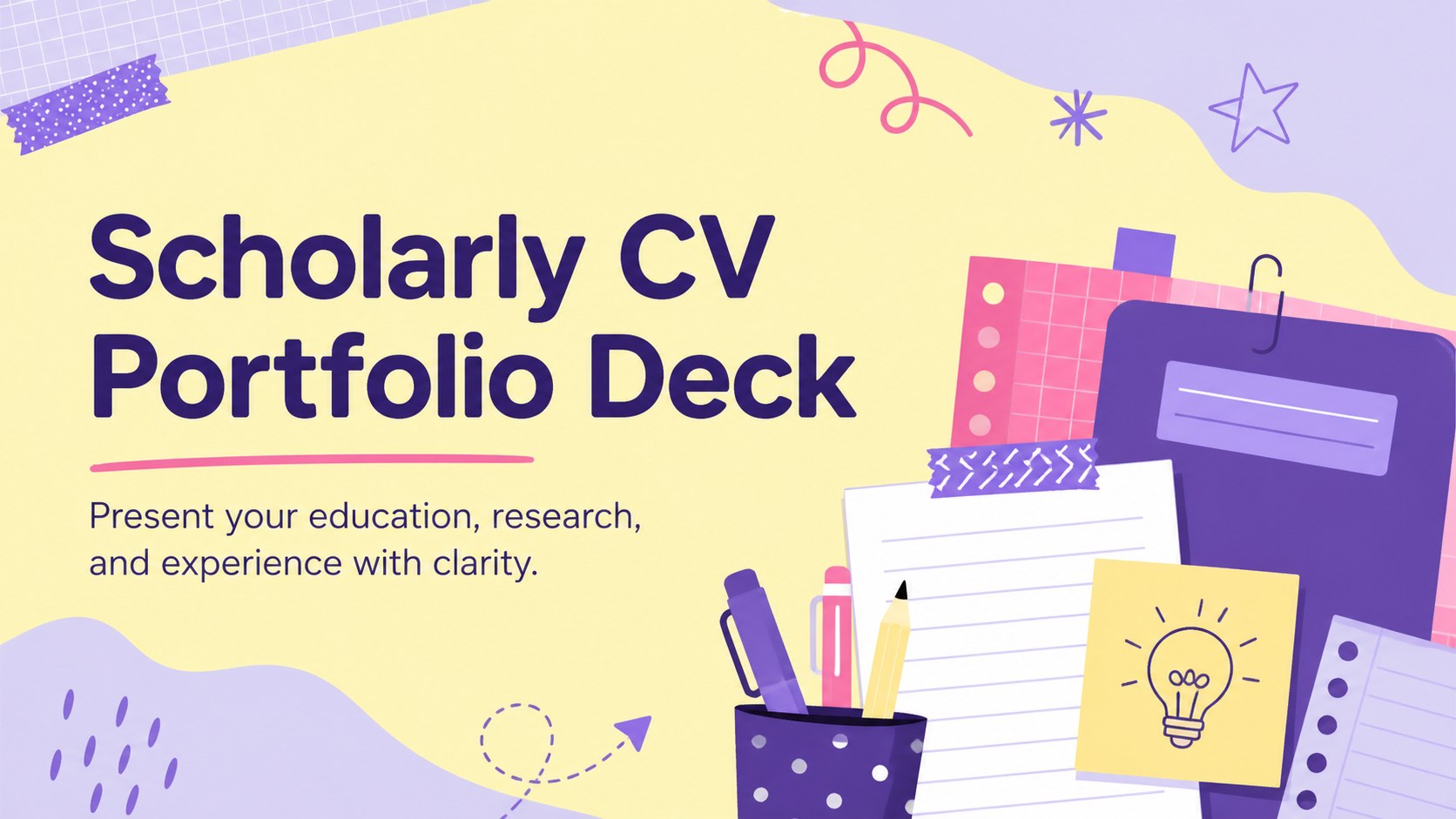
16Visual Resume Portfolio Deck
Create a polished visual resume portfolio deck that pairs career highlights with colorful storytelling, practical layouts, and editable slides for job applications.
presentation · English
Build a polished academic profile with this Scholarly CV Portfolio Deck, featuring editable education, research, skills, experience, and reference layouts.
Design notes
Turn qualifications and accomplishments into a memorable visual narrative with the Scholarly CV Portfolio Deck. Its violet and yellow scrapbook aesthetic balances polished organization with a lively, approachable tone. Use this editable academic profile deck to introduce yourself, summarize your interests, and give applications or interviews a distinctive personal touch.
The collection includes more than 25 customizable layouts for education, employment, research, projects, awards, technical abilities, language proficiency, references, contact details, and future goals. Timeline pages make important milestones easy to scan, while chart and infographic options help communicate measurable results. Flexible spaces for photographs, illustrations, icons, and data let you shape the presentation around your own discipline and achievements. Nunito typography keeps every page friendly and readable.
Designed for university students, graduates, researchers, educators, and early-career professionals, this academic CV presentation template works well for graduate school applications, fellowship interviews, internship reviews, and academic networking. It can also become a student achievement portfolio slides collection for classroom showcases or advising sessions. Customize colors, replace imagery, add internal links, and collaborate with reviewers in Google Slides or PowerPoint. Animation, presenter notes, export, sharing, audio, and recording tools provide additional options for presenting live or sending the portfolio independently.
Perfect for: graduate school application; fellowship interview portfolio; academic networking introduction; internship qualification review; student achievement showcase.
Frequently asked questions
Can I customize the sections for my academic field? Yes. Rename, duplicate, reorder, or remove layouts to emphasize the research, coursework, publications, projects, or practical experience most relevant to your discipline.
Practical details
Yes. Rename, duplicate, reorder, or remove layouts to emphasize the research, coursework, publications, projects, or practical experience most relevant to your discipline.
The deck is designed for Google Slides, Microsoft PowerPoint. Available animations, fonts, and media controls may vary slightly between platforms.
Replace the sample photos and illustrations, adjust the violet and yellow accents, and update the typography if needed. Keep a consistent set of colors and graphic elements across the deck for a cohesive result.
Yes. Export it as a PDF, share a view-only link, or use supported narration and recording tools to create a self-guided academic portfolio.