
presentation · English
Planetary Science Classroom Theme
Make astronomy concepts easier to teach with a planetary science classroom theme featuring editable dark slides for PowerPoint and Google Slides.
Template preview
15 views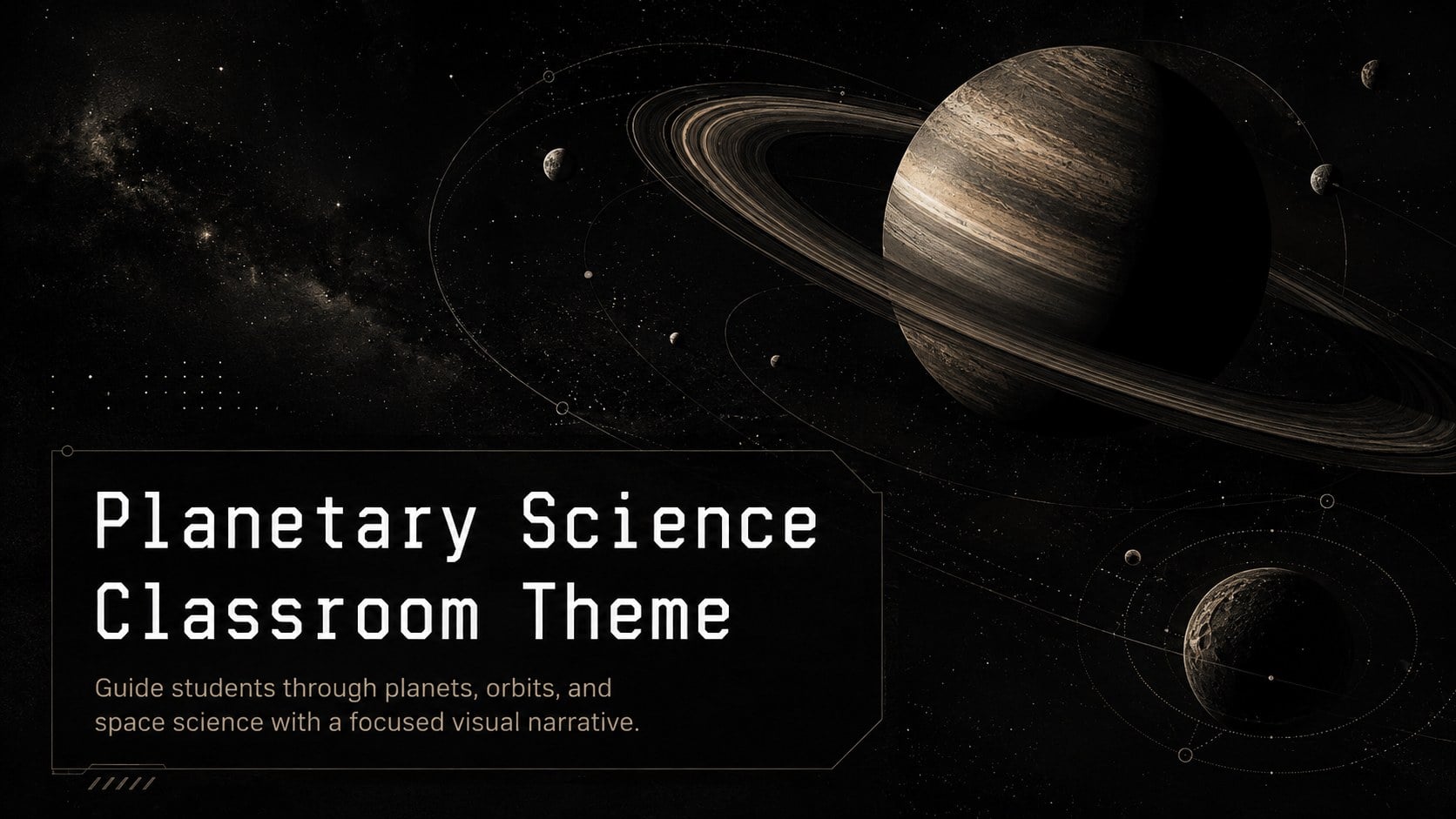
Design notes
About this presentation
Turn an astronomy unit into a clear visual journey with this planetary science classroom theme. Designed around a black, minimal aesthetic, the deck uses crisp typography, restrained celestial illustrations, and spacious layouts to help students focus on the science. Every slide can be edited in PowerPoint or Google Slides for classroom, remote, or blended instruction.
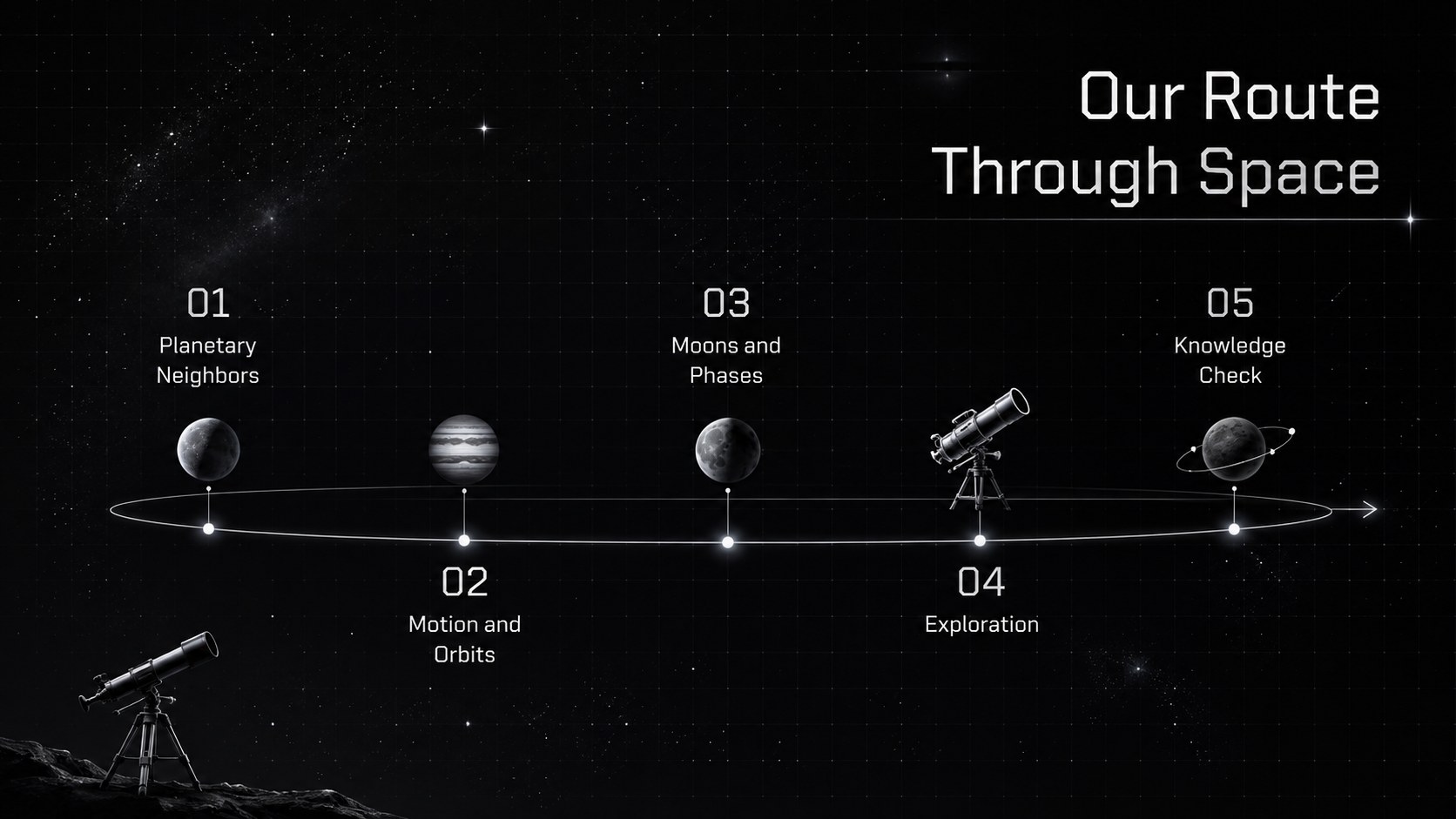
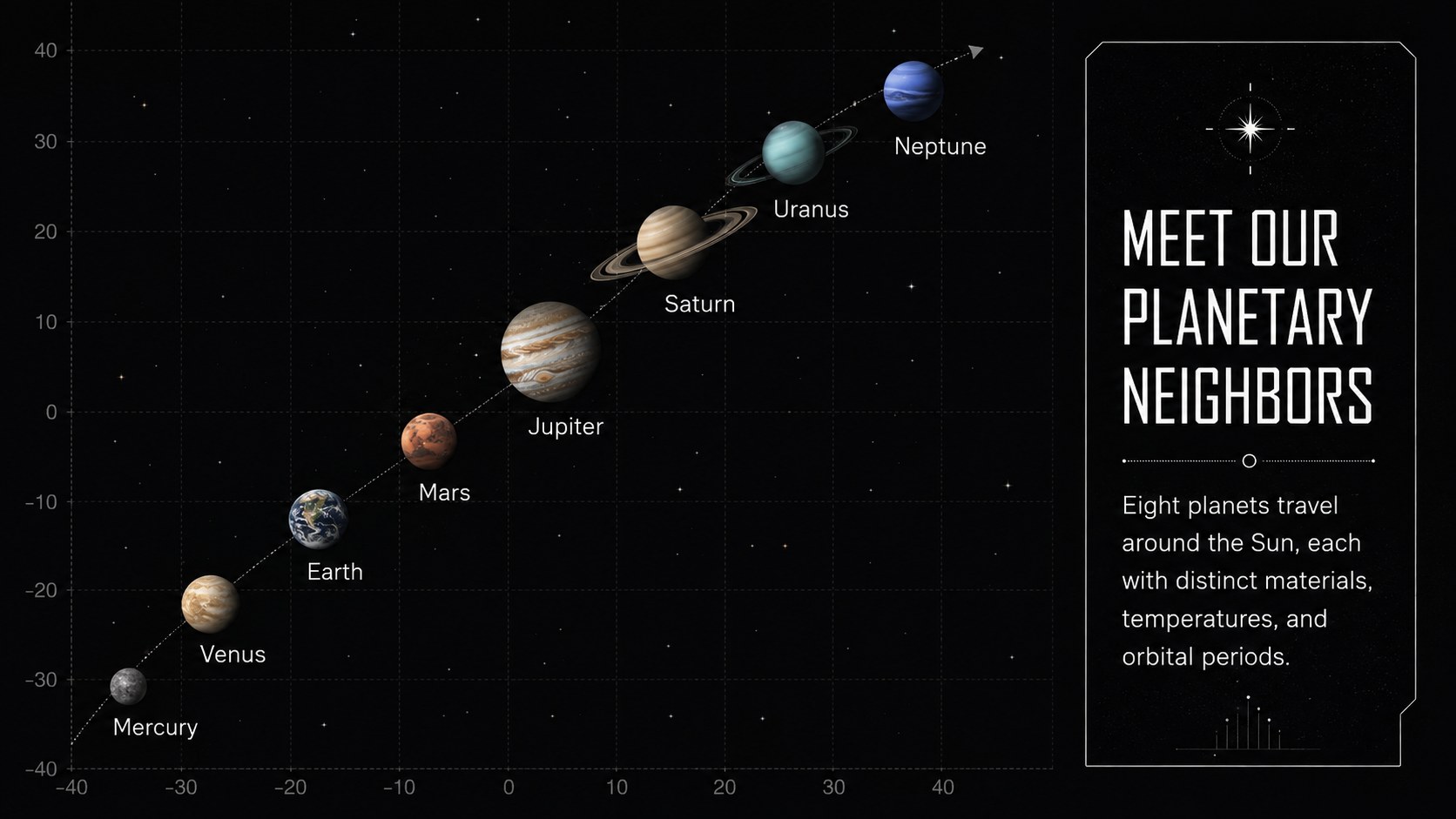
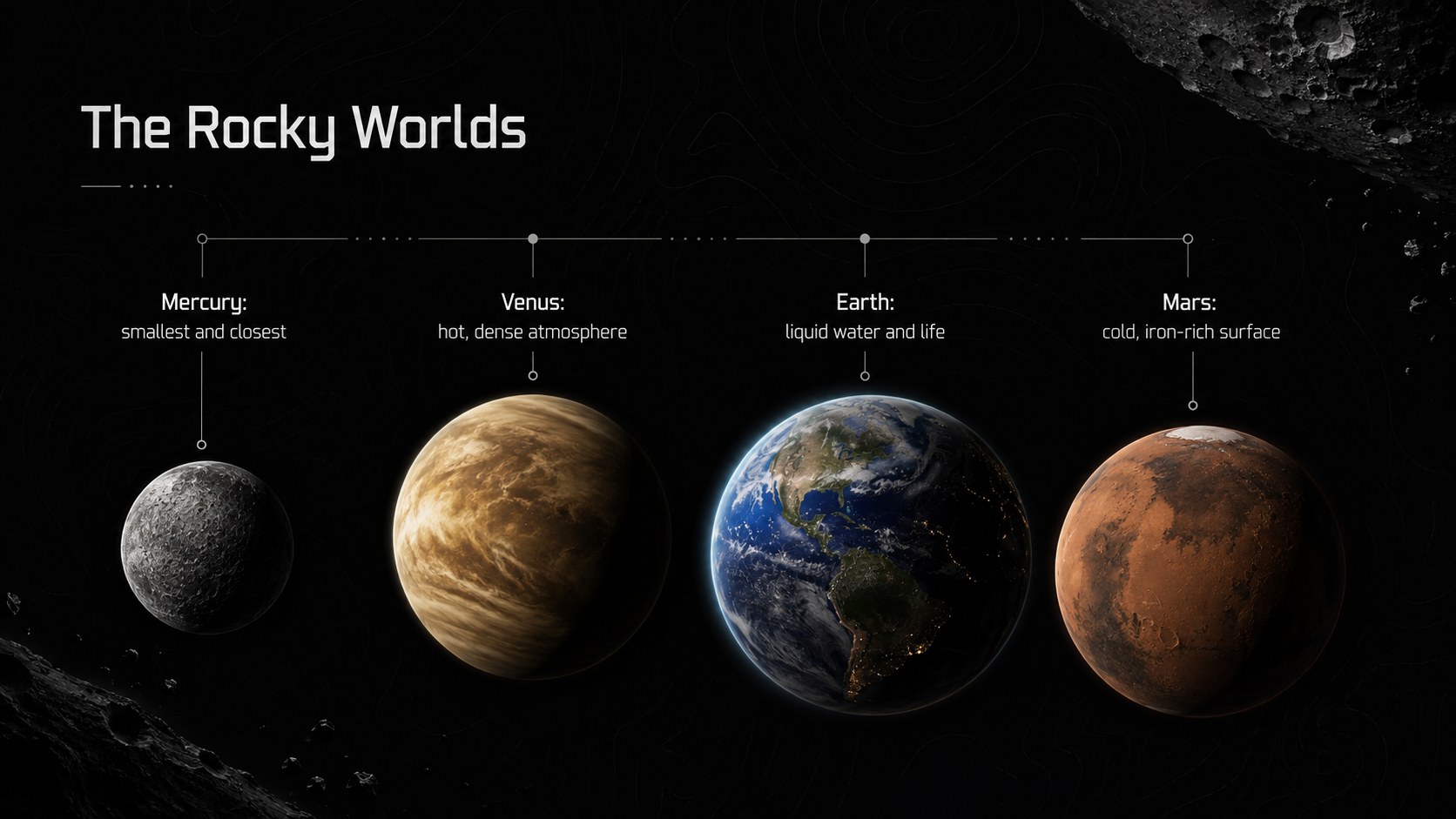
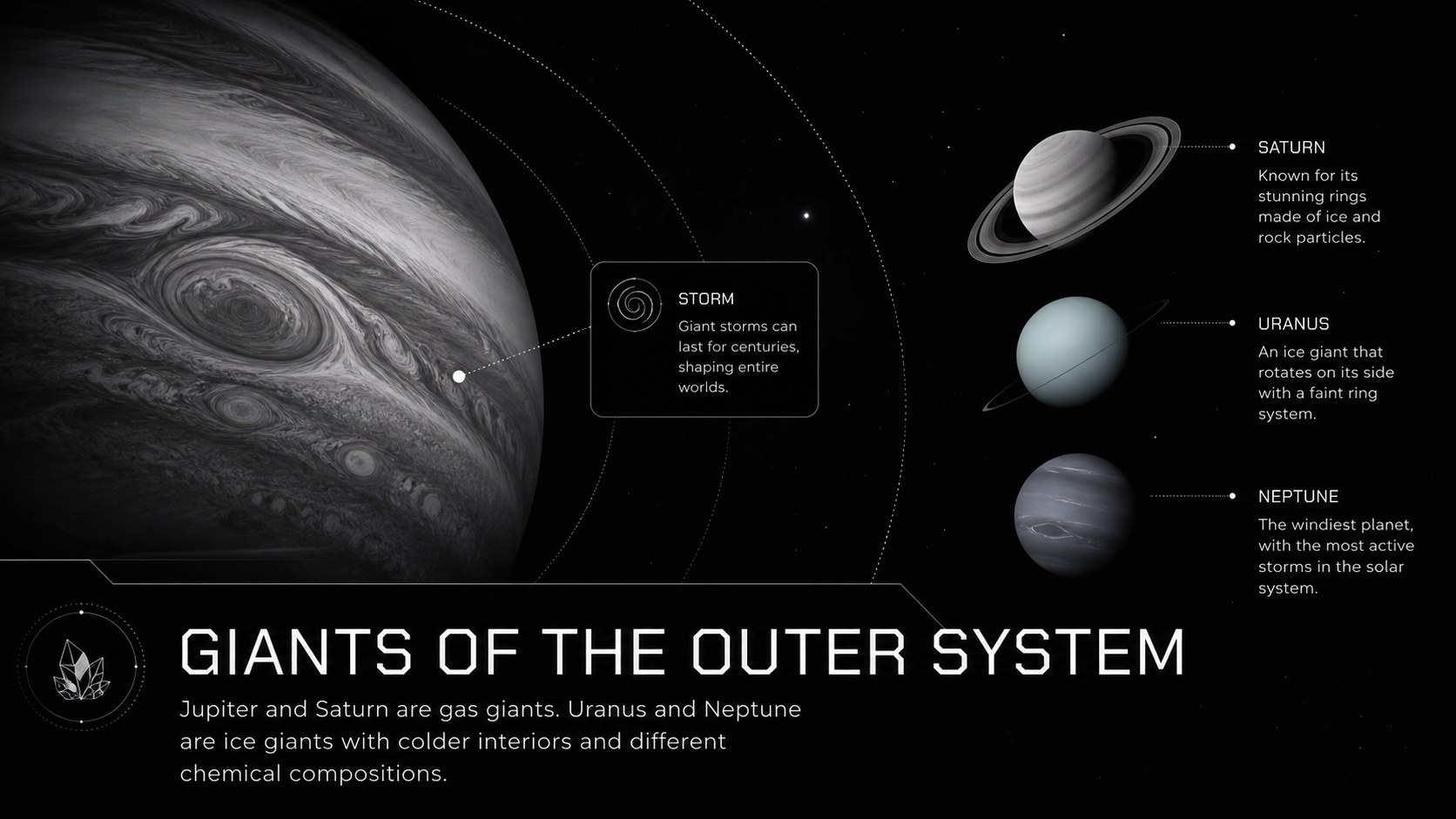
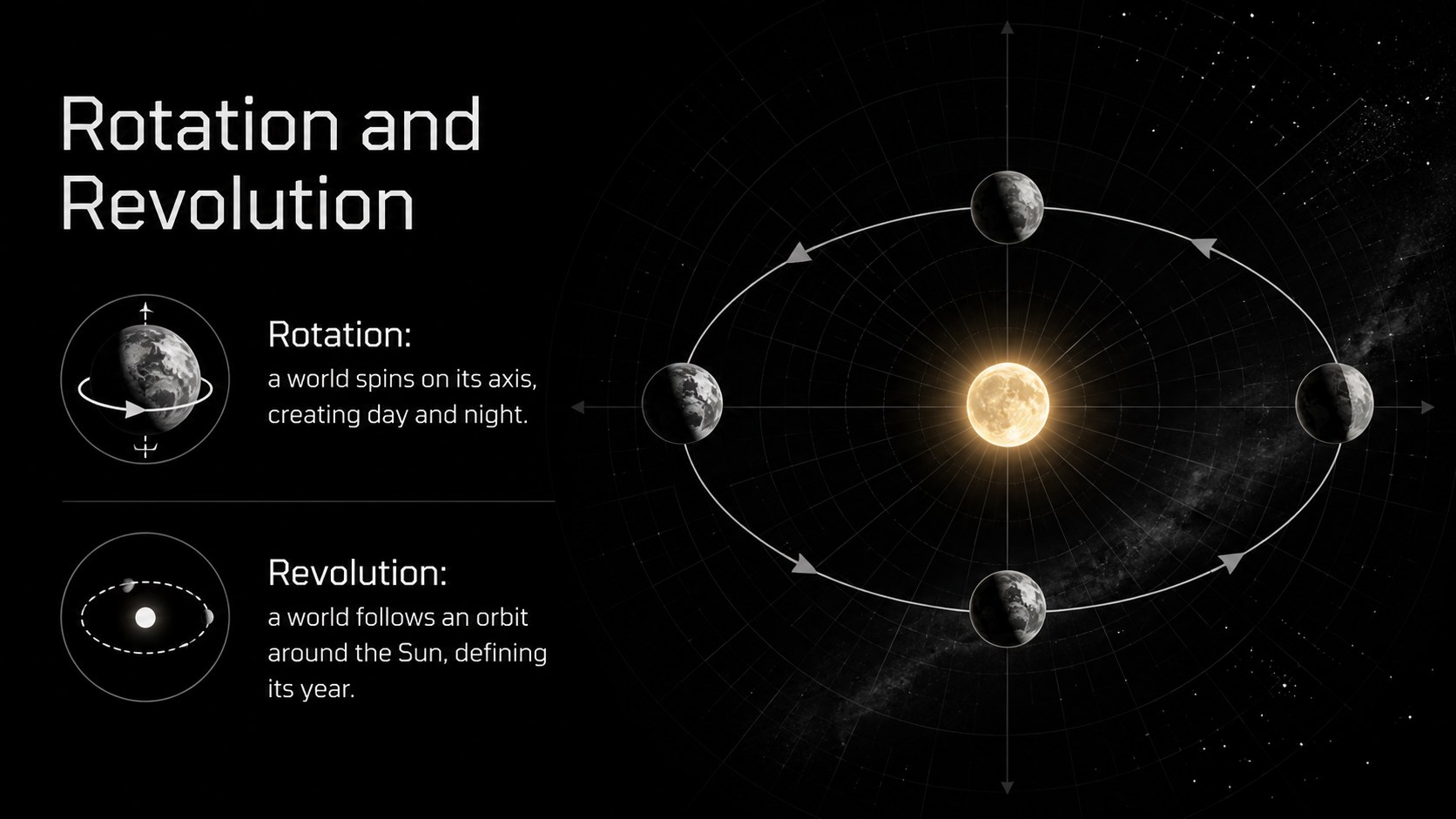
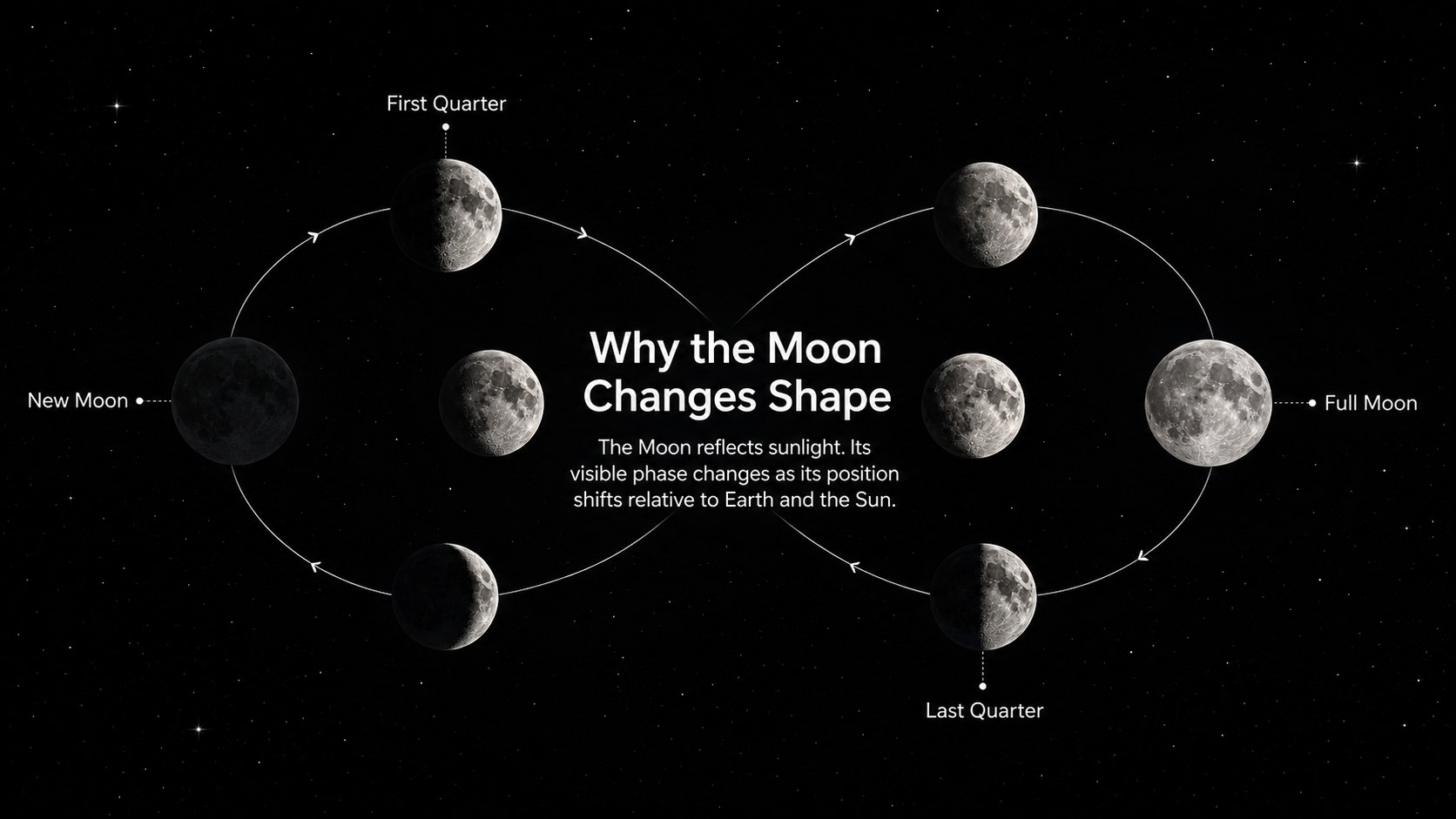
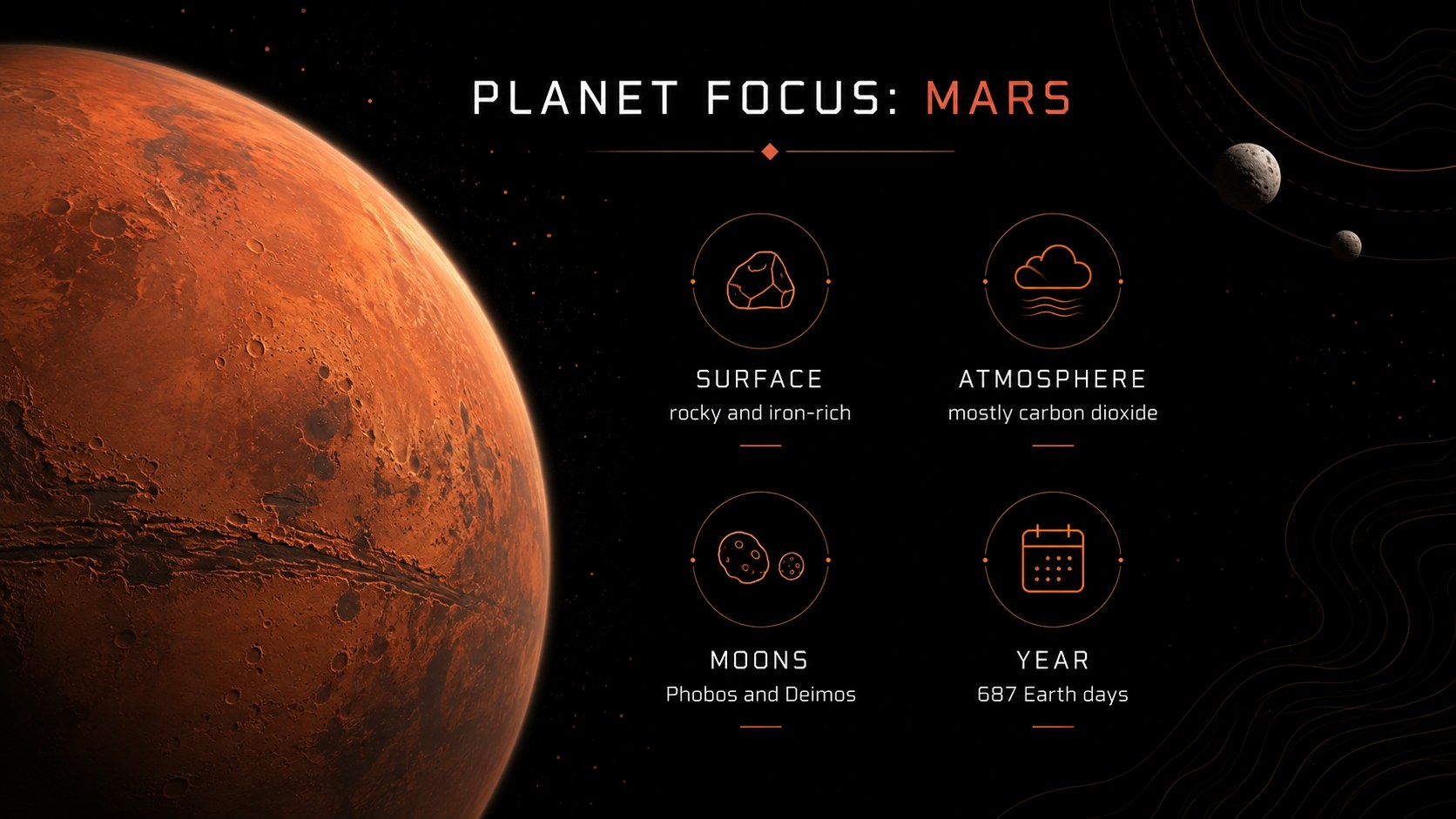
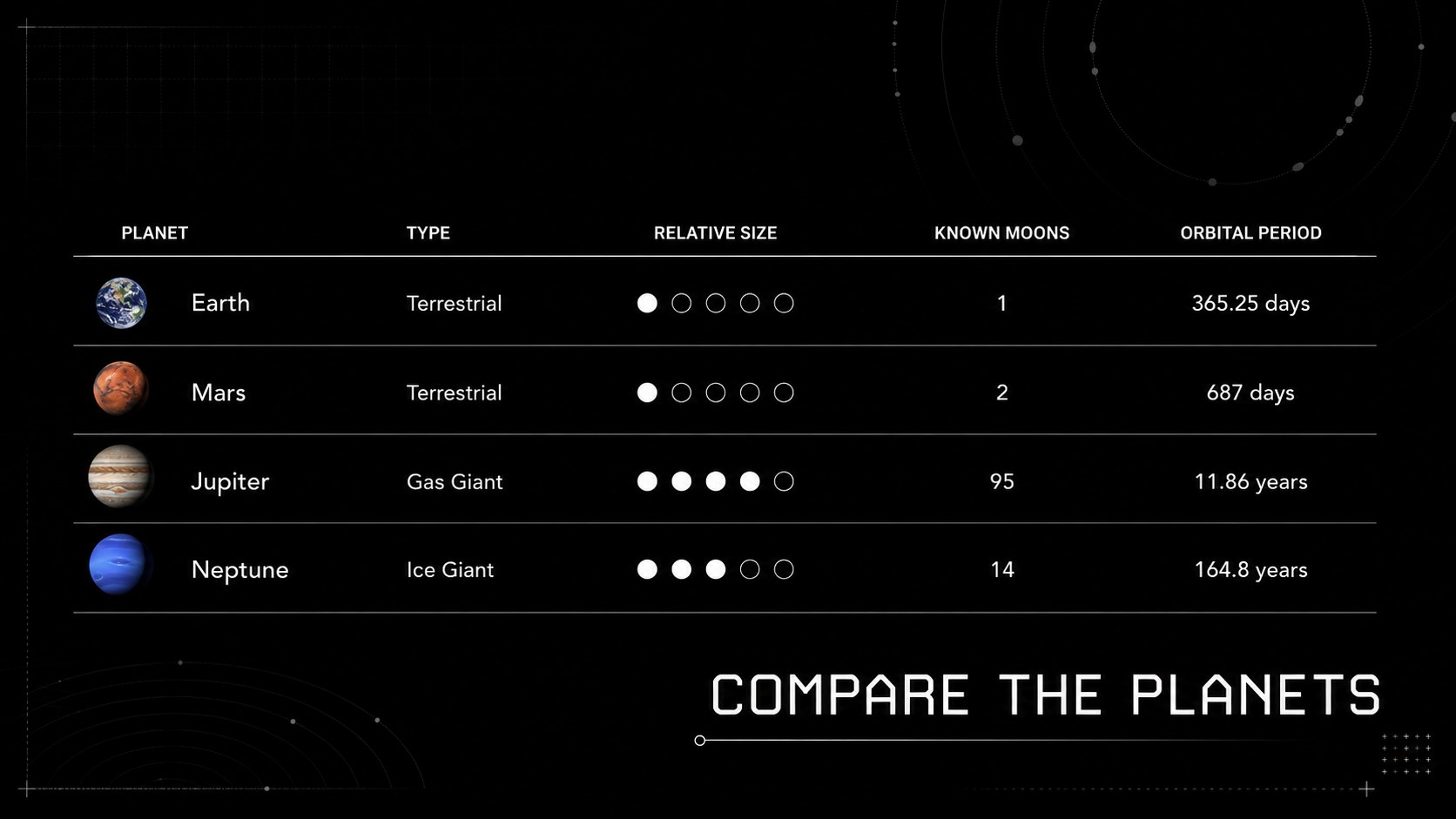
The deck includes an opening overview, solar system map, planet profiles, rocky and gas giant comparisons, orbital motion, moon phases, exploration milestones, observation activities, and a knowledge check. These editable astronomy lesson slides balance short explanations with diagrams and comparison layouts, giving educators room to adjust terminology, add local curriculum points, or introduce student research tasks. A dedicated orbital motion teaching deck sequence also helps explain rotation, revolution, and changing planetary positions without overcrowding the screen.
This resource is suited to middle school science classes, introductory astronomy courses, homeschool lessons, science clubs, museum workshops, and public outreach sessions. Teachers can use the complete sequence as a middle school planets presentation or select individual layouts for revision activities and project briefings. Built-in chart, timeline, image, and summary formats make it practical for presenting facts, comparing worlds, and guiding discussion while preserving a consistent dark space atmosphere.
Perfect for: middle school astronomy lesson; planet comparison activity; orbital motion explanation; homeschool space science unit; science club presentation; museum education workshop.
Frequently asked questions
Can I edit the planet facts and lesson sequence? Yes. All headings, descriptions, diagrams, and activity prompts can be revised to match your curriculum, grade level, and teaching schedule.
Practical details
Questions about this template
Can I edit the planet facts and lesson sequence?
Yes. All headings, descriptions, diagrams, and activity prompts can be revised to match your curriculum, grade level, and teaching schedule.
Which presentation platforms are supported?
The template is designed for Microsoft PowerPoint and Google Slides. Import or open the deck in either platform to customize and present it.
Can I change the dark color scheme?
Yes. You can replace the black backgrounds, accent colors, fonts, and illustration colors using the theme and formatting controls in PowerPoint or Google Slides.
Is the deck suitable for younger students?
The layouts can be adapted for different age groups by shortening the text and simplifying scientific vocabulary. Teachers can also replace advanced slides with image-led activities or basic planet facts.