
 15
15presentation
Flying Saucer History Lesson Deck
Build an engaging World UFO Day session with this flying saucer history lesson deck, featuring retro green-and-brown slides for PowerPoint and Google Slides.
Google SlidesPowerPoint
presentation · English
Turn research into clear decisions with a pastel buyer experience mapping kit for PowerPoint and Google Slides, featuring editable stages, paths, and…
Design notes
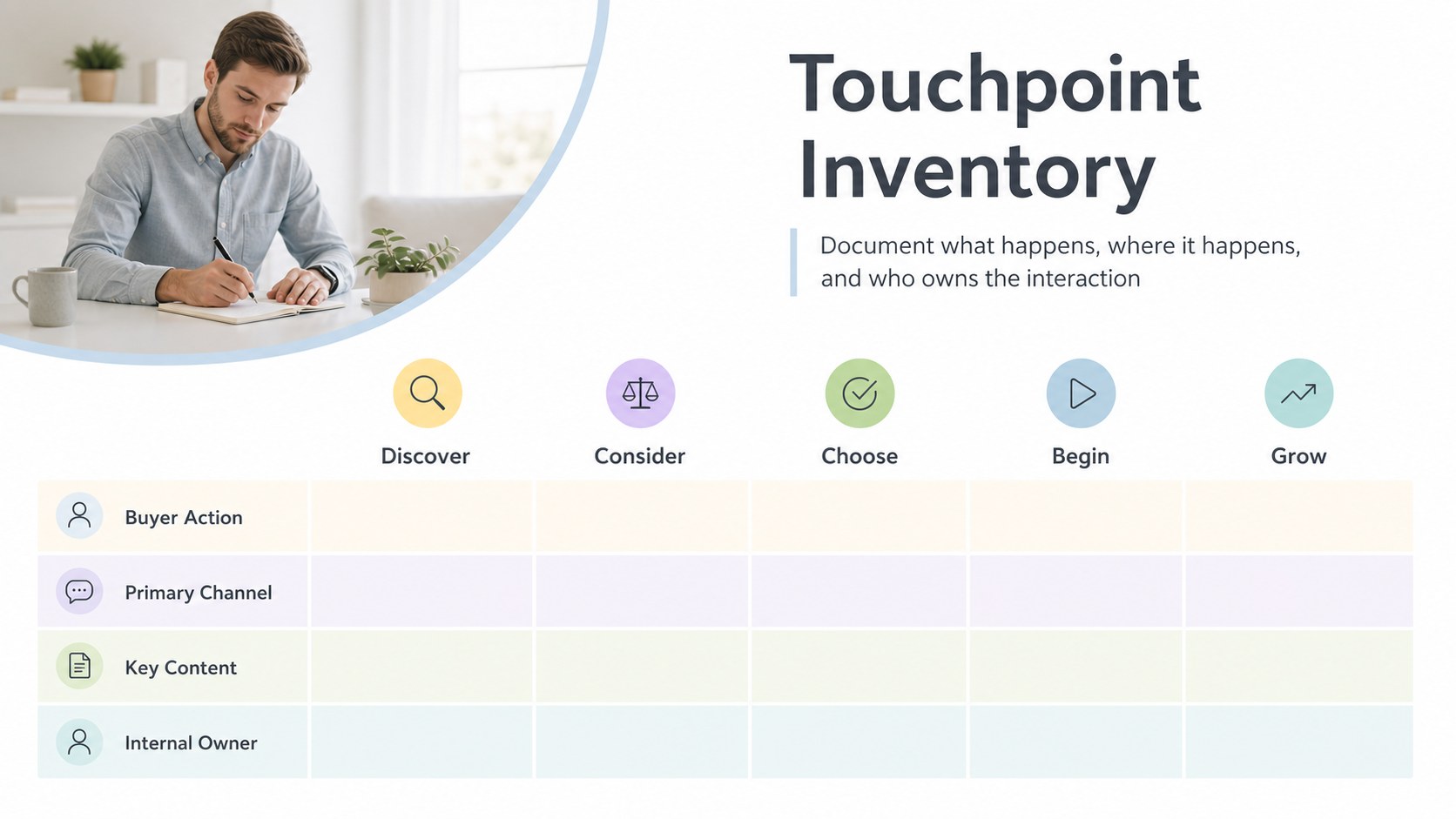
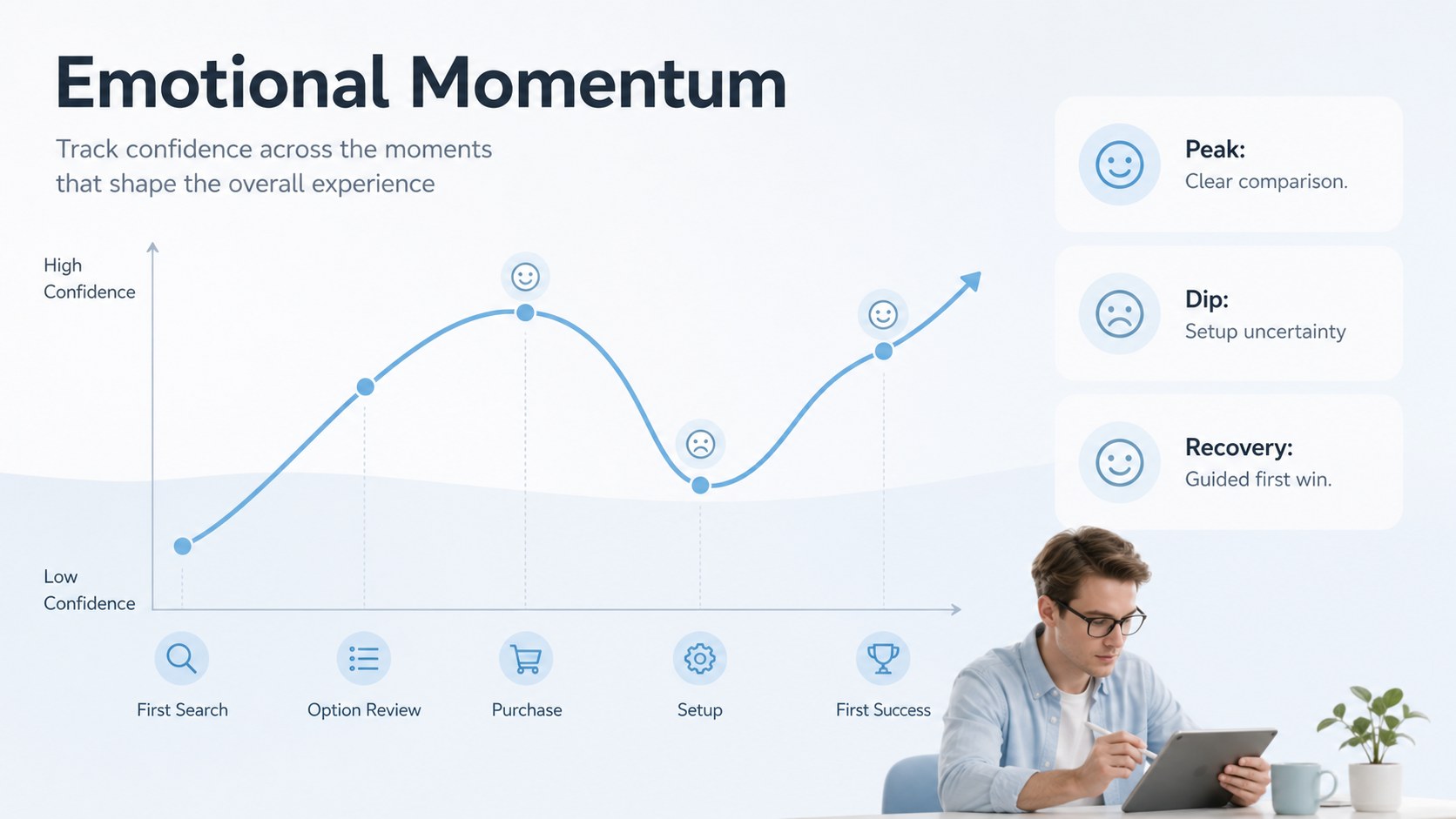
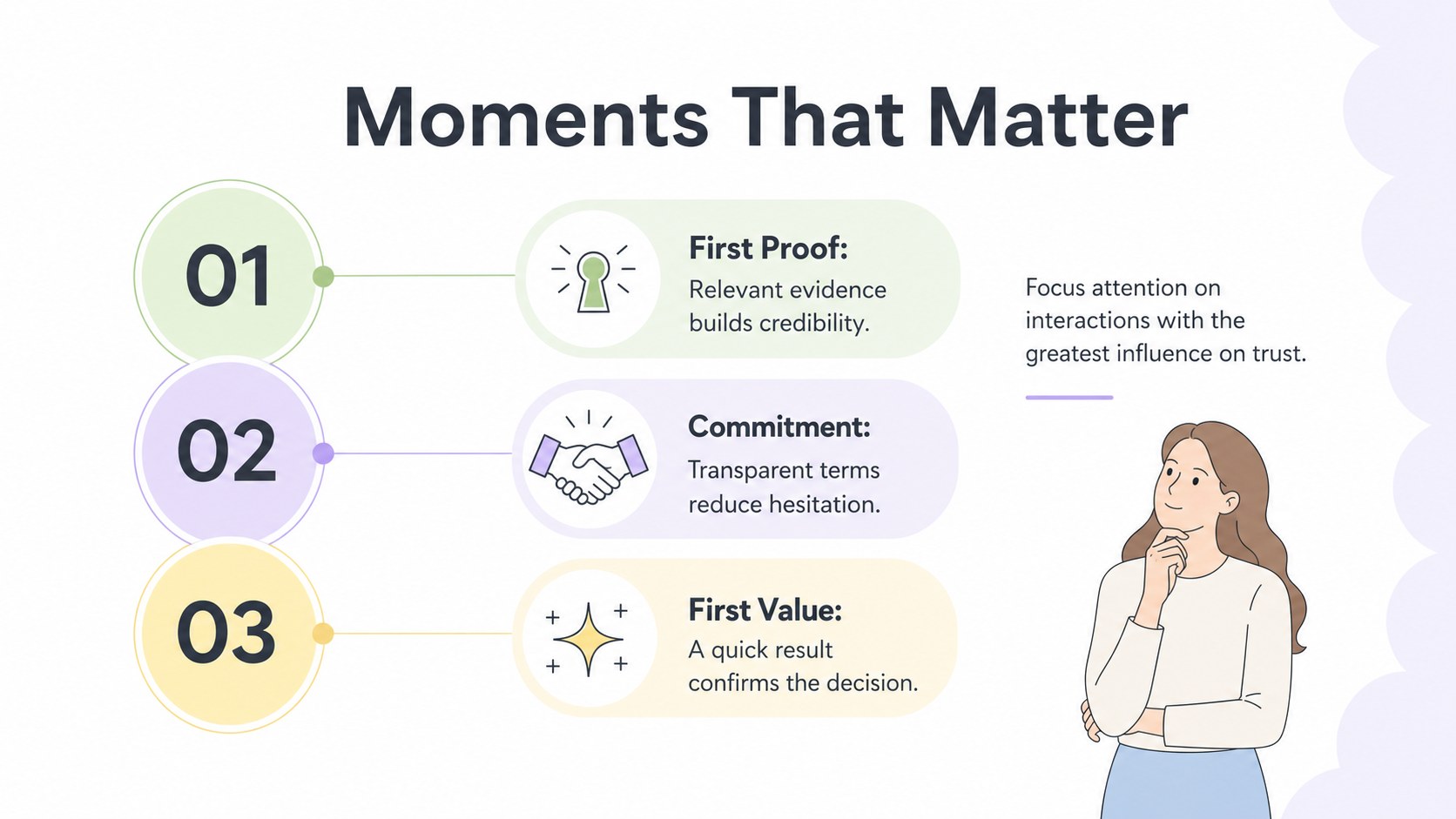
Move from scattered customer research to a clear, actionable narrative with the Pastel Buyer Experience Mapping Kit. Designed for PowerPoint and Google Slides, this presentation system uses soft pastel accents, generous white space, and restrained geometric details to make complex journeys easier to discuss. Use it as a customer experience workshop presentation or a polished strategy deck for stakeholder reviews.
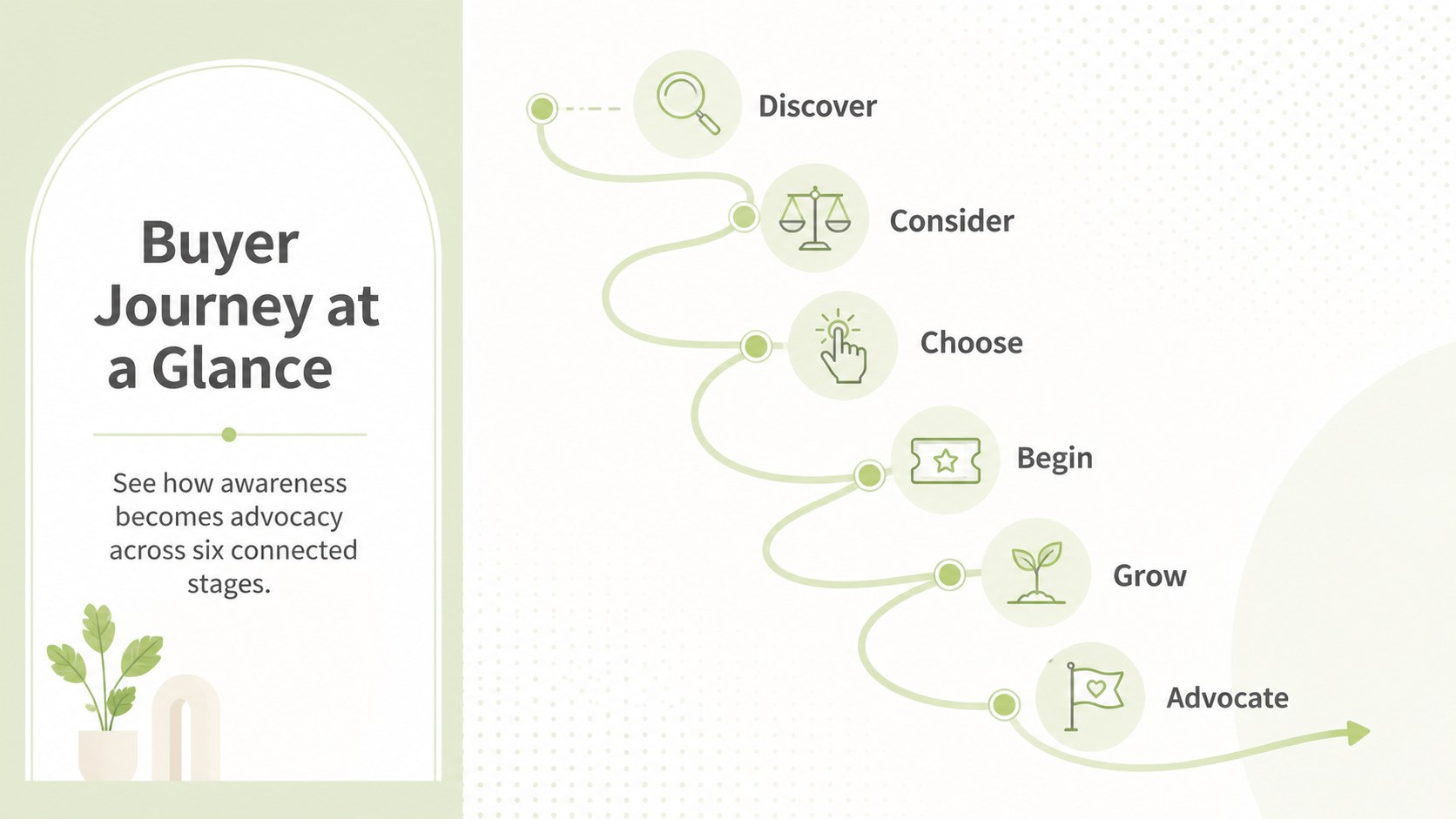
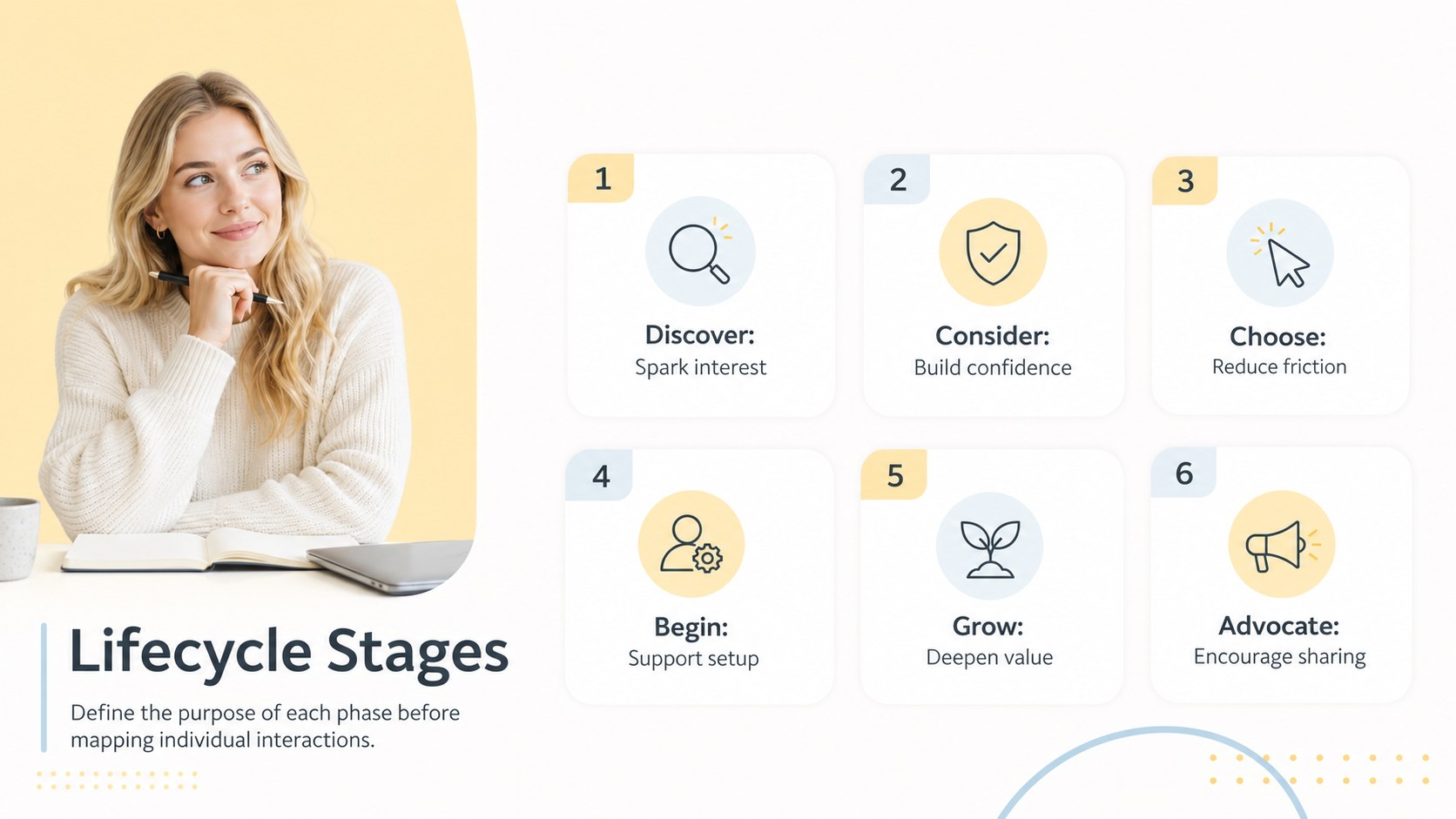
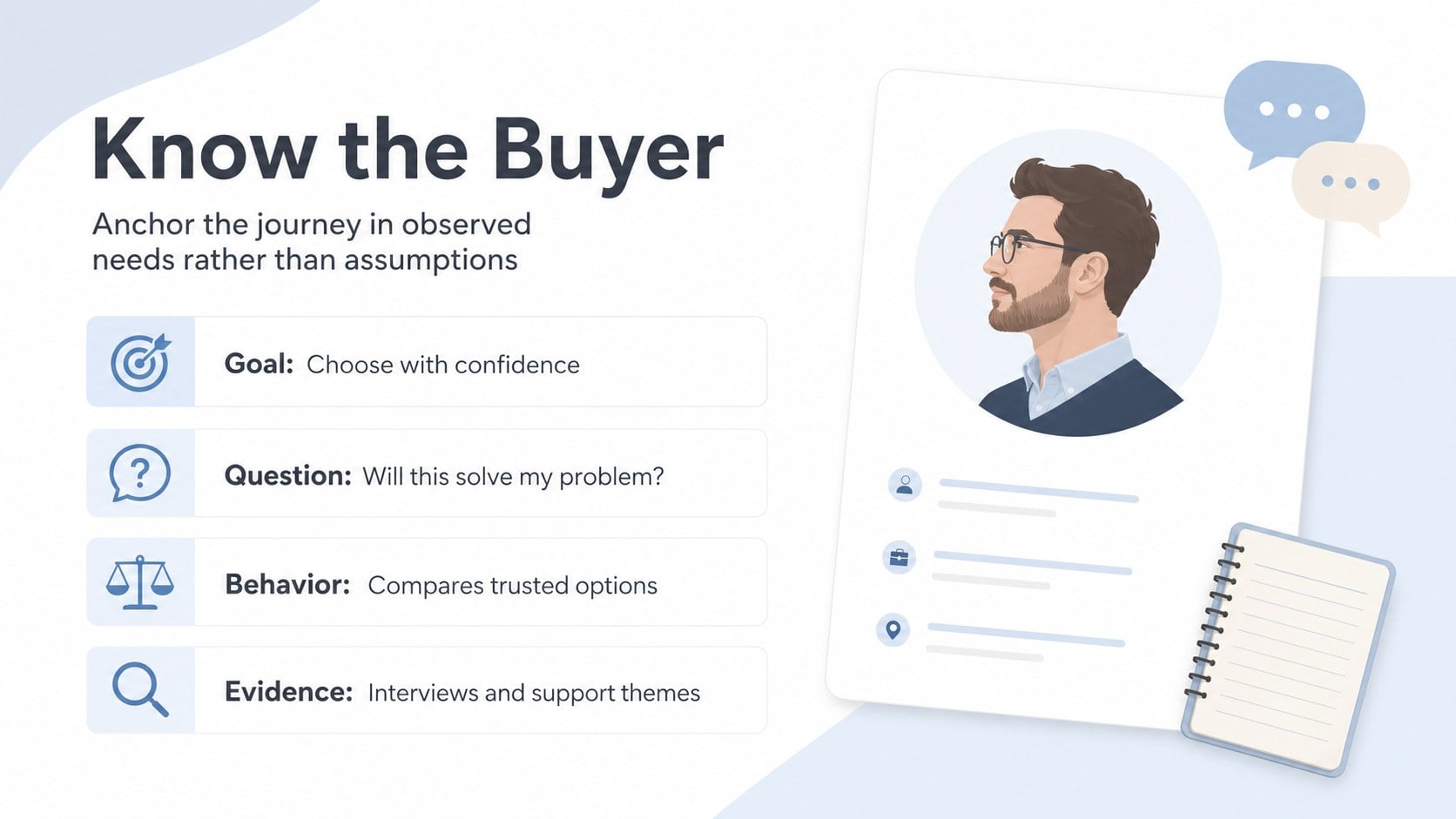
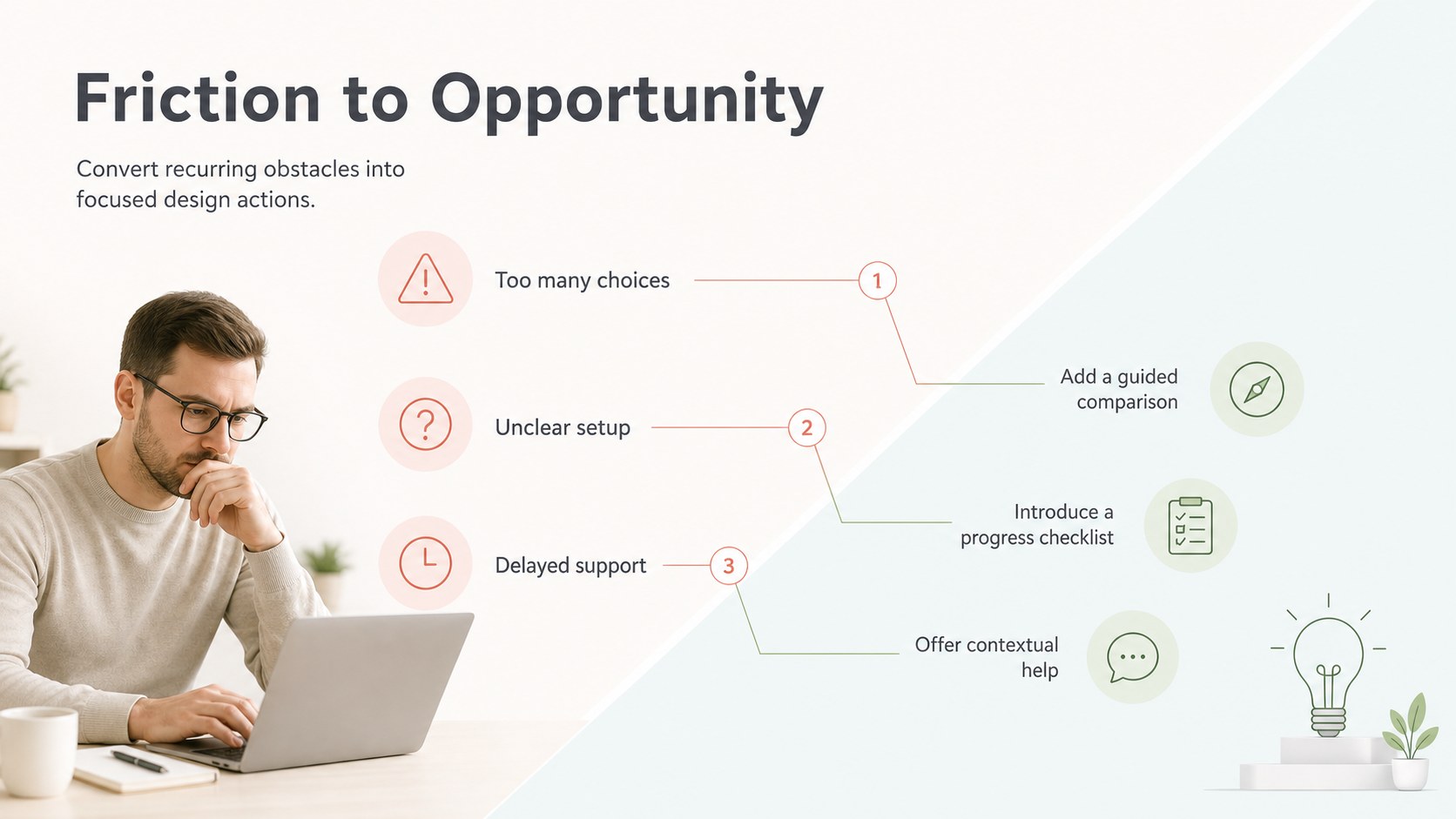
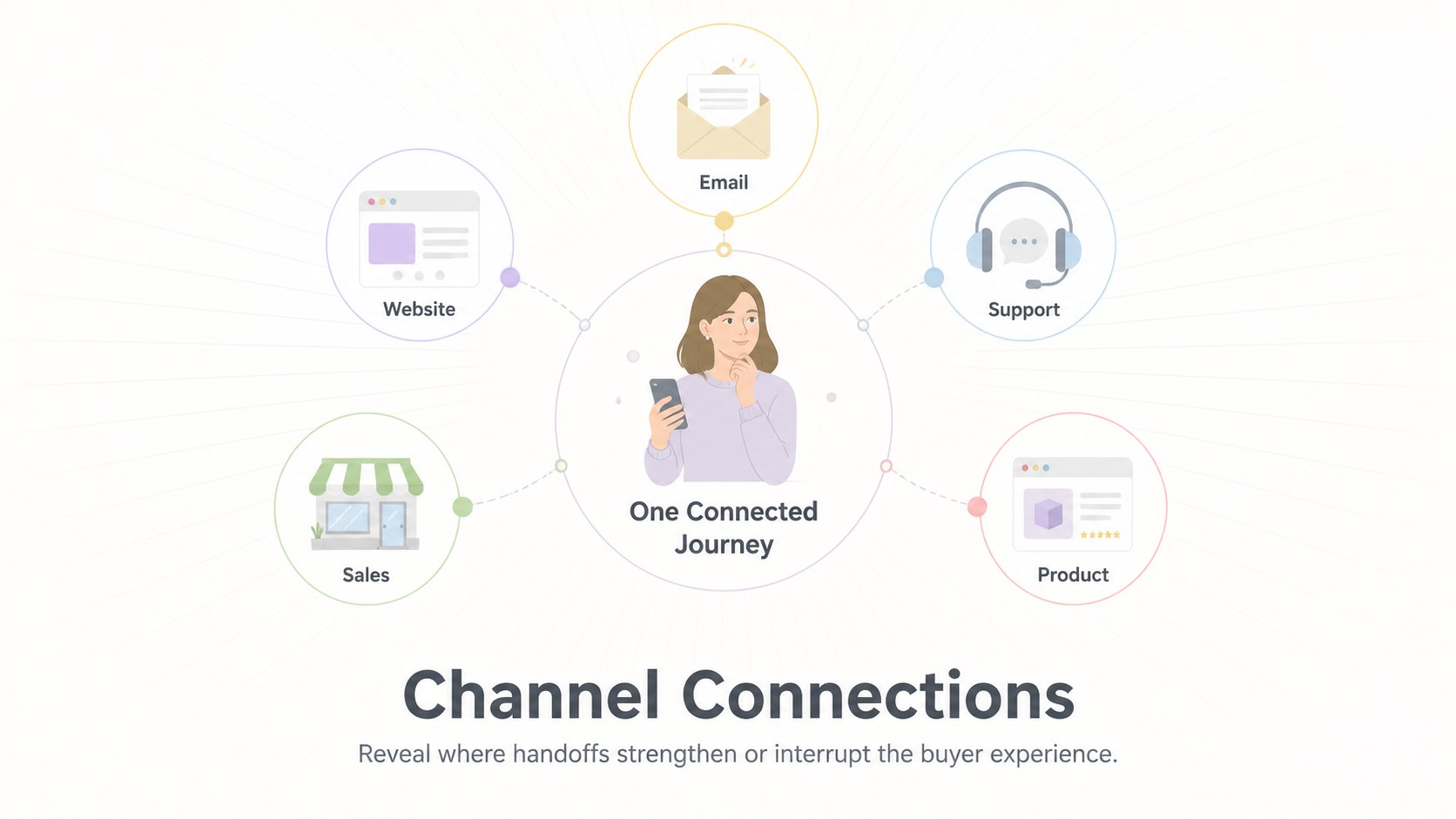
Inside, you will find layouts for lifecycle stages, persona needs, touchpoint inventories, emotional highs and lows, channel interactions, pain points, opportunities, success metrics, and future-state planning. The editable buyer lifecycle slides help teams connect evidence to decisions without crowding the page. A pastel touchpoint analysis template, KPI dashboard, prioritization canvas, and phased action roadmap provide practical formats for turning observations into accountable next steps.
This kit is suited to marketing teams, UX researchers, product managers, service designers, consultants, and customer success leaders. Customize the labels, colors, diagrams, data, and timelines to match a specific audience or research project. The layouts can support interviews, journey-mapping workshops, campaign planning, onboarding reviews, service improvement sessions, and executive presentations. Every slide maintains the same minimal pastel design language, helping teams present buyer behavior with clarity while keeping attention on the evidence, decisions, and owners behind each stage.
Perfect for: customer research synthesis; buyer journey workshop; service improvement review; marketing funnel analysis; executive experience briefing.
Frequently asked questions
Can I edit every journey stage and touchpoint? Yes. The stage labels, touchpoints, diagrams, colors, metrics, and supporting text are editable so the maps can reflect your research and terminology.
Practical details
Yes. The stage labels, touchpoints, diagrams, colors, metrics, and supporting text are editable so the maps can reflect your research and terminology.
The kit is designed for PowerPoint and Google Slides. Layouts use standard presentation elements for straightforward editing, presenting, and team collaboration.
Replace the pastel accents with your brand colors, apply approved fonts, and update the icons and labels. Keep the generous spacing and limited color roles to preserve the minimal visual hierarchy.
Yes. Use the agenda, touchpoint matrix, prioritization canvas, and action roadmap to guide a structured mapping session from evidence gathering through next-step ownership.
Keep exploring
15Build an engaging World UFO Day session with this flying saucer history lesson deck, featuring retro green-and-brown slides for PowerPoint and Google Slides.
 15
15Plan a lively animal-learning journey with this jungle zoo adventure lesson deck, ready to customize in PowerPoint and Google Slides for young learners.
 16
16Turn environmental research into a clear story with a Watercolor Ecology Presentation Theme for PowerPoint and Google Slides in calming green and blue.