
document · English
Internship Cover Letter Writing Deck
Build a focused application with this internship cover letter writing deck, featuring editable prompts and polished layouts for PowerPoint and Google Slides.
Template preview
4 views
Design notes
About this document
Create a concise, role-specific letter with the Internship Cover Letter Writing Deck. Its guided structure helps students and early-career applicants introduce themselves, connect relevant experience to an opportunity, and finish with a confident call to action. A crisp blue-and-white palette, subtle gradients, and straightforward typography keep the presentation professional without feeling overly formal.
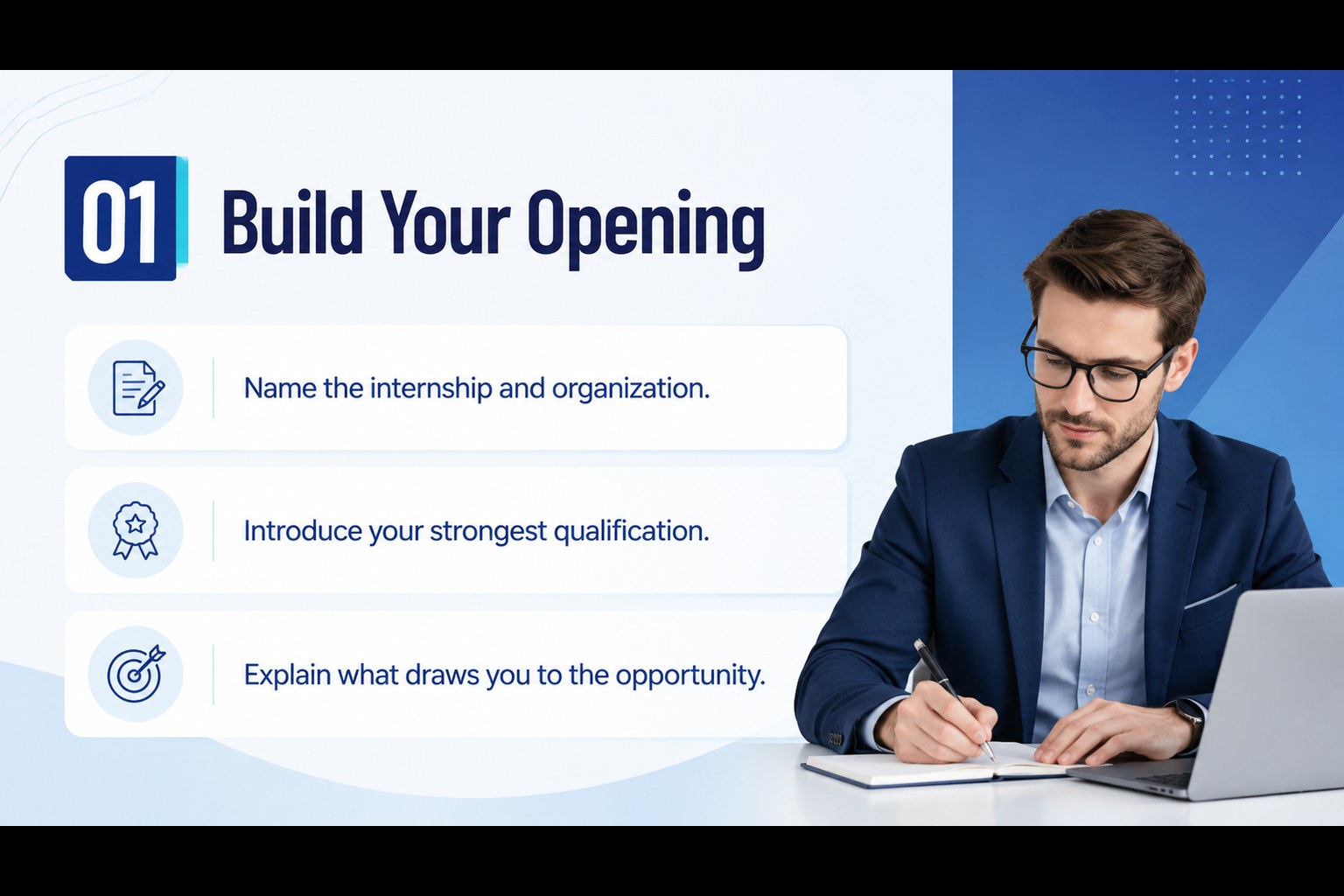
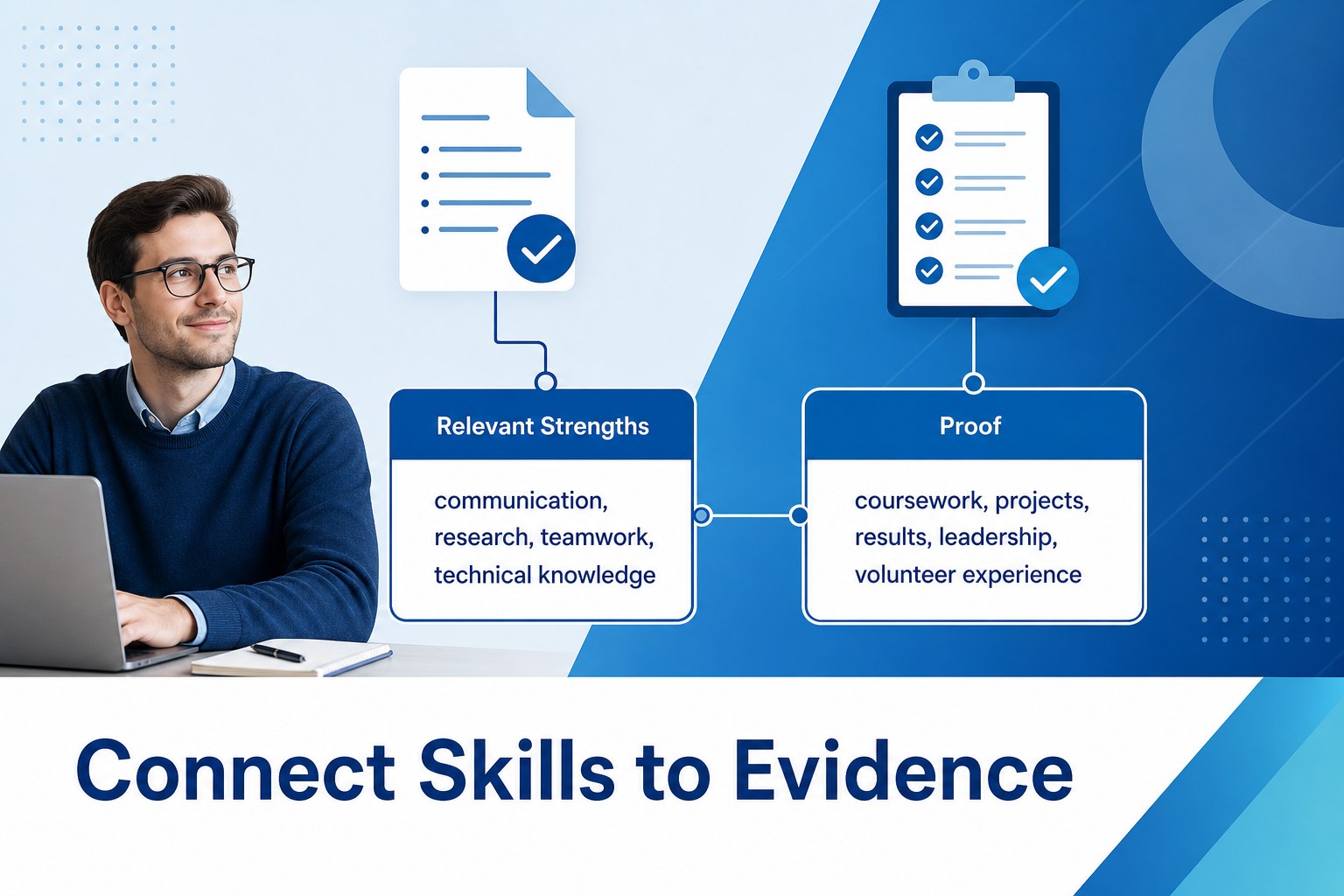
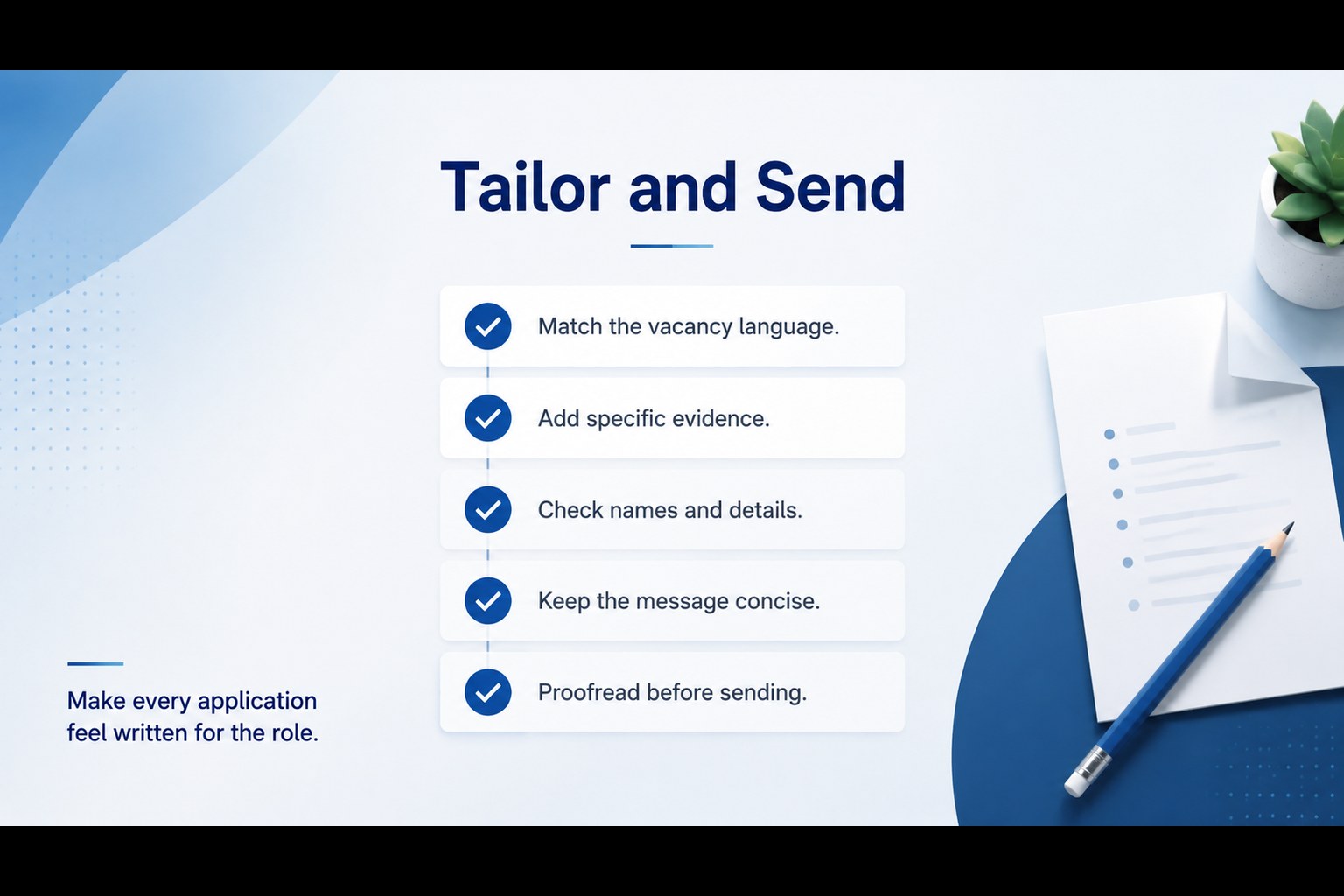
The deck includes an opening layout, skill-and-evidence prompts, space for academic projects and achievements, and a final tailoring checklist. Use it as an editable internship application deck when preparing your message, presenting a letter-writing workshop, or organizing ideas before exporting the finished content. The layouts also work as a cover letter writing guide for students who need practical direction without relying on generic sample paragraphs.
This resource is suited to university students, recent graduates, career changers, academic advisers, and employability teams. Customize the wording, colors, fonts, and section order in PowerPoint or Google Slides. Replace each prompt with details from the vacancy, including the organization’s priorities, your strongest evidence, and the value you can bring. The result is a polished student internship application presentation that can support career-center sessions, job-fair preparation, summer program applications, scholarship submissions, or direct outreach to recruiters.
Perfect for: university career workshop; summer internship application; job fair preparation; graduate career coaching; recruiter outreach planning.
Frequently asked questions
Can I edit this deck in PowerPoint and Google Slides? Yes. Every text block, color, shape, and prompt can be adjusted in PowerPoint or Google Slides. You can also duplicate layouts to create additional examples or workshop activities.
Practical details