
document · English
Interactive Pairing Challenge Slides
Build lively classroom reviews with Interactive Pairing Challenge Slides, a bold orange, blue, and black deck designed for PowerPoint and Google Slides.
Template preview
4 views
Design notes
About this document
Interactive Pairing Challenge Slides turn recall practice into a fast, visual activity for lessons, tutoring sessions, and independent study. Learners can connect vocabulary, concepts, images, questions, or examples with the correct answers while working through a bright orange, blue, and black design. The energetic presentation style keeps attention focused without making the material difficult to read.
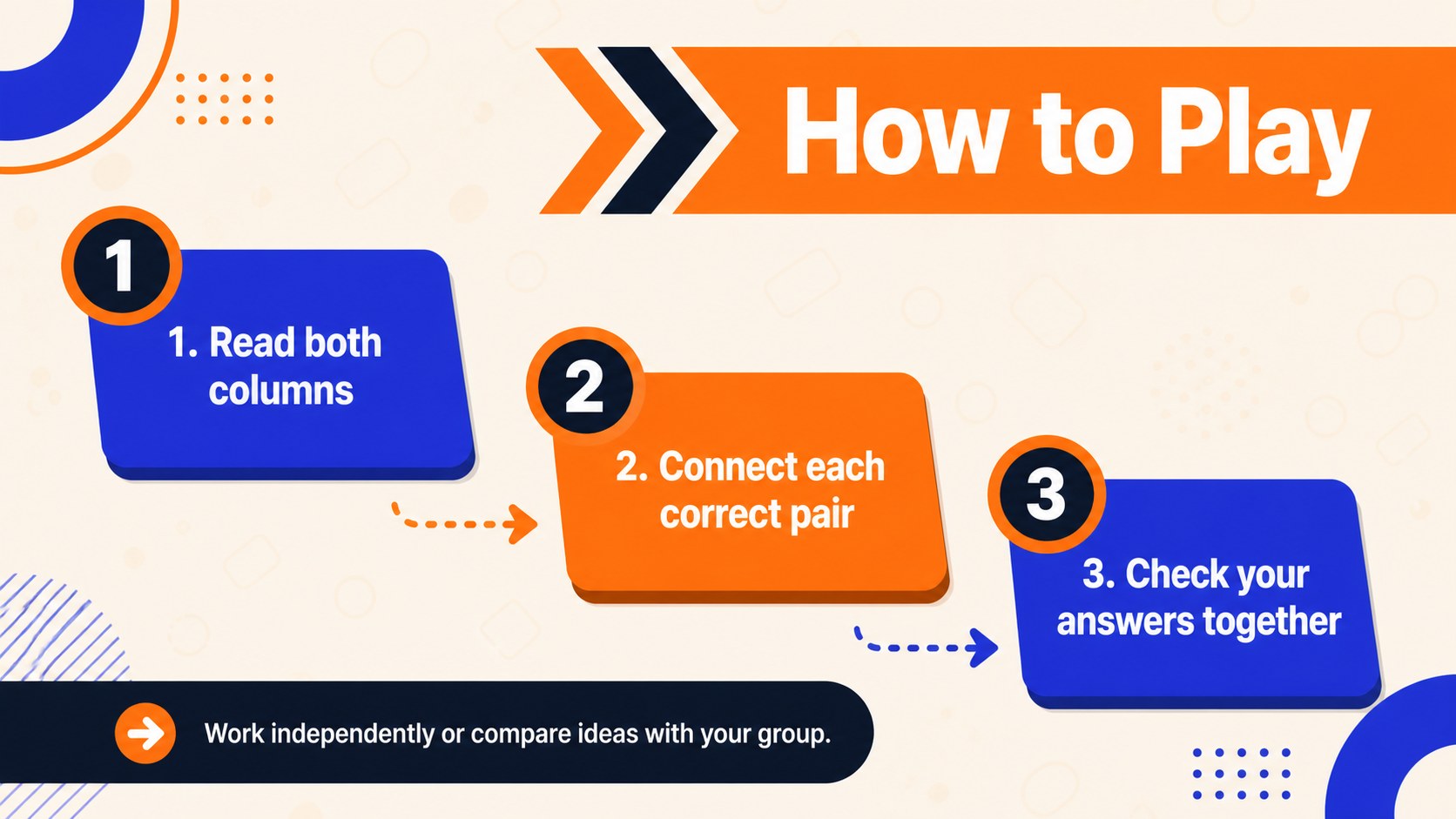
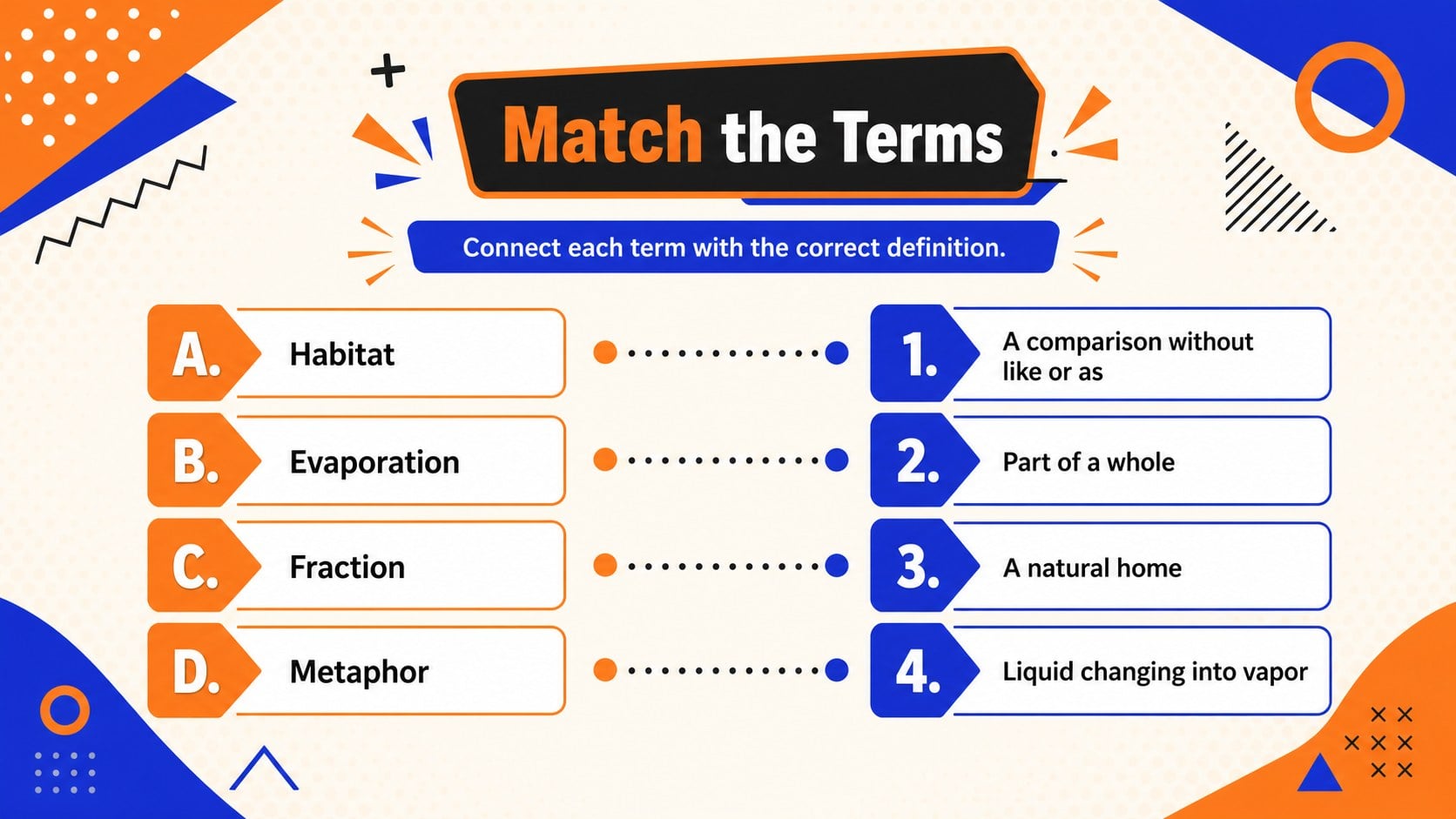
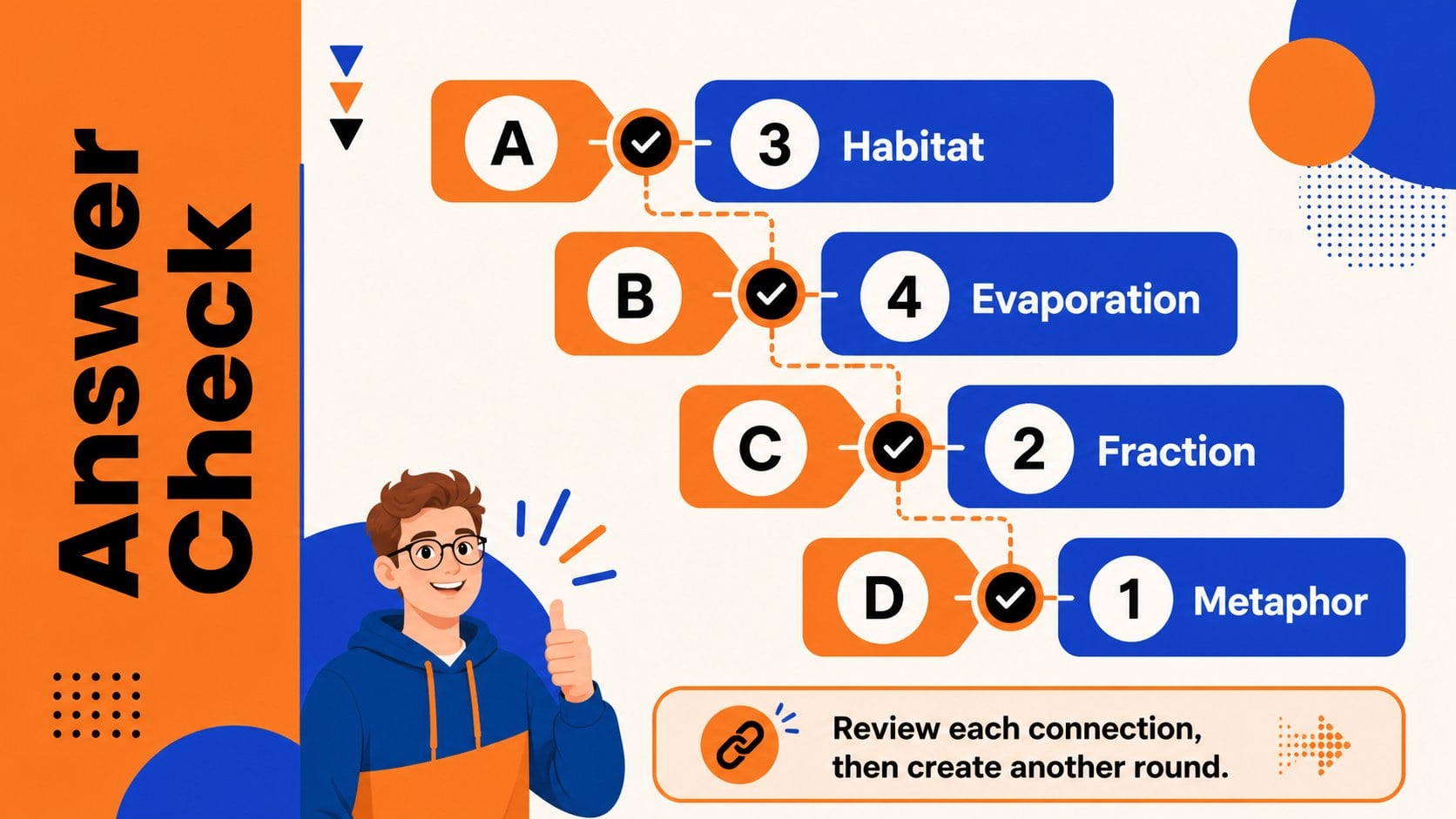
The deck includes an inviting cover, simple game instructions, a ready-to-edit matching round, and an answer-check screen. Use it as a term and definition matching game, replace the sample entries with subject-specific material, or duplicate the activity slide to create additional rounds. Clearly separated columns and numbered choices help participants scan the options, discuss possible connections, and reveal solutions at a comfortable pace.
Teachers can use these classroom review quiz slides for vocabulary practice, exam preparation, reading comprehension, science concepts, historical events, language learning, or image recognition. The format also works for tutors, workshop leaders, homeschool educators, and students building their own study resources. All text, colors, shapes, and answer choices can be customized in PowerPoint or Google Slides. These editable vocabulary matching slides can support individual practice, small-group competition, whole-class review, or an informal knowledge check before moving to a new topic.
Perfect for: classroom vocabulary review; exam revision game; language learning activity; science concept matching; small-group knowledge check; homeschool study session.
Frequently asked questions
Can I replace the sample matching pairs with my own material? Yes. Edit the terms, definitions, images, and answer choices directly in PowerPoint or Google Slides, then duplicate the activity slide when you need more rounds.
Practic