
 15
15presentation
presentation · English
Build a cheerful classroom news bulletin deck for weekly updates, family notes, and school events, with editable PowerPoint and Google Slides layouts.
Design notes
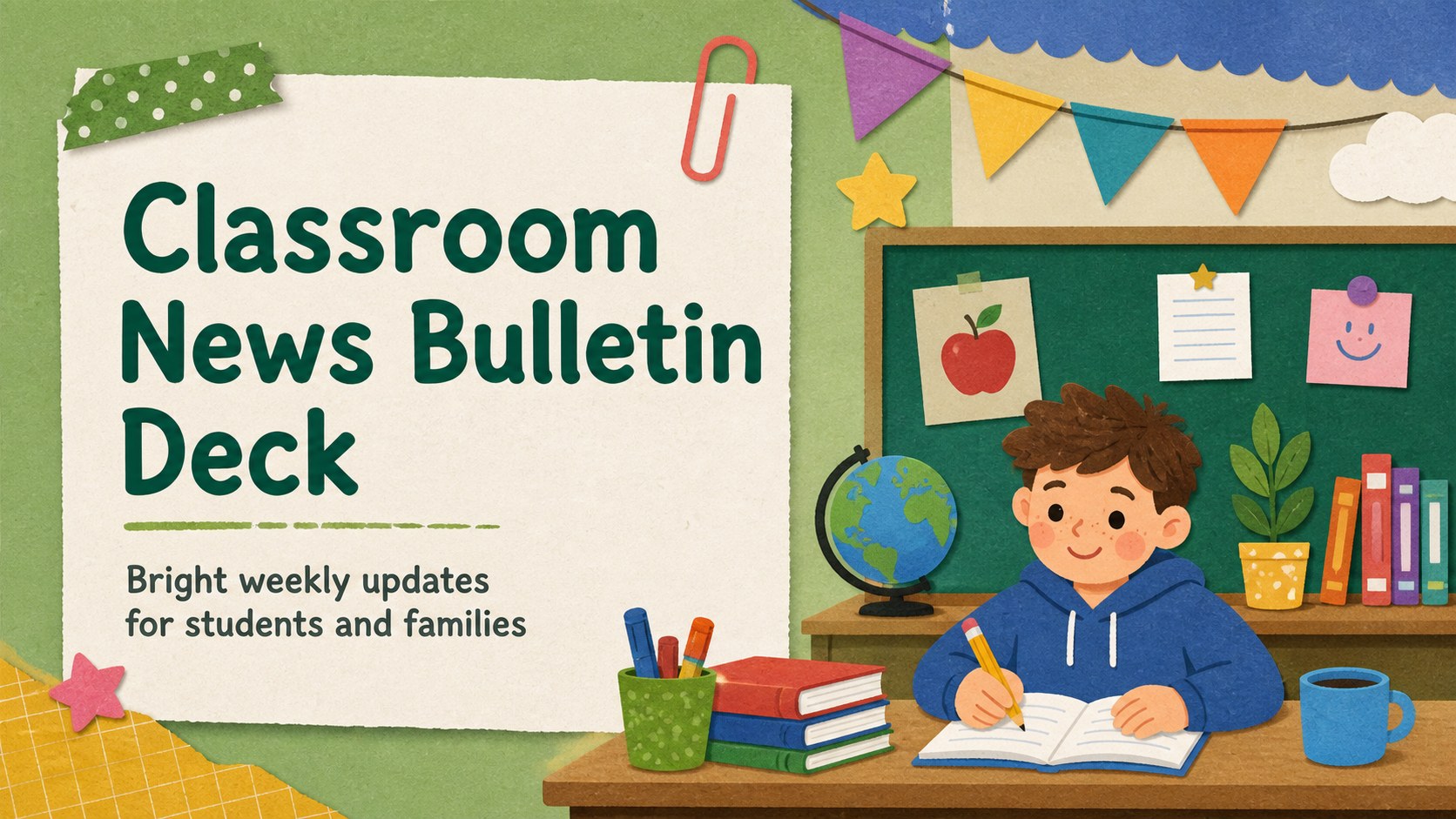
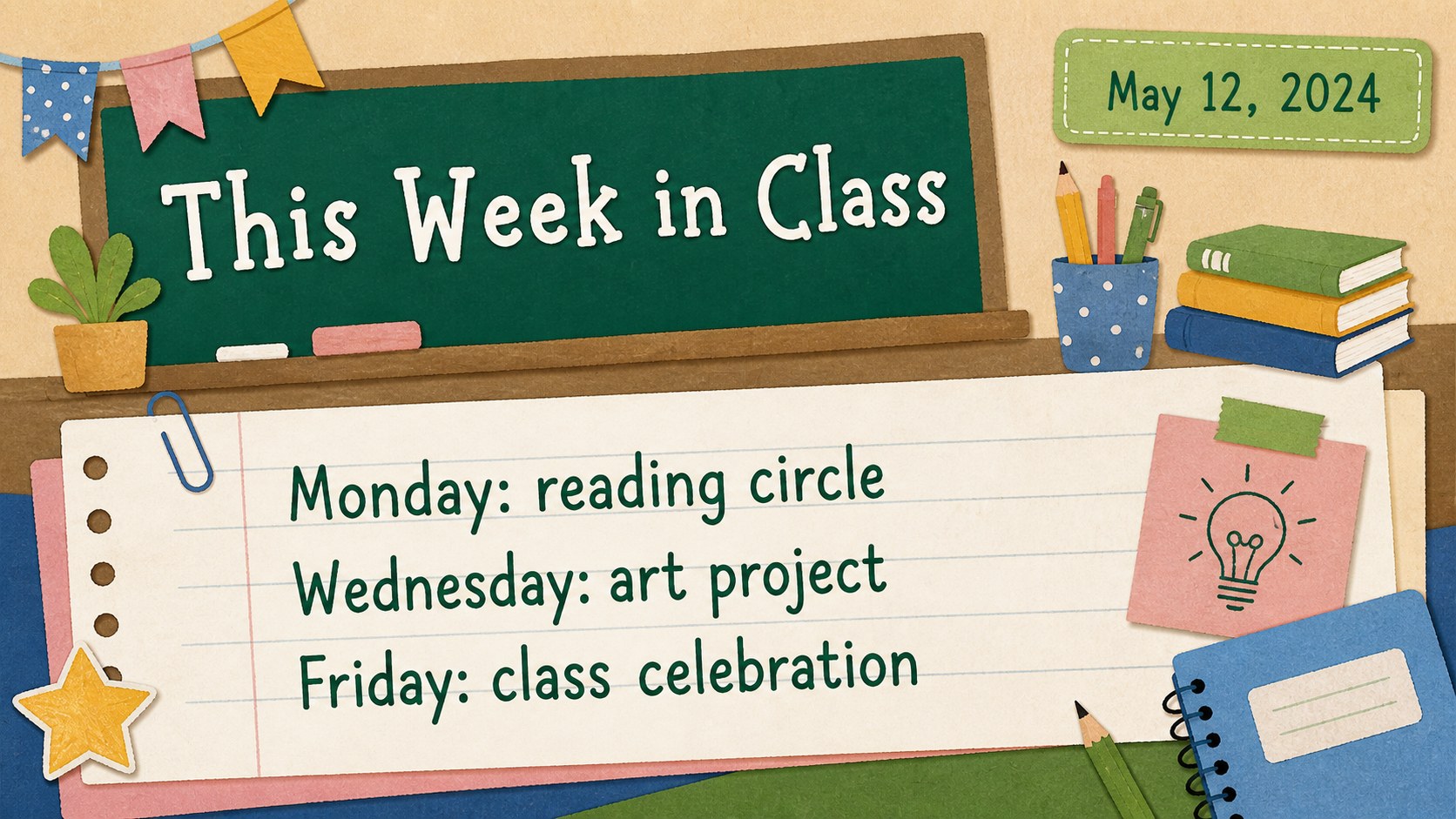
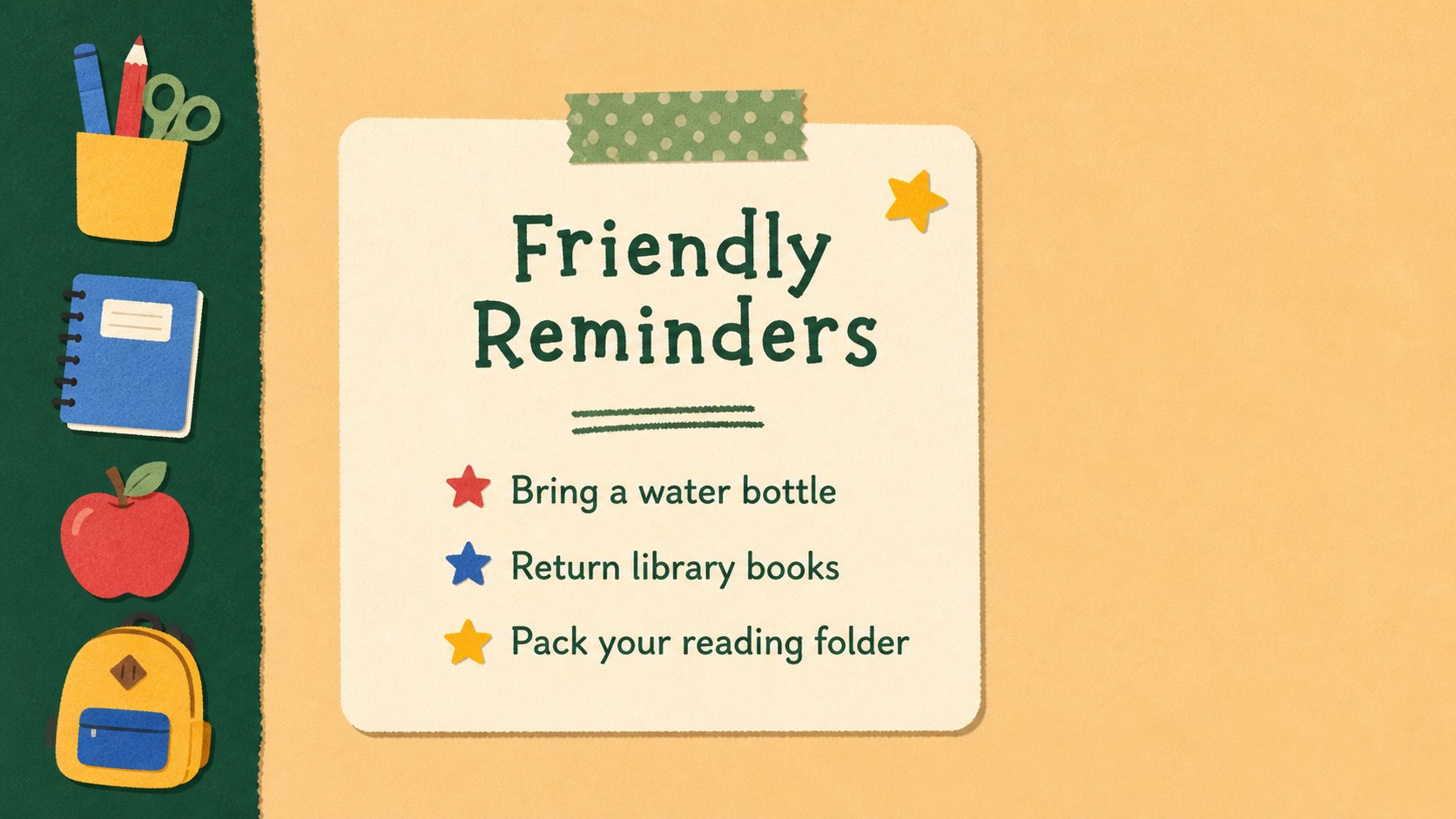
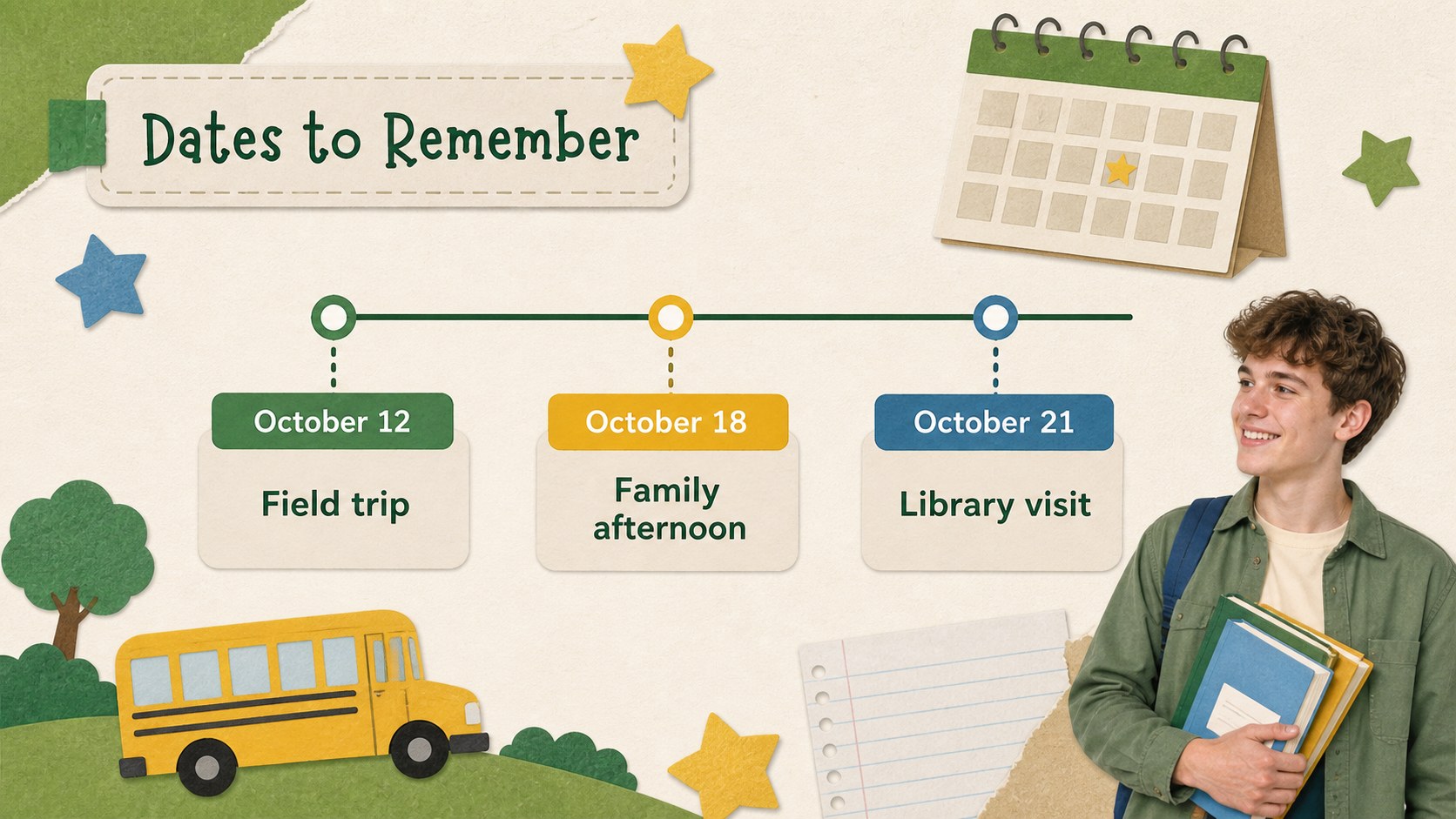
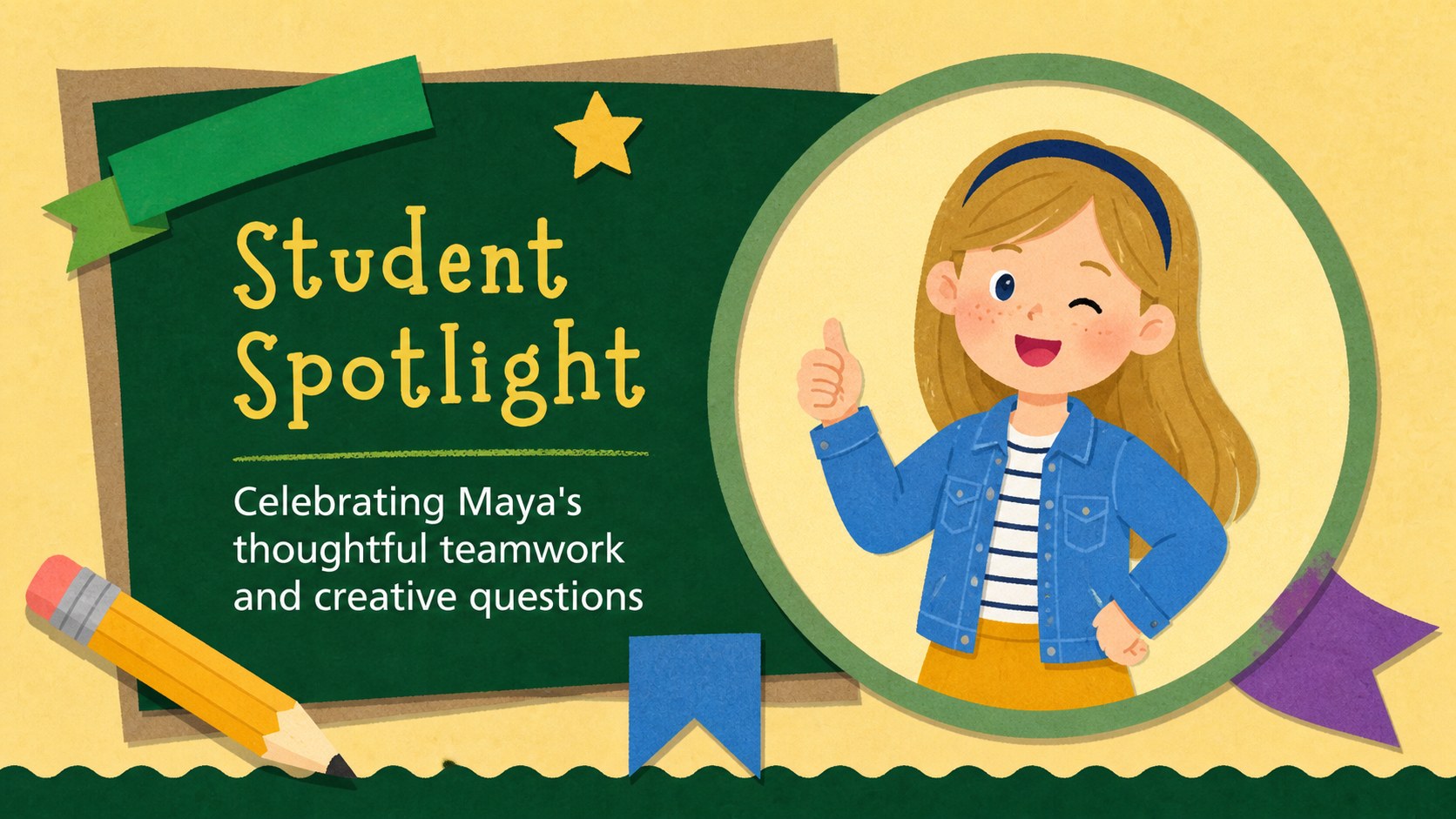
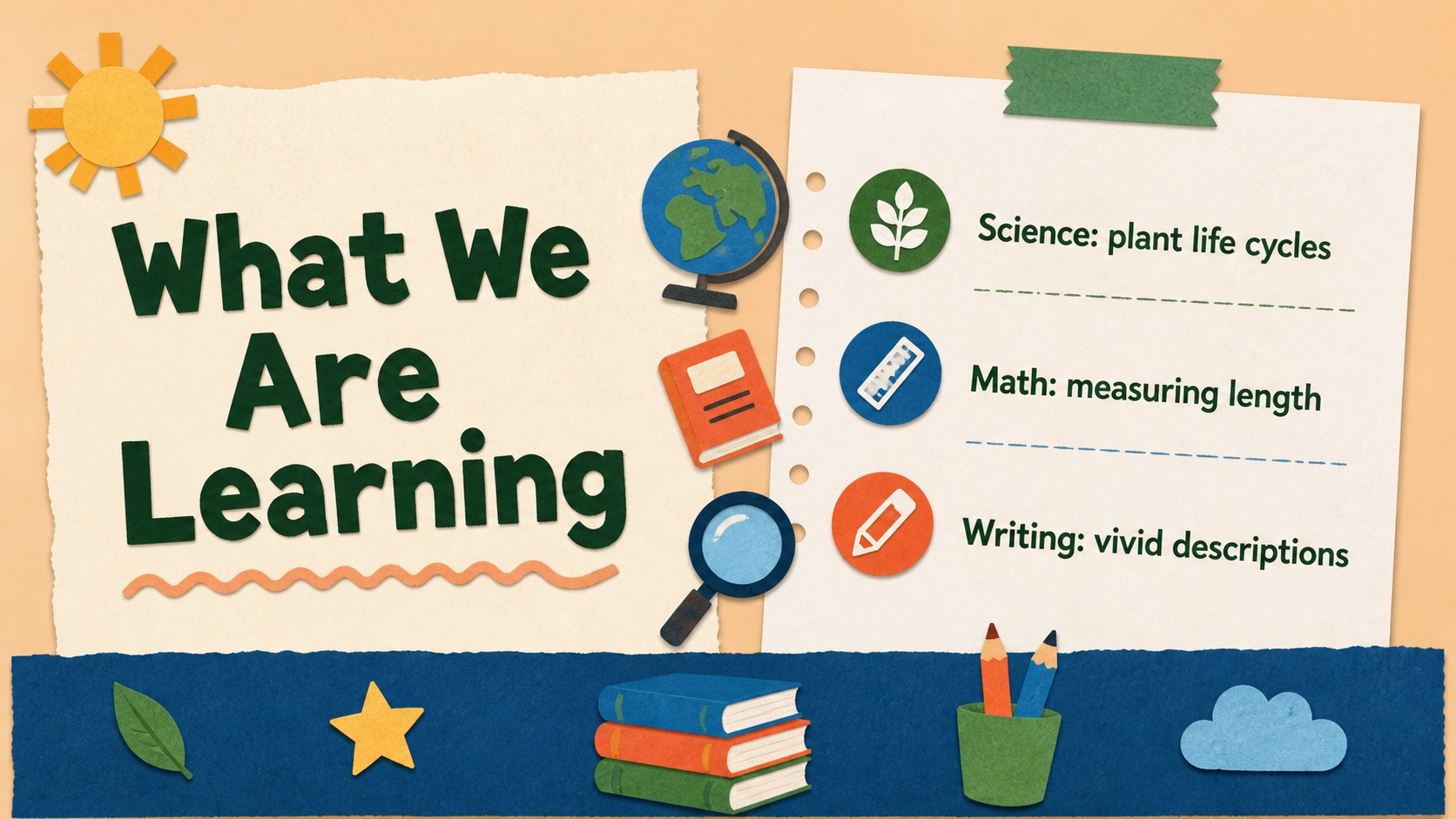
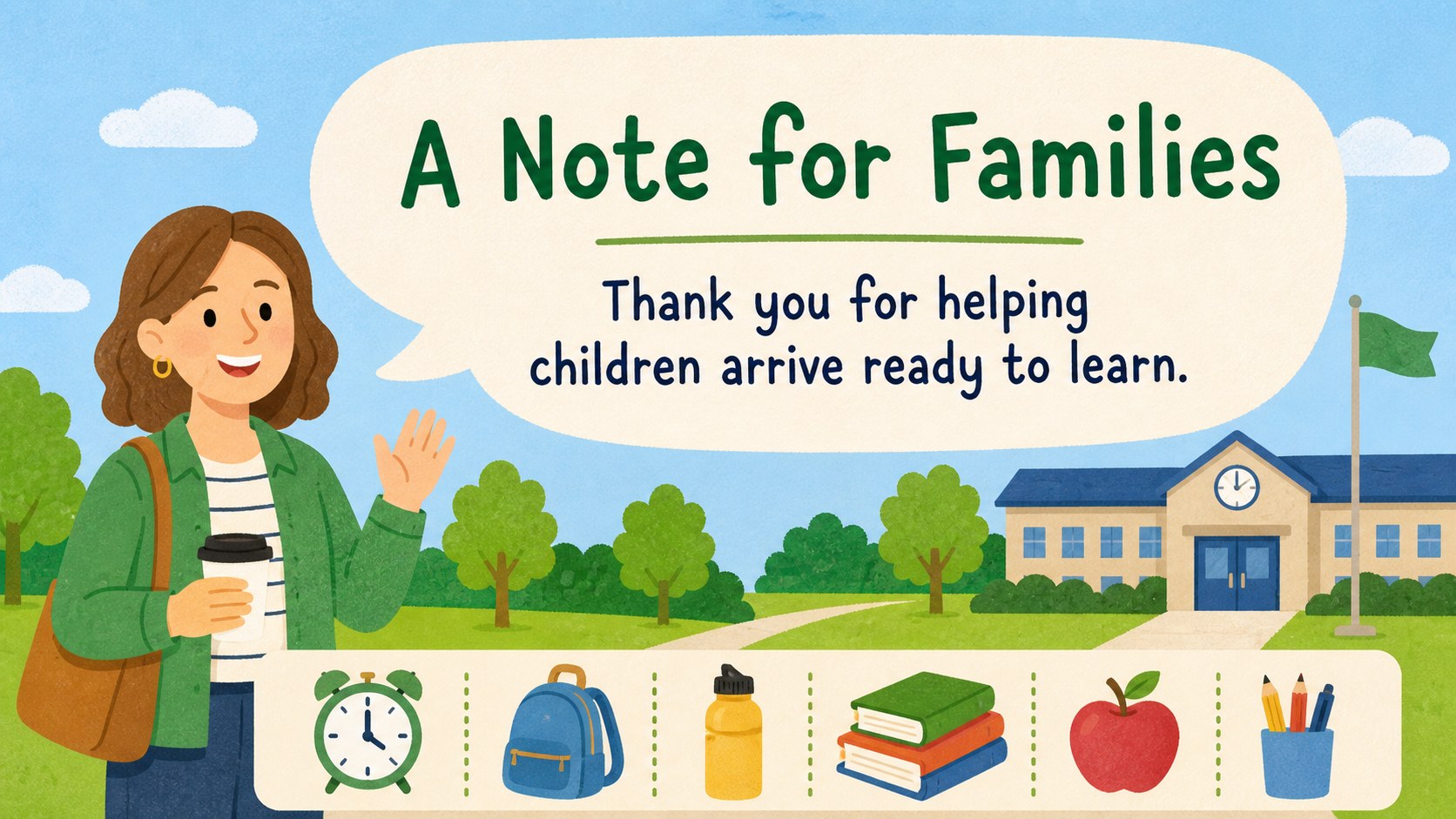
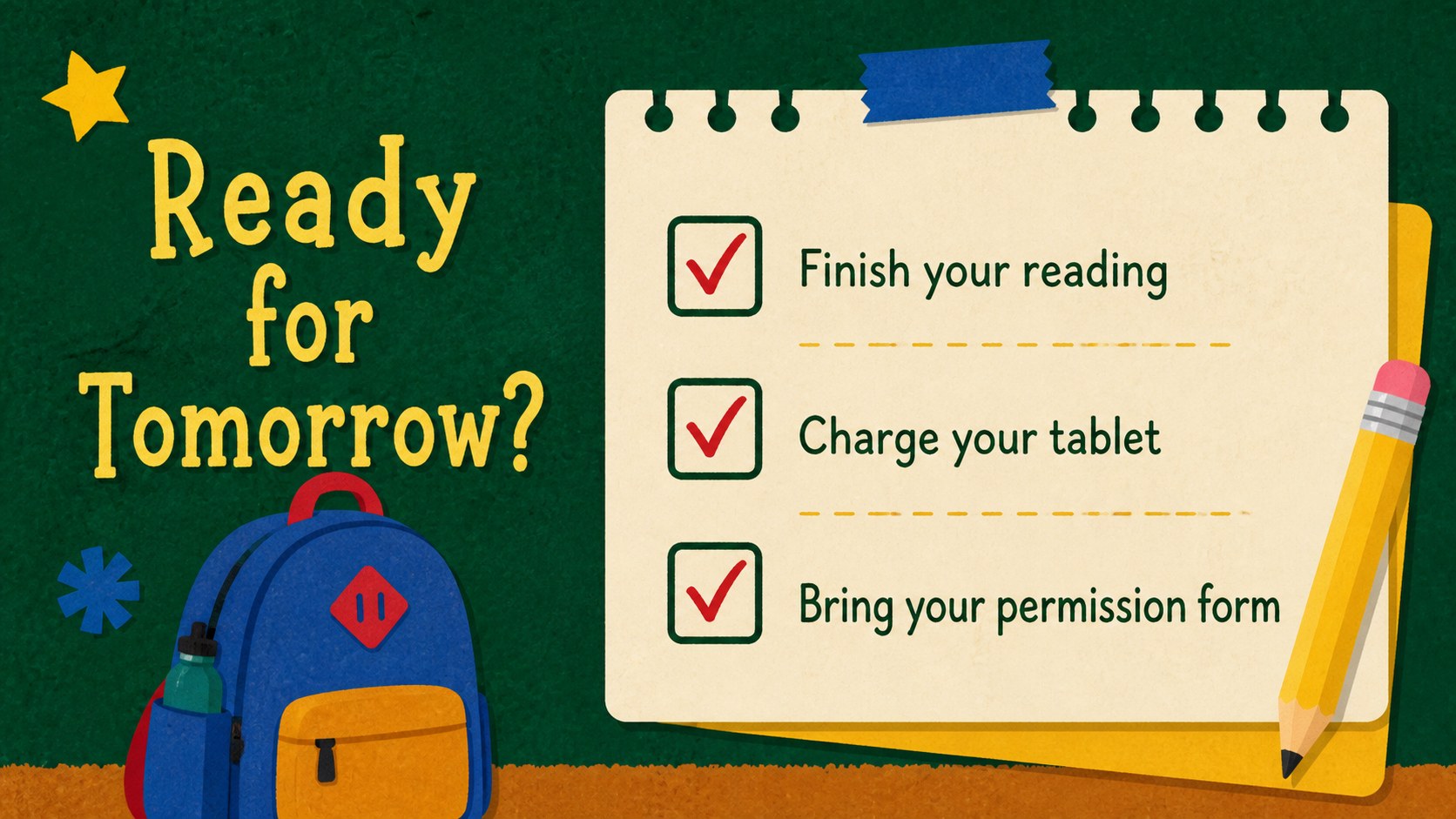
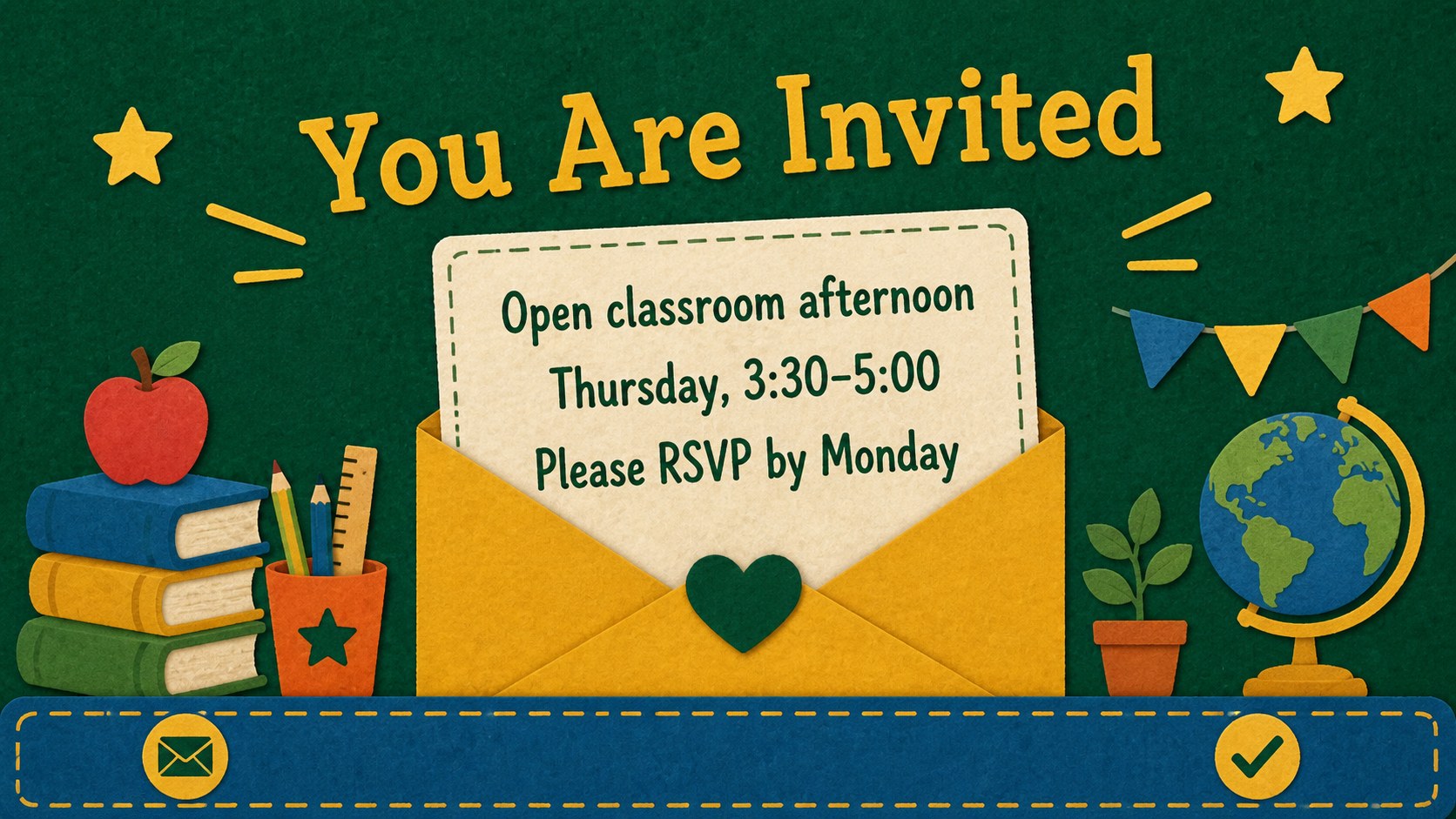
Keep students and families informed with a cheerful classroom news bulletin deck designed for weekly communication. Its colorful paper textures, friendly illustrations, and playful editorial layouts make announcements feel welcoming while keeping important details easy to find.
Inside, you will find 17 editable 16:9 slides for class news, upcoming dates, homework reminders, event notices, student shout-outs, supply lists, and end-of-week recaps. Mix announcement blocks, list layouts, image areas, quote panels, schedules, and simple data visuals to create a polished classroom update without starting from scratch. The bright palette and kid-friendly visual language suit elementary classrooms, after-school programs, tutoring groups, and school community communications.
This classroom news bulletin deck works in PowerPoint and Google Slides, so teachers can adjust text, colors, illustrations, photos, and typography to match their class identity. It is also useful for creating a weekly classroom newsletter presentation, a school event announcement deck, or a family communication slide set. Export the finished presentation for email, projection, printed handouts, or parent meetings.
Perfect for: weekly class updates; parent information meeting; school event promotion; homework and supply reminders; student achievements recap.
Frequently asked questions
Can I edit this template in PowerPoint? Yes. The slides are designed for PowerPoint editing, including text, colors, shapes, images, and layout elements. You can adapt the deck for projection, email, or printed classroom notices.
Practical details
Yes. The slides are designed for PowerPoint editing, including text, colors, shapes, images, and layout elements. You can adapt the deck for projection, email, or printed classroom notices.
Yes, you can open and customize the presentation in Google Slides. Check each slide after importing to confirm that fonts, spacing, and illustrations display as expected.
The layouts are editable, so you can adjust the palette, typography, text blocks, and visual elements to suit your classroom. Replace sample imagery with class photos or school-specific graphics where appropriate.
Use the slides for weekly news, homework, dates, field trips, supply reminders, student celebrations, and family messages. The varied layouts support both short notices and more detailed classroom communication.
Keep exploring
15