
presentation · English
Black History Month Celebration Deck
Build a thoughtful black history month celebration deck for classrooms, workplaces, and community events with bold monochrome visuals for PowerPoint and…
Template preview
15 views
Design notes
About this presentation
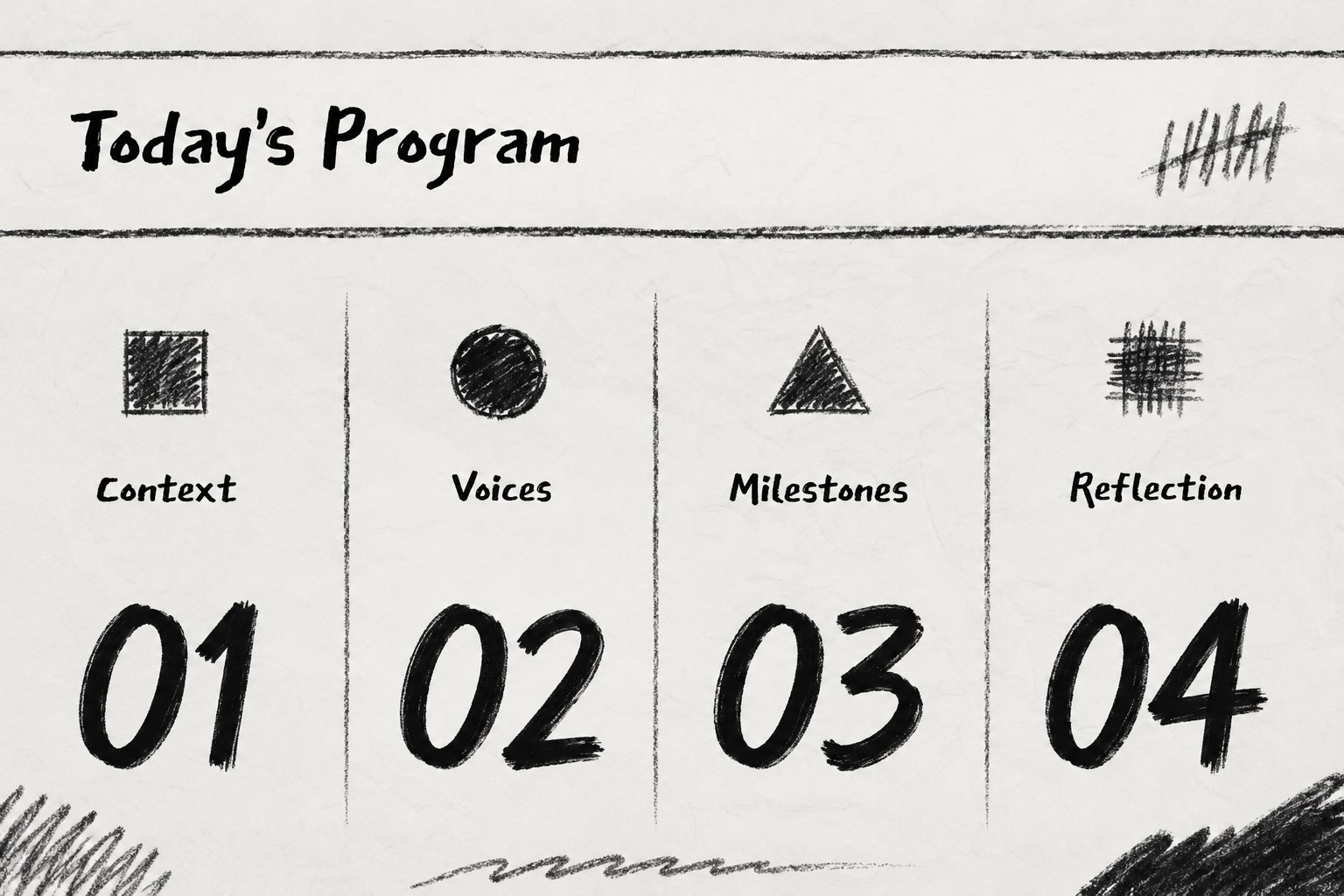
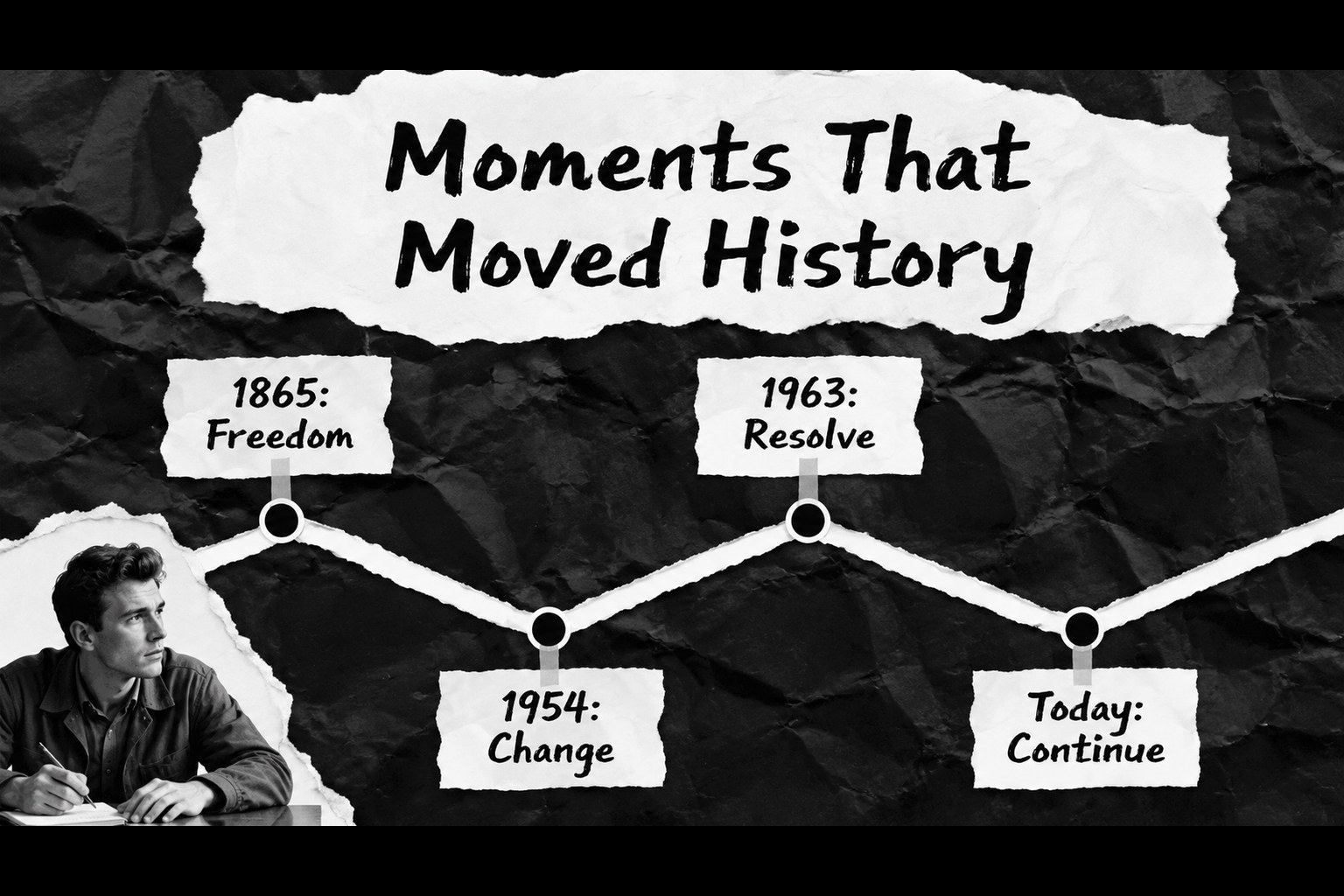
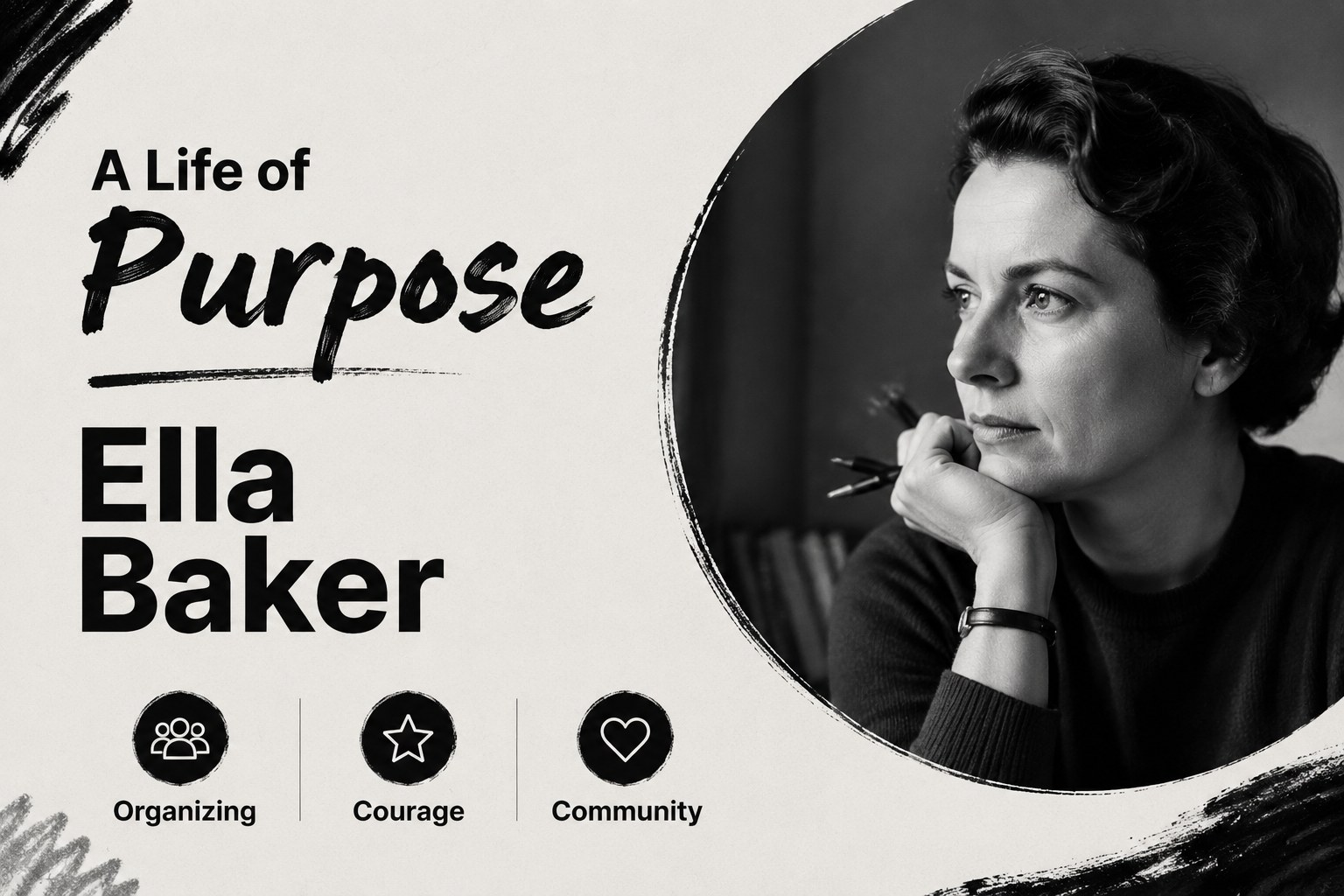
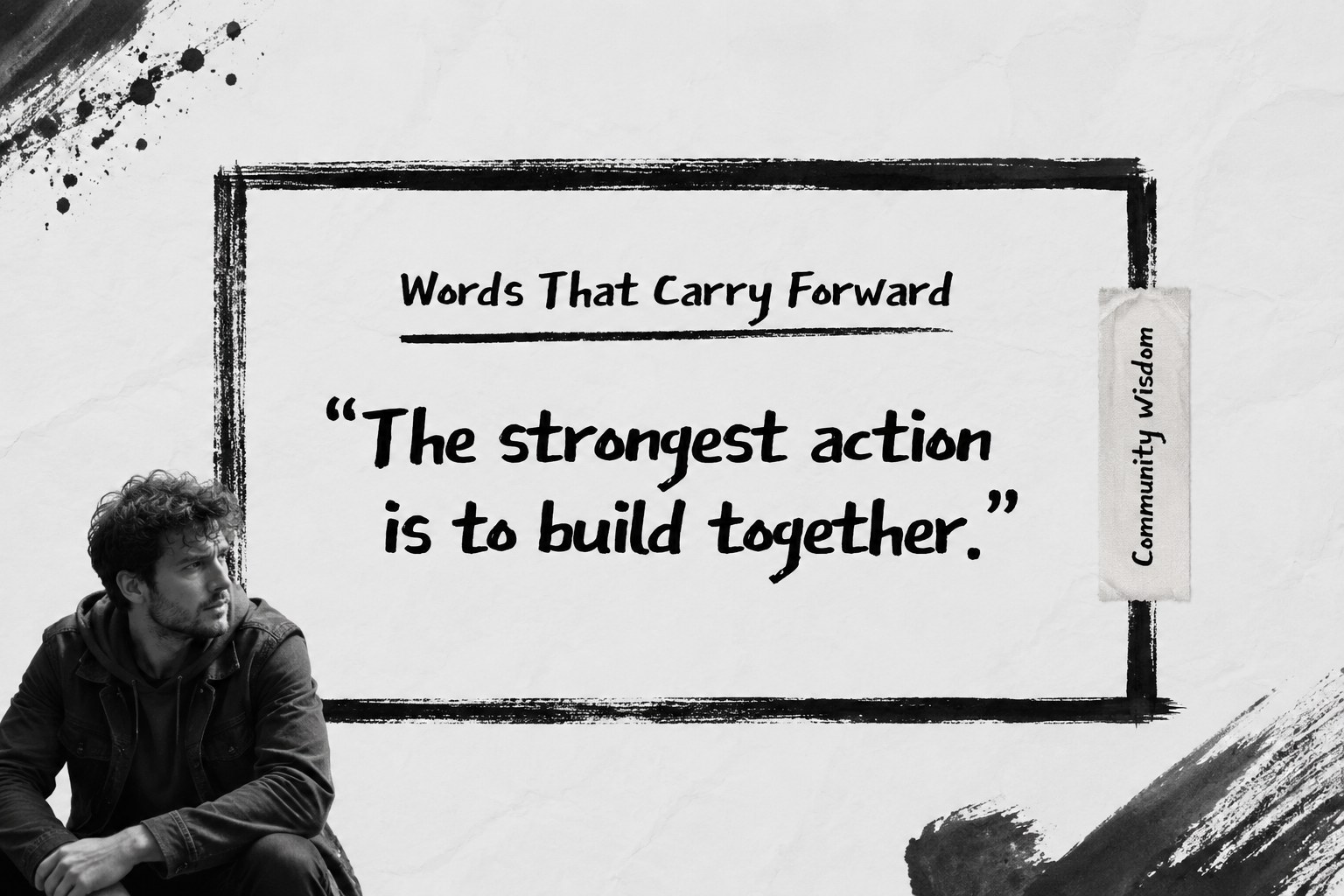
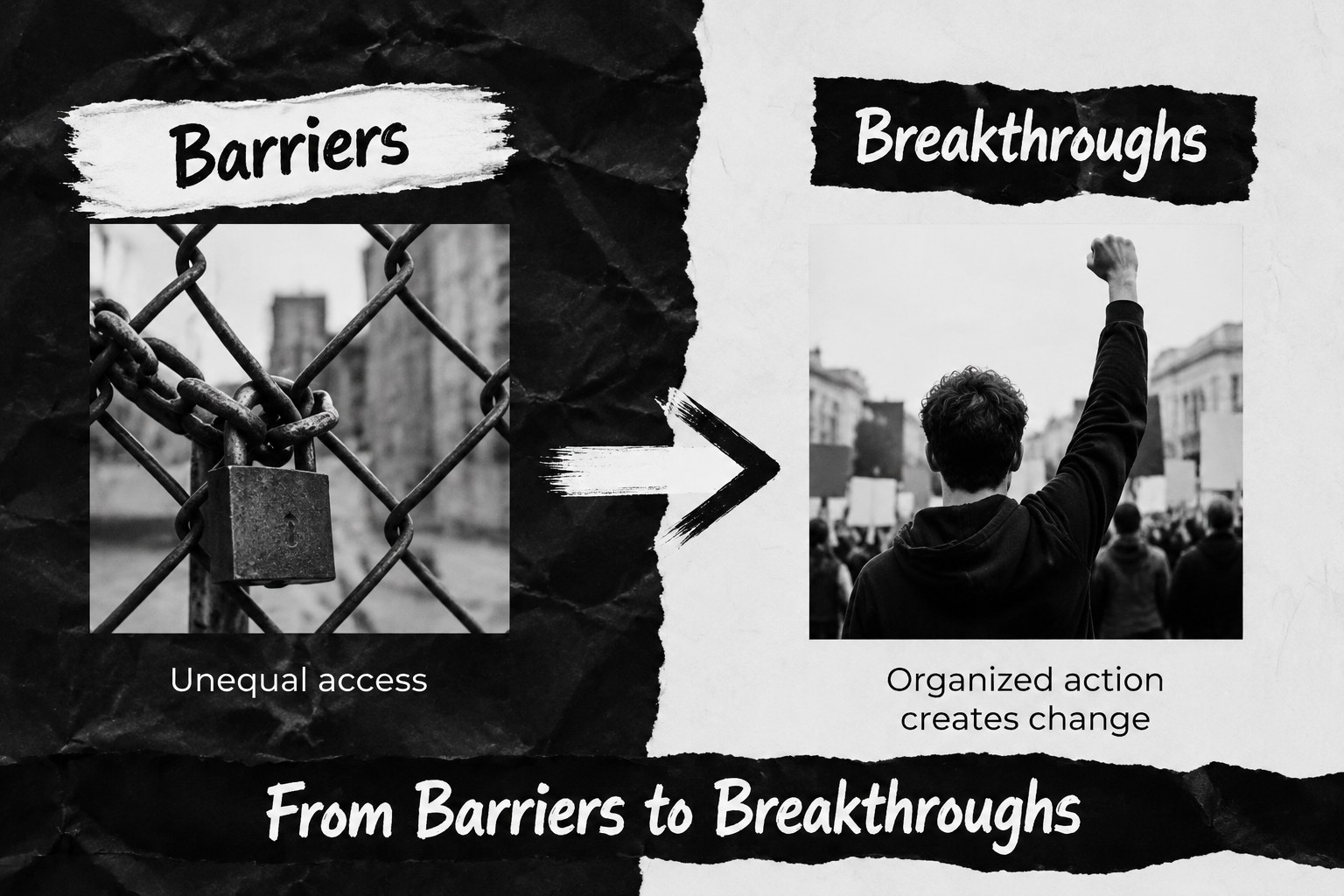
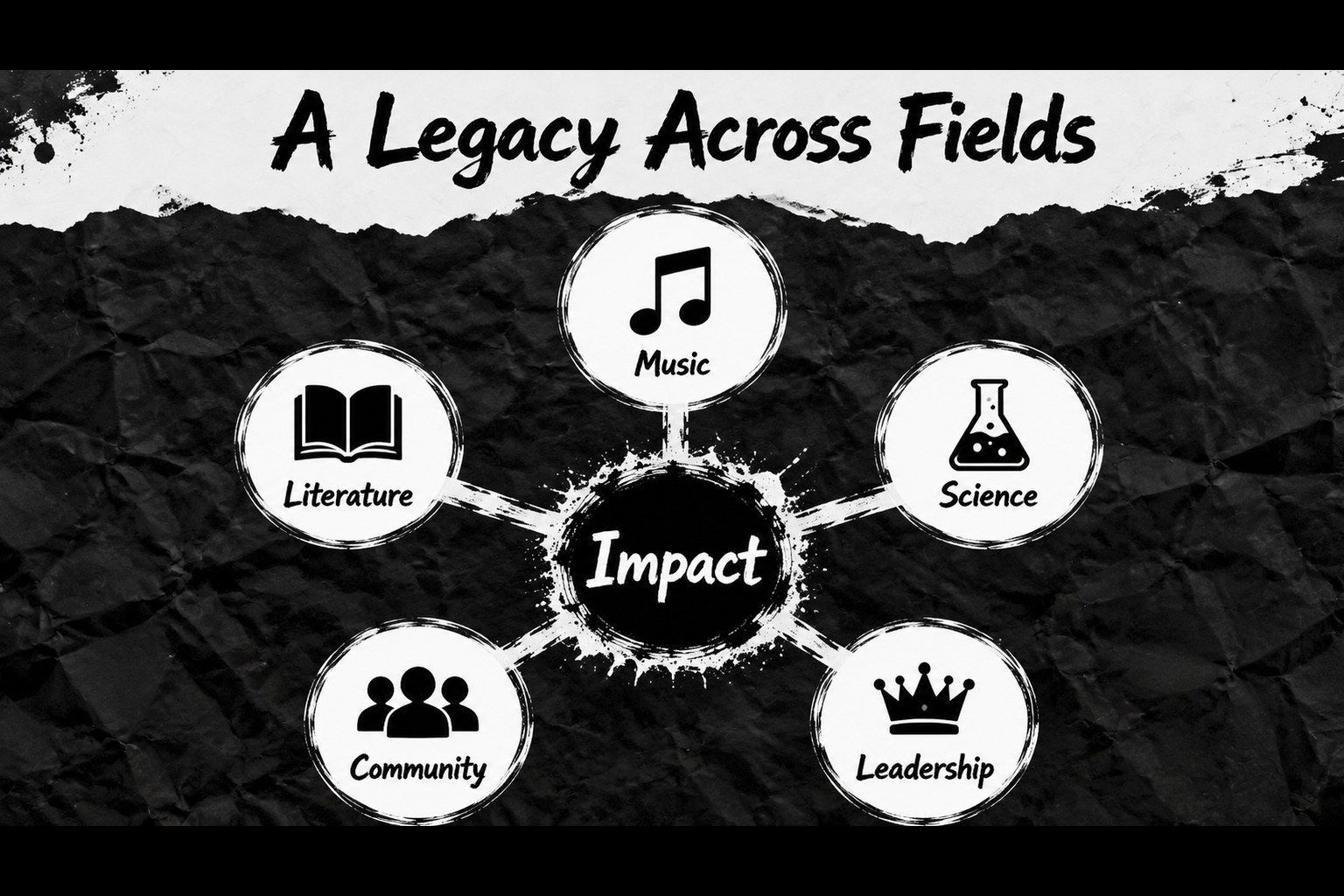
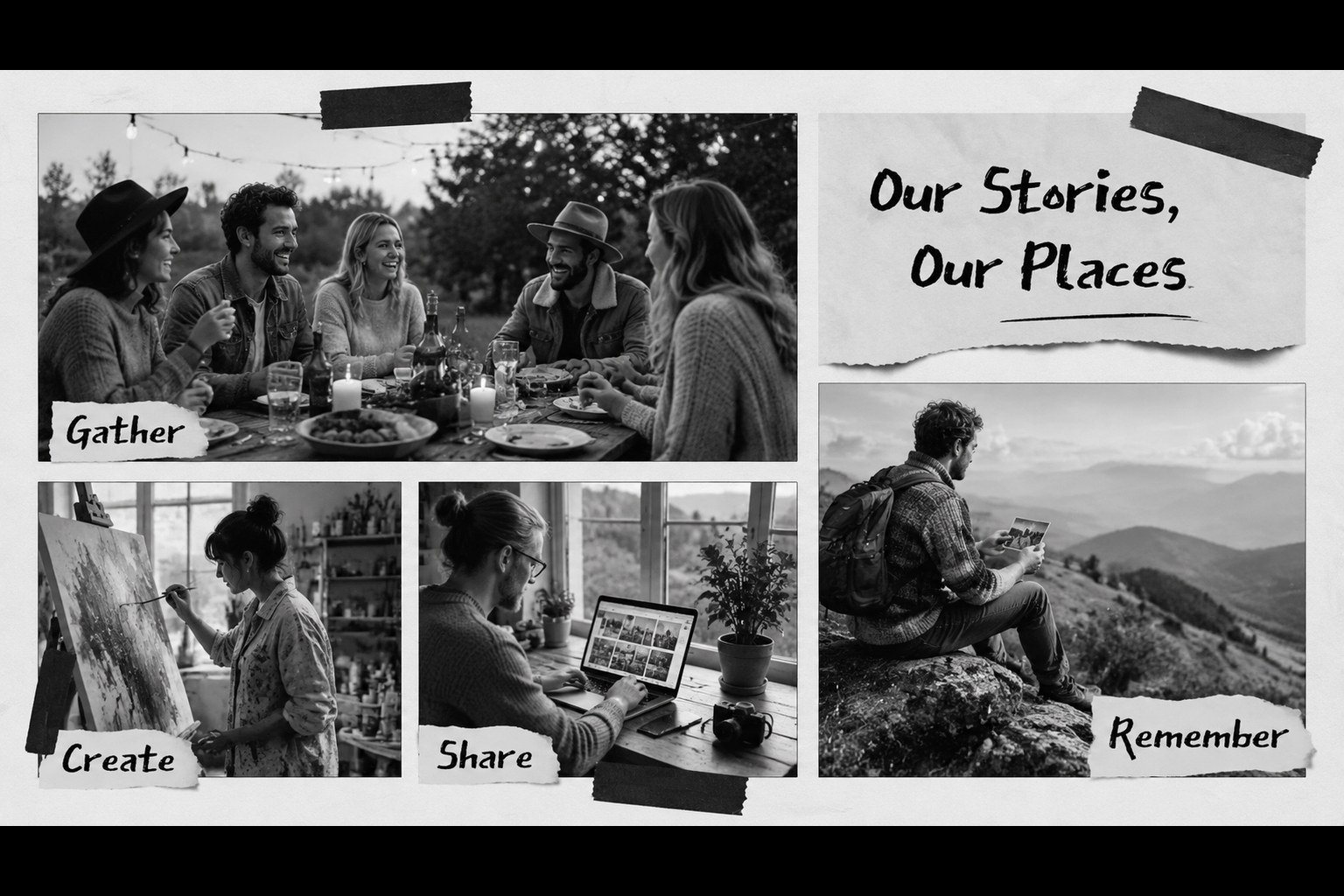
Create a thoughtful black history month celebration deck for classrooms, workplaces, and community gatherings. Its black-and-white grunge aesthetic combines torn-paper textures, expressive doodles, bold typography, and documentary-inspired layouts to give important stories a distinctive visual presence. Use the slides to frame historical context, recognize influential figures, spotlight local contributions, or guide an appreciation program from opening remarks to closing reflection.
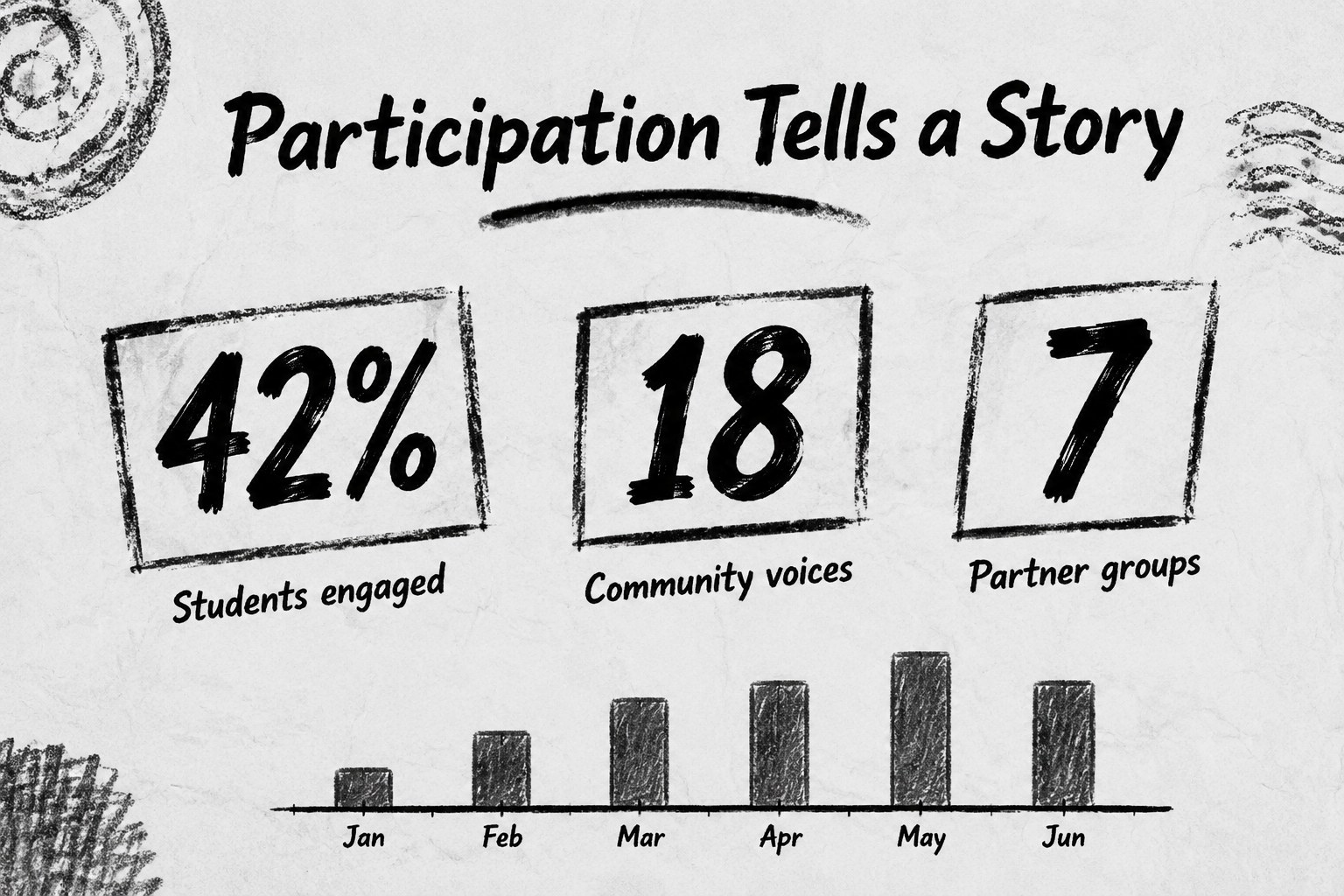
Inside, you will find 15 editable 16:9 layouts for an agenda, milestone timeline, biography feature, quote page, comparison graphic, data snapshot, image collage, discussion prompt, and final call to action. The flexible structure works as a black history classroom presentation, a nonprofit awareness event, or an employee engagement session. Replace sample text, add archival images, adjust charts, and tailor the pacing to your audience in PowerPoint or Google Slides.
This black history month celebration deck is designed for teachers, student groups, diversity and inclusion teams, cultural organizations, museums, and community leaders. Its single-font system and high-contrast palette support clear reading while leaving room for authentic photography, personal testimony, and research-based content. Use the black history event presentation template for a concise talk, a multi-speaker program, or a visual companion to a live celebration.
Perfect for: school assembly on Black history; employee heritage month program; community cultural event; nonprofit awareness presentation; museum education session.
Frequently asked questions
Can I edit this presentation in PowerPoint? Yes. The layouts, text, shapes, charts, and image areas are editable in PowerPoint. Replace the sample content with your own research, speaker details, and event information.
Practical details
Questions about this template
Can I edit this presentation in PowerPoint?
Yes. The layouts, text, shapes, charts, and image areas are editable in PowerPoint. Replace the sample content with your own research, speaker details, and event information.
Does the deck work with Google Slides?
Yes, it can be used in Google Slides as well as PowerPoint. After importing it, check the font rendering and make any small spacing adjustments needed for your presentation.
Can I customize the black-and-white design?
Yes. You can change the typography, replace images, recolor accents, and modify the paper textures while retaining the high-contrast visual style. The layouts are flexible enough for both formal programs and student-led events.
What kind of content fits these slides?
The deck supports timelines, biographies, quotations, statistics, discussion questions, community stories, and event schedules. It can accompany a presentation, panel, classroom lesson, or cultural celebration.