
presentation · English
Ancient Civilizations Classroom Storyboard Theme
Build an engaging ancient civilizations classroom theme with warm brown and orange visuals, editable timelines, maps, facts, and activities for middle school.
Template preview
15 views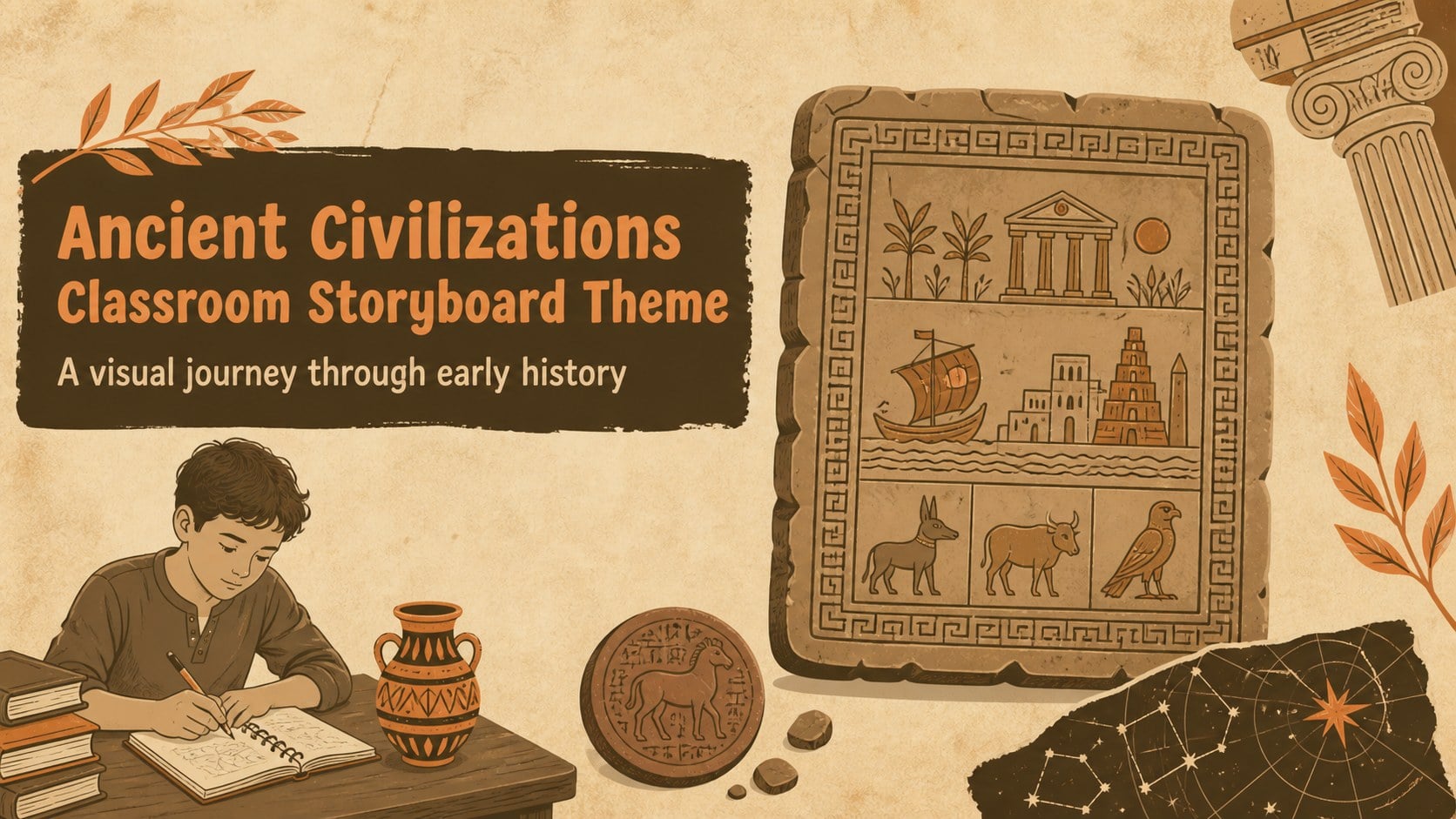
Design notes
About this presentation
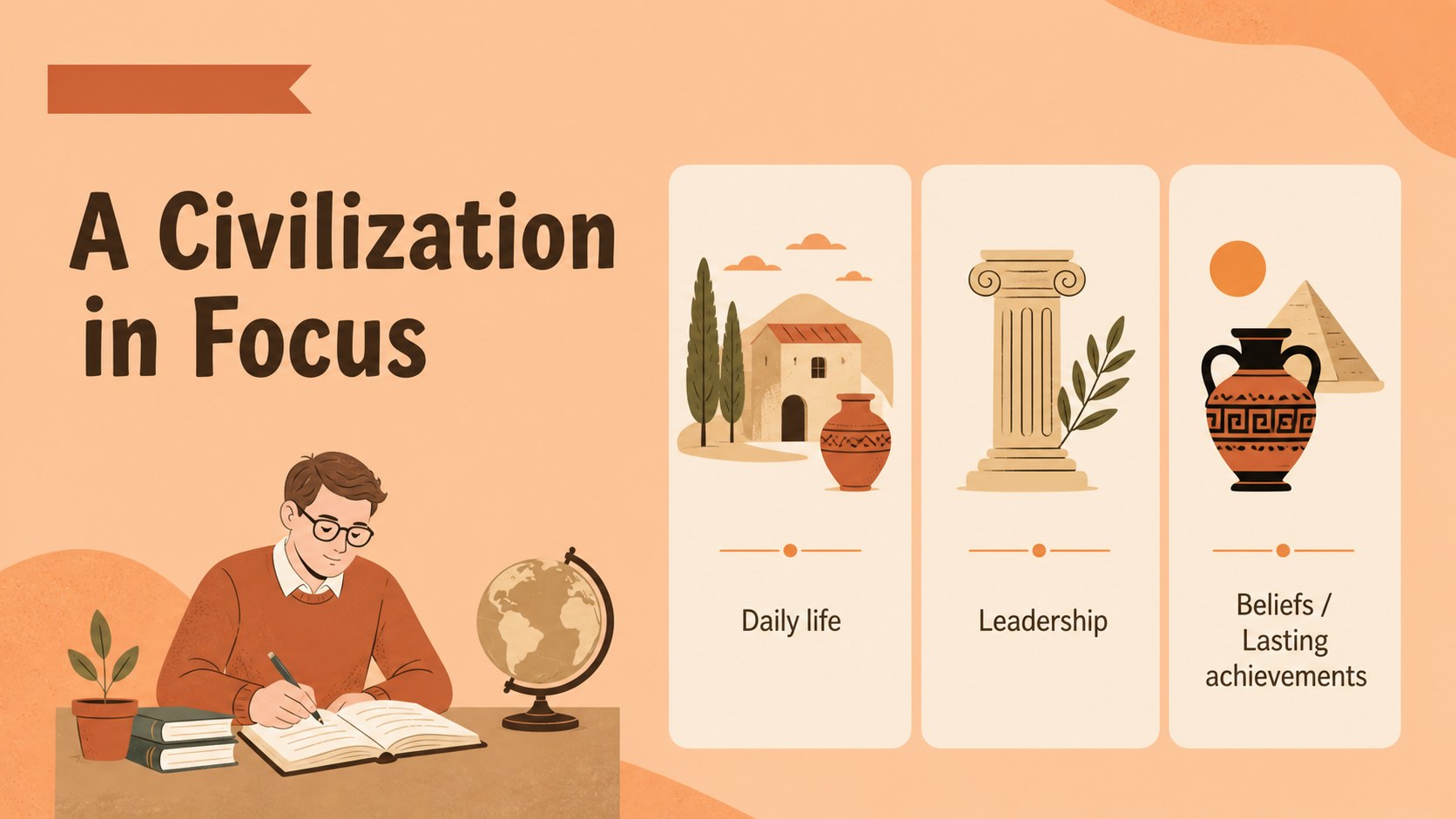
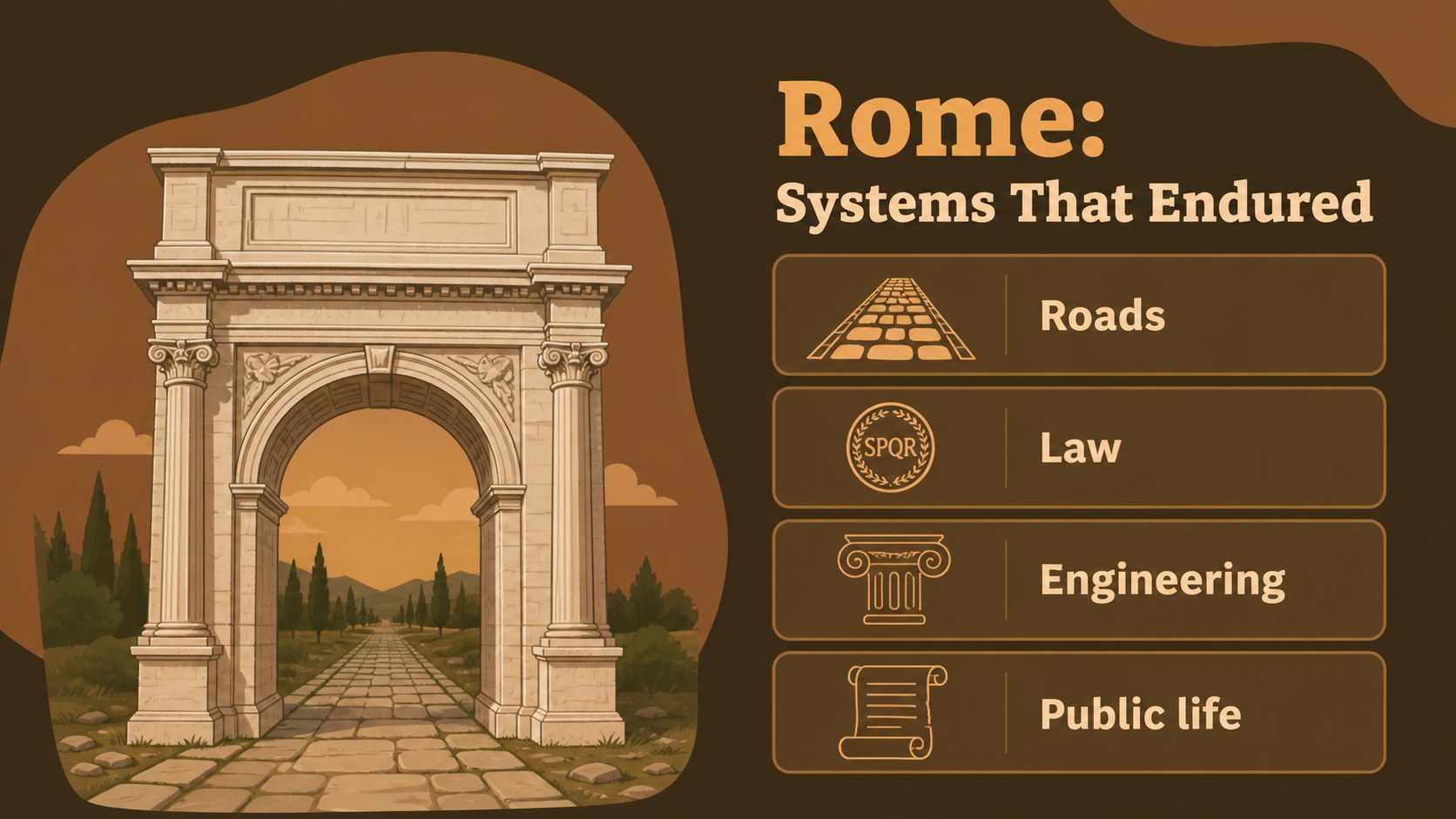
Make ancient history easier to follow with an ancient civilizations classroom theme designed for middle school lessons. Its warm brown and orange palette, notebook-inspired details, and hand-drawn illustrations create an inviting setting for exploring the Early Bronze Age, classical societies, Rome, and the rise of Islam.
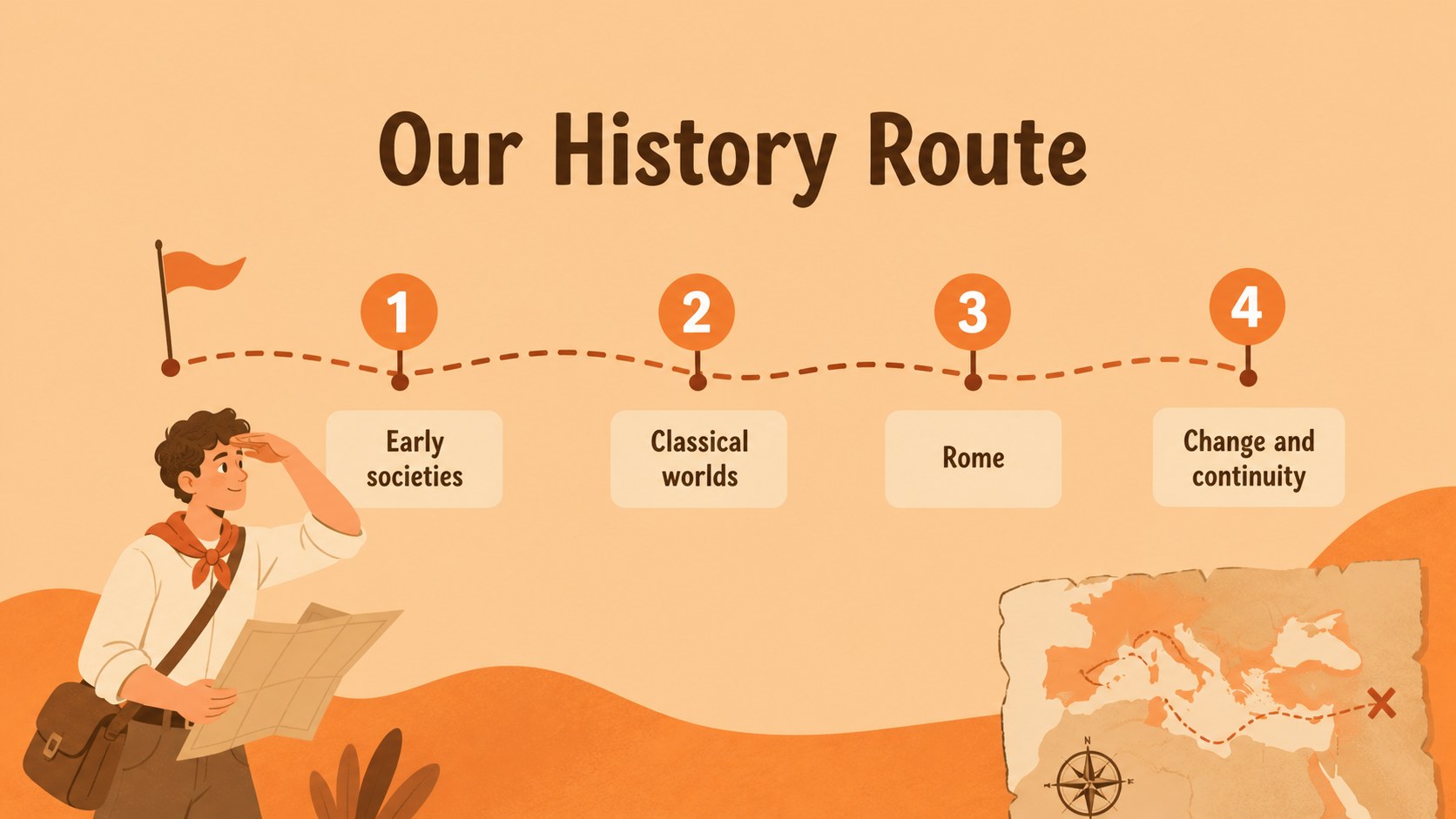
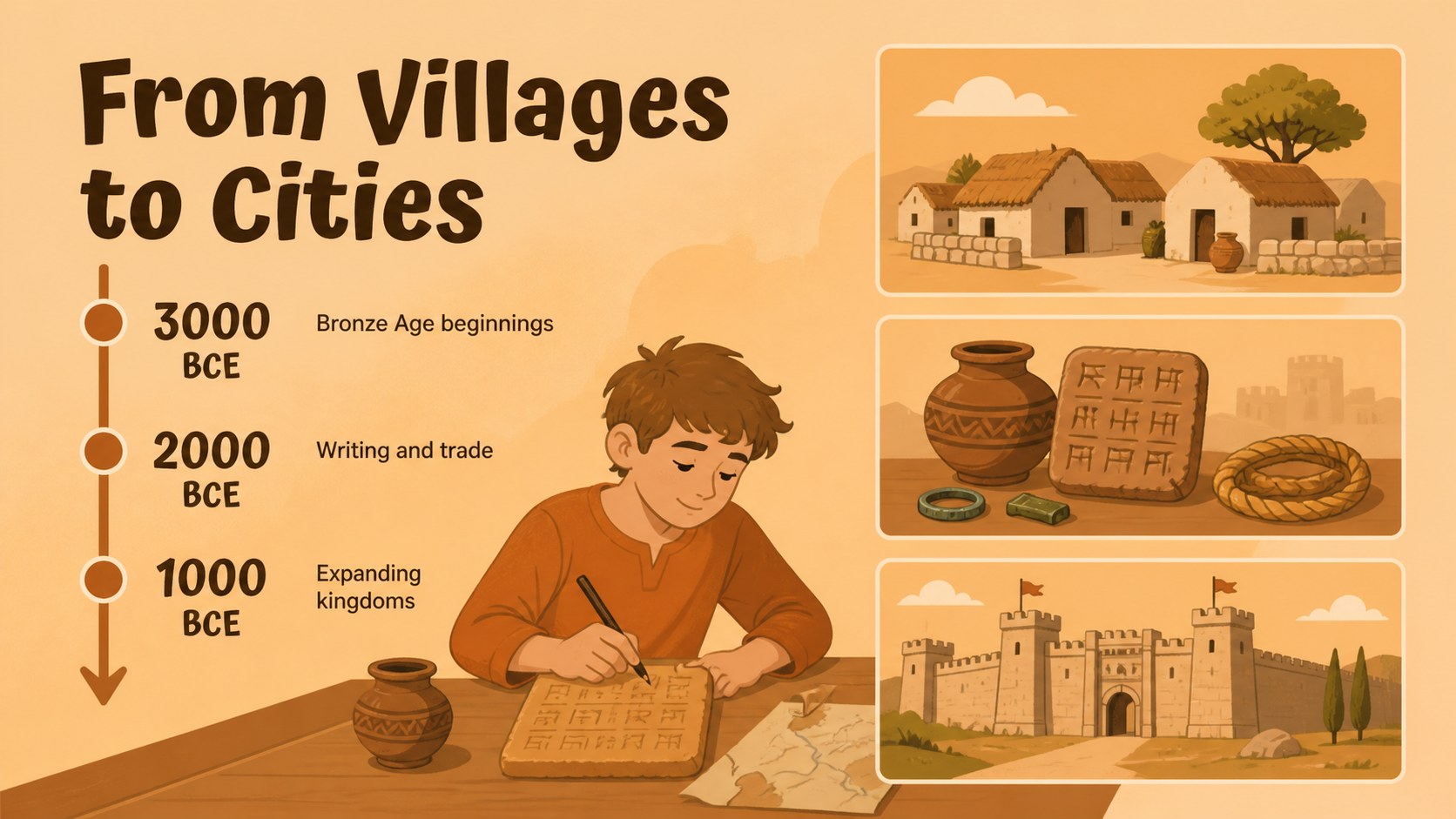
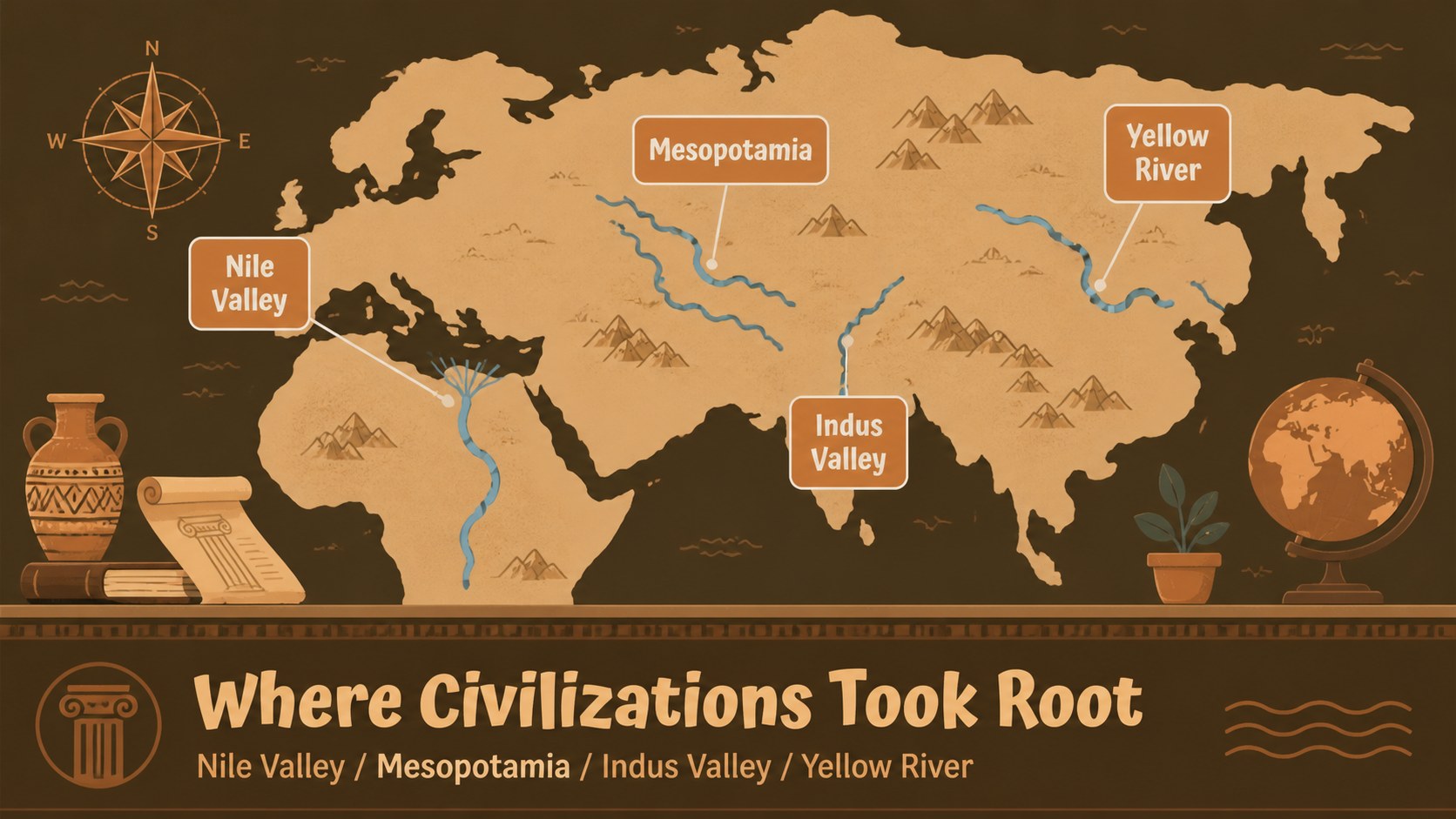
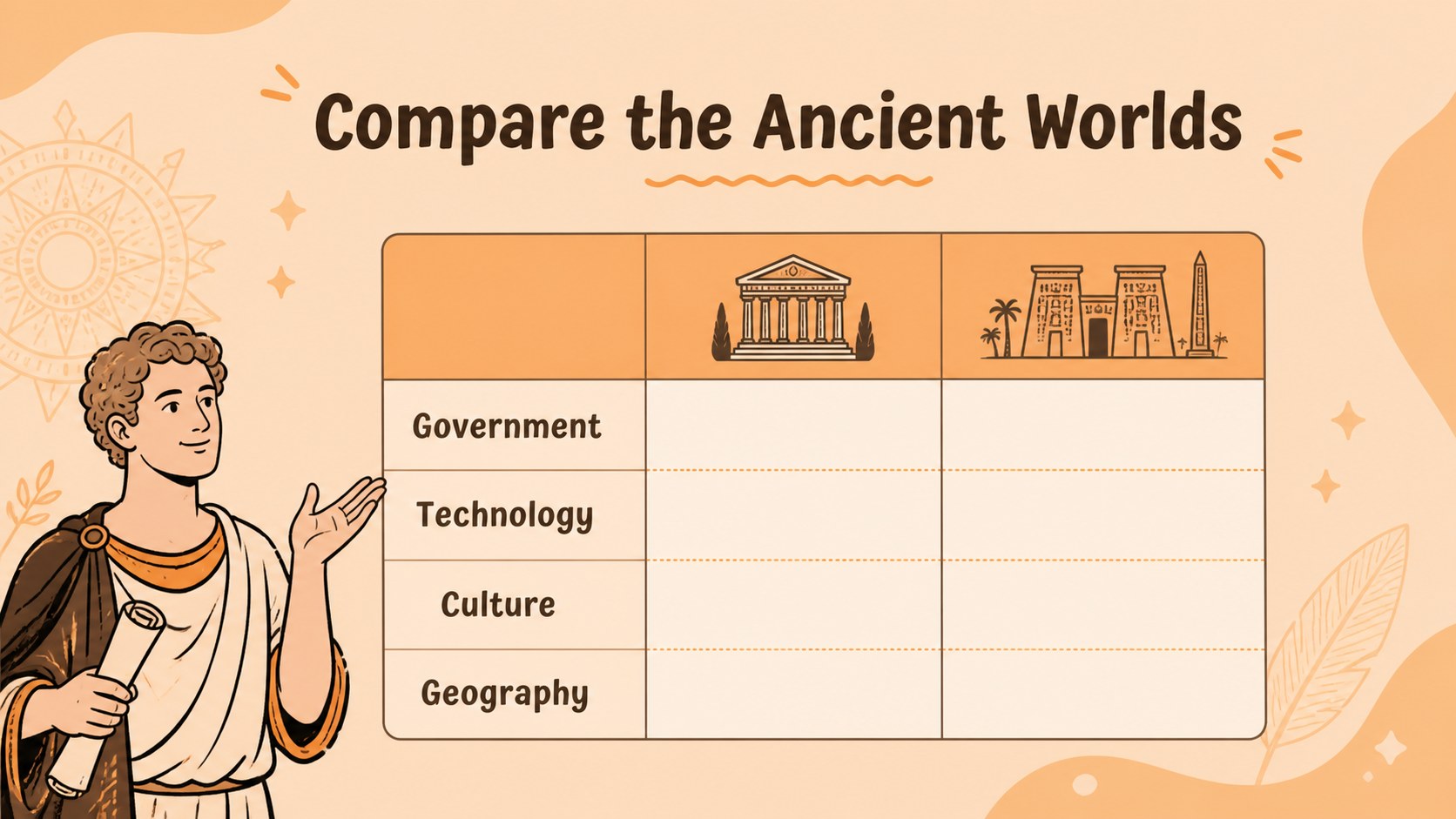
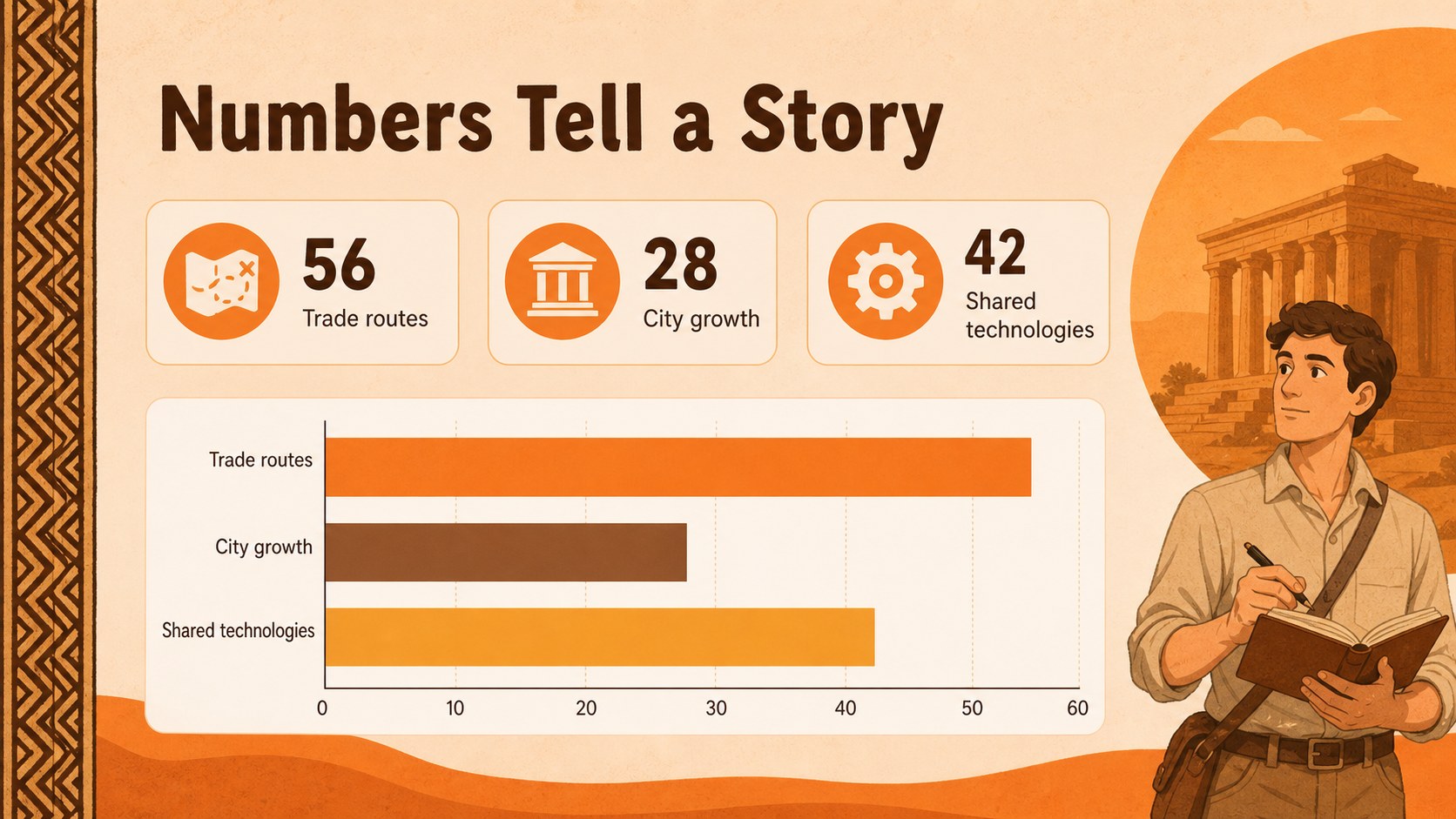
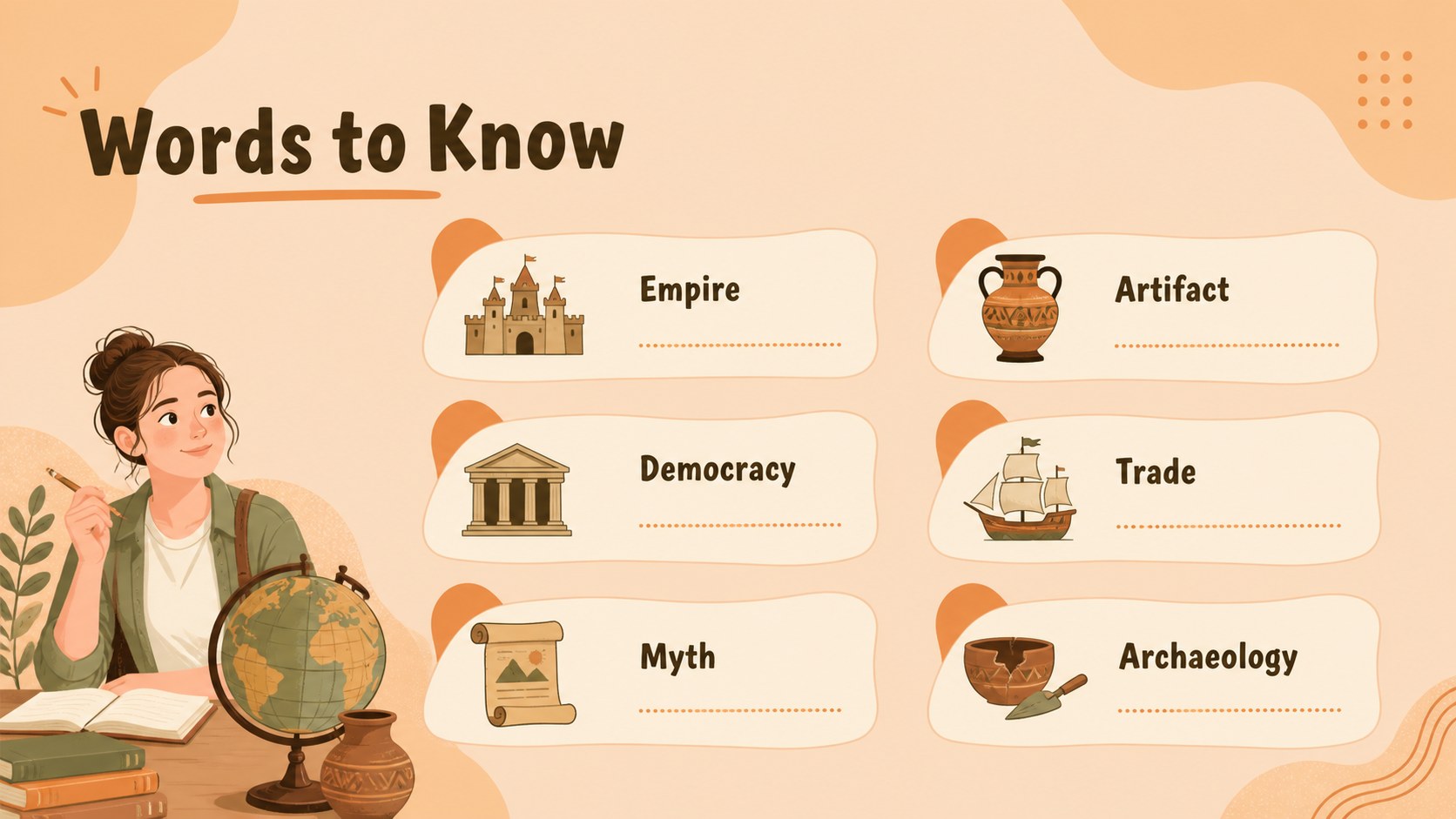
The deck includes a cover, lesson roadmap, era overview, timeline, map-based geography page, civilization profile layouts, comparison tables, key dates, statistics, vocabulary, fun facts, quote pages, review activities, and a closing discussion slide. Use the layouts to organize a complete unit or select individual pages for a focused history presentation. Charts, frames, icons, stickers, lines, and editable text areas make it simple to adapt the material to your curriculum.
This ancient civilizations classroom theme is suitable for history teachers, homeschool educators, museum educators, and students presenting research projects. It works as an ancient history lesson presentation, a world history unit outline, or a visual study guide. Edit the slides in PowerPoint or Google Slides, adjust the wording and imagery, and tailor the sequence to your class goals. The restrained earthy palette keeps the deck readable while preserving its playful illustrative character.
Perfect for: middle school ancient history lesson; world history unit introduction; student civilization research presentation; museum education workshop; homeschool history study guide.
Frequently asked questions
Can I edit this template in PowerPoint? Yes. The presentation is designed for PowerPoint editing, including text, colors, shapes, images, and charts. Replace the sample content with your own lesson material while keeping the illustrated visual system.
Practical details
Questions about this template
Can I edit this template in PowerPoint?
Yes. The presentation is designed for PowerPoint editing, including text, colors, shapes, images, and charts. Replace the sample content with your own lesson material while keeping the illustrated visual system.
Does the deck work with Google Slides?
Yes, you can o